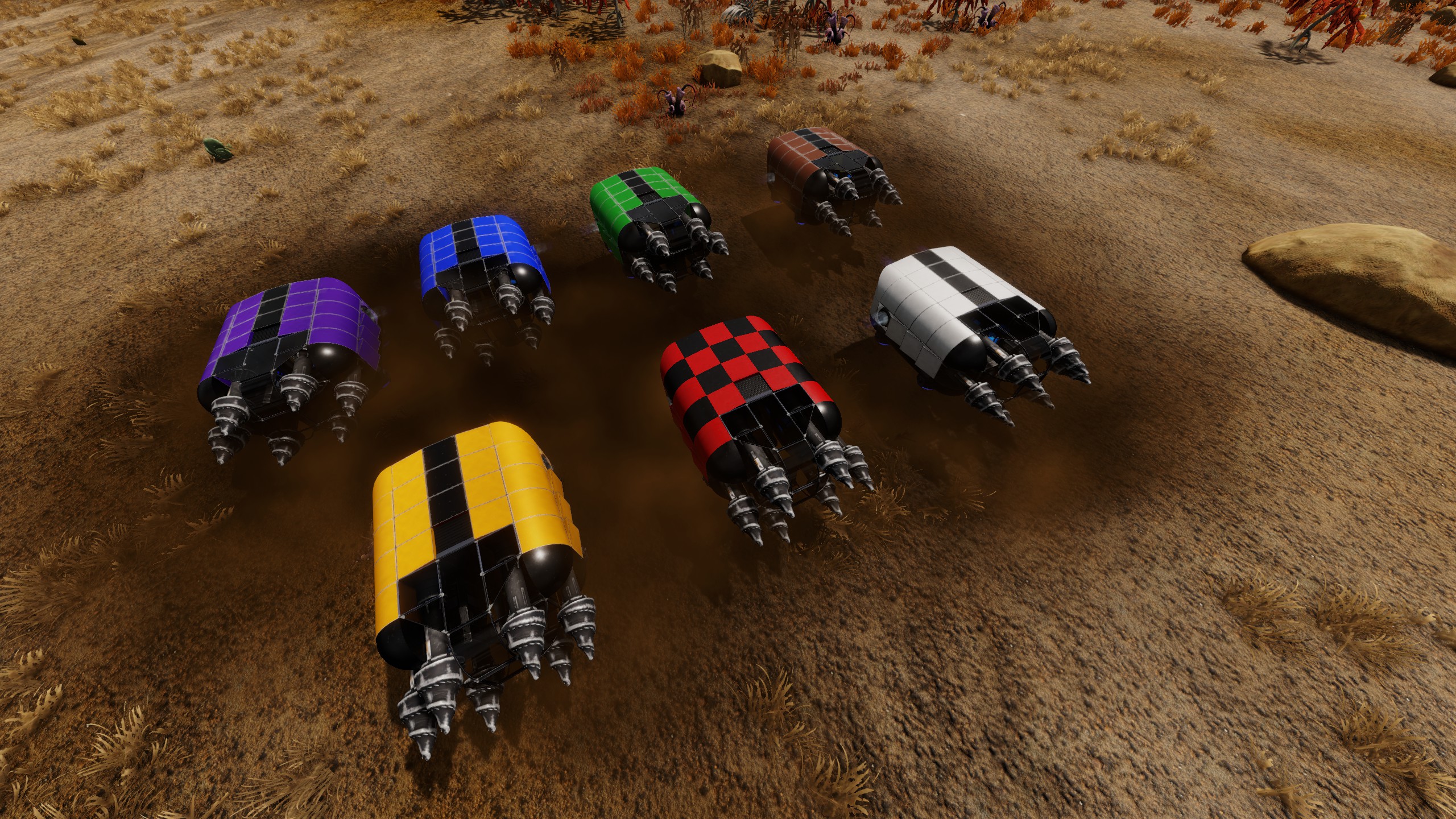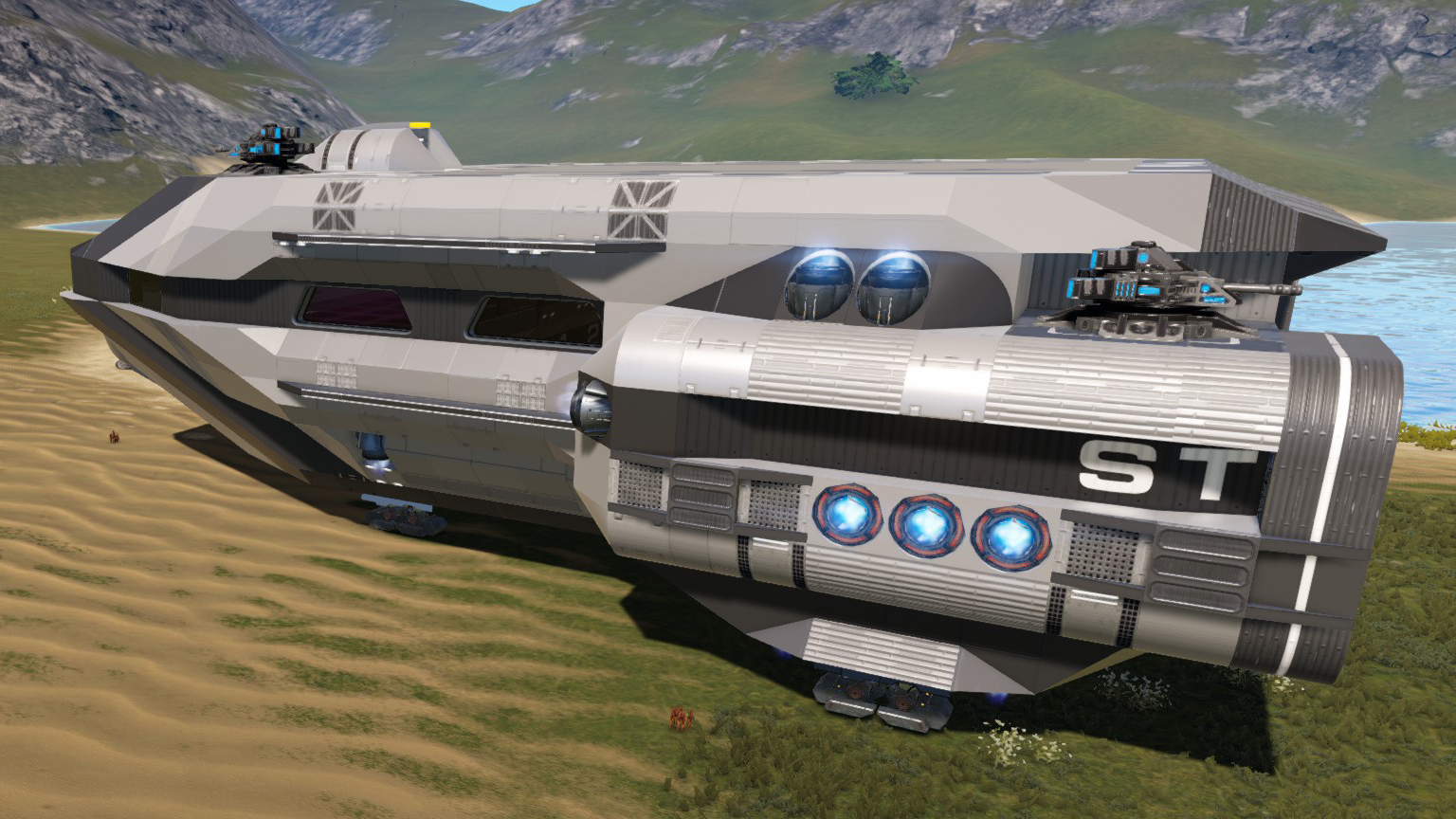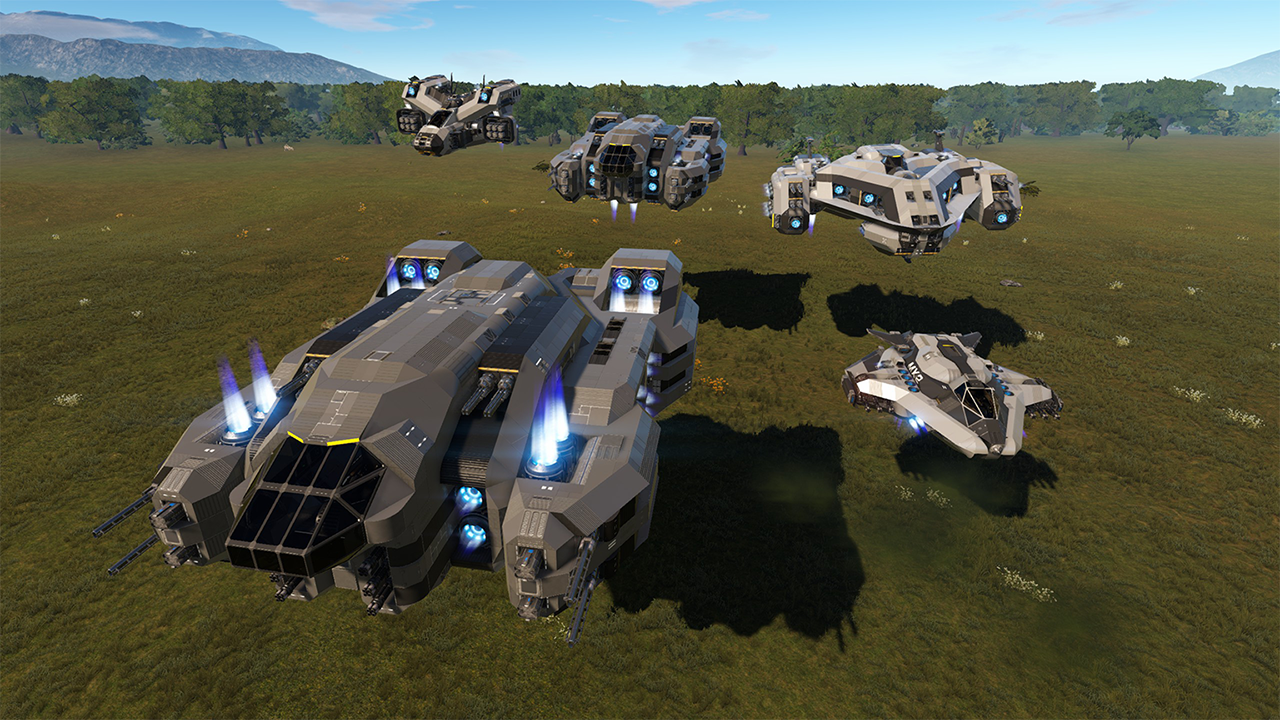
About Arcology-Xanidyne-BA By Wraithworks
From Steam WorkshopUpdate to internal layout of structure. This is a BA conversion of my CV By the name Arcology-Xanidyne This was originally a CV, below is how i converted it. Dev Notes: This is mainly a note to…
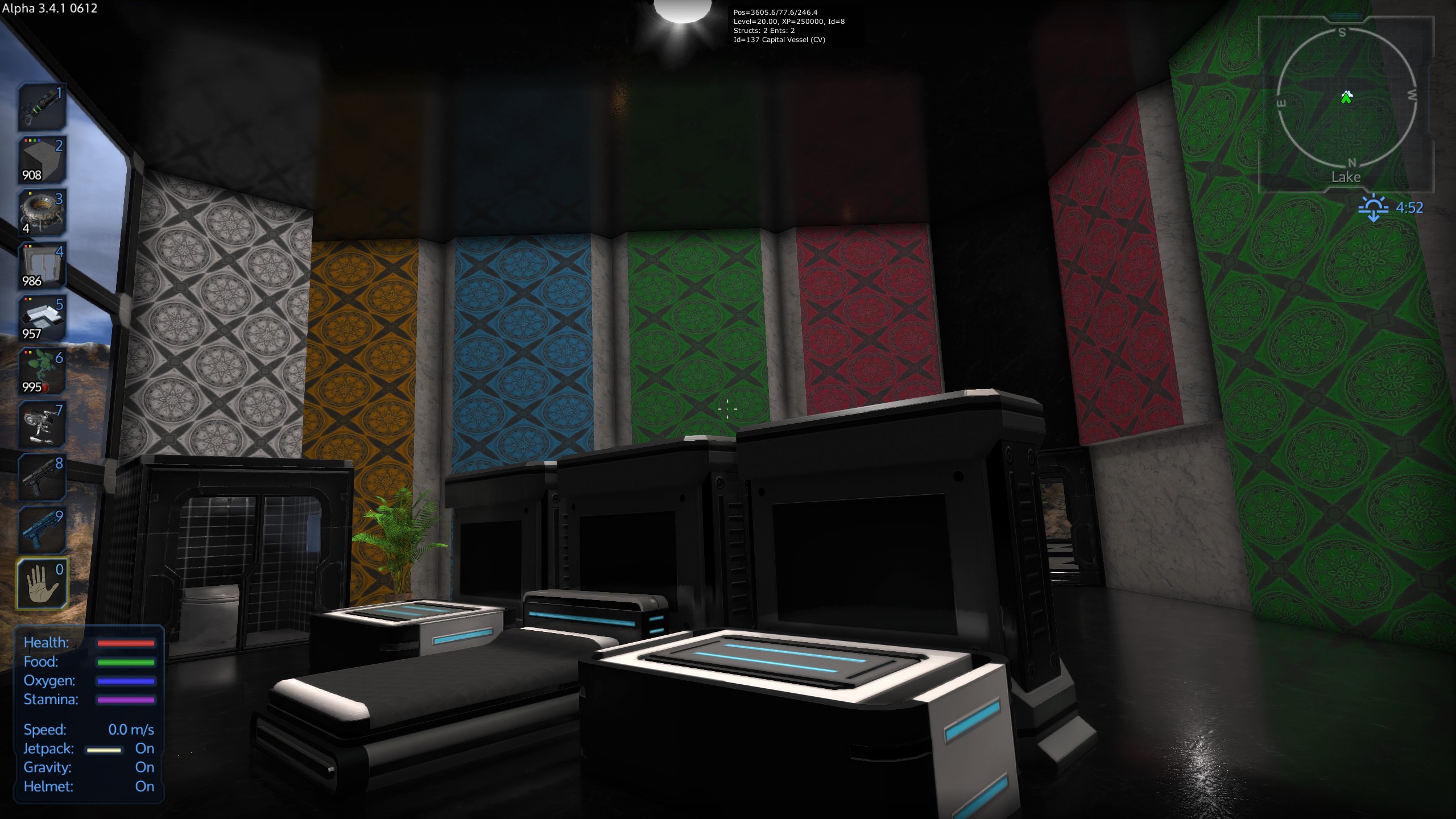
Update to internal layout of structure.
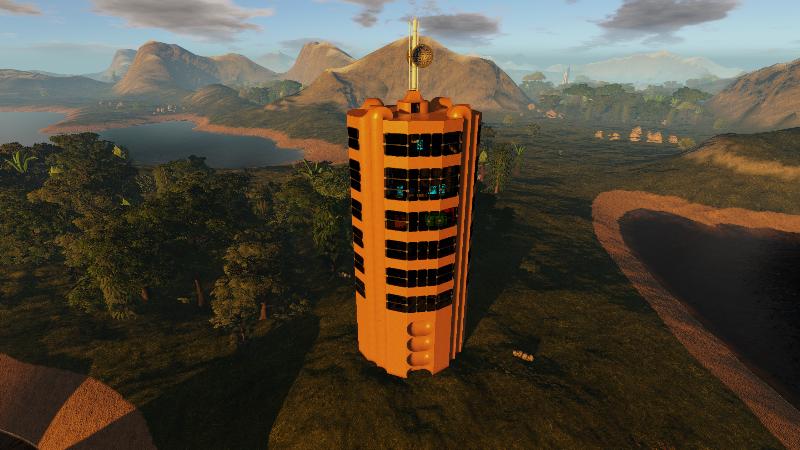
This is a BA conversion of my CV By the name Arcology-Xanidyne
This was originally a CV, below is how i converted it.
Dev Notes: This is mainly a note to myself. Use with caution.
Hex editors can make a mess of things if you are not careful. Use at your own risk. You are responsible for any issues that may occur.
That being said. For the more adventurous read on. Blueprint conversion: It is possible to convert BP’s between types. Thanks goes out to Steam member orb for originally posting this. It made my life way easier. Until the Empyrion team officially adds the feature the only way I have found to convert a bp between types is to edit the HEX code. You will need a HEX code editor and will want to backup the BP before you alter it. In the end messing with HEX codes night mess up the BP, so as above back it up. I use the HxD Free hex editor Open the .epb in a hex editor Change the code (BYTE) at offset 8 from its current number to the number you want it to be.
BA = 0x02 ( This may be read as 02, same for all the other 0x numbers below) CV = 0x08 SV = 0x04 HV = 0x10
Example: (Your file will look different. You will want the number at offset 08 in this case 02 )
--------------------------------------------- V Offset (h) 00 01 02 03 04 05 06 07 08 09 0A 0B 0C 0D 0E 0F 00000000 45 52 94 78 0B 00 00 00 02 01 32 7D 69 00 00 00 ---------------------------------------------- ^
Highlights
From source dataFootprint
Rated a light load on a server.
Last update
Its author last shipped an update 10 yr ago.
Arcology-Xanidyne-BA By Wraithworks on Nxeon
From our catalogue- One-click install
- Supported on Nxeon Empyrion: Galactic Survival servers. We download it from Steam Workshop, place it, and restart the server.
- Server load
- light
- Smallest plan we suggest
- Empyrion — 8 GB (8 GB RAM). This follows our own load rating above, not a benchmark.
- Latest build
- 2016-11-12, released 2016-11-12
Game versions by loader
| Loader | Game versions | Newest |
|---|---|---|
| Workshop |
From 1 recorded build of Arcology-Xanidyne-BA By Wraithworks.
Run Arcology-Xanidyne-BA By Wraithworks on a Empyrion: Galactic Survival server
Pick a server or deploy a new one above; it is installed in one click.
What kind of mod it is
From the catalogWorld generation
Changes or adds to how new terrain, biomes and structures are created.
Compatibility
- Game
- Empyrion: Galactic Survival
Verified at the source
- ✓Steam WorkshopOfficial listing, checked 2026-11-01Open ↗
- ✓AuthorSavinwraith, as published on Steam Workshop
- ✓LicenseNot published by the sourceFree