
About CV_ChallengerTwo
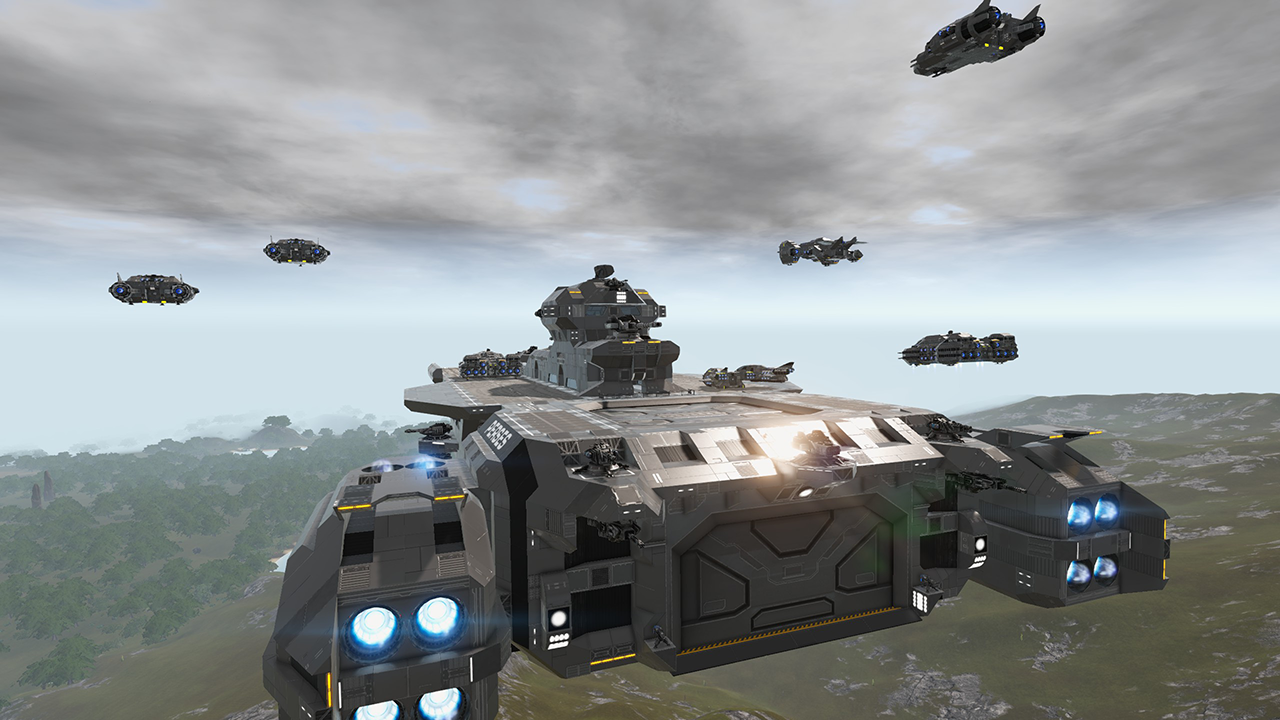
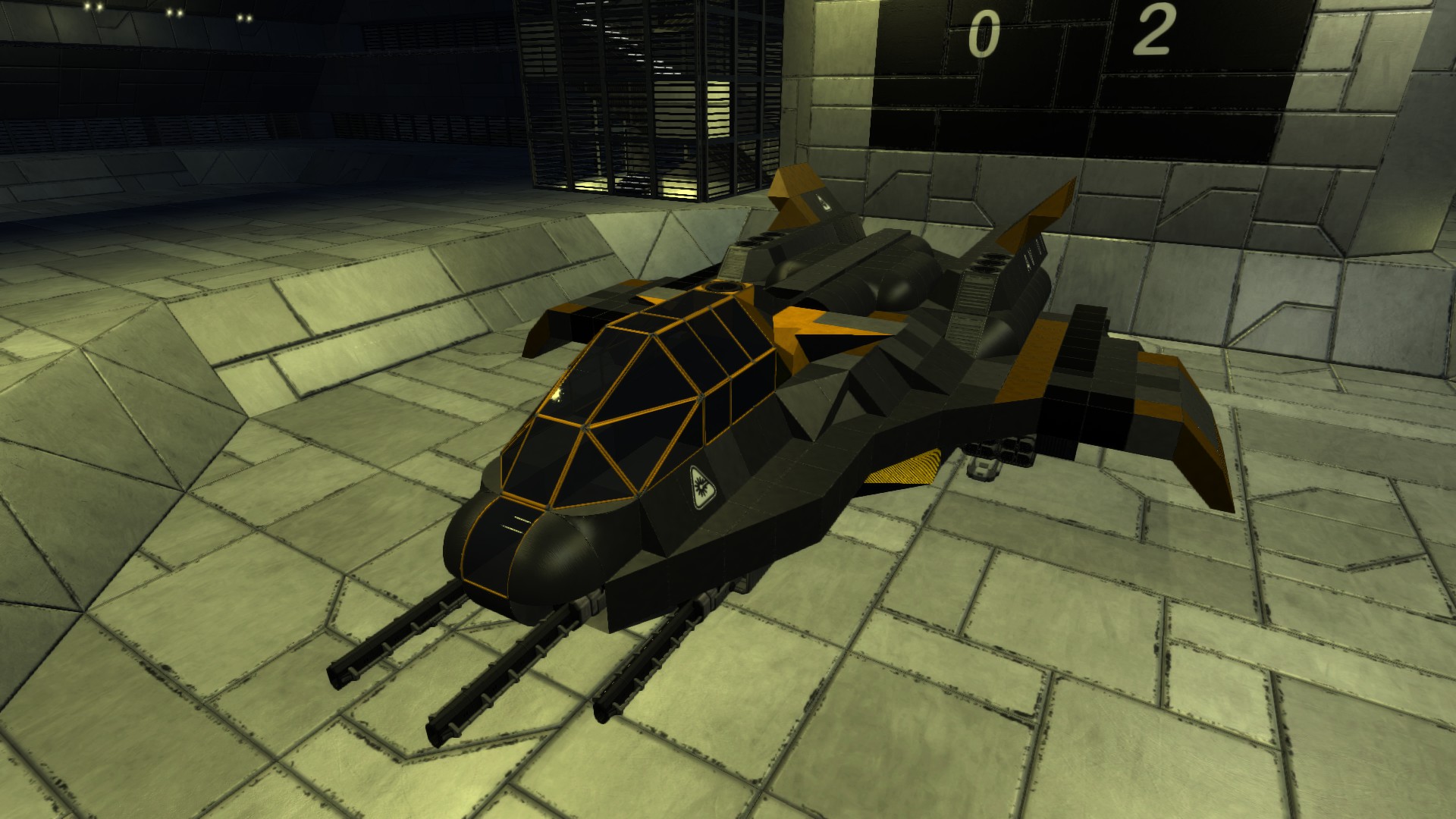
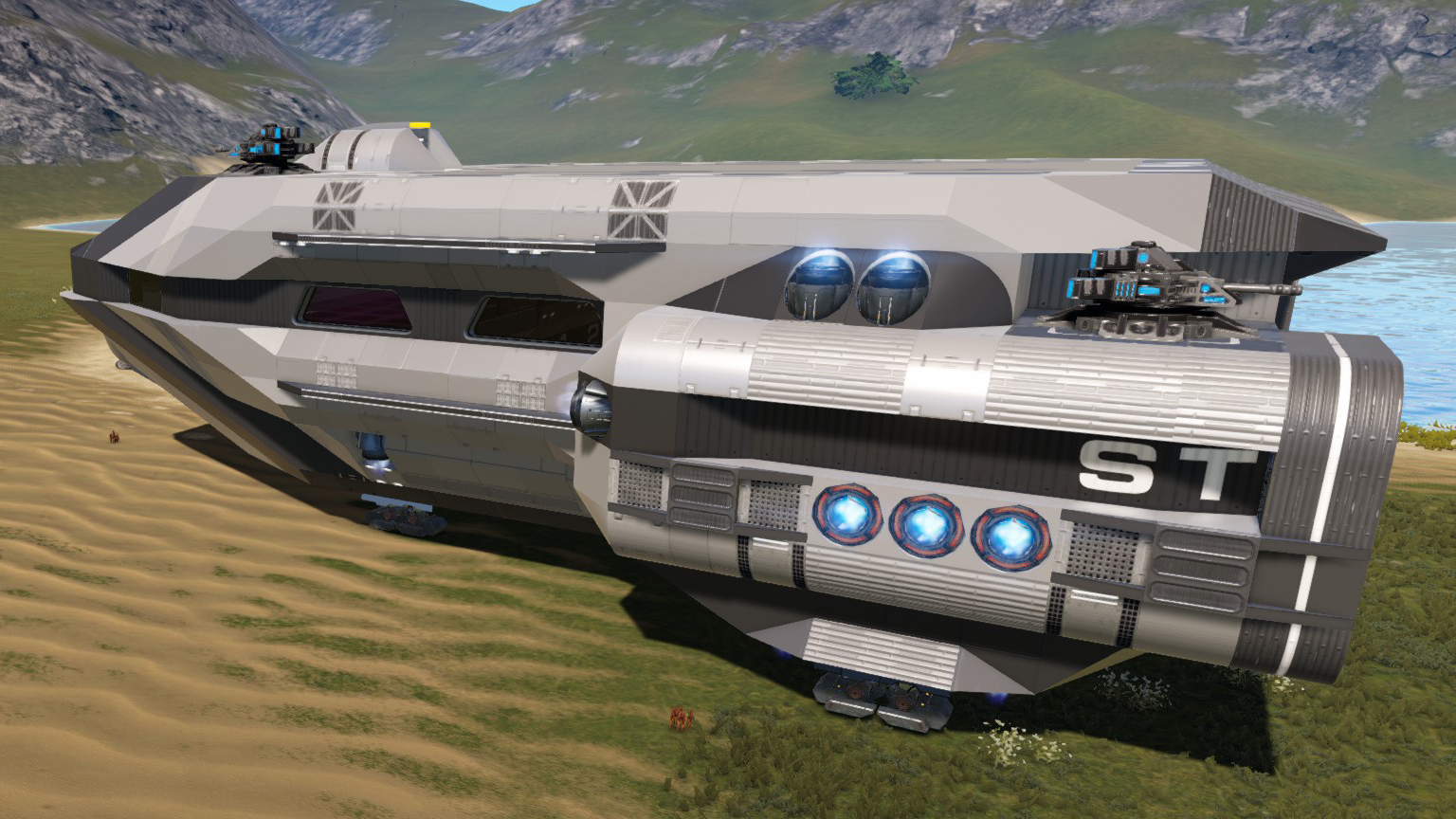
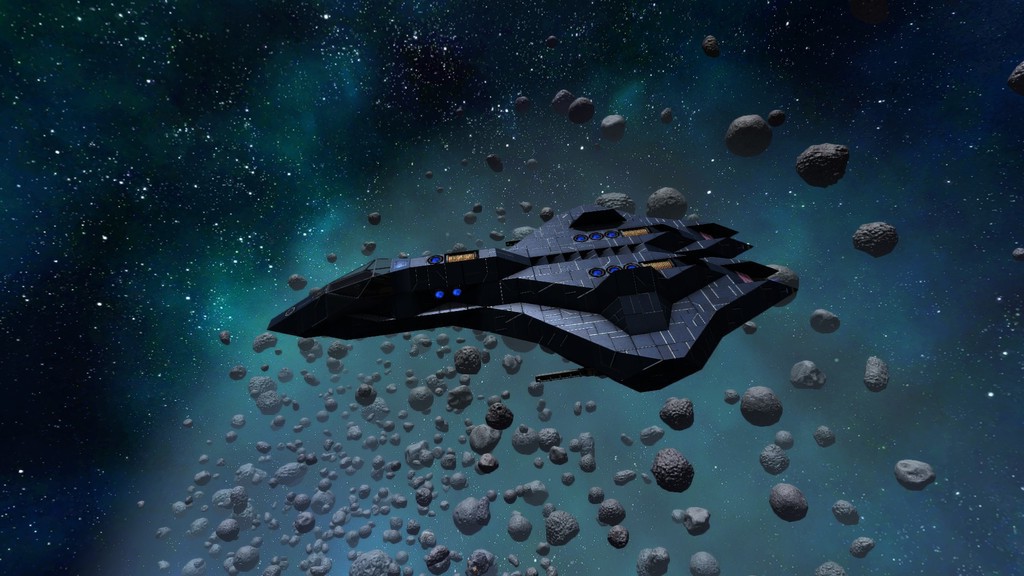
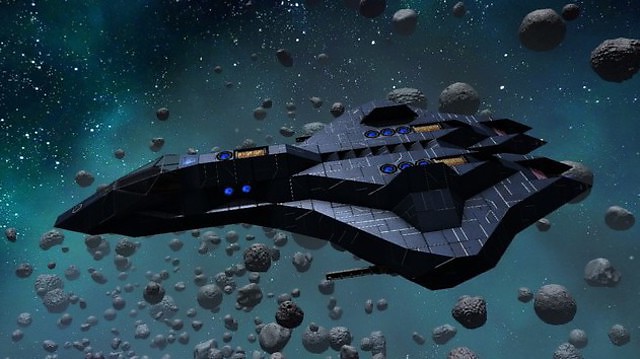
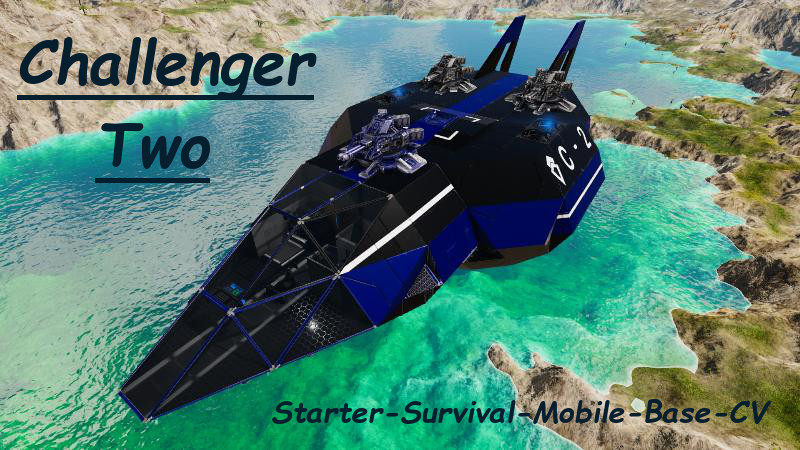
From Steam WorkshopChallenger Two: ============== == Starter-Survival-Mobile-Base-CV (Level 10, Class 1, No Z&E) == This is the Upgrade to [url=http://steamcommunity.com/sharedfiles/filedetails/?id=1222519291]…
Challenger Two: ==============
== Starter-Survival-Mobile-Base-CV (Level 10, Class 1, No Z&E) ==
This is the Upgrade to Challenger One.
More Infos and Pictures about both Ships can be found here: http://steamcommunity.com/sharedfiles/filedetails/?id=1222519291
---
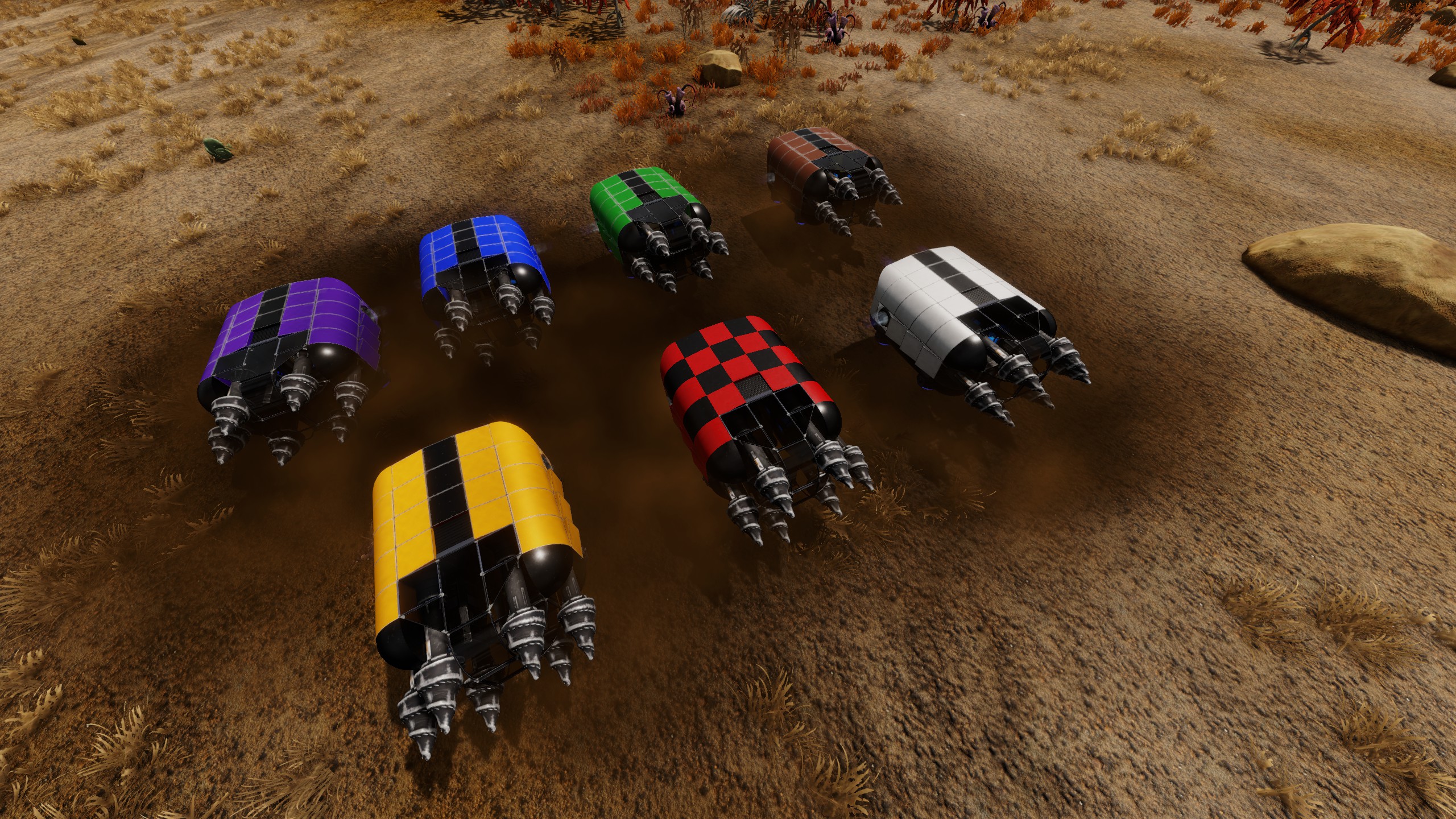
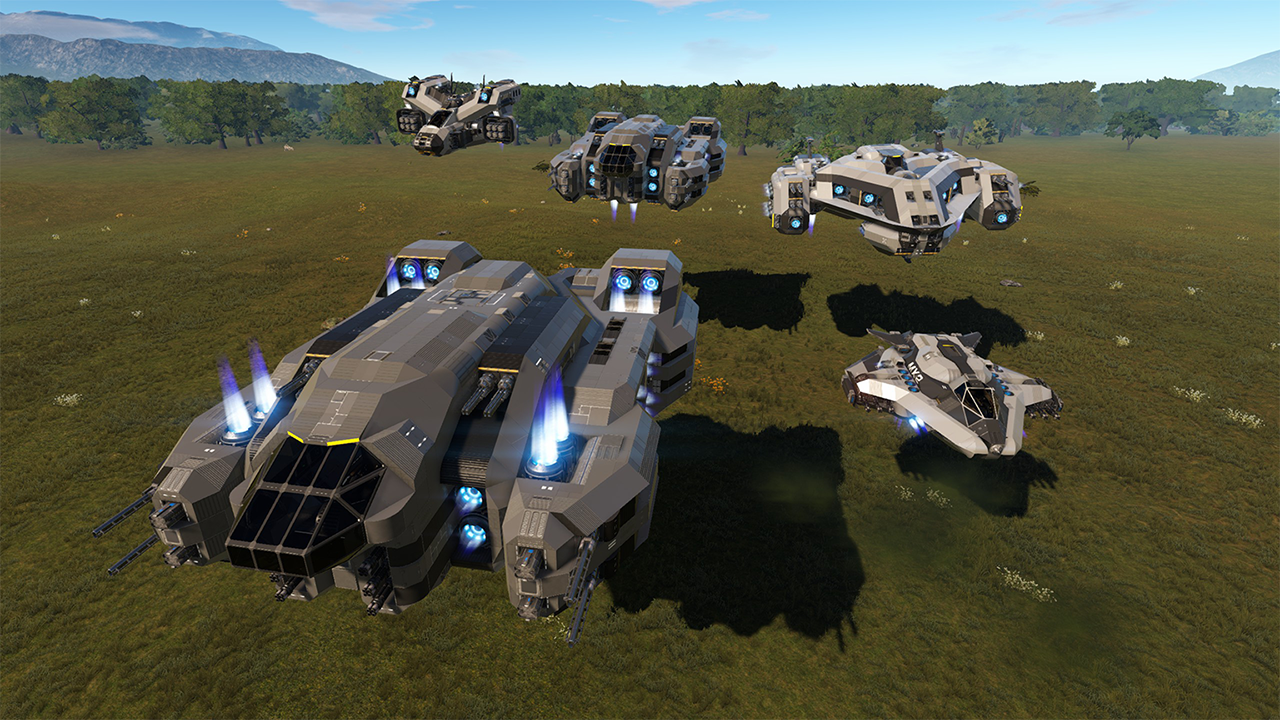
Recommended additional Vessels for that Ship as seen in the last pictures :
Ontop parking DroneHunter MKII alternate colored Early Access Version : http://steamcommunity.com/sharedfiles/filedetails/?id=1217801345
Below attached SkyRocketSled alternate colored Version : http://steamcommunity.com/sharedfiles/filedetails/?id=1217803875
---
Additional Upgrade for Advanced Users (with GodMode enabled) : (not necessary but makes your life a bit easier)
- Removing all 3 Small Generators (one hidden beside Constructor, next opposite side hidden too, the last one between Warp drive and Ammo box)
- Remove both lower Cargo boxes opposite to the Constructor
- Now place 1x Large T1 Generator and 1x RCS there
- and 2x RCS besides the Constructor
- Opposite the Constructor place 1x Large Cargo box again
- At the free position between Warp drive and Ammo box you can place another Box (Ammo, Cargo or Harvest for later usage)
- Autoassign the Devices, Re-Set the Ventilator group to Switch "Ventilator"
- Assign the three new RCS to the Signal "ThrustersRCS_Space"
Thanx for subscribing and thumbing up!
Highlights
From source dataFootprint
Rated a light load on a server.
Last update
Its author last shipped an update 8 yr ago.
CV_ChallengerTwo on Nxeon
From our catalogue- One-click install
- Supported on Nxeon Empyrion: Galactic Survival servers. We download it from Steam Workshop, place it, and restart the server.
- Server load
- light
- Smallest plan we suggest
- Empyrion — 8 GB (8 GB RAM). This follows our own load rating above, not a benchmark.
- Latest build
- 2018-06-24, released 2018-06-24
Game versions by loader
| Loader | Game versions | Newest |
|---|---|---|
| Workshop |
From 1 recorded build of CV_ChallengerTwo.
Run CV_ChallengerTwo on a Empyrion: Galactic Survival server
Pick a server or deploy a new one above; it is installed in one click.
What kind of mod it is
From the catalogGameplay & overhauls
New mechanics, content and overhauls that change how the game plays.
Compatibility
- Game
- Empyrion: Galactic Survival
Verified at the source
- ✓Steam WorkshopOfficial listing, checked 2026-11-01Open ↗
- ✓Authorrucky, as published on Steam Workshop
- ✓LicenseNot published by the sourceFree