
About Epselon City
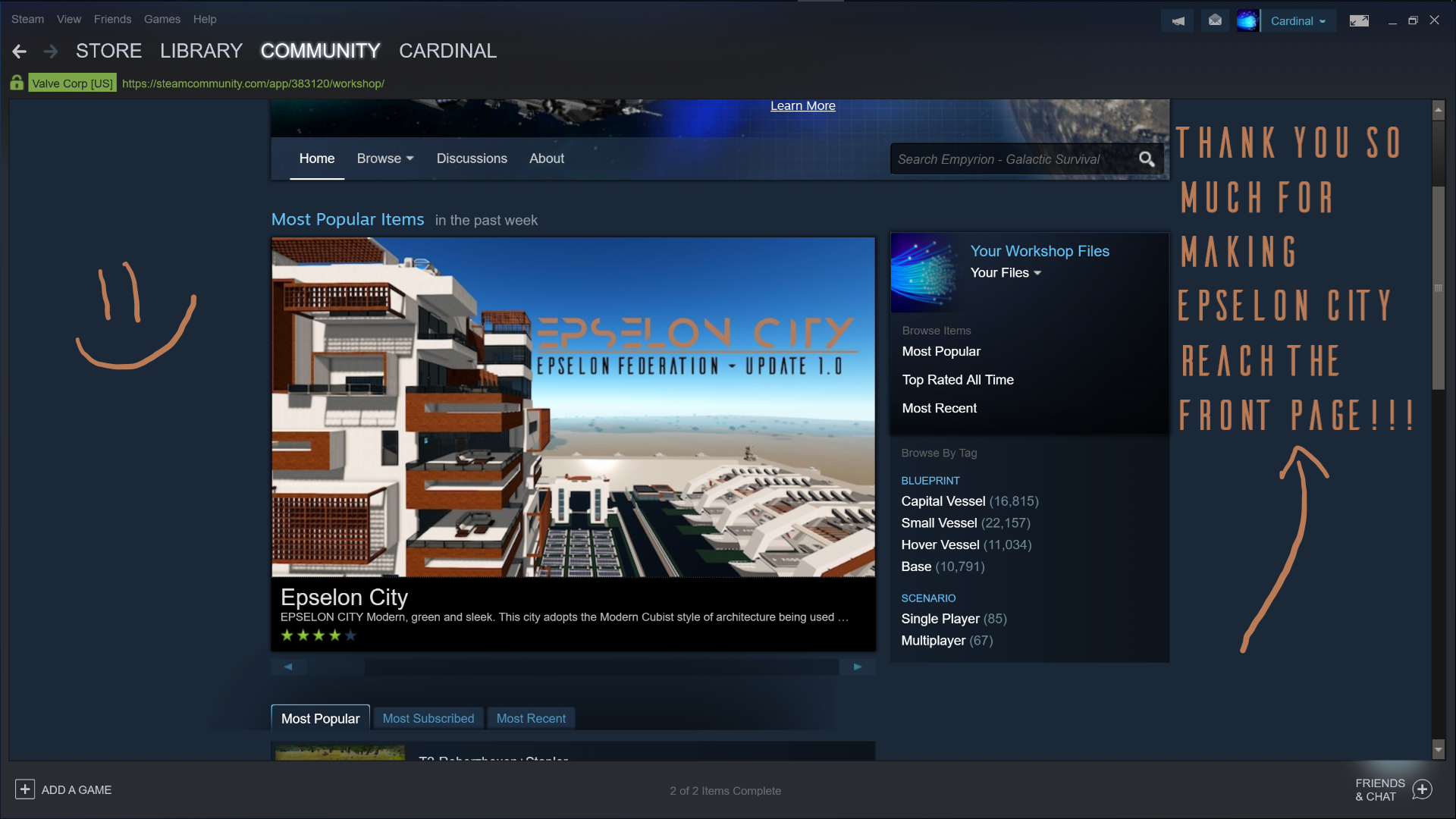
From Steam WorkshopEPSELON CITY Modern, green and sleek. This city adopts the Modern Cubist style of architecture being used today in many buildings around the world. The true beauty of Empyrion is shown here. Time…
EPSELON CITY
Modern, green and sleek. This city adopts the Modern Cubist style of architecture being used today in many buildings around the world. The true beauty of Empyrion is shown here.
Time spent on Project: 204 Game Hours.
Wired Up
Almost the entire city is set up with Motion Sensors to help reduce lag. There are roughly 10 lights that are on at all times, this should barely scratch your fps compared to the whole city. These lights are on because it is the Parking Garage (Sector 4). If you feel like this should change please leave a suggestion in the Discussion Tab ("Suggestions and Ideas").
Purpose of the City
This city is meant mainly for Servers, to act as the Central Hub. The location where everyone in the Solar System is trying to visit. This is not meant to be a random faction base, or a singleplayer survival endgame product. This is a serious creation.
City Sectors and Summaries
Sector 1: Welcome Center and Housing. (Photo 1) The Welcome Center is the renting location for houses and Apartments. Building 1 handles house rentals, Building 3 handles apartment and penthouse rentals. Building 2 shows where Cargo Pickup Stations are at, and explains their function. The 8 houses in the sector are identical, this is meant for when a player does not end up renting the same house. Instead of having to figure out where everything is, they already know the layout of the house.
Sector 2: Recreational Park. (Photo 2) Near the center of the City, this location has a basketball court, volleyball court, shuffleboard lanes, 3 gazibos with public food processors, and the street vendor Barry's Grill.
Sector 3: Military Base. (Photo 3) The hub for military officials and medical units. Only citizens and officials may access this portion of the city. Within the compound, you can find the hospital, reception with gate controls, lockers, the repair platform with the repair console, and parking for HV, SV and CV vehicles.
Sector 4: Parking Garage. (Photo 4) Anyone can park here. At the first level, hover vessels, bikes similar craft have plenty of space to station themselves here. At the second level, small vessels will park there. We do not recommend parking CV's here, as there may not be enough room on a single pad for that.
Sector 5: Cardinal Tower. (Photo 5) The center piece of the city, this tower holds the apartments and the penthouse. These can be rented from Building 3 in the Welcome Center (Sector 1). The base of the tower is isolated from the the apartments, this section can be used by anyone in the city. There are various eating and resting locations for you to enjoy here. It also includes 3 conference rooms. Parking around the tower is mainly reserved for owners of the apartment and penthouse.
Sector 6: Shuttle Station, Food & Solar Farms. (Photo 6) The Shuttle Station is the location where players are picked up and dropped off by HV's and SV's. Similar to the garage, there are 2 locations where the player can enter an O2 supplied and isolated armor locker room to change their suit and modules. The Solar Farm explains itself. The Food Farm is also in no need of explanation. However, this section is public for the whole city, anyone can come by and pick up food from the first floor. The grow lights are set to a switch to turn it on and off, only citizens and officials can do this. The fridge compartment is also locked off, if you feel like this should be available to everyone, just make the door access to public.
Sector 7: Energy Plant and Fuel Pod Sections. (Photo 7) The main energy producing location of the city. Here, 6 extra large generators, an optimized Ammo cache, and the Fuel Pod structures are held. The 3 Fuel Pod Sections consist of 18 isolated "Pods" held in 9 "Sections." This is to help prevent a chain of explosions if a pod were to burst. Hopefully this can help prevent major damage if the city were to be attacked.
Sector 8: Trade Center. (Photo 8) If there is a place you should go to, it is definitely the Trade Center. There are public advanced constructors, deconstructors, armor lockers, trade stations, medic and repair stations. At the center of the building is a two-floor cutout with plenty of relaxing space.
Sector 9: Cargo Holds Center. (Photo 9) Need extra cargo space? This is the place to secure some. You can rent up to 18 Cargo Holds, each of contain 33 Cargo Boxes, 19 Large, 14 Small.There are also 2 customizable panels so in case you have a faction, they can write down what they took. Each hold is secured by a code-locked door, you get to decide what that code is. All other information regarding the holds and how to rent are displayed on the first floor of the building.
How to Place
The creation is 402 meters by 402 meters. The game can place this, but the terrain has to be relatively "flat." It nearly maximizes the width build limits of the game. Try to either generate or find the flattest terrain to place down. Once you find this terrain, figure out where the Sun rises and sets. Then place the creation 45 degrees respective to the Sun. The reason for this, is that the city plays with shadows and to make the city look the best, you should follow this. There is a color difference on the defensive walls, don't go past the dark part of the wall, otherwise you'll have dirt in lower portions of the City.
Converting to POI or Server Hub
Do note that I have not placed real trading stations to keep the blueprint "Blue" during uploads. The only thing you need to do to make this creation POI or Server Hub ready is to replace a specific decorational console with Trade Stations. They look exactly the same. Here is the list of where to replace them.
- Sector 1: Within the Welcome Center and the Houses.
- Sector 3: Within the Reception building by Gate 3.
Highlights
From source dataFootprint
Rated a light load on a server.
Last update
Its author last shipped an update 7 yr ago.
Epselon City on Nxeon
From our catalogue- One-click install
- Supported on Nxeon Empyrion: Galactic Survival servers. We download it from Steam Workshop, place it, and restart the server.
- Server load
- light
- Smallest plan we suggest
- Empyrion — 8 GB (8 GB RAM). This follows our own load rating above, not a benchmark.
- Latest build
- 2019-09-03, released 2019-09-03
Game versions by loader
| Loader | Game versions | Newest |
|---|---|---|
| Workshop |
From 1 recorded build of Epselon City.
Run Epselon City on a Empyrion: Galactic Survival server
Pick a server or deploy a new one above; it is installed in one click.
What kind of mod it is
From the catalogBuilding & decoration
Blocks, furniture, decorations and building tools.
Compatibility
- Game
- Empyrion: Galactic Survival
Verified at the source
- ✓Steam WorkshopOfficial listing, checked 2026-11-01Open ↗
- ✓AuthorOneEco, as published on Steam Workshop
- ✓LicenseNot published by the sourceFree