
About Future Industries Biplane
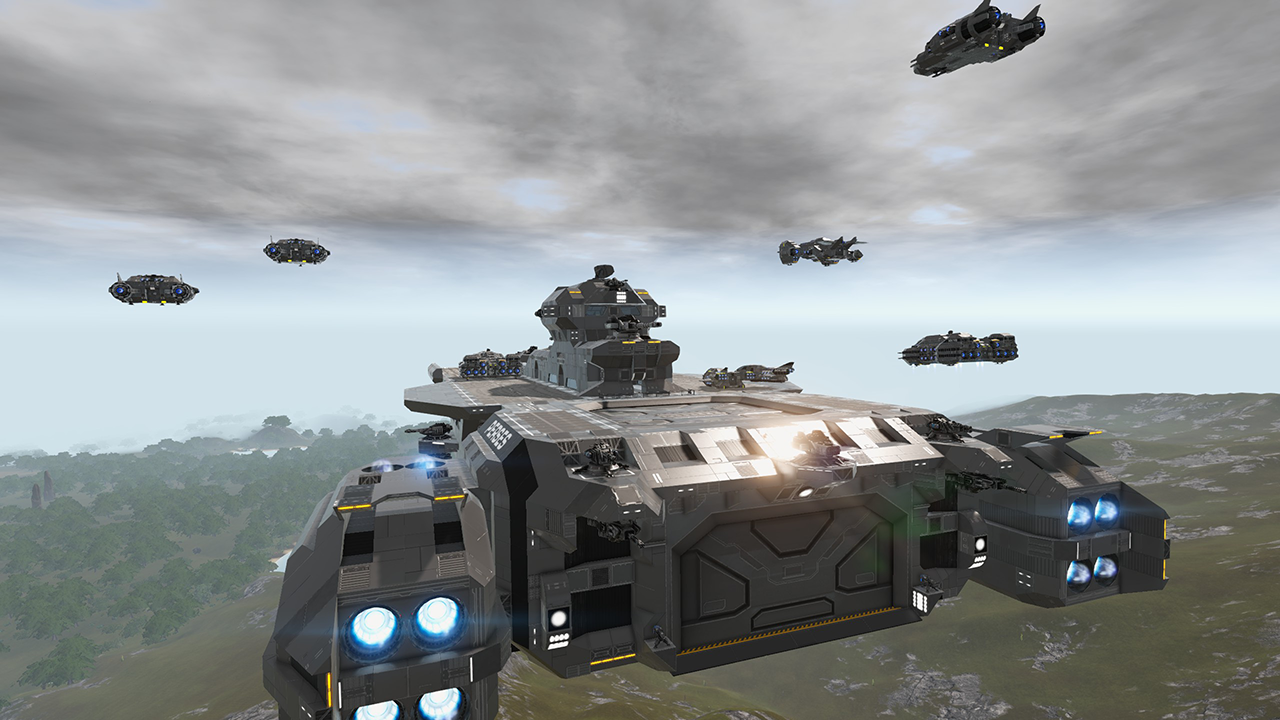
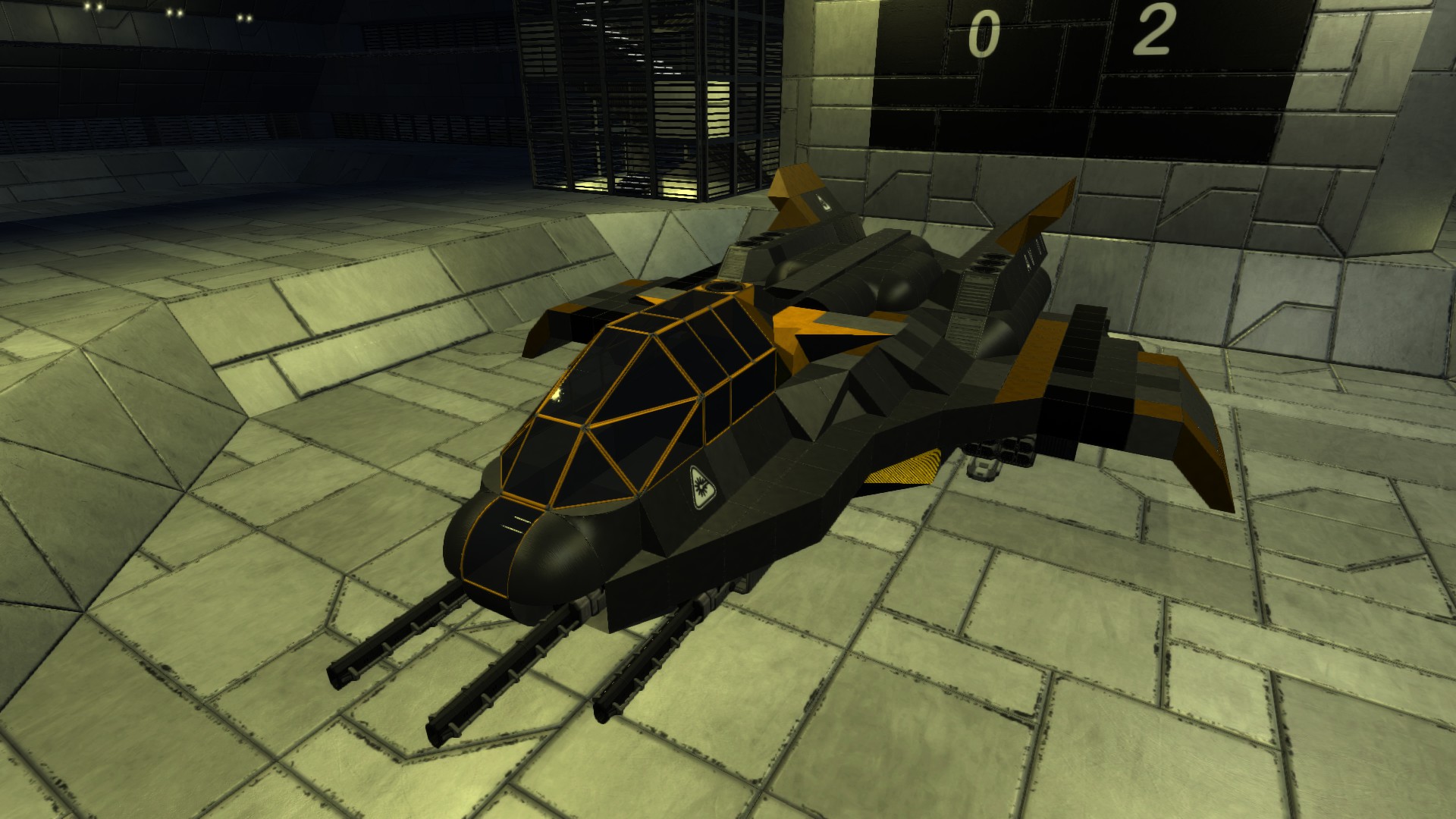
From Steam WorkshopI have been re-watching the Nickelodeon animated series "Avatar: The Legend of Korra" recently and felt like building one of the Biplanes. This version is in the colours of Future Industries as seen…
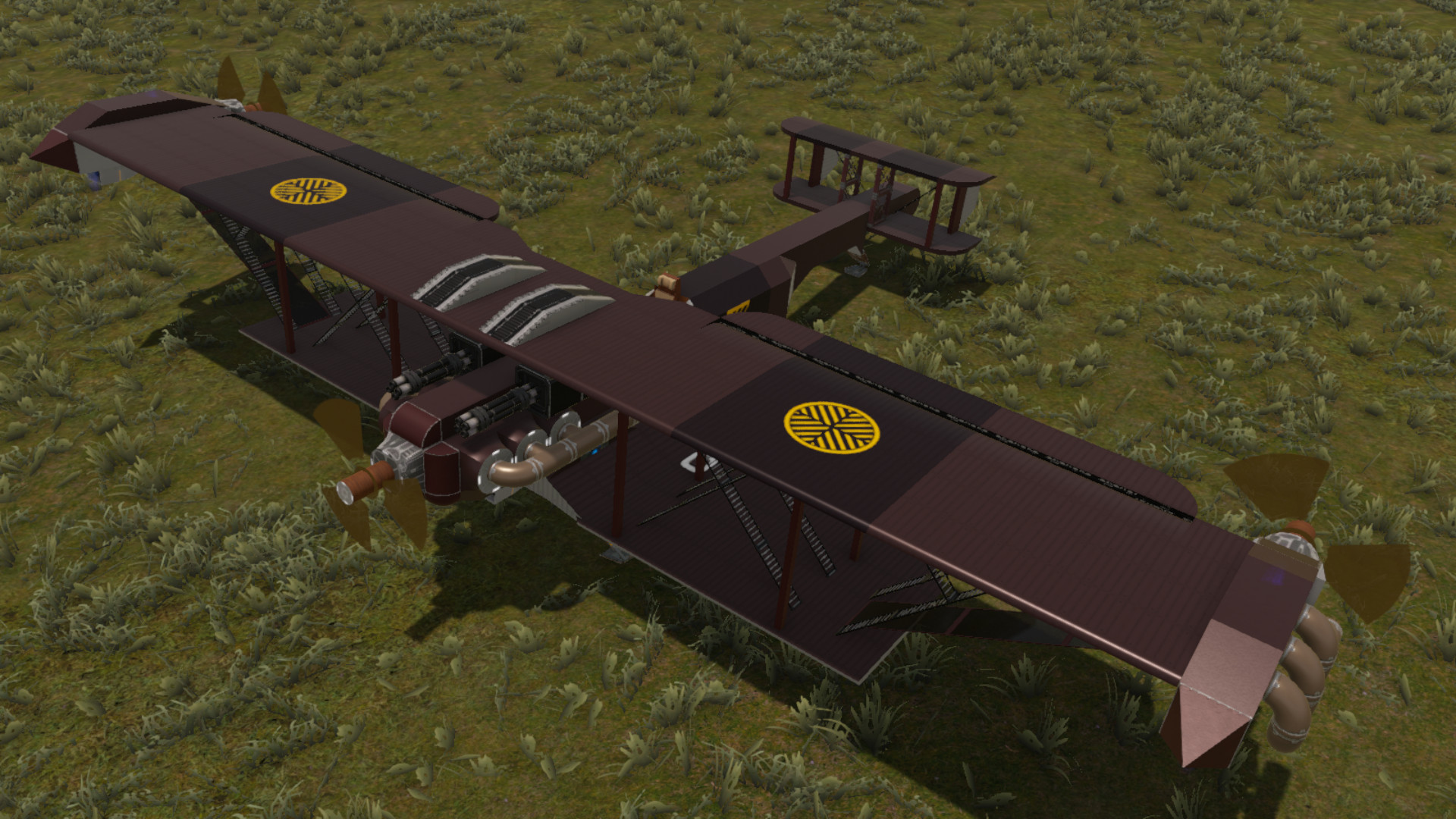
I have been re-watching the Nickelodeon animated series "Avatar: The Legend of Korra" recently and felt like building one of the Biplanes. This version is in the colours of Future Industries as seen in season two, rather than the version used by the Equalists in season one.
Size Class 1 Unlock Level 5 CPU Tier 1
Features: Carbon Composite and Steel construction Open Pilot Seat Twin Gatling Guns Detector Rotating Propellers
ROTATING PROPELLERS The Future Industries Biplane features LCD projectors that simulate rotating propellers. Please follow these instructions to operate the propellers successfully:
- Turn on the switch on the port (left) wing to start the propellers.
- Only use the switch to operate the propellers, interfering with the LCDs, Signals, or the Shutter Door can prevent the propellers from spinning.
- The propellers will stop spinning if you leave render distance, or when you leave the game. Turn them off for a few seconds then turn them back on to reset the system.
- This information is also on the Biplane itself, turn off the switch on the starboard (right) wing to remove that message.[/list]
- Sorry about the noise from the shutter door. Getting the propellers to spin requires a signal logic loop, unfortunately the game is designed to prevent loops and the shutter door is required to overcome this restriction.
- Also available on Nexus: Future Industries Biplane
Highlights
From source dataFootprint
Rated a light load on a server.
Last update
Its author last shipped an update 6 yr ago.
Future Industries Biplane on Nxeon
From our catalogue- One-click install
- Supported on Nxeon Empyrion: Galactic Survival servers. We download it from Steam Workshop, place it, and restart the server.
- Server load
- light
- Smallest plan we suggest
- Empyrion — 8 GB (8 GB RAM). This follows our own load rating above, not a benchmark.
- Latest build
- 2021-04-12, released 2021-04-12
Game versions by loader
| Loader | Game versions | Newest |
|---|---|---|
| Workshop |
From 1 recorded build of Future Industries Biplane.
Run Future Industries Biplane on a Empyrion: Galactic Survival server
Pick a server or deploy a new one above; it is installed in one click.
What kind of mod it is
From the catalogBuilding & decoration
Blocks, furniture, decorations and building tools.
Compatibility
- Game
- Empyrion: Galactic Survival
Verified at the source
- ✓Steam WorkshopOfficial listing, checked 2026-11-01Open ↗
- ✓Authorreptilious, as published on Steam Workshop
- ✓LicenseNot published by the sourceFree