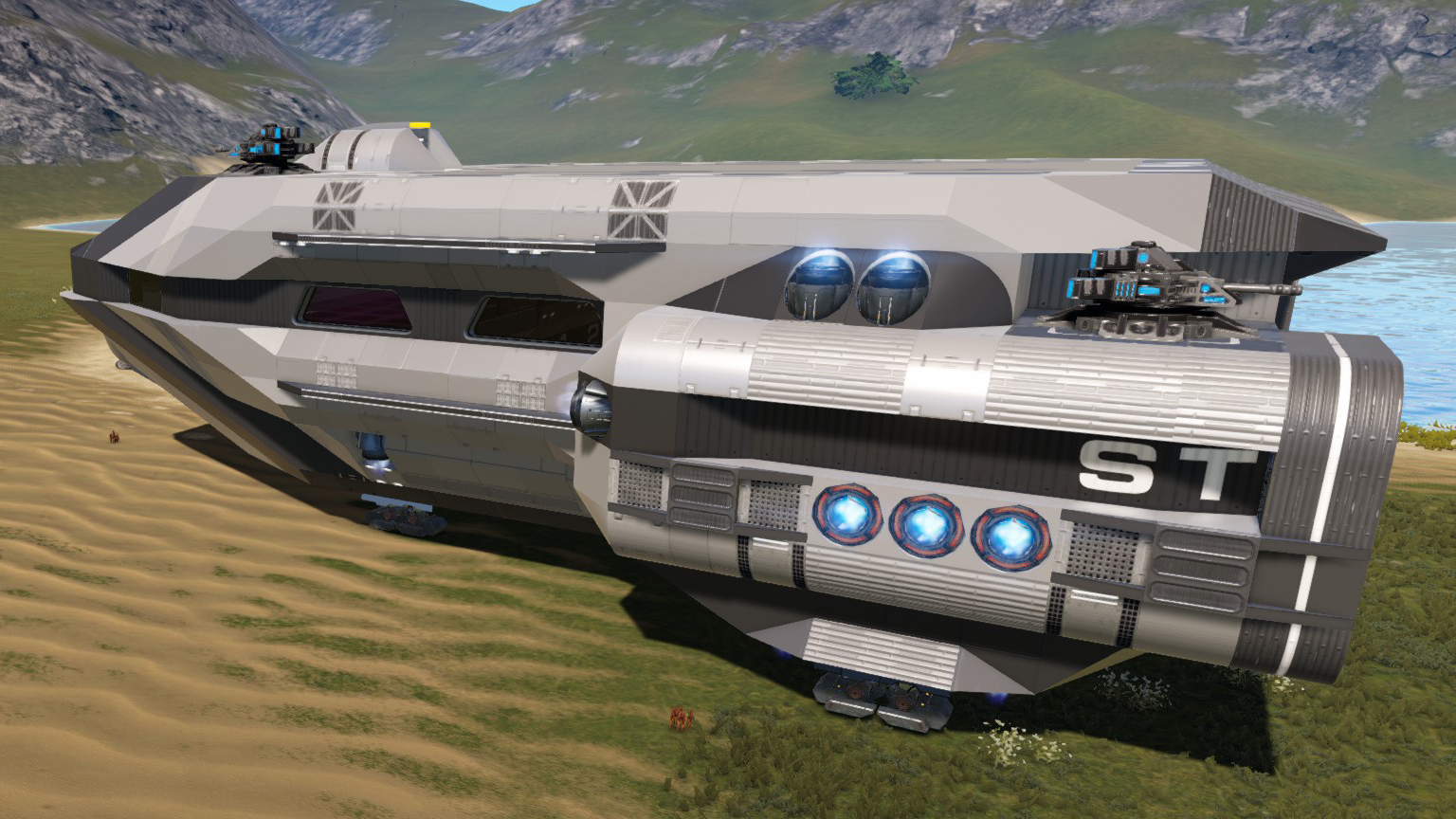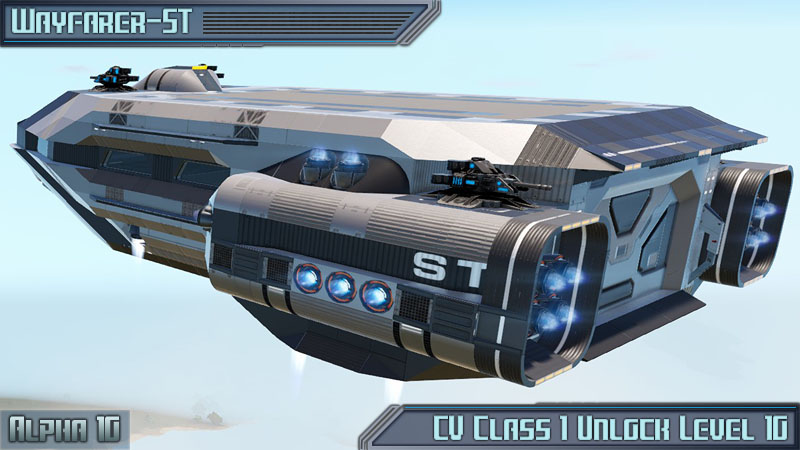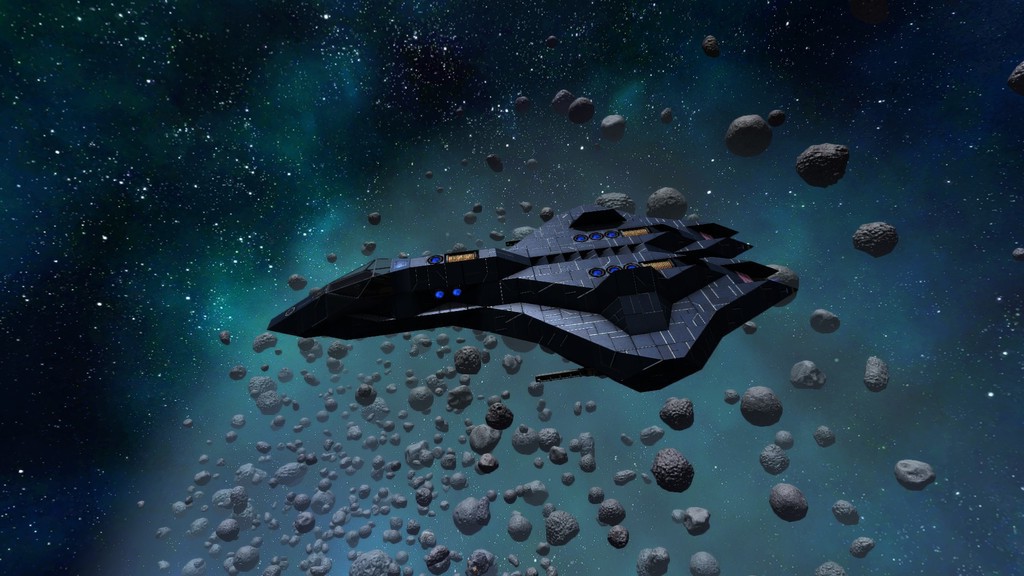
About HV()_CommandoBuggyXH
From Steam WorkshopBLUEPRINT IS FOR ALPHA 7.x & ALPHA 8.x. It''s not for anything newer. You most propably need to adjust anything from adding Shields, CPU stuff and other things! --- OMF COMMANDO BUGGY (Full Level 20…
BLUEPRINT IS FOR ALPHA 7.x & ALPHA 8.x. It''s not for anything newer. You most propably need to adjust anything from adding Shields, CPU stuff and other things!
---
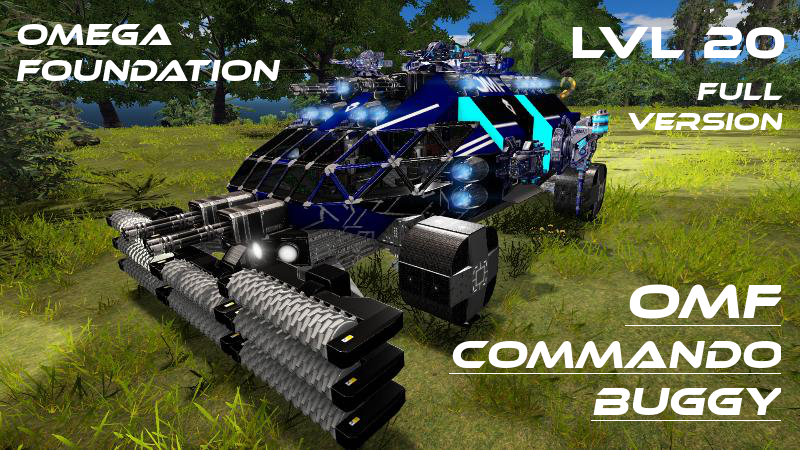
OMF COMMANDO BUGGY (Full Level 20 Variant) =======================================
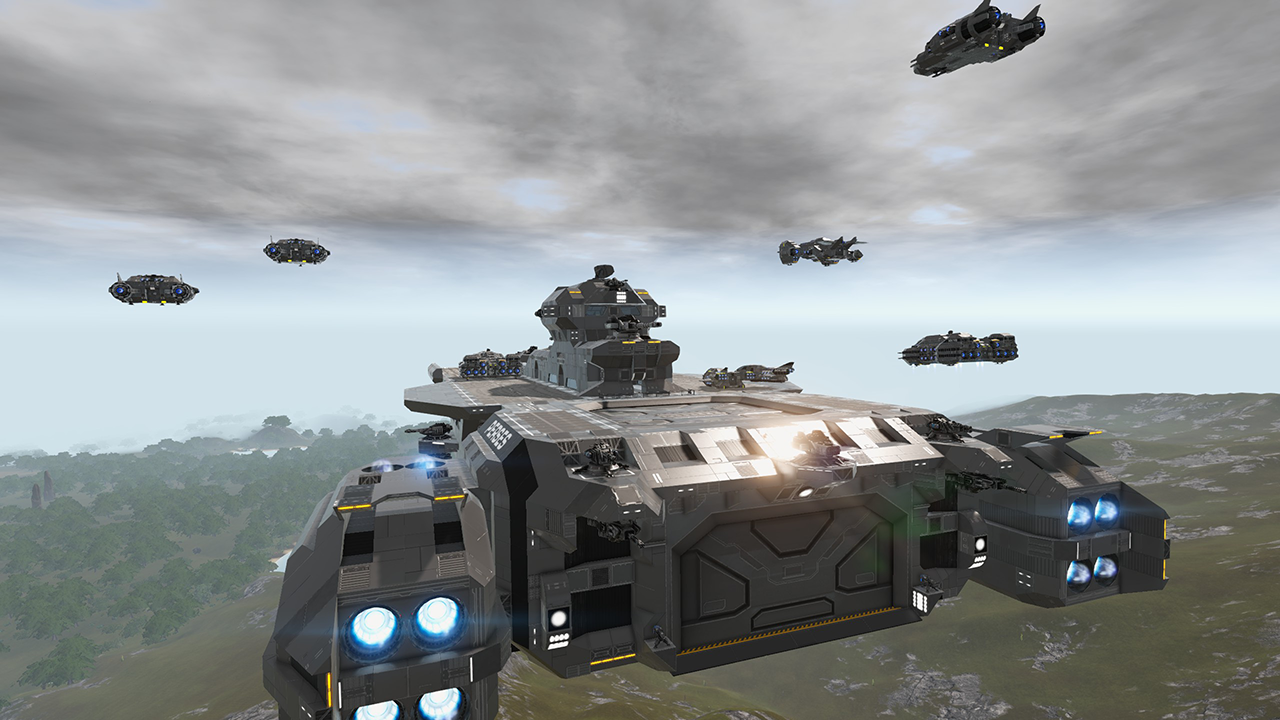
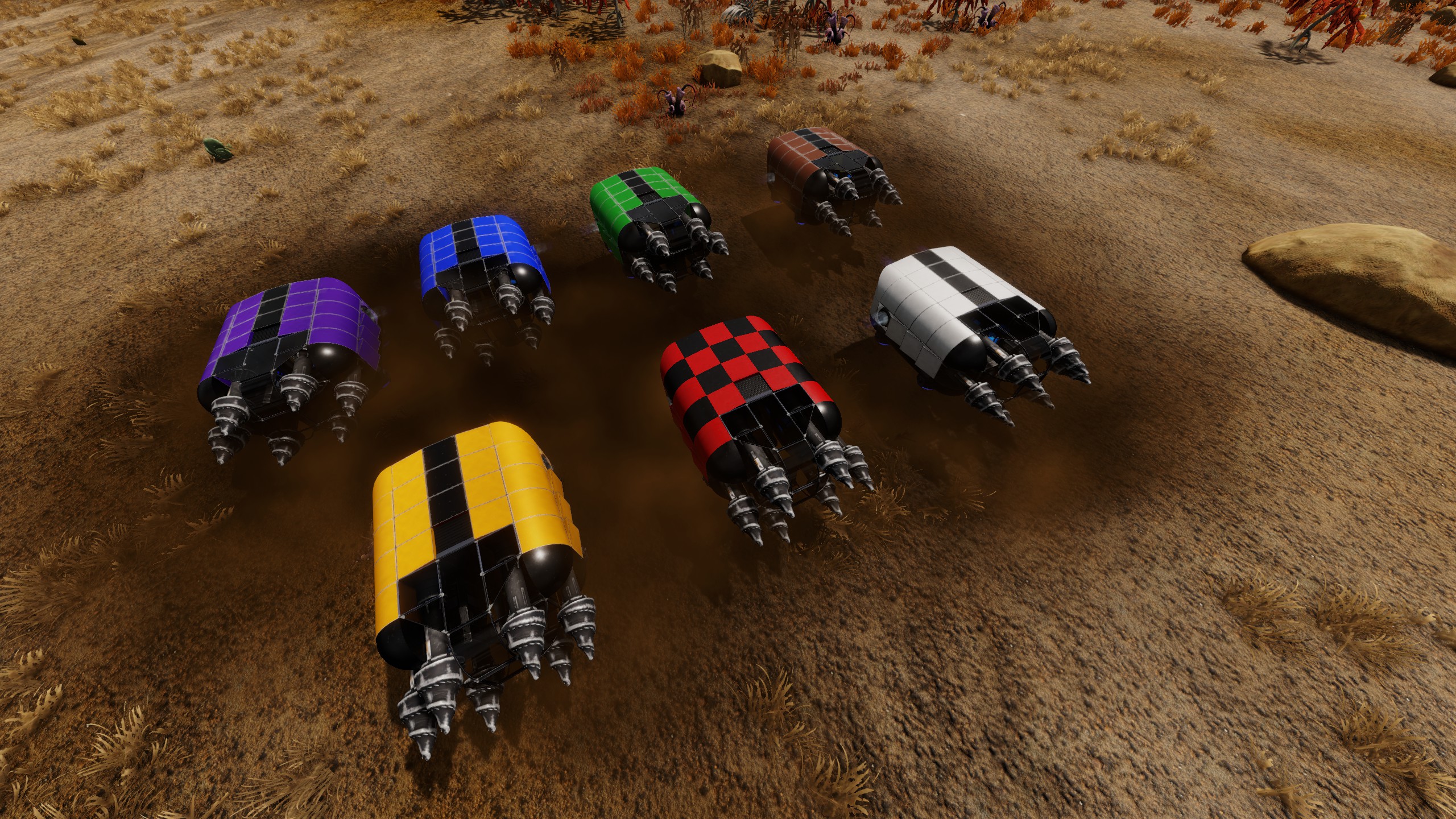
-------------------------------------------------------------------------------------------------------------------------------------- IMPORTANT NOTE: As some People only seeing 8 Harvesters probably automatical downvoting this vessel thinking this is a un-restricted vessel not spawnable on Servers: IT IS NOT UN-RESTRICTED. There is NO LIMIT on Harvesters! Not in 7.6 Live, not in 8.0 EXP. It is FULLY USABLE on any Server that doesn't use some self modified config file! --------------------------------------------------------------------------------------------------------------------------------------
IMPORTANT: (EXP) Alpha 8+ NECESSARY!
This is the Upgrade to the EarlyAccess Level 10 Variant.
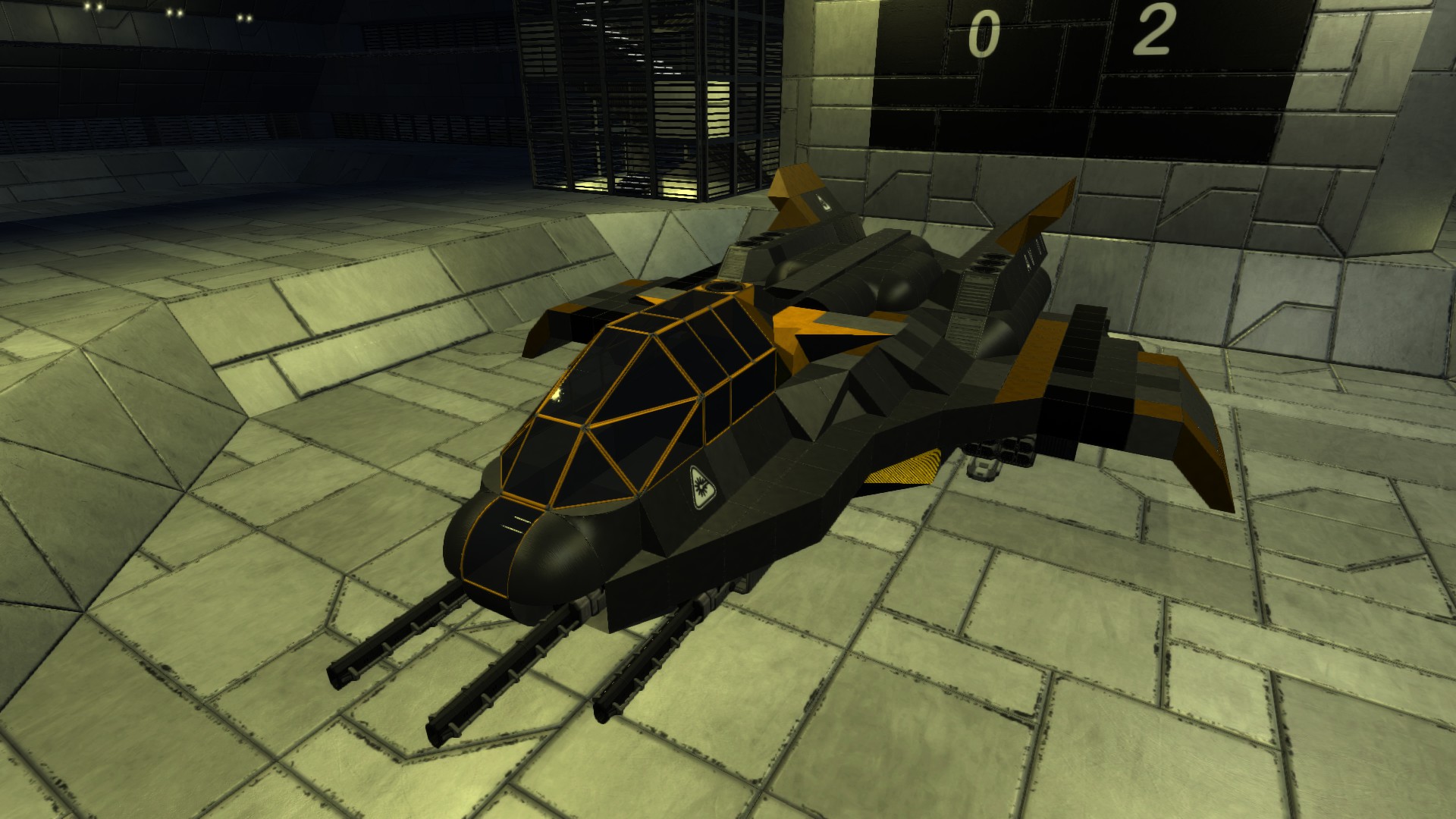
Multipurpose-Survial-Mobile-Base-Hover with the new EXP 8 Features : RADAR, MEDIC STATION and CLONE CHAMBER!
>>" This is mainly a Team/Coop Support Unit, best used in Team Tactics like Group Assault on large Scale which involves multiple SVs and Hover-Tanks, and one+ Commando Buggy can be used then as Spawn Point, Medic Center, Utility and Crafting Station, Storage and general Meeting point for Immersion and Roleplaying!" << (Of course also be useable for Soloists ;-)
Features :[list] [*] Level Requirement : Level 20 [*] DOUBLE-Direction-Driving! [*] 6 Seats [*] Full on HARVESTING : [list] [*]Front : 8x Harvesters [*]Back : 6x T2 Drill Lasers (for Surface Rocks and Meteorites only, not for deep mining though!) [*]Sides : 1x Drill Turret each (only low depth Mining with them though!)[/list] [*]NEW 8x Feature: RADAR [*]Very Good Mobile Base Equipment and Functionality : - all complete LCD labeled![list] [*]4x Mobile Constructors HV - each one Switch controlled [*]12x large Cargo boxes [*]4x Fridges [*]2x Armor Lockers [*]2x O2 Station with 3x O2 Tanks [*]NEW 8x Features: MEDIC STATION and CLONE CHAMBER[/list] [*]Good Hover-Acceleration and Manoeverability: Main 15m/s², lateral 8m/s², Brake 8m/s², Pitch 3.6deg/s², Yaw 2.8deg/s² [*]Installed Weapons (early Access Variant):[list] [*]Front : 4x Gatlings [*]Back : 2x Gatlings [*]Turrets : 2x Minigun + 4x Rockets[/list] [*]All Equipment can be accessed directly without using the Control Panel! [*]Multiple Sensors and Switches to control many many things :[list] [*]Main-Switch for ThrusterRCSHovers-Activation and Door/Ramp Control (Location: on the Ceiling direct in the Mids) [*]Inner-Lights-Switch (Location: besides Main-Switch on the Ceiling) [*]Each Constructor has its own Activation-Switch (Location: at each Constructor) [*]Turret-Activation-Switch (Location: at Front/Left Pilot Seat) [*]Front-Spotlight-Switch (Location: at Front/Right Pilot Seat) [*]Drill-Turret and Multiturret-Switch (usable when installed)(Location: at Back/Left Pilot Seat) [*]Back-Spotlight-Switch (Location: at Back/Right Pilot Seat) [*]Left and Right Door-Switches for Enabling MotionSensor Control (Location: besides both Doors)[/list] [/list]
Notes & Hints :[list] [*]All Constructors are activated by default, I recommend you deactivate them all via the nearby Switches to save Power! [*]Also Multi- and Drill-Turrets are activated by default, these should also be deactivated when not in use, the Switch you find on the left Pilot Seat at the Back! [*]I also recommend to disable the MotionSensor-activated Doors via the Switches near them; if you shut down the Thrusters via the Main-Switch on the Ceiling, both Doors will automatically be opened too! [*]This is NOT a Combat Vessel or even suitable for PVP; if you need one for that I suggest using one of my WAR-Mongers instead: The WAR-Monger The WAR-Monger Type S The MEAT-Grinder[/list]
Have Fun with this Vessel-Class!
Please leave a Thumbs Up if you like, thank you!
Highlights
From source dataFootprint
Rated a light load on a server.
Last update
Its author last shipped an update 8 yr ago.
HV()_CommandoBuggyXH on Nxeon
From our catalogue- One-click install
- Supported on Nxeon Empyrion: Galactic Survival servers. We download it from Steam Workshop, place it, and restart the server.
- Server load
- light
- Smallest plan we suggest
- Empyrion — 8 GB (8 GB RAM). This follows our own load rating above, not a benchmark.
- Latest build
- 2018-05-31, released 2018-05-31
Game versions by loader
| Loader | Game versions | Newest |
|---|---|---|
| Workshop |
From 1 recorded build of HV()_CommandoBuggyXH.
Run HV()_CommandoBuggyXH on a Empyrion: Galactic Survival server
Pick a server or deploy a new one above; it is installed in one click.
What kind of mod it is
From the catalogGameplay & overhauls
New mechanics, content and overhauls that change how the game plays.
Compatibility
- Game
- Empyrion: Galactic Survival
Verified at the source
- ✓Steam WorkshopOfficial listing, checked 2026-11-01Open ↗
- ✓Authorrucky, as published on Steam Workshop
- ✓LicenseNot published by the sourceFree