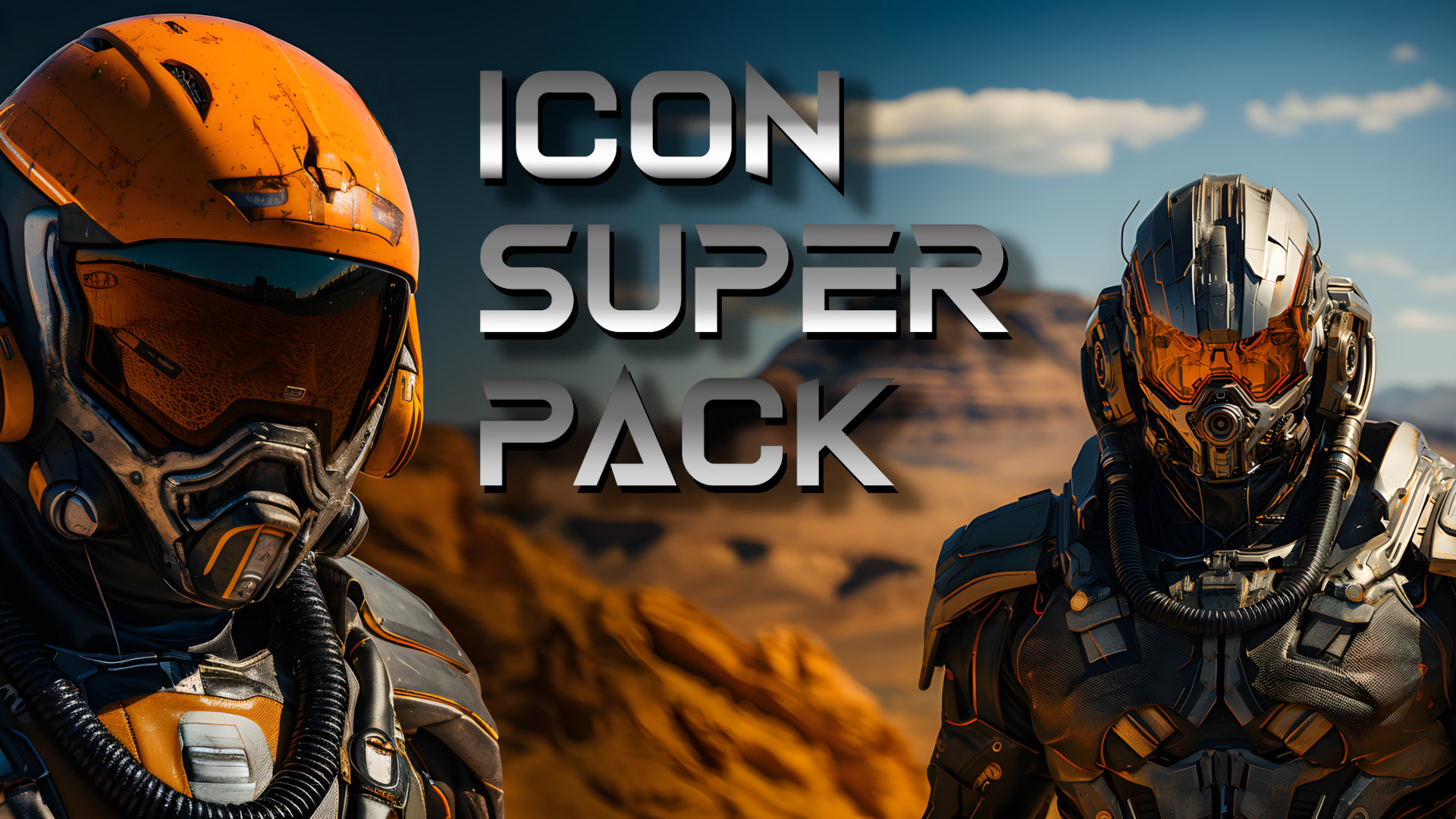

About Icon Super Pack
From Steam WorkshopMonroe and Dougmhz’s Icon Super Pack Eleon has recently introduced changes to the player model and new animations, Global Illumination, Dynamic Shadows, Terrain Tessellation and more, - all of which…
Monroe and Dougmhz’s
Icon Super Pack
Eleon has recently introduced changes to the player model and new animations, Global Illumination, Dynamic Shadows, Terrain Tessellation and more, - all of which have improved the game’s graphics dramatically.
Many of the icons, however, haven’t changed since Alpha 7 or before. Welcome to The Icon Super Pack
The Icon Super Pack includes over 150 new Icons
… including Ores, Ingots, Components, and some devices such as the Ore Scanner, Night Vision, O2 containers, etc.
In addition, some icons have a transparency layer to increase immersion. 
Compatible with Reforged Eden
The Icon Super Pack has new icons for some RE-specific devices, such as Small, Large, and Advanced Upgrade Kits, Suit O2 Refill, etc. 
We have included a FAQ and a 'How To' document in the Google Drive link below. Please consult those before asking questions in the comments.
How to use:
1.) Locate the path to the ‘ItemIcons’ folder in your scenario. If they don’t exist, you’ll need to create folders named ‘Bundles’ and ‘ItemIcons’.
For example: C:\Program Files (x86)\Steam\steamapps\common\Empyrion - Galactic Survival\Content\Scenarios\(Your Scenario)\SharedData\Content\Bundles\ItemIcons
2.) Copy these icons into the ‘ItemIcons’ folder. 3.) Start the game.
Where do I find these Icons?
These icons can either be found in the ‘ItemIcons’ folder of this scenario -
For example: C:\Program Files (x86)\Steam\steamapps\workshop\content\383120\3036222088\SharedData\Content\Bundles\ItemIcons
Or by using the following Google Drive link: https://drive.google.com/drive/folders/1rjT2HSdAmSm6nJEGShGXaG221TynatOo?usp=sharing
[h2]Disclaimer and note:[/h2] Your folder paths may be different, especially if you installed Steam on a drive other than C:\, customized your install directory, or added additional Steam Library folders.
This workshop item and these icons are offered for personal use, and without any type of support or warranty. There is a running FAQ we will be adding to periodically in the Google Drive link above. You will need basic computing skills to implement this Workshop item.
We will continue to add more icons to this pack as time permits. We hope you enjoy them!
- Monroe and Dougmhz
credit: Icon background grid by starline https://www.freepik.com/free-vector/abstract-3d-perspective-indoor-wireframe-vector-design_32237062.htm#query=square%20line&position=5&from_view=keyword&track=ais
We have included a FAQ and a 'How To' document in the Google Drive link above. Please consult those before asking questions in the comments.
Highlights
From source dataFootprint
Rated a light load on a server.
Last update
Its author last shipped an update 3 yr ago.
Icon Super Pack on Nxeon
From our catalogue- One-click install
- Supported on Nxeon Empyrion: Galactic Survival servers. We download it from Steam Workshop, place it, and restart the server.
- Server load
- light
- Smallest plan we suggest
- Empyrion — 8 GB (8 GB RAM). This follows our own load rating above, not a benchmark.
- Latest build
- 2023-10-20, released 2023-10-20
Game versions by loader
| Loader | Game versions | Newest |
|---|---|---|
| Workshop |
From 1 recorded build of Icon Super Pack.
Run Icon Super Pack on a Empyrion: Galactic Survival server
Pick a server or deploy a new one above; it is installed in one click.
What kind of mod it is
From the catalogCosmetics, visuals & audio
Skins, textures, shaders, models and sound — how the game looks and sounds.
Compatibility
- Game
- Empyrion: Galactic Survival
Verified at the source
- ✓Steam WorkshopOfficial listing, checked 2026-11-01Open ↗
- ✓AuthorMonroe, as published on Steam Workshop
- ✓LicenseNot published by the sourceFree