About Kriel-Nephilim
From Steam Workshop(HV CPU Tier 4, Class 3, Unlock Level 20, Version 1.x)g (Designed for Vanilla Game play) Roles: Heavy Combat Tank, Survival, Transport, Mining, Salvage, Storage, Shield, Drone Hatch. The…
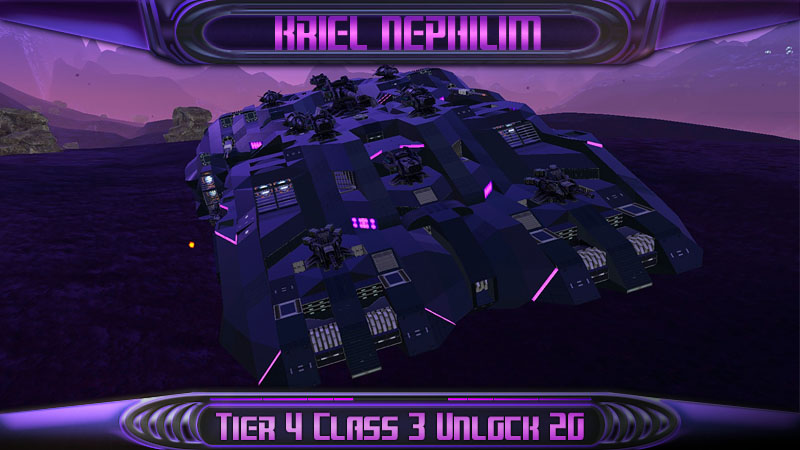
(HV CPU Tier 4, Class 3, Unlock Level 20, Version 1.x)g (Designed for Vanilla Game play)
Roles: Heavy Combat Tank, Survival, Transport, Mining, Salvage, Storage, Shield, Drone Hatch.
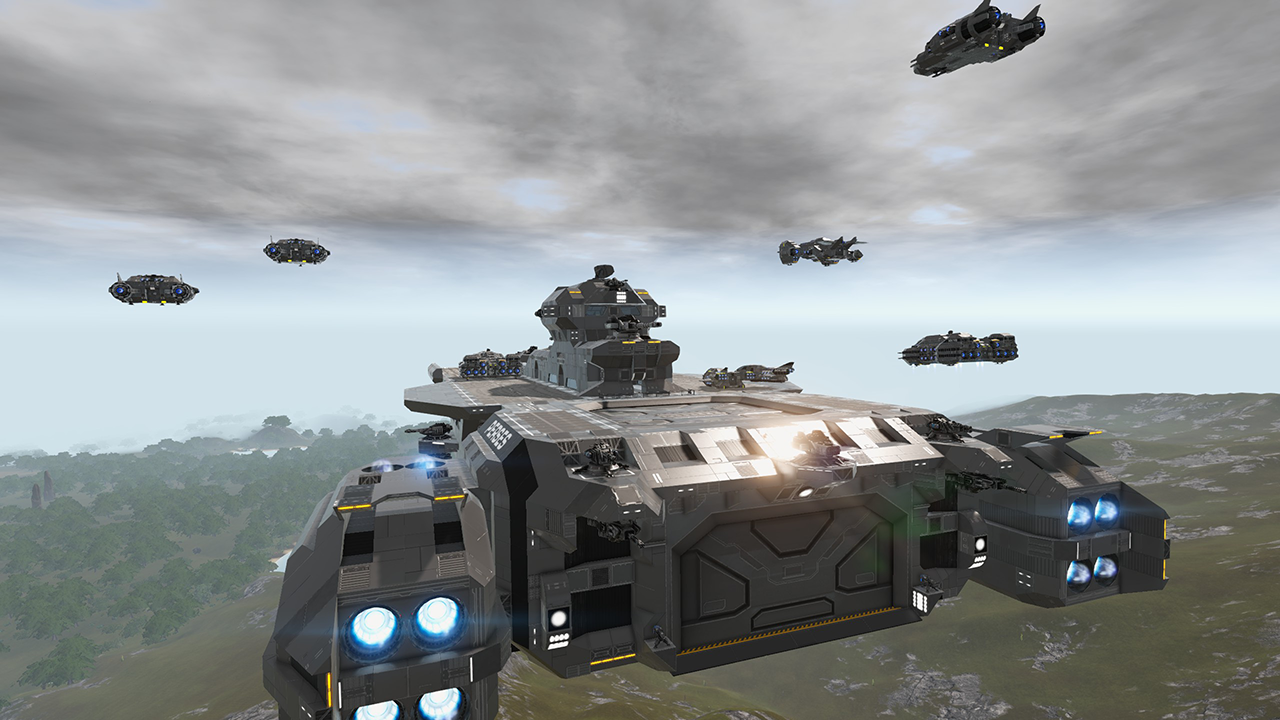
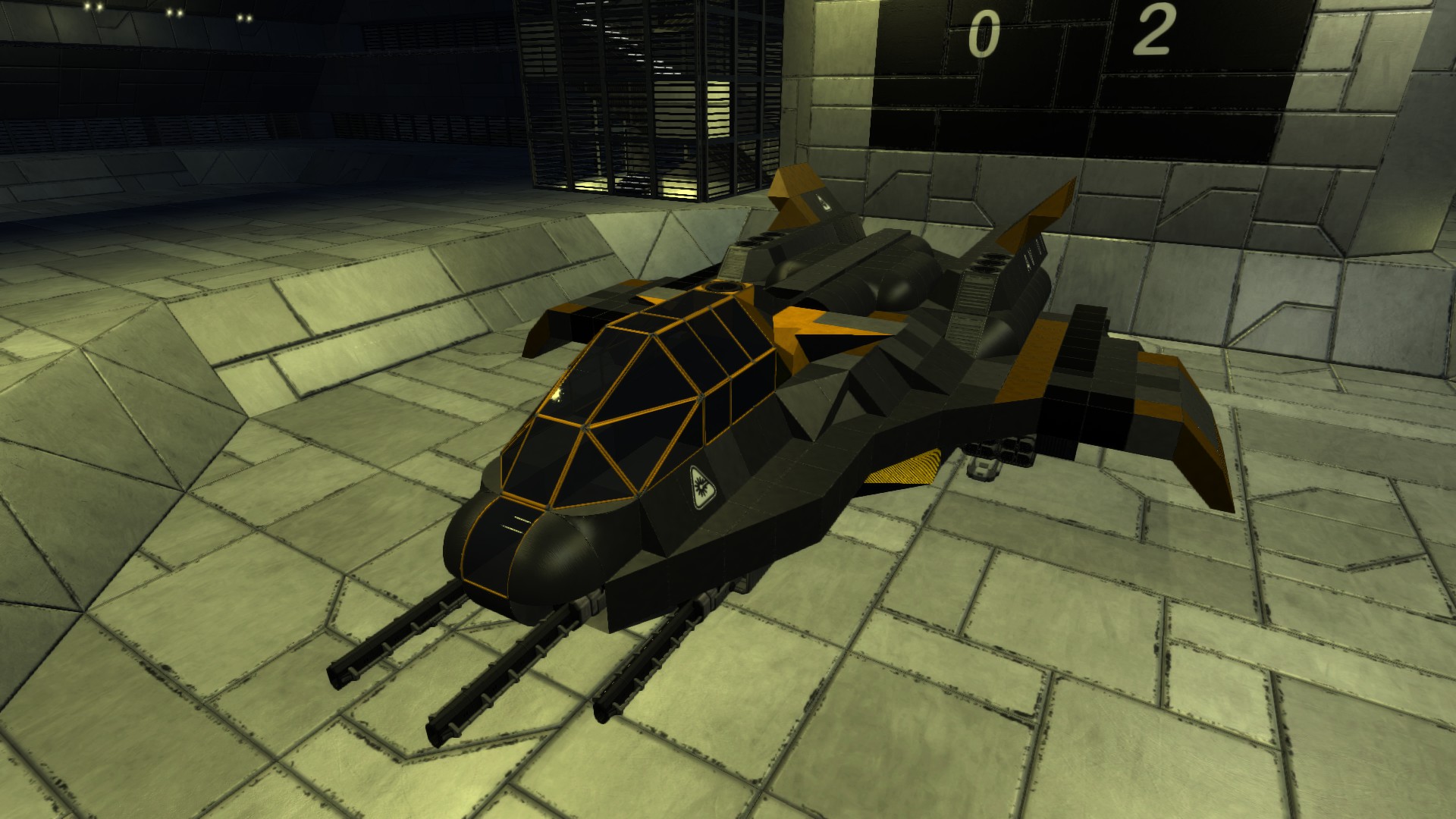
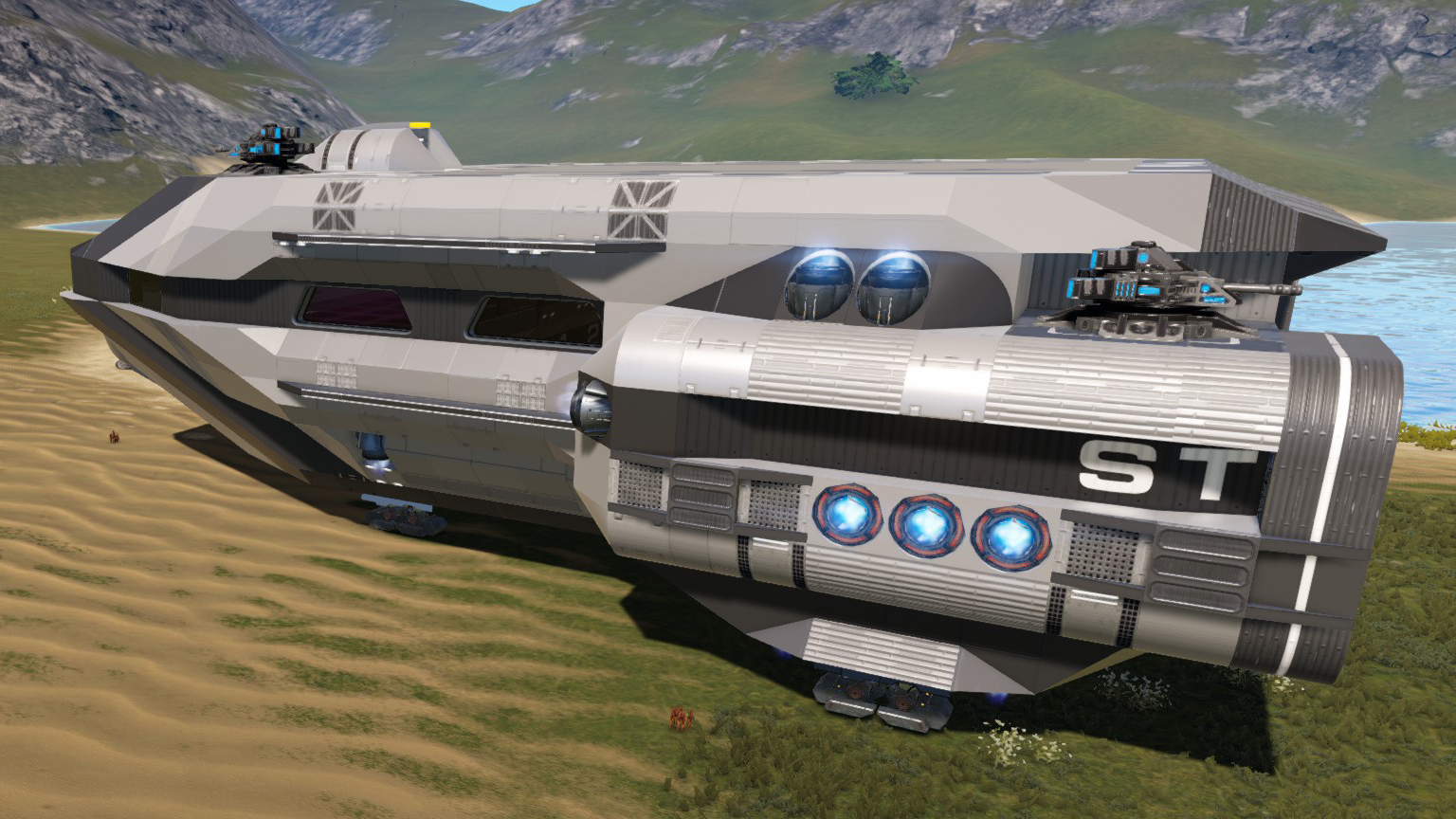
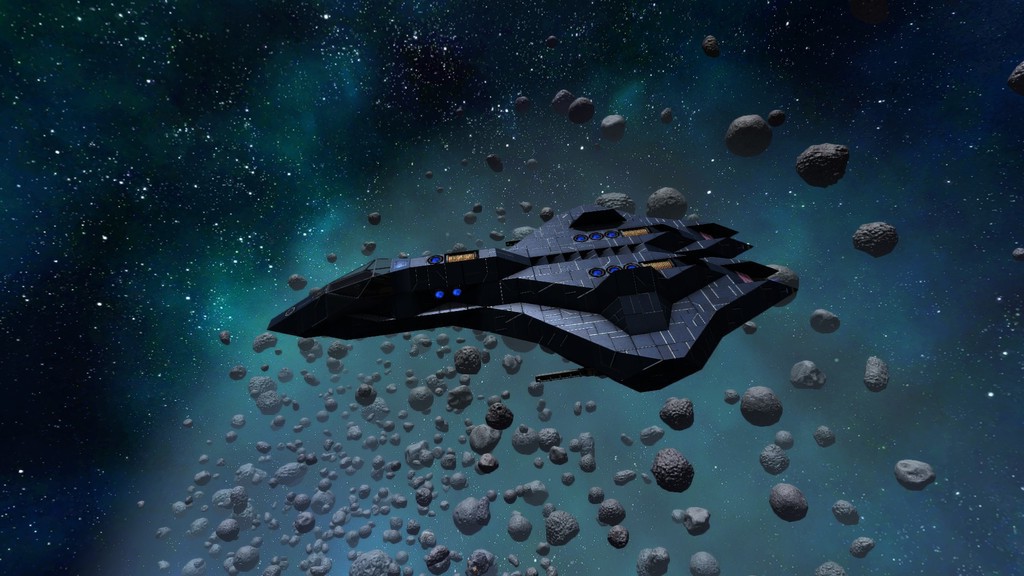
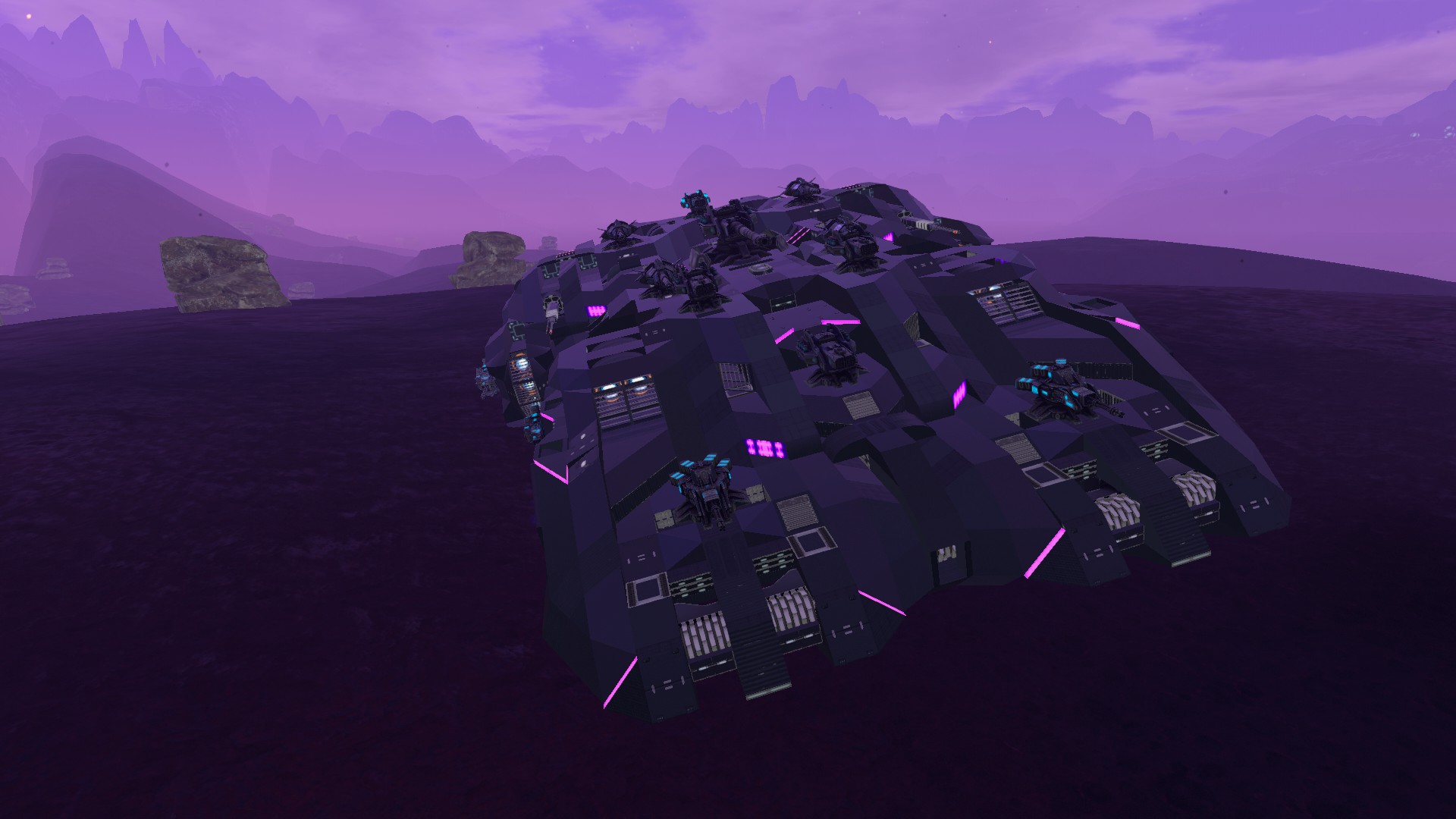
The Kriel-Nephilim is mid/late game heavy tank pushed to the limits in all things poi combat. Just stay away from trees!
Offense & Defense
The Nephilim is equipped with multiple layers of combat steel from all sides and 15 layers on the front end. The weapon array is maxed out for Vanilla game play. Interior Cockpit only.
Note: The Shield can be switched out for fixed weapons when tackling pois where a shield is useless.
Features
Max CPU, Size class 3, Unlock 20, Vanilla. -Heavily armored and armed -decent mobility -16K Harvest -10K Ammo -Wifi, Fridge, Constructor -Shield and P-tank -Salvage Turret -Drill turret -5 passenger seats
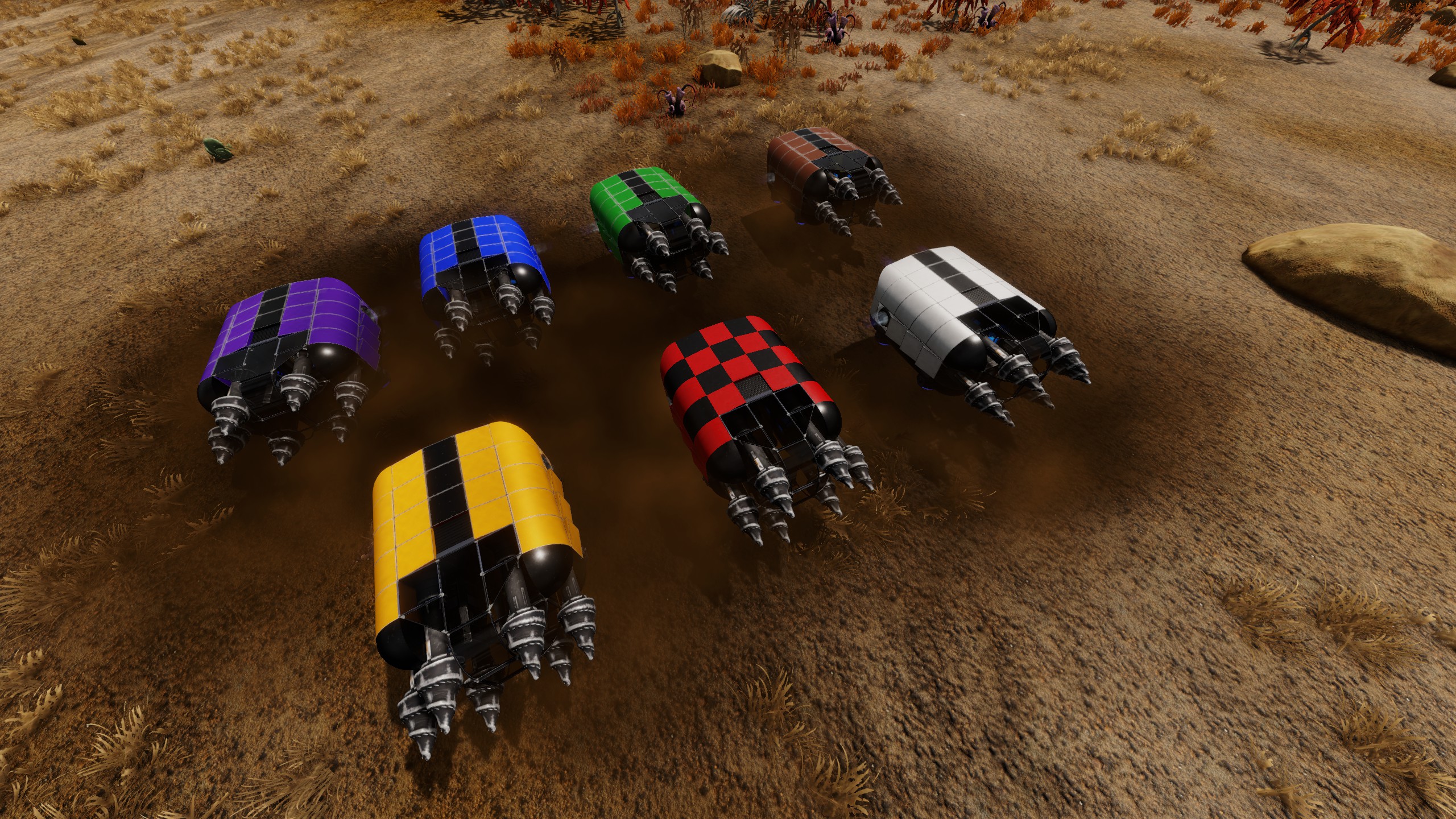
Alternate Color Schemes:
How to change your Color Scheme
1. Highlight one of the color scheme codes below and copy using CTRL C 2. In the game with the color tool selected (color menu open), click on the custom button. 3. Replace or create a new palette (recommended to create new) 4. Click on the paste button to replace all the colors in the palette, then click OK to save the palette. 5. Get very close to the Kriel creation you would like to re-color, with the color tool, select the palette you just copied and then click apply. This should apply the new colors to the creation. 6. In case you don't like the new colors or want to switch back, repeat the same process with the default color set also listed below.
All Of Jrandall's Kriel designs are compatible with these schemes.
Kriel-Default |0#0#0#0#0|1#0#220#220#166|2#0#220#0#0|3#0#220#166#233|4#0#0#63#220|5#0#0#220#220|6#0#0#220#153|7#0#187#135#90|0#1#220#220#220|1#1#126#129#191|2#1#58#60#88|3#1#35#30#54|4#1#33#29#46|5#1#26#25#36|6#1#118#42#221|7#1#103#36#192|0#2#170#170#170|1#2#220#170#2|2#2#3#4#4|3#2#171#32#161|4#2#0#15#100|5#2#57#114#215|6#2#74#90#122|7#2#62#44#33|0#3#110#110#110|1#3#16#18#18|2#3#31#42#44|3#3#57#66#78|4#3#35#46#50|5#3#52#54#71|6#3#52#54#76|7#3#53#55#81
Kriel-Hellfire |0#0#0#0#0|1#0#220#220#166|2#0#220#0#0|3#0#220#166#233|4#0#0#63#220|5#0#0#220#220|6#0#0#220#153|7#0#187#135#90|0#1#220#220#220|1#1#220#212#0|2#1#54#59#52|3#1#59#49#52|4#1#39#10#16|5#1#34#21#21|6#1#145#65#3|7#1#141#52#11|0#2#170#170#170|1#2#220#170#2|2#2#28#4#3|3#2#171#32#161|4#2#0#15#100|5#2#57#114#215|6#2#34#23#23|7#2#34#22#22|0#3#110#110#110|1#3#64#61#61|2#3#37#42#44|3#3#59#58#54|4#3#39#40#34|5#3#38#25#25|6#3#44#29#29|7#3#48#32#32
KrielGreen |0#0#0#0#0|1#0#220#220#166|2#0#220#0#0|3#0#220#166#233|4#0#0#64#220|5#0#0#220#220|6#0#0#220#153|7#0#187#135#90|0#1#220#220#220|1#1#220#212#0|2#1#64#97#86|3#1#62#95#64|4#1#44#68#53|5#1#75#99#74|6#1#97#200#34|7#1#79#163#28|0#2#170#170#170|1#2#220#170#3|2#2#176#34#58|3#2#171#32#161|4#2#0#15#100|5#2#67#77#49|6#2#52#69#53|7#2#66#69#53|0#3#110#110#110|1#3#62#82#67|2#3#31#50#44|3#3#65#84#80|4#3#30#41#29|5#3#50#65#46|6#3#47#76#60|7#3#46#81#59
Cyber-Gray |0#0#0#0#0|1#0#220#220#166|2#0#220#0#0|3#0#220#166#233|4#0#0#64#220|5#0#0#220#220|6#0#0#220#153|7#0#187#135#90|0#1#220#220#220|1#1#220#212#0|2#1#79#92#97|3#1#151#151#151|4#1#46#58#66|5#1#152#152#152|6#1#43#221#213|7#1#0#192#200|0#2#170#170#170|1#2#220#170#3|2#2#176#34#58|3#2#171#32#161|4#2#0#15#100|5#2#131#131#131|6#2#35#57#56|7#2#62#62#62|0#3#110#110#110|1#3#58#67#77|2#3#31#42#44|3#3#78#78#78|4#3#46#49#50|5#3#107#111#111|6#3#82#82#85|7#3#74#79#81
-ARC-By:HeckenDiver |0#0#0#0#0|1#0#220#220#166|2#0#220#0#0|3#0#220#166#233|4#0#0#64#220|5#0#0#220#220|6#0#0#220#153|7#0#187#135#90|0#1#220#220#220|1#1#220#212#0|2#1#86#94#97|3#1#174#174#174|4#1#46#58#66|5#1#215#215#215|6#1#43#221#213|7#1#206#111#0|0#2#170#170#170|1#2#220#170#3|2#2#206#111#0|3#2#171#32#161|4#2#0#15#100|5#2#215#215#215|6#2#39#57#56|7#2#62#62#62|0#3#110#110#110|1#3#58#67#77|2#3#29#31#32|3#3#64#64#64|4#3#3#3#3|5#3#208#208#208|6#3#229#229#237|7#3#226#226#226
Enjoy!
Highlights
From source dataFootprint
Rated a light load on a server.
Last update
Its author last shipped an update 6 yr ago.
Kriel-Nephilim on Nxeon
From our catalogue- One-click install
- Supported on Nxeon Empyrion: Galactic Survival servers. We download it from Steam Workshop, place it, and restart the server.
- Server load
- light
- Smallest plan we suggest
- Empyrion — 8 GB (8 GB RAM). This follows our own load rating above, not a benchmark.
- Latest build
- 2020-12-23, released 2020-12-23
Game versions by loader
| Loader | Game versions | Newest |
|---|---|---|
| Workshop |
From 1 recorded build of Kriel-Nephilim.
Run Kriel-Nephilim on a Empyrion: Galactic Survival server
Pick a server or deploy a new one above; it is installed in one click.
What kind of mod it is
From the catalogVehicles & ships
Cars, boats, aircraft, ships and other things to drive or fly.
Compatibility
- Game
- Empyrion: Galactic Survival
Verified at the source
- ✓Steam WorkshopOfficial listing, checked 2026-11-01Open ↗
- ✓AuthorDarth Zaphod, as published on Steam Workshop
- ✓LicenseNot published by the sourceFree