About [LF] Astral Drake
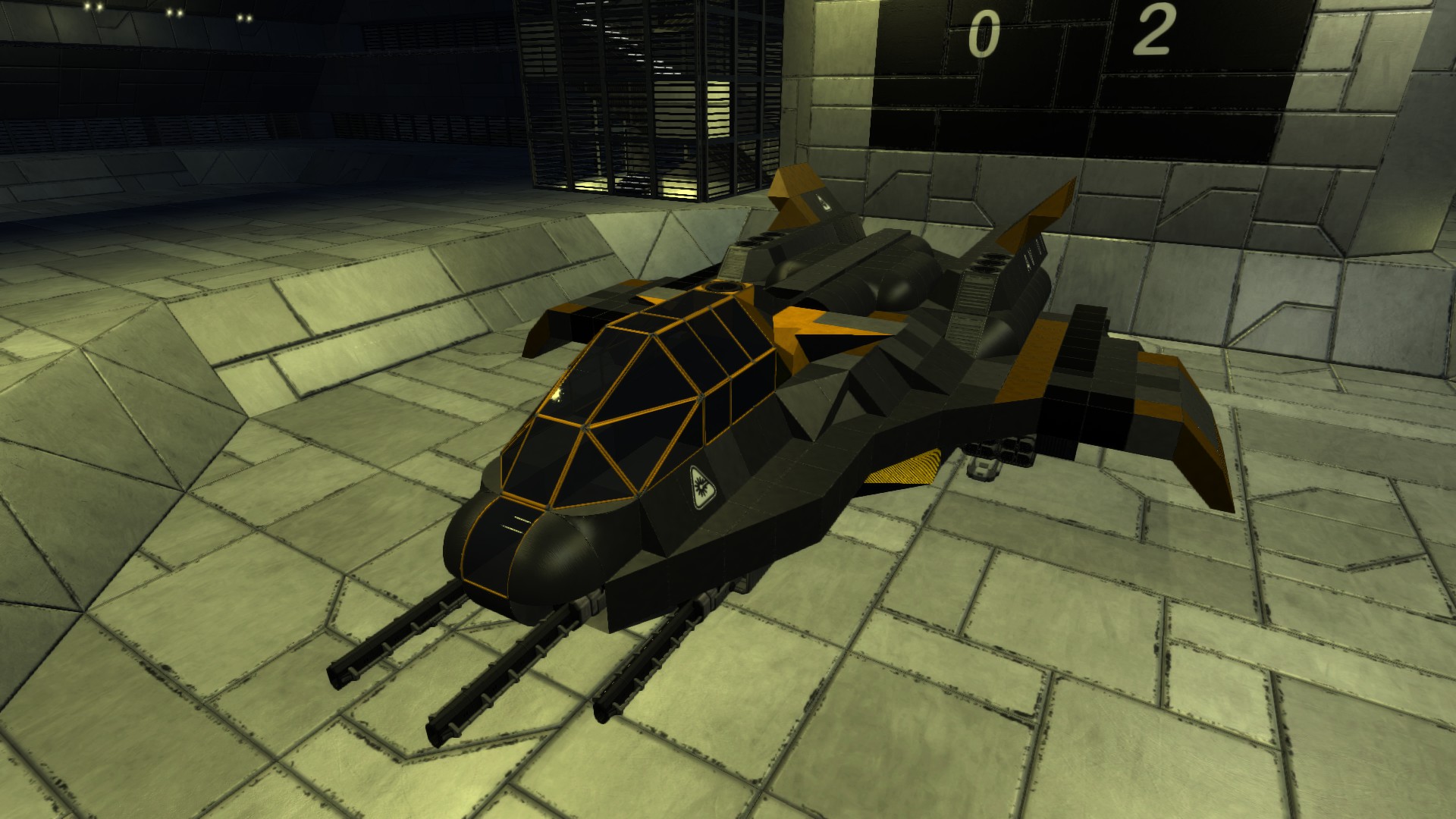
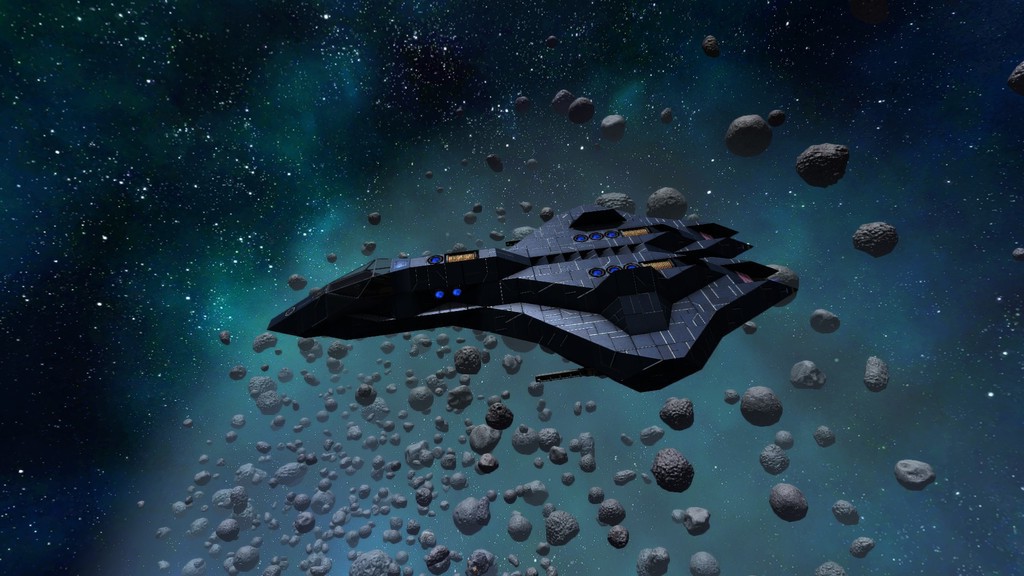
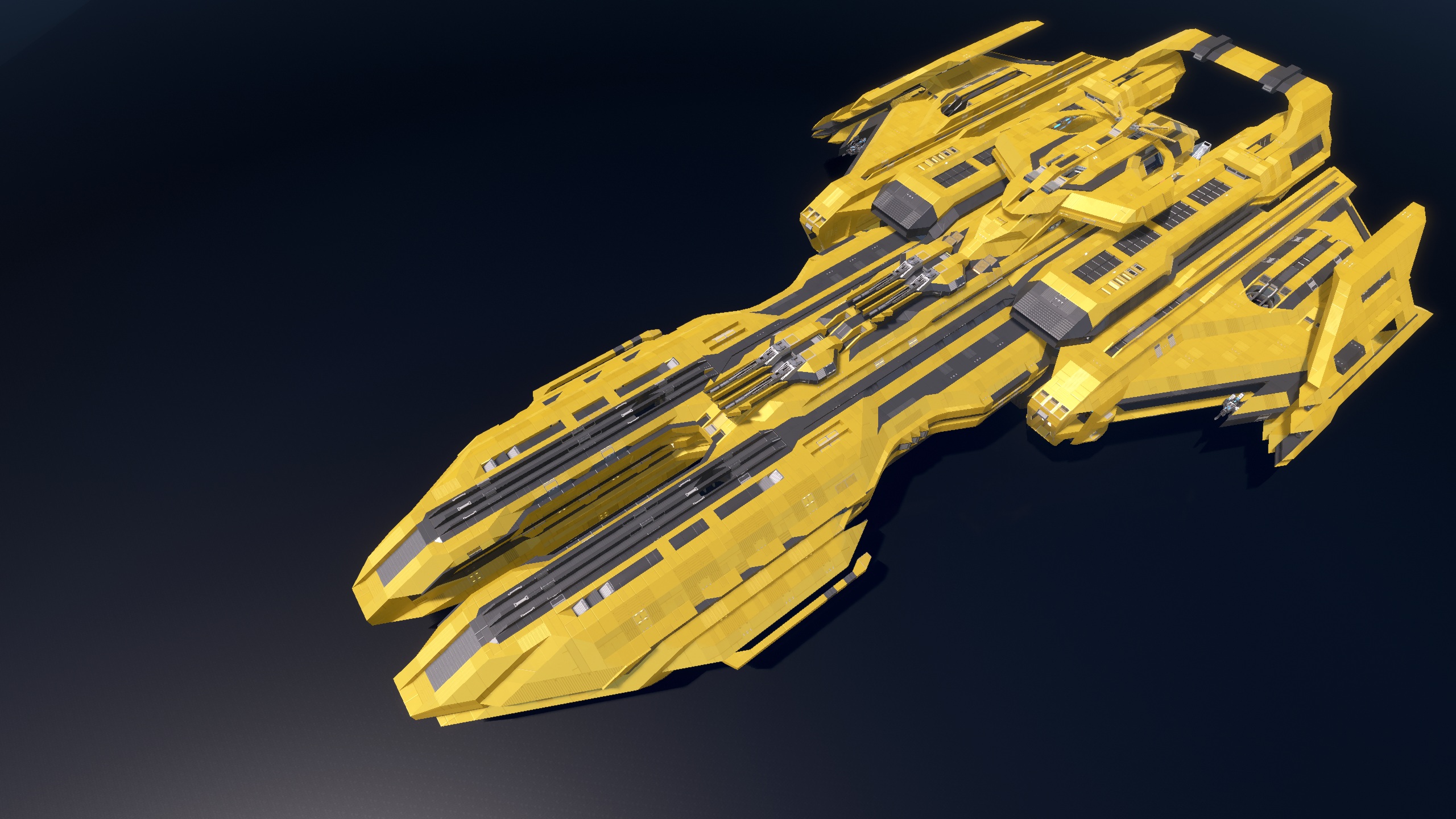
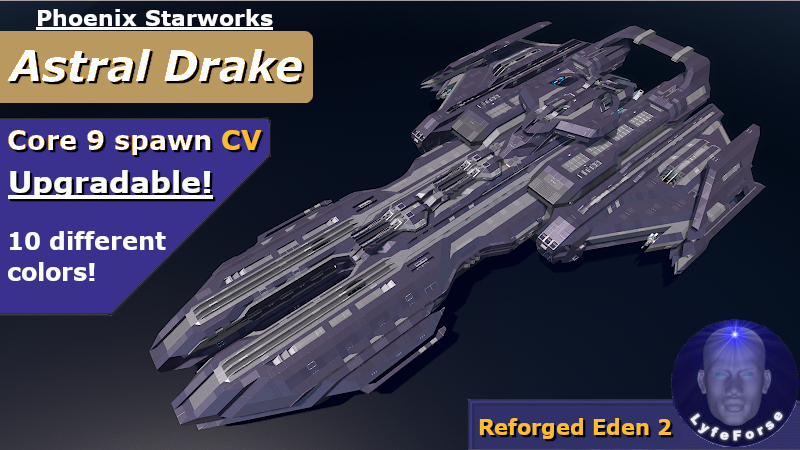
From Steam WorkshopThe Astral Drake is a highly upgradable battlecruiser. The build spawns in lightly armed and equipped, though once upgraded it turns into a bastion of both offense and defense. The Phoenix Starworks…
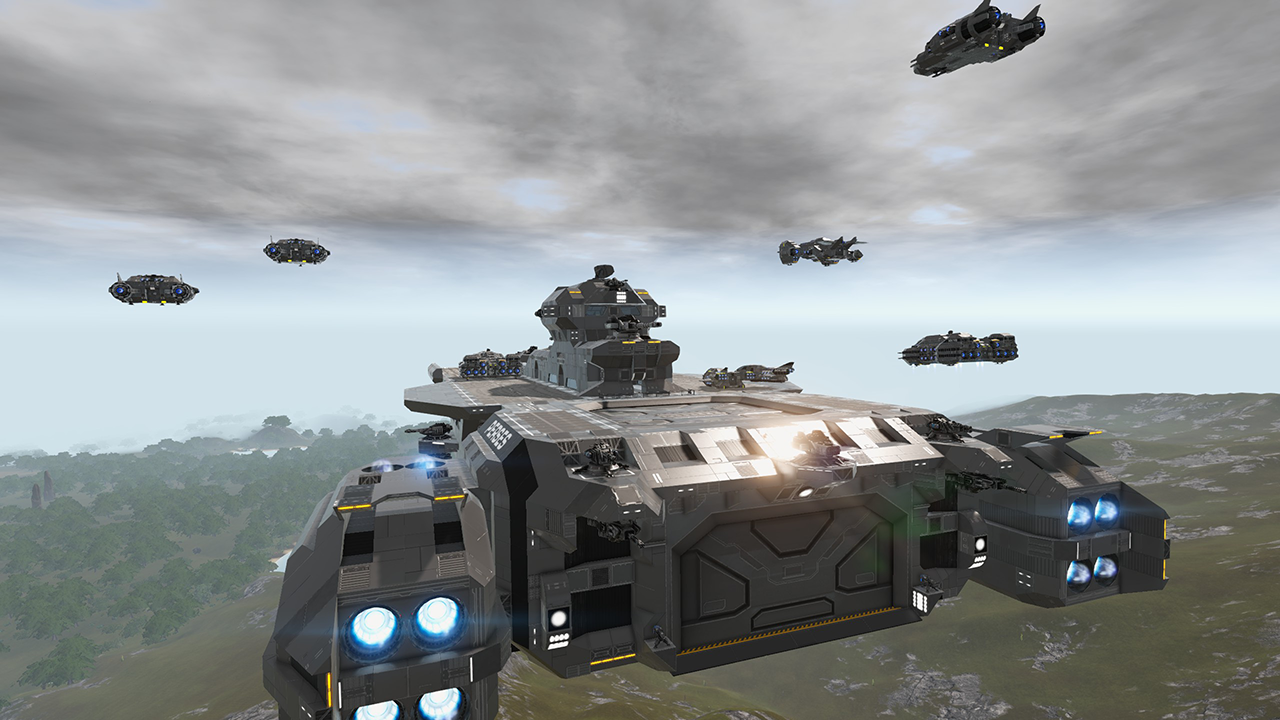
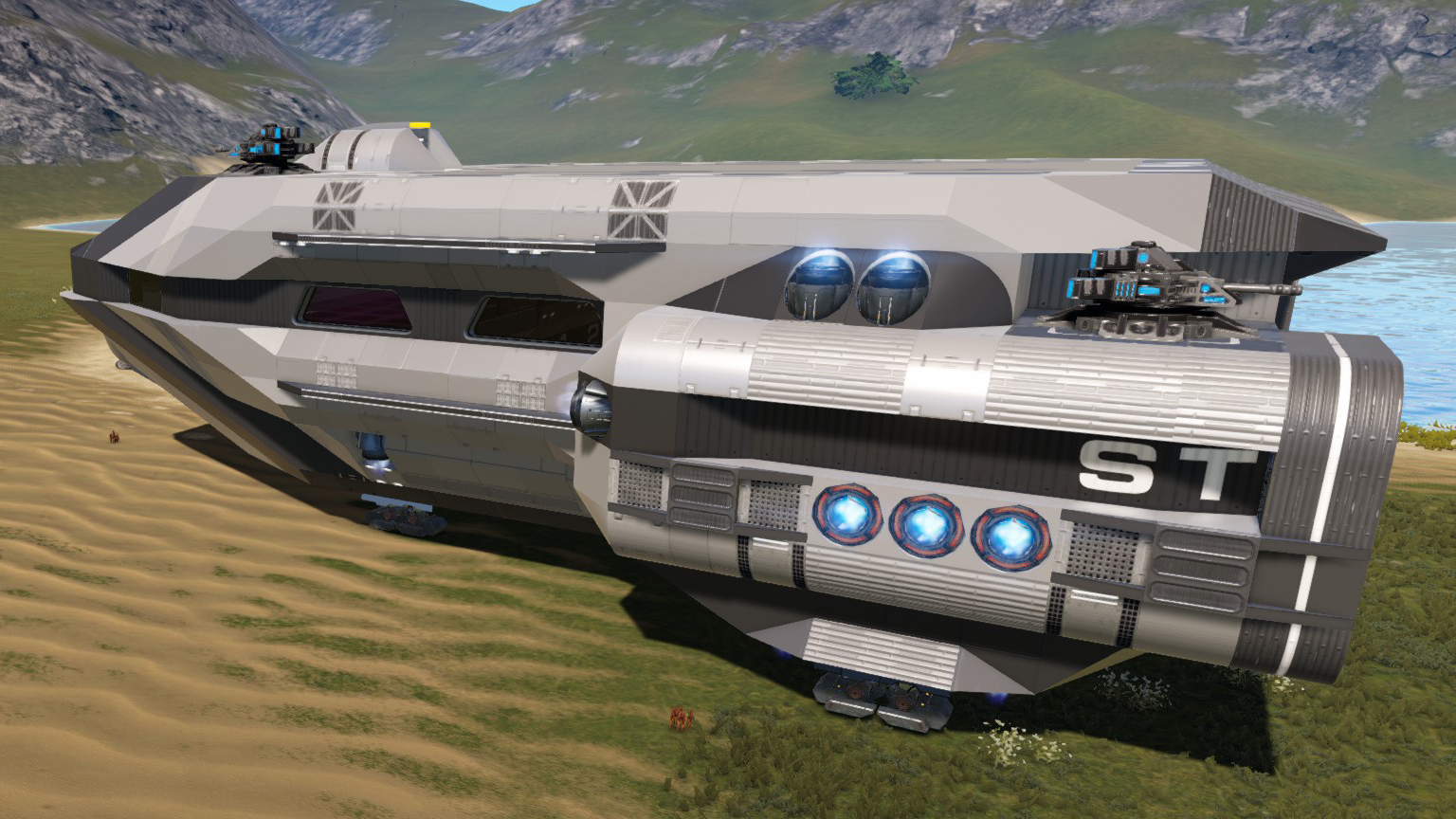
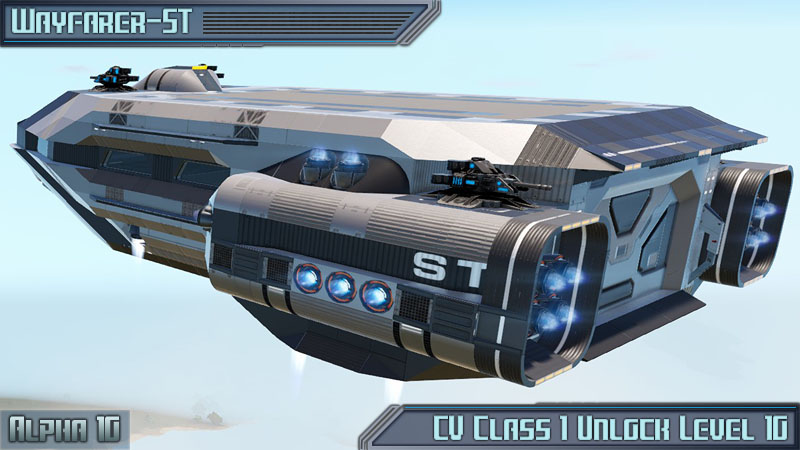
The Astral Drake is a highly upgradable battlecruiser. The build spawns in lightly armed and equipped, though once upgraded it turns into a bastion of both offense and defense.
The Phoenix Starworks Astral Drake
Coming in at a core 9 for RE2, the build has potential to house CPU well past standard max core, and the internal compartment space to accomodate a wide range of devices.
Hello kindred Empyrion spirits!
[i]Let me start with a request; please respect blueprint authors. Often it takes months to finesse a build, and to have it ripped and reuploaded without permission or even so much as credit, can be discouraging, often pushing such authors away from the community.
I personally don't mind critical feedback, and constructive criticism, as it will serve me to better my builds. However, If you enjoy my content, and there is much more to come, respect my (and others) authorship of these massive timesinks. Thank You.[/i]
To see this and other builds come to life, check me out at https://www.twitch.tv/lyfeforse
To learn how to upgrade the Astral Drake, and track future content, follow me at https://www.youtube.com/watch?v=AL7JdjB5iR4
Astral Drake features a number of LCDs from myself and also the legendary [h1]Sulusdacor[/h1]
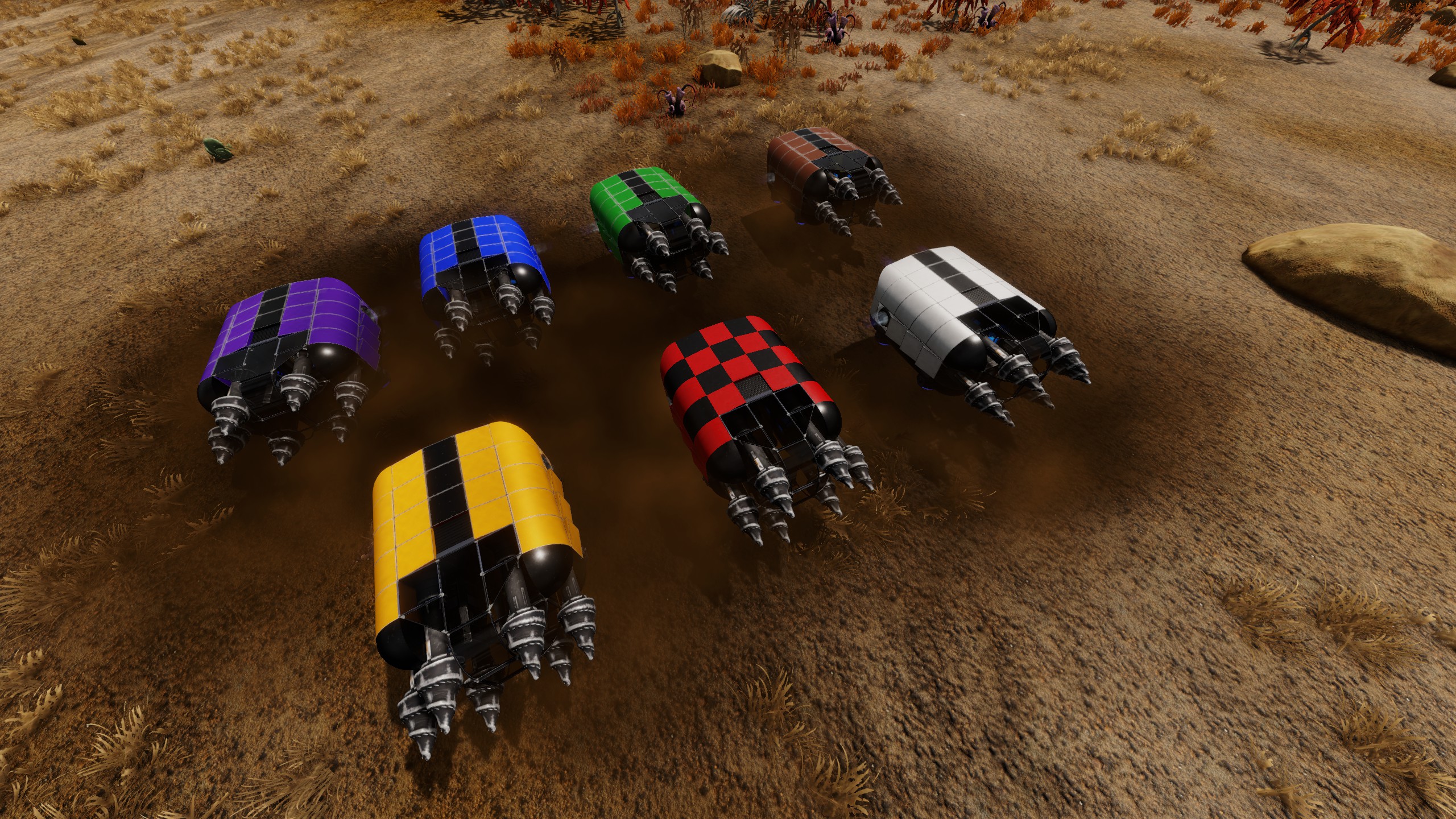
HOW TO CHANGE THE COLOR SCHEME
1. First copy the desired color code found either here, or inside the Sarissa's compartment with control C. 2. While looking at the ship with color/texture tool out, right click to open texture palette, then click configure. 3. Your green selection box should be over the top left color. If not, left click it to select. 4. Now while holding down shift, left click the bottom right color box, then in the left UI box, hit paste. 5. Once done, your new palette should apply, but to lock it in you have to hit OK under the color palette box.
Color code for Royal Purple and light grey:
|0#0#0#0#0|1#0#255#255#255|2#0#220#0#0|3#0#213#122#94|4#0#170#170#170|5#0#138#228#255|6#0#167#164#144|7#0#187#135#90|0#1#220#220#220|1#1#194#236#255|2#1#170#5#5|3#1#89#89#89|4#1#26#50#89|5#1#58#166#215|6#1#62#58#71|7#1#123#73#46|0#2#62#58#71|1#2#220#170#3|2#2#255#184#123|3#2#61#61#61|4#2#62#58#71|5#2#57#115#215|6#2#38#31#54|7#2#68#20#20|0#3#110#110#110|1#3#75#75#75|2#3#102#0#0|3#3#96#80#67|4#3#38#38#38|5#3#0#0#0|6#3#50#47#83|7#3#10#10#10
Crimson and Charcoal:
|0#0#0#0#0|1#0#255#255#255|2#0#220#0#0|3#0#213#122#94|4#0#170#170#170|5#0#138#228#255|6#0#167#164#144|7#0#187#135#90|0#1#220#220#220|1#1#194#236#255|2#1#170#5#5|3#1#89#89#89|4#1#26#50#89|5#1#58#166#215|6#1#62#58#71|7#1#123#73#46|0#2#68#20#20|1#2#220#170#3|2#2#255#184#123|3#2#61#61#61|4#2#68#20#20|5#2#57#115#215|6#2#38#31#54|7#2#68#20#20|0#3#38#38#38|1#3#75#75#75|2#3#102#0#0|3#3#96#80#67|4#3#38#38#38|5#3#0#0#0|6#3#50#47#83|7#3#10#10#10
Bumblebee:
|0#0#0#0#0|1#0#255#255#255|2#0#220#0#0|3#0#213#122#94|4#0#170#170#170|5#0#138#228#255|6#0#167#164#144|7#0#187#135#90|0#1#220#220#220|1#1#194#236#255|2#1#170#5#5|3#1#61#61#61|4#1#26#50#89|5#1#58#166#215|6#1#62#58#71|7#1#123#73#46|0#2#176#146#44|1#2#220#170#3|2#2#255#184#123|3#2#61#61#61|4#2#176#146#44|5#2#57#115#215|6#2#38#31#54|7#2#68#20#20|0#3#61#61#61|1#3#75#75#75|2#3#102#0#0|3#3#96#80#67|4#3#38#38#38|5#3#0#0#0|6#3#50#47#83|7#3#10#10#10
Monty Green:
|0#0#0#0#0|1#0#255#255#255|2#0#220#0#0|3#0#213#122#94|4#0#170#170#170|5#0#138#228#255|6#0#167#164#144|7#0#187#135#90|0#1#220#220#220|1#1#194#236#255|2#1#170#5#5|3#1#61#61#61|4#1#26#50#89|5#1#58#166#215|6#1#62#58#71|7#1#123#73#46|0#2#75#141#37|1#2#220#170#3|2#2#255#184#123|3#2#61#61#61|4#2#75#141#37|5#2#57#115#215|6#2#38#31#54|7#2#68#20#20|0#3#61#61#61|1#3#75#75#75|2#3#102#0#0|3#3#96#80#67|4#3#38#38#38|5#3#0#0#0|6#3#50#47#83|7#3#10#10#10
Fuschia Dream:
|0#0#0#0#0|1#0#255#255#255|2#0#220#0#0|3#0#213#122#94|4#0#170#170#170|5#0#138#228#255|6#0#167#164#144|7#0#187#135#90|0#1#220#220#220|1#1#194#236#255|2#1#170#5#5|3#1#61#61#61|4#1#26#50#89|5#1#58#166#215|6#1#62#58#71|7#1#123#73#46|0#2#130#59#109|1#2#220#170#3|2#2#255#184#123|3#2#61#61#61|4#2#130#59#109|5#2#57#115#215|6#2#38#31#54|7#2#68#20#20|0#3#61#61#61|1#3#75#75#75|2#3#102#0#0|3#3#96#80#67|4#3#38#38#38|5#3#0#0#0|6#3#50#47#83|7#3#10#10#10
Blue Thunder:
|0#0#0#0#0|1#0#255#255#255|2#0#220#0#0|3#0#213#122#94|4#0#170#170#170|5#0#138#228#255|6#0#167#164#144|7#0#187#135#90|0#1#220#220#220|1#1#194#236#255|2#1#170#5#5|3#1#61#61#61|4#1#26#50#89|5#1#58#166#215|6#1#62#58#71|7#1#123#73#46|0#2#26#50#89|1#2#220#170#3|2#2#255#184#123|3#2#61#61#61|4#2#26#50#89|5#2#57#115#215|6#2#38#31#54|7#2#68#20#20|0#3#61#61#61|1#3#75#75#75|2#3#102#0#0|3#3#96#80#67|4#3#38#38#38|5#3#0#0#0|6#3#50#47#83|7#3#10#10#10
Military Green and Gray:
|0#0#0#0#0|1#0#255#255#255|2#0#220#0#0|3#0#213#122#94|4#0#170#170#170|5#0#138#228#255|6#0#167#164#144|7#0#187#135#90|0#1#220#220#220|1#1#194#236#255|2#1#170#5#5|3#1#89#89#89|4#1#26#50#89|5#1#58#166#215|6#1#62#58#71|7#1#123#73#46|0#2#35#46#19|1#2#220#170#3|2#2#255#184#123|3#2#61#61#61|4#2#35#46#19|5#2#57#115#215|6#2#38#31#54|7#2#68#20#20|0#3#89#89#89|1#3#75#75#75|2#3#102#0#0|3#3#96#80#67|4#3#38#38#38|5#3#0#0#0|6#3#50#47#83|7#3#10#10#10
Sunset Orange:
|0#0#0#0#0|1#0#255#255#255|2#0#220#0#0|3#0#213#122#94|4#0#170#170#170|5#0#138#228#255|6#0#167#164#144|7#0#187#135#90|0#1#220#220#220|1#1#194#236#255|2#1#170#5#5|3#1#61#61#61|4#1#26#50#89|5#1#58#166#215|6#1#62#58#71|7#1#123#73#46|0#2#159#86#32|1#2#220#170#3|2#2#255#184#123|3#2#61#61#61|4#2#159#86#32|5#2#57#115#215|6#2#38#31#54|7#2#68#20#20|0#3#61#61#61|1#3#75#75#75|2#3#102#0#0|3#3#96#80#67|4#3#38#38#38|5#3#0#0#0|6#3#50#47#83|7#3#10#10#10
Black Knight:
Highlights
From source dataFootprint
Rated a light load on a server.
Last update
Its author last shipped an update 19 mo ago.
[LF] Astral Drake on Nxeon
From our catalogue- One-click install
- Supported on Nxeon Empyrion: Galactic Survival servers. We download it from Steam Workshop, place it, and restart the server.
- Server load
- light
- Smallest plan we suggest
- Empyrion — 8 GB (8 GB RAM). This follows our own load rating above, not a benchmark.
- Latest build
- 2025-03-31, released 2025-03-31
Game versions by loader
| Loader | Game versions | Newest |
|---|---|---|
| Workshop |
From 1 recorded build of [LF] Astral Drake.
Run [LF] Astral Drake on a Empyrion: Galactic Survival server
Pick a server or deploy a new one above; it is installed in one click.
What kind of mod it is
From the catalogBuilding & decoration
Blocks, furniture, decorations and building tools.
Compatibility
- Game
- Empyrion: Galactic Survival
Verified at the source
- ✓Steam WorkshopOfficial listing, checked 2026-11-01Open ↗
- ✓AuthorLyfeForse, as published on Steam Workshop
- ✓LicenseNot published by the sourceFree