About (RE2)WaterBase Core 3 Industrial Water Extractor Base
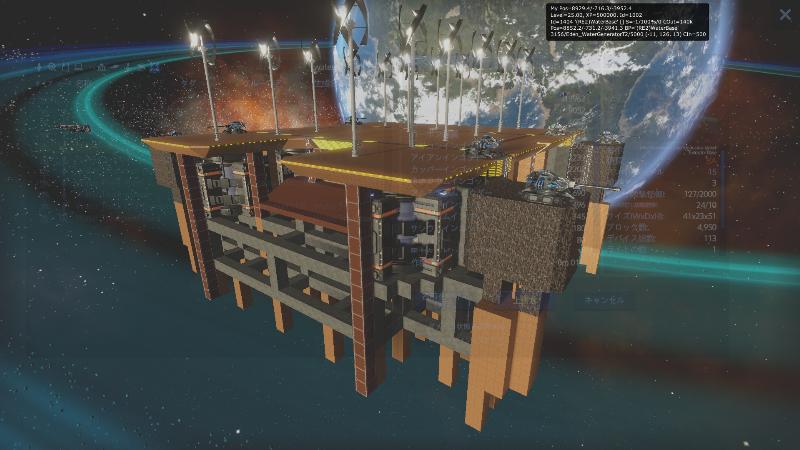
From Steam WorkshopA water base with x8 Industrial Water Extractors. After installation, activate the Industrial Water Extractors and Windmills. 工業用水抽出装置 x 8 を設置する水上基地。 設置後、工業用水抽出装置と風車を有効化してください。 It needs to be placed…
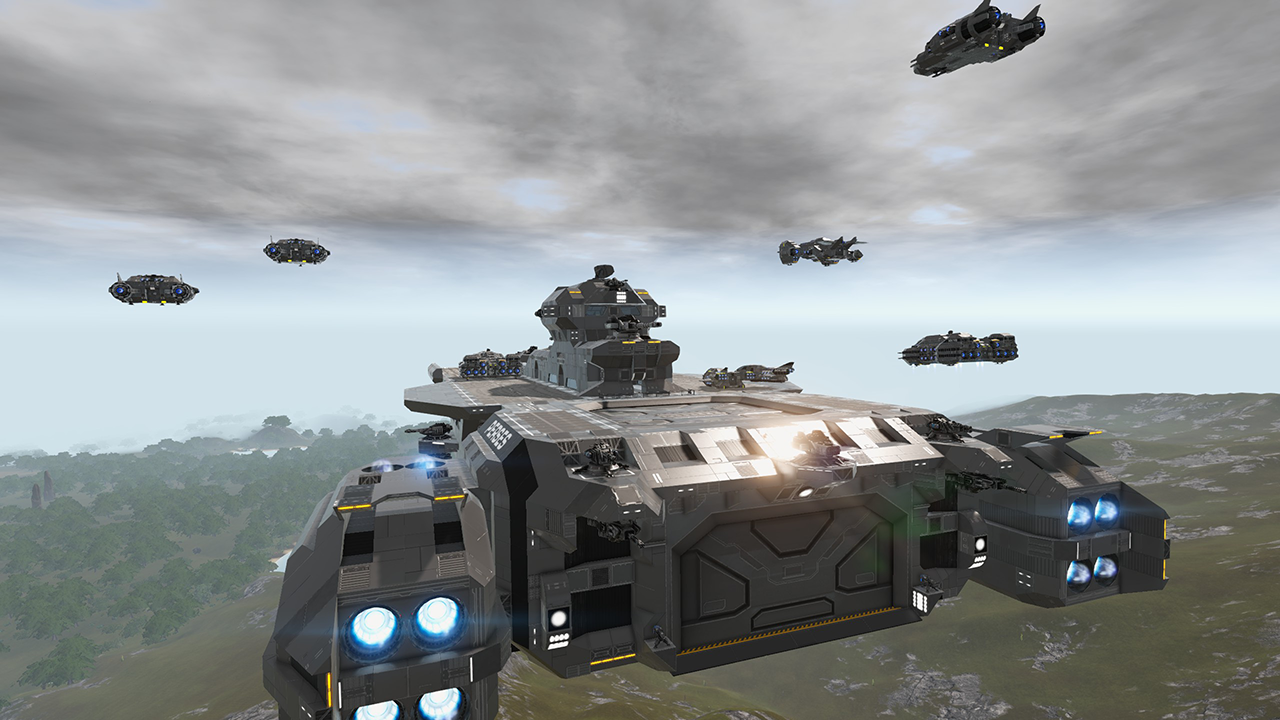
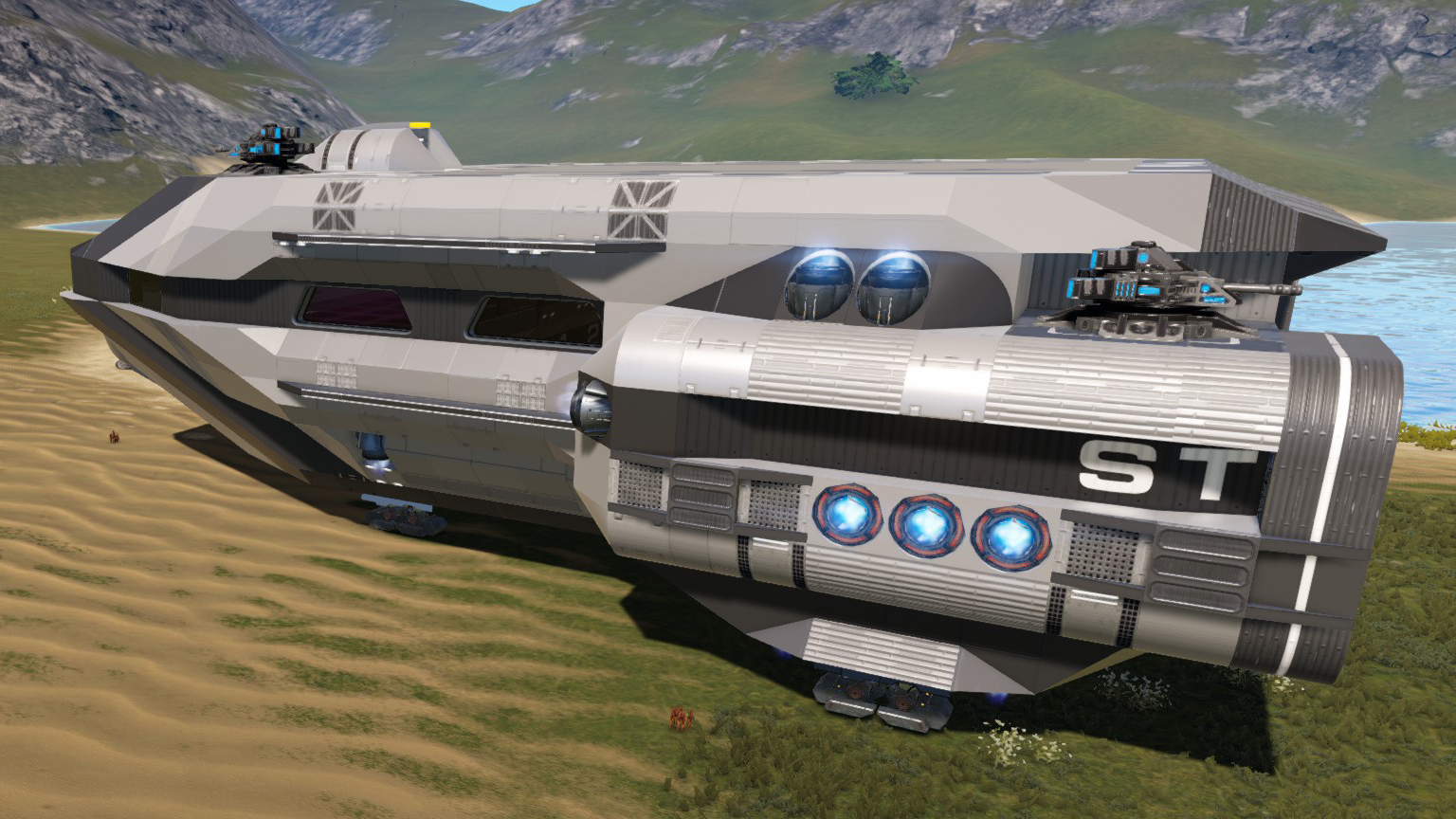
A water base with x8 Industrial Water Extractors. After installation, activate the Industrial Water Extractors and Windmills.
工業用水抽出装置 x 8 を設置する水上基地。 設置後、工業用水抽出装置と風車を有効化してください。
It needs to be placed in a "Lake" biome, but the procedure requires you to leave the lake biome for a while, so it would be difficult to place it in the middle of the lake, so a location just above the lake is best. The procedure is complicated, and there is a chance of failure if you try to place it for real, so we recommend practicing in advance and understanding the procedure before going for real.
「湖(Lake)」バイオームに設置する必要がありますが、手順で湖バイオームから一旦離れる必要があるため、湖のど真ん中だと大変なので、湖にかかったくらいの場所が良いです。 手順が複雑で、いきなり本番で設置しようとすると失敗する可能性がありますので、事前に練習して手順を把握しておいてから本番に望むことをおすすめします。
Prerequisites: * Industrial Water Extractor unlocked * Advanced Multitool (required for upgrade) * 8x Small Optronic Matrices ( for Upgrade Water Extractor)
前提条件: * 工業用水抽出装置(Industrial Water Extractor) がアンロックされていること * Advanced Multitool を持っていること(アップグレード手順で必要) * Small Optronic Matrix を 8 こ持っていること(水抽出装置のアップグレードに必要です)
1. Installation Steps: * Spawn this BA over a lake. * Access one of the Industrial Water Extractors and select "I already know what to do. Start the survey." * A list of tasks will appear on the right. From the Logistics (F4) menu, select the 20_Water-Hyro(In640k) with a 640k capacity BA and press the wireless button to connect to the container. * While connected, exit the lake biome and then re-enter it. * You'll hear the quest completion sound, and enter the 20_Water-Hyro(In640k) to which Eden_WaterSample is connected wirelessly. * Within two minutes, upgrade one of your Industrial Water Extractors with an Advanced Multitool. * Talk to the upgraded Industrial Water Extractor again and it will ask for a Small Optronics Matrix to initialize it (Initialize extractor for 1 Small Optronics Matrix). Give it to them. * You'll be asked to enter the lock code. If you don't need a lock, enter 0000. * You'll be asked whether you want to control it from a primary extractor or a science station. Select "Use a science station to control the network." * End the conversation with "Exit." * Select and talk to seven other industrial water extractors. They'll each require one Small Optronics Matrix to add to the water extraction network. (Add extractor to network for 1 Small Optronics Matrix.) Give them to them. * Add all seven to the network. When you reach 8/8, talk to the science station to add the eight water extractors to the network.
1. 設置手順: * 湖(Lake)にかかるように この BA をスポーンする * 工業用水抽出装置(Industrial Water Extractor) のどれか 1つにアクセスして、「I already know what to do. Start the survey.」 を選択 * 右側に することリストが表示される。 Logistics (F4) のメニューから BA の 640k の 容量を持つ 20_Water-Hyro(In640k) を選択し、 ワイヤレスマークのボタンを押して コンテナに接続する * 接続した状態のまま、 湖(Lake) バイオームからいったん外にでて、また 湖(Lake) バイオームに入る * すると、クエスト完了音がして、 Eden_WaterSample が ワイヤレス接続していた 20_Water-Hyro(In640k) の中に入る * 2分以内に、工業用水抽出装置(Industrial Water Extractor) のどれか 1つを Advanced Multitool でアップグレードする * アップグレードした 工業用水抽出装置 に再度話しかけると初期化に Small Optronics Matrix を 1つ必要と言われる(Initialize extractor for 1 Small Optronics Matrix.) ので渡す * ロックコードを要求されるので、入力する。ロックが不要なら 0000 を入力する * primary extractor か、 science station のどちらかから制御するかを問われるので、 「 Use a science station to control the network 」を選択する * 会話を Exit で終了させる * 別の7つの 工業用水抽出装置 を選択して話しかける。それぞれ水抽出ネットワークに追加するためにSmall Optronics Matrixが1つ必要といわれるので (Add extractor to network for 1 Small Optronics Matrix.)渡す * 7つをネットに追加させ、 8 / 8 となったら、 Science station に話しかけて、8 つの 水抽出装置 をネットワークに追加する
2. Add fuel: With 50 or more Promethium Hydrocells in your player inventory, select Fuel management → Add 50 Promethium Hydrocells from the Science Station menu to replenish your fuel. Repeat this process to replenish your fuel.
2. 燃料を追加: 「プレイヤーのインベントリ」に、Promethium Hydrocell を 50 以上持った状態で、Science Stationのメニューから Fuel management. → Add 50 Promethium Hydrocells を選択すると燃料が補充される これを繰り返して燃料を補充する
3. Select the type of resource to harvest: From the Science Station menu, select "Select resource type." and choose either "Water," "Oxygen," or "Hydrogen." Return to the menu, and if the "Current task:" field says "Active," extraction has begun.
3. 採取する資源の種類を選択: Science Stationのメニューから 資源の種類を選択 (Select resource type.) から 水( Water )、 酸素 ( Oxygen )、 水素 (Hydrogen) のいずれかを選択します メニューにもどって、 Current task: の欄が、 Active になっていれば抽出が開始されています
このBAを使った Industrial Water Extractor 設置の様子を動画にしています(日本語) Empyrion - Galactic Survival Reforged Eden 2, Industrial Water Extractor https://youtu.be/QM7qrl0ce6g
Thanks. よろしくお願いします。
Highlights
From source dataFootprint
Rated a light load on a server.
Last update
Its author last shipped an update 3 mo ago.
(RE2)WaterBase Core 3 Industrial Water Extractor Base on Nxeon
From our catalogue- One-click install
- Supported on Nxeon Empyrion: Galactic Survival servers. We download it from Steam Workshop, place it, and restart the server.
- Server load
- light
- Smallest plan we suggest
- Empyrion — 8 GB (8 GB RAM). This follows our own load rating above, not a benchmark.
- Latest build
- 2026-08-09, released 2026-08-09
Game versions by loader
| Loader | Game versions | Newest |
|---|---|---|
| Workshop |
From 1 recorded build of (RE2)WaterBase Core 3 Industrial Water Extractor Base.
Run (RE2)WaterBase Core 3 Industrial Water Extractor Base on a Empyrion: Galactic Survival server
Pick a server or deploy a new one above; it is installed in one click.
What kind of mod it is
From the catalogTechnology & automation
Machines, power, logistics and automation.
Compatibility
- Game
- Empyrion: Galactic Survival
Verified at the source
- ✓Steam WorkshopOfficial listing, checked 2026-10-17Open ↗
- ✓Authorsuito.venus, as published on Steam Workshop
- ✓LicenseNot published by the sourceFree