
About Skorpion Auger MK2C
From Steam Workshop==Alpha 10.6.0 experimental or later ONLY= Drill-Turret mining HV, Level 15, T2 CPU Good for Mass/Volume and CPU enabled games. Skoprion Auger Mark 2 Compact (replacing the old original model) 9,300…
==Alpha 10.6.0 experimental or later ONLY=
Drill-Turret mining HV, Level 15, T2 CPU Good for Mass/Volume and CPU enabled games.
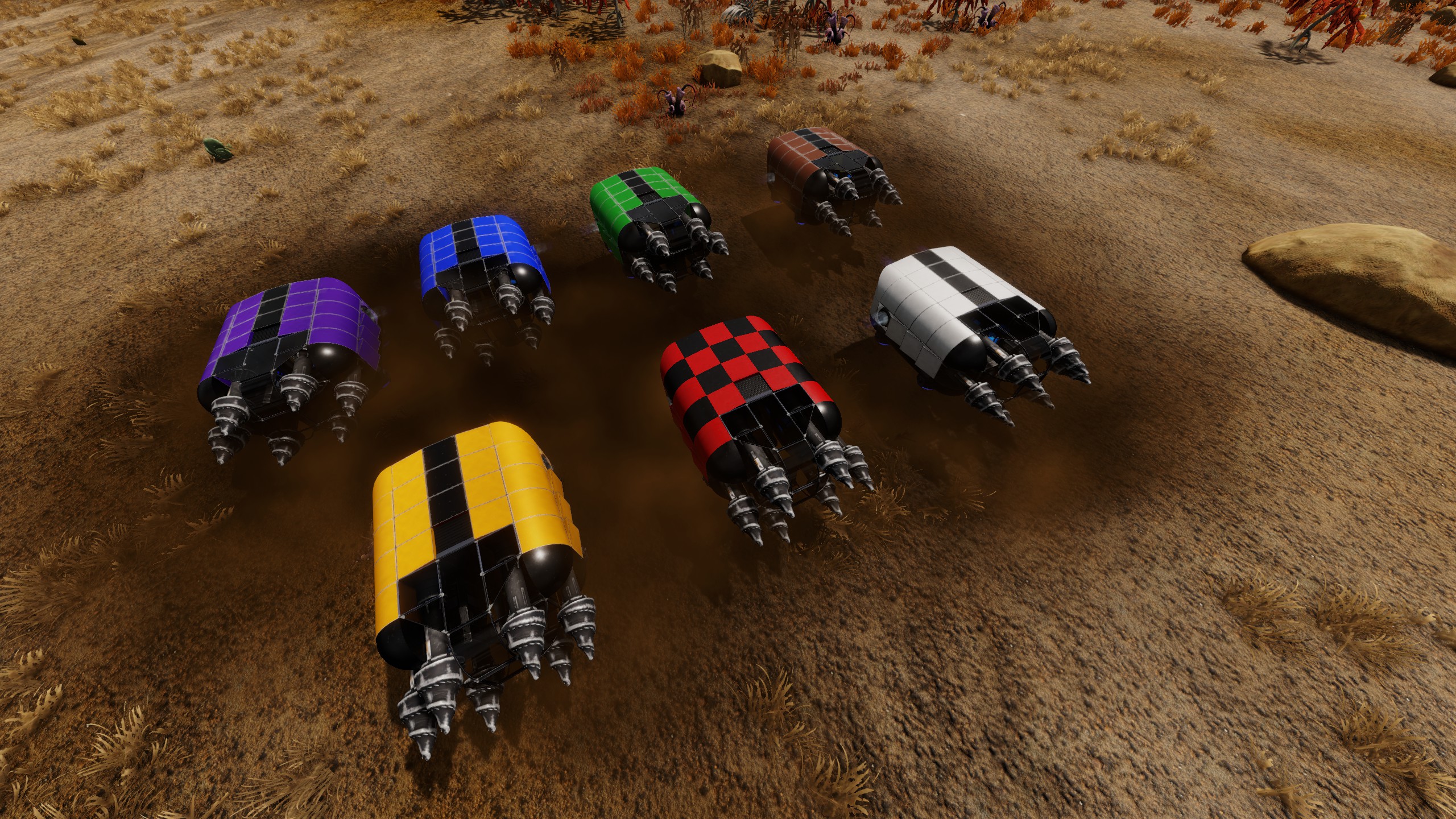
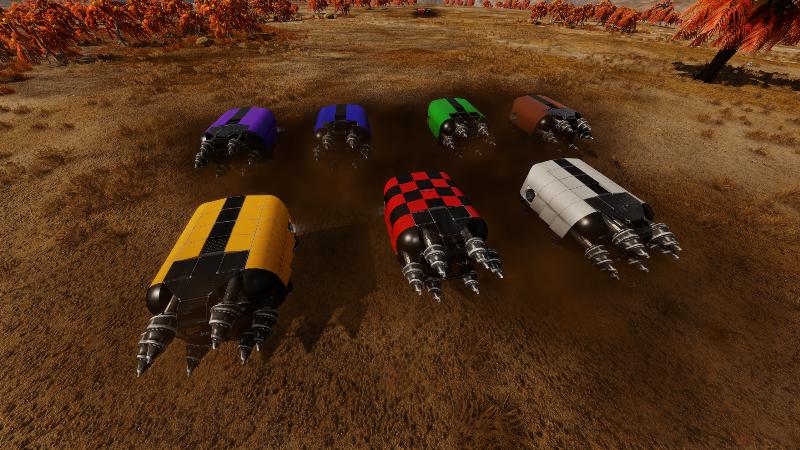
Skoprion Auger Mark 2 Compact (replacing the old original model)
9,300 SU / ~90ton Volume / Mass trasport capability (1G) 11,992 / 10,000 CPU / 98.5% efficiency [remove constructor to fall below 10k used if you want 100% efficiency - also, as you can see from the pic above showing CPU stats, the Device+Hull total is about half of the allocated/used CPU total - still a lot of stuff either getting counted twice or not showing on that list]
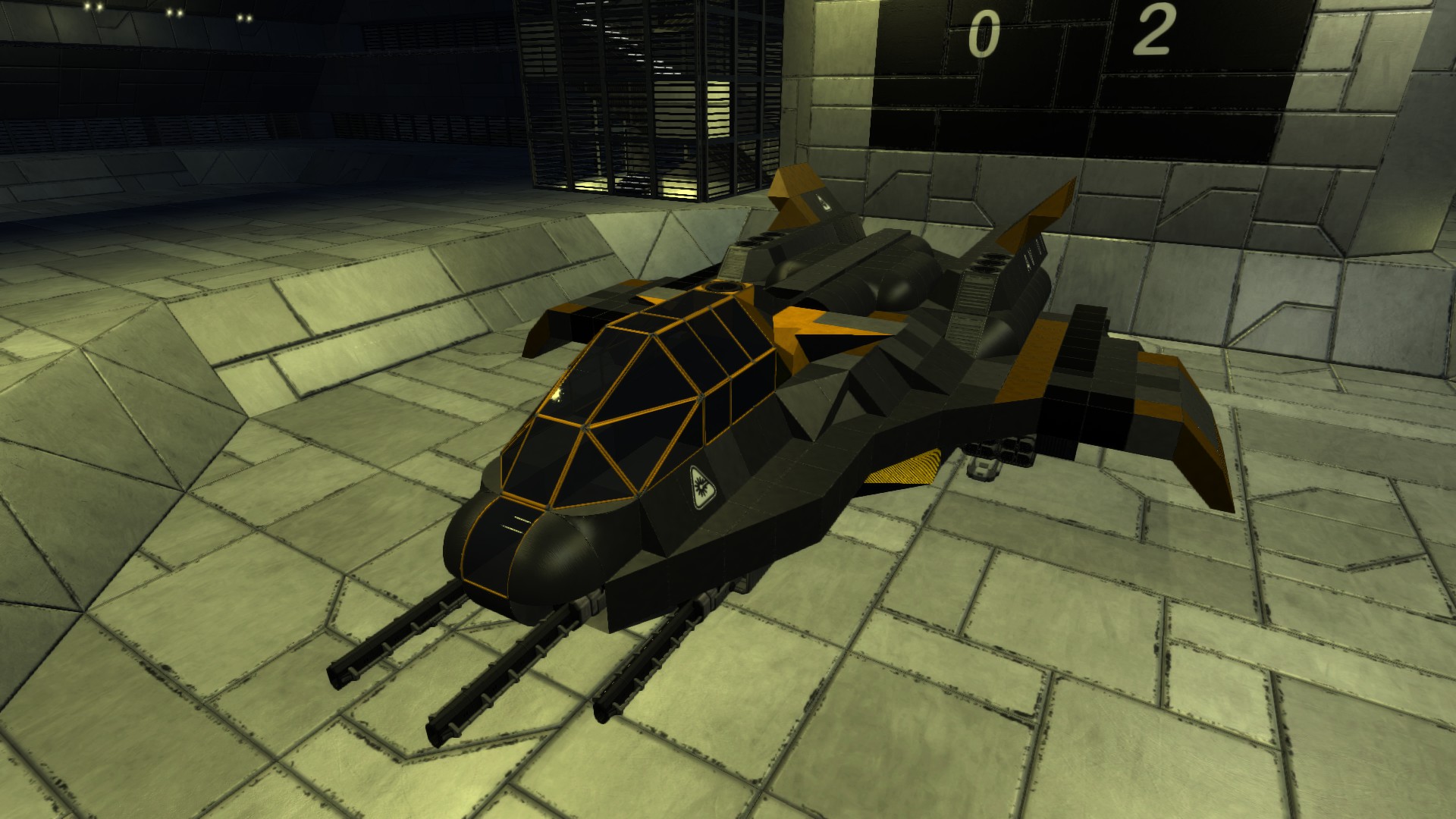
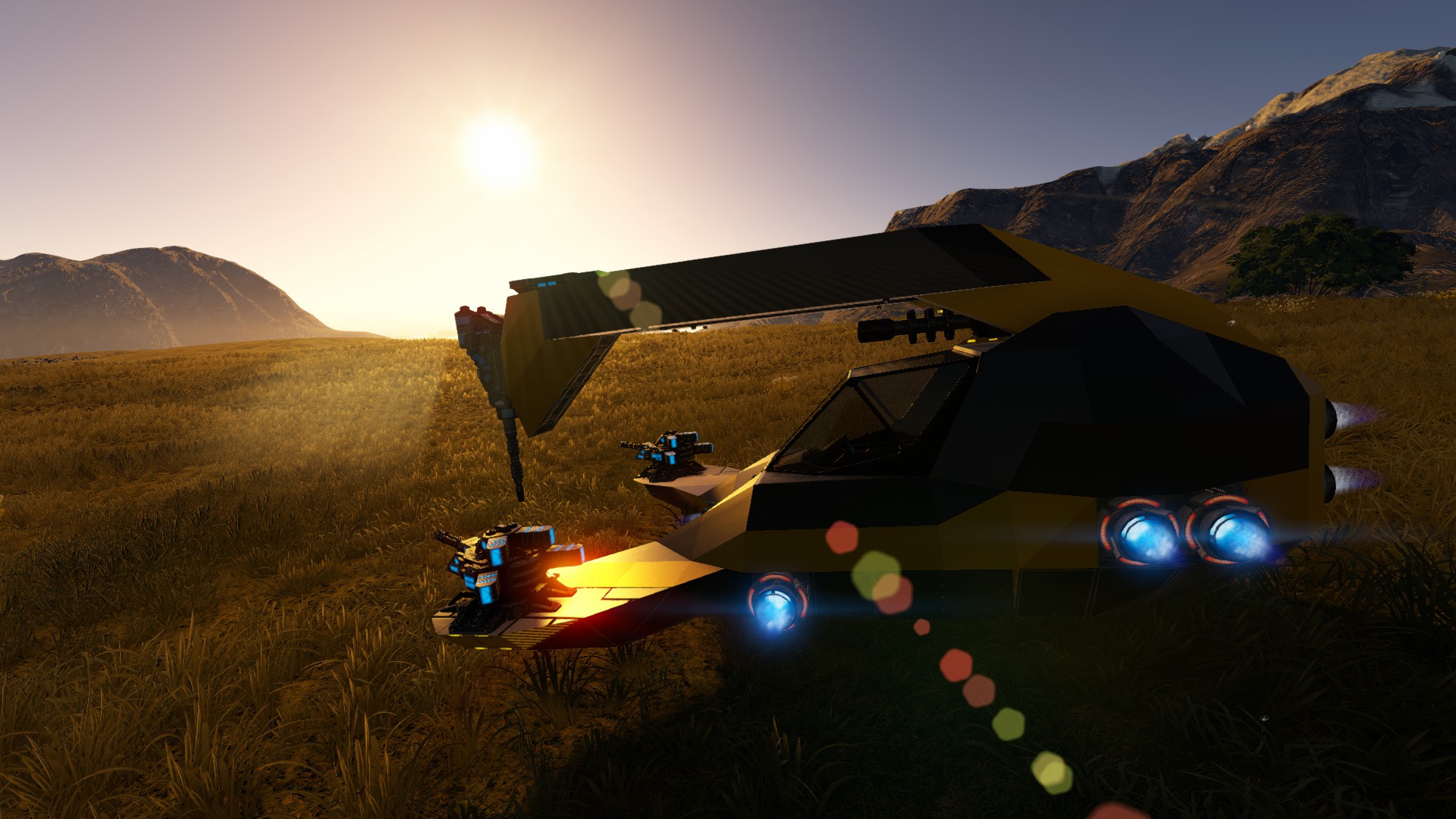
It's a down-pointing drill turret mining HV, drill turret miners have a lot of advantages over more typical in-ground miners (and some disadvantages as well). The drill turret mining speed has been changed and improved a good bit since the original model was built. I would estimate using a miner like this is a bit faster overall than a 6- mechanical drill miner, and a bit slower or possibly equal to a 6-laser drill miner (because no time spent stuck or getting in/out of ground). The main advantage is you do not have to take the HV in the ground, you simply park over top of a deposit (with the bulk of the ore in front of the drill), enter the drill from control panel, and point and click till the deposit is clear (small deposit took about a minute, medium 2-3 minutes while I was testing this). If you struggle or find controlling a small HV underground difficult or annoying, a miner of this type might be worth a try. Additionaly this one has 2 miniguns and a gatling gun to give decent self-defense or can be used for hunting. Disadvantage would be the material cost and bulk compared to a small one. Also inconvenient to enter control panel to use the drill, and lighting doesn't reach nearly as far as the drill can.
Includes a fridge and 2 O2 tanks accessible on foot (left side shutters), and fuel fill point behind shutter on rear. Harvest Controller not easily accessed (its on the bottom) on foot, had to put it in center near center of lift to help prevent leaning (although when cargo is full of heavy stuff it can still tilt a bit to one side). Just use F4 menu for accessing ore storage or ammo (it has a wireless thingy).
Primarily built of Cargo Extensions, with Steel blocks making up the rest (mostly areas where I needed a shape that's not in cargo extensions).
Level 15.
Materials: Copper - 320 Iron - 306 Carbon - 306 Silicon - 263 Cobalt - 114 Erestrum - 18 Zascosium - 18 Neodymium - 15 Sathium - 6
Uses the newer T2 Large HV thrusters, which are a bit expensive in cobalt and CPU, but I could get by with relatively few of those compared to the older ones. It does have one RCS - when loaded with ore the thruster rotation force wasn't quite enough to steer.
Be cautious around the hole it mines - it can be pretty deep and not easy to get out of if you fall in. It's fairly easy to cover up with the Fill mode on a handheld drill, if you don't want to leave huge pits in your world. Also, while in the drill you can zoom in with mousewheel, might potentially be helpful. The flashing yellow flares come on when the Drill Turret switch is flipped on - you can use these as a reminder to shut off the drill if they are flashing (drill turrets burn a good bit of power if left on). The 'drill mount arm' is split apart like that so player models have a spot to be put that isn't blocked when exiting cockpit (when it was a single block 'arm' over cockpit it very frequently was forcing player to go flying when exiting cockpit).
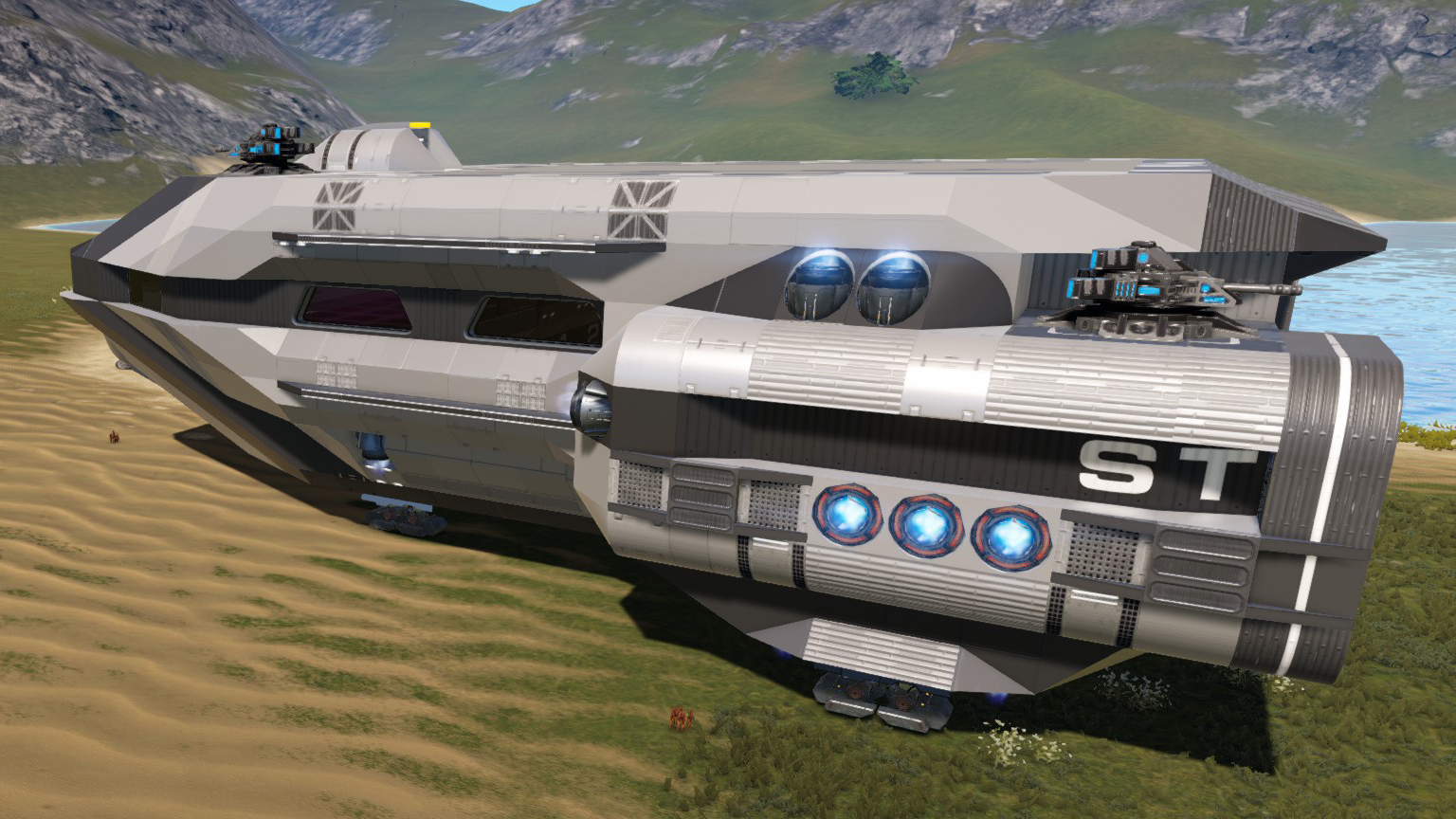
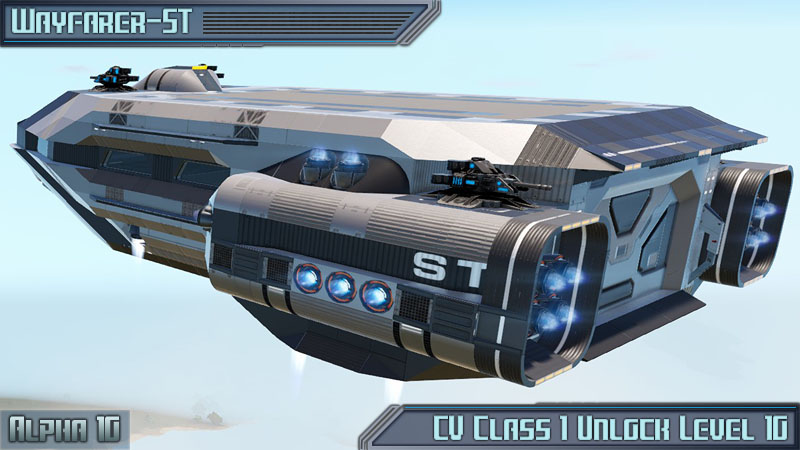
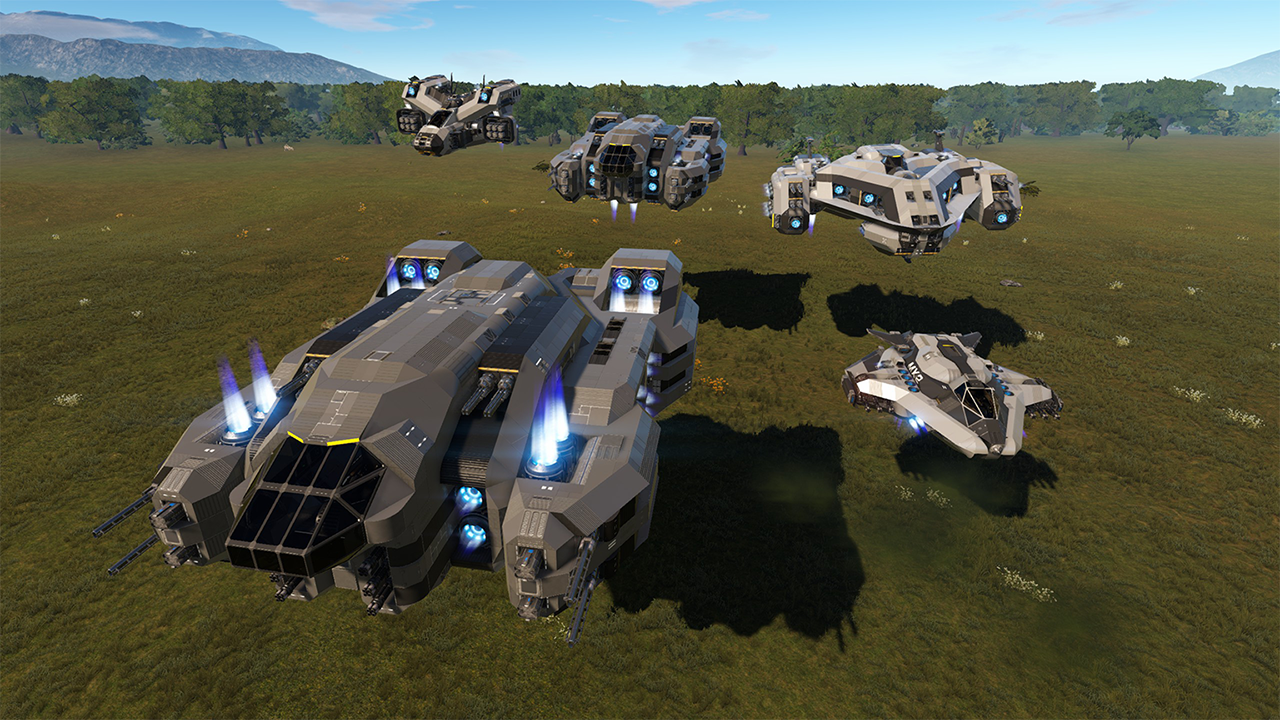
The Pic with this on a SV is my hauler HVT-1060ST, also on workshop.
note for 10.5.1 or earlier - this will be red blueprint, and includes a CPU extension that didn't exist for that game version, also depends on thruster's new rotational forces for steering, so It probably wont work well in that version.
Highlights
From source dataFootprint
Rated a light load on a server.
Last update
Its author last shipped an update 7 yr ago.
Skorpion Auger MK2C on Nxeon
From our catalogue- One-click install
- Supported on Nxeon Empyrion: Galactic Survival servers. We download it from Steam Workshop, place it, and restart the server.
- Server load
- light
- Smallest plan we suggest
- Empyrion — 8 GB (8 GB RAM). This follows our own load rating above, not a benchmark.
- Latest build
- 2019-11-02, released 2019-11-02
Game versions by loader
| Loader | Game versions | Newest |
|---|---|---|
| Workshop |
From 1 recorded build of Skorpion Auger MK2C.
Run Skorpion Auger MK2C on a Empyrion: Galactic Survival server
Pick a server or deploy a new one above; it is installed in one click.
What kind of mod it is
From the catalogTechnology & automation
Machines, power, logistics and automation.
Compatibility
- Game
- Empyrion: Galactic Survival
Verified at the source
- ✓Steam WorkshopOfficial listing, checked 2026-11-01Open ↗
- ✓AuthorTrig, as published on Steam Workshop
- ✓LicenseNot published by the sourceFree