About Take Two
From Steam WorkshopCV, T2, Unlock Level 10, Class 1 Starter CV, upgradable & convertible to Helios module Built for Vanilla and Reforged scenarios The Take Two is an attempt to create a starter CV that will stay with…
CV, T2, Unlock Level 10, Class 1
Starter CV, upgradable & convertible to Helios module
[table][tr][td]Built for Vanilla and Reforged scenarios[/td][/tr][/table]
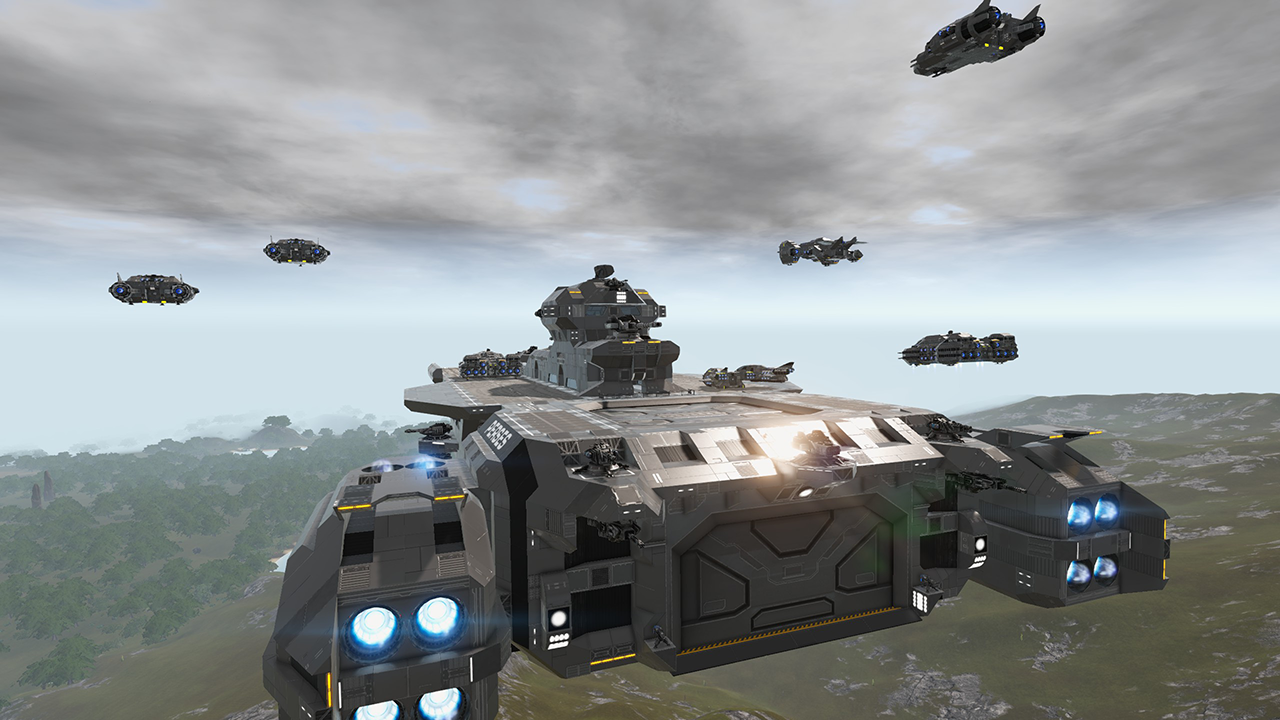
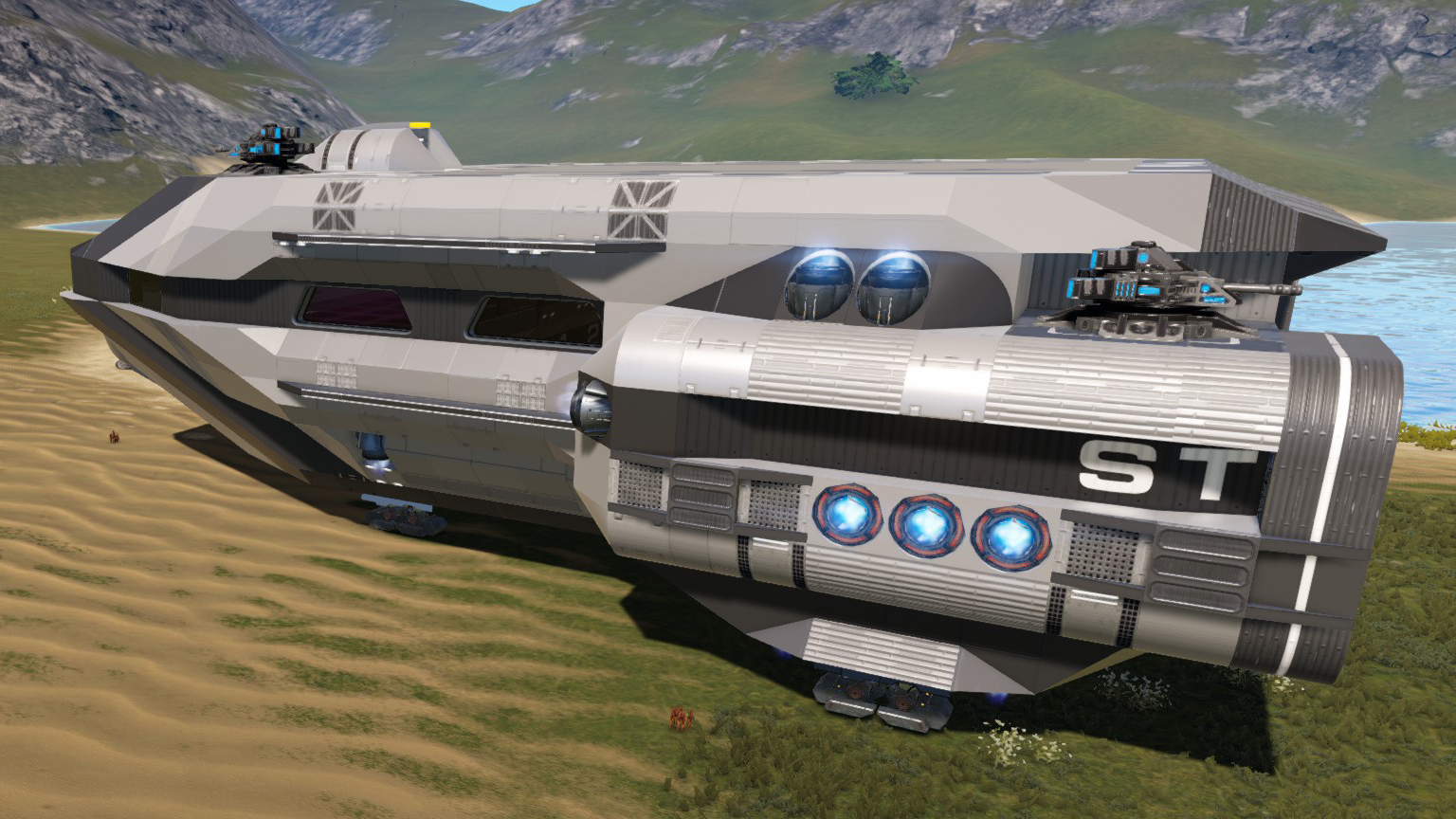
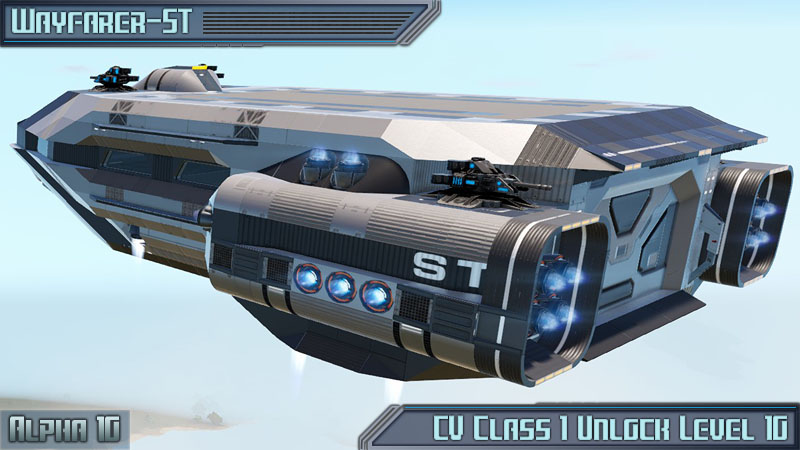
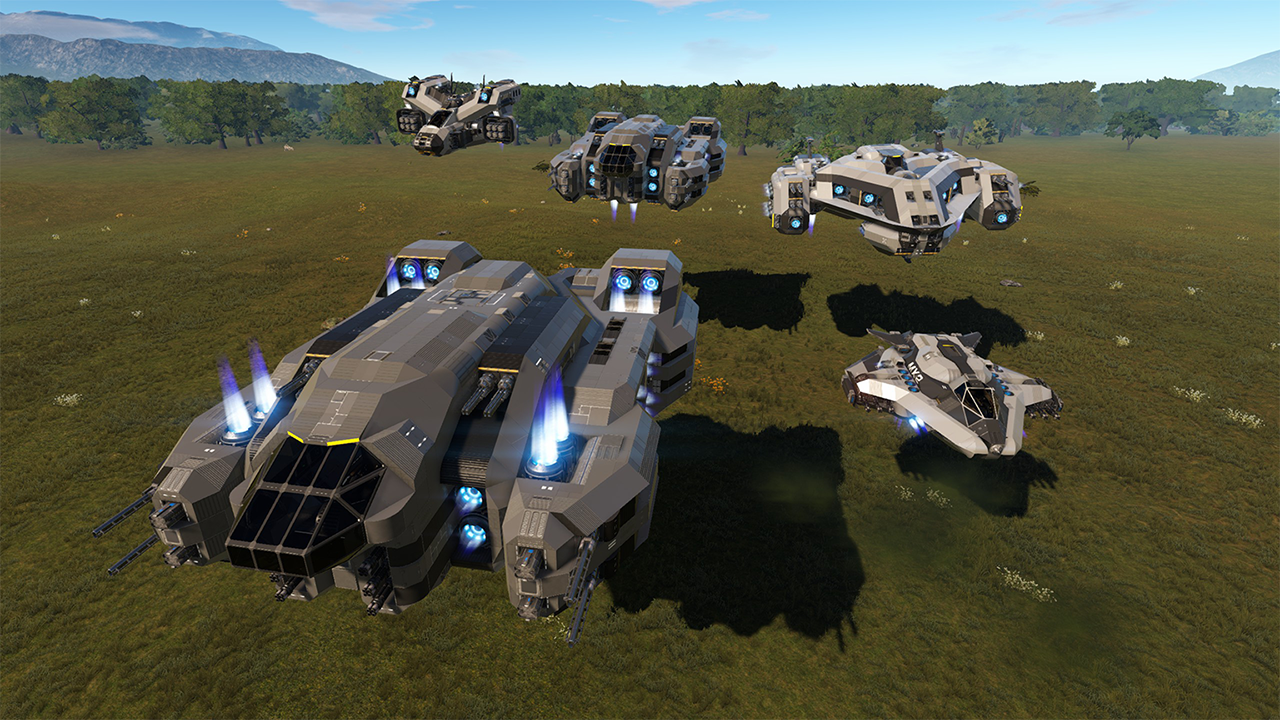
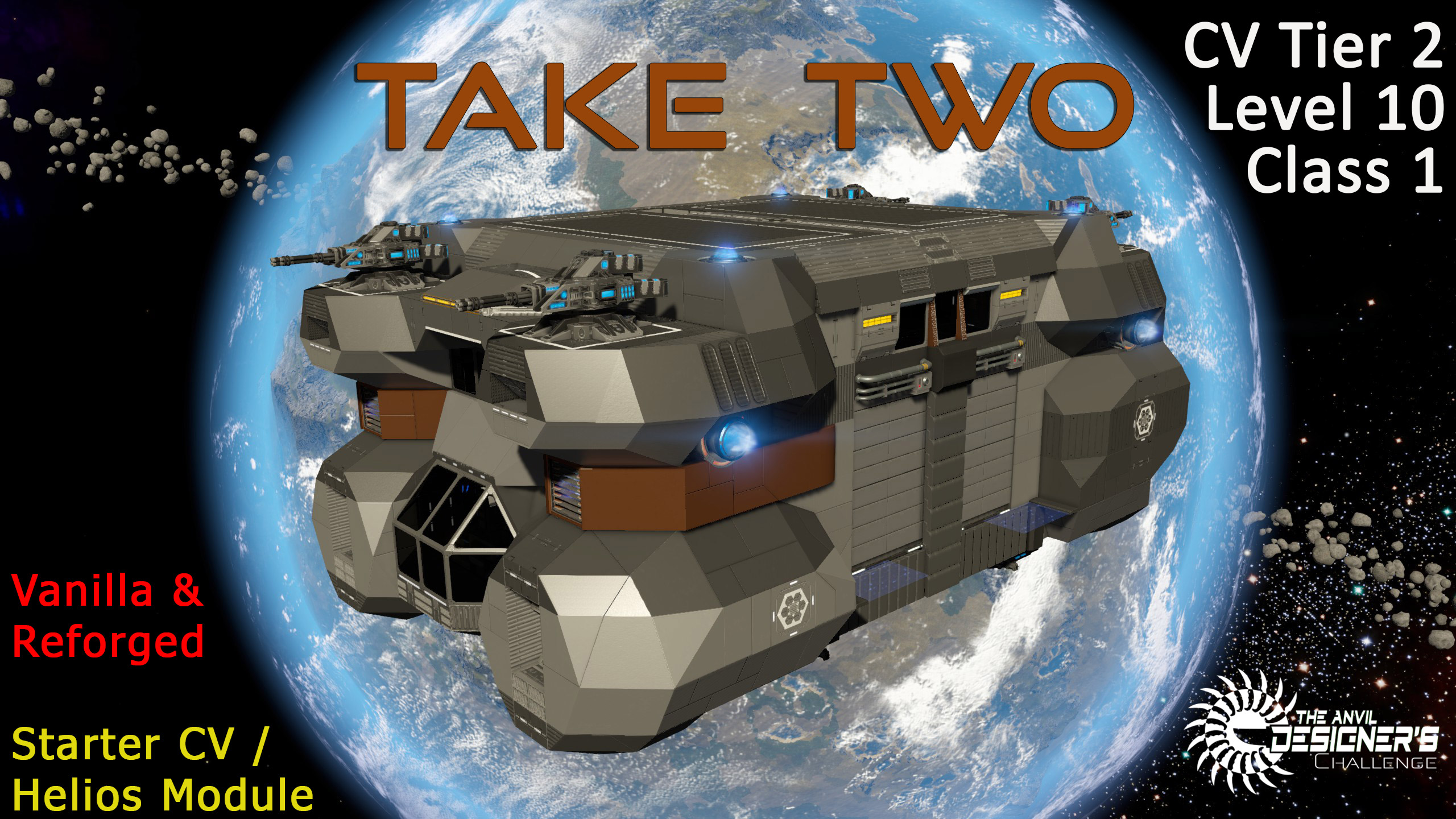
The Take Two is an attempt to create a starter CV that will stay with you through your entire game, though not as your primary ship. It begins its life as a capable starter vessel, able to defend itself from drones and soldiers and get you around your starter planet and moon. It has an internal hangar that can store several small HVs and a large landing pad on the roof for SVs, and comes with 2 320k container controllers to store all your loot. As you collect materials you can upgrade it with a shield, warp drive, additional production, a small farm, full med bay, and additional weapons (plus additional thrust in Reforged).
The hull is steel to provide a balance between weight and armor, and there is internal reinforcing to reduce chain explosions (though it is by no means a tank, so install a shield as soon as possible). 4 minigun cannons provide 360 degree coverage for drone protection, and 8 sentry guns will protect the lower portion of the ship from soldiers.
Being a relatively-compact starter CV, however, you will eventually outgrow it. If your path takes you towards a carrier with a Helios-compatible slot then the Take Two can begin its second life. It is designed to have its interior completely stripped away to make room for whatever capabilities you may need once you bring in your carrier. You can convert it to a larger farm, or add more storage containers, or turn it into a mass production module. The choice is yours. And as your needs expand, the Take Two has another trick up its sleeve: you can dock two of them in any standard Helios slot. So bring in a second ship and reconfigure it to whatever needs you have next. This allows you maximum re-use of your materials and incredible flexibility in how you want to use that module slot space.
Upgradable
An upgrade guide LCD will walk you through upgrading the capabilities of the Take Two. You can begin adding components right away as there is plenty of overhead with its stock T2 CPU extender, and there are upgrade spots to add T3 extenders when you need them. For combat there is space for a full T2 shield generator and mounts for 4 additional turrets, though you can also mount more on the top landing deck if you desire.
Note: This vehicle has no pre-determined position for a gravity generator, though one can be placed where the grow plots go if you do not want a farm. I also couldn't find a good place for a teleporter and sensor, though placing them where the bed and wardrobe are is probably the best bet if you are on a server.
Convertible
The conversion guide LCD will show you how to convert your Take Two into a Helios module. By adjusting the tiles in the right-most column of the color palette you will be able to remove any non-structural blocks from the ship. This leaves you with a cavernous interior and the stock constructor and 2x320k storage controllers as a basis for your refit. How you equip the module is entirely up to you at this point, though some quick refits during testing showed it can house a 136 growplot farm or 9x storage containers with only minor modifications.
For Reforged games you can also replace the roof blocks and turrets with solar panels (fits 14-18 panels depending on aesthetics). You can of course do this as an upgrade path also, though I don't recommend it if you are using the ship in any combat (panels are only 50 HP and there is no block layer under them).
When you are ready you can also bring a second Take Two to use as another module or as a light-duty explorer. The second ship will fill out the remainder of the module bay by docking to the roof of the Helios (follow the instructions on conversion guide LCD). The modules park in opposite directions, and a bridge extends between both module hangar doors to allow easy access from one module to the other.
Note: Since I play PVE on a server all external doors, seats, and medical / O2 are set to public by default. All storage items are private.
Built for the May 2021 Anvil Designer's Challenge hosted by XCaliber, which was to build a starter capital vessel that can be later converted to a mid-game capital vessel through future spacing upgrades and conversions.
Construction
- Steel, some hardened steel for internal chain armoring. Plastic and container extensions on the interior.
Offense / Defense
- 4x Minigun turrets
- 8x Sentry turrets
Storage:
- 2x 320k Cargo
- 1x 32k Ammo
- 2x 16k Container
- 3x 8k Container
- 1x 4k Container
- 1x Fridge
Equipment:
- 1x Large Constructor
- 1x Food Processor
- 2x Passenger Seats
- Detector
- Medical Station
- O2 Station
- Armor Locker
- Wifi
- Spotlights
Highlights
From source dataFootprint
Rated a light load on a server.
Last update
Its author last shipped an update 5 yr ago.
Take Two on Nxeon
From our catalogue- One-click install
- Supported on Nxeon Empyrion: Galactic Survival servers. We download it from Steam Workshop, place it, and restart the server.
- Server load
- light
- Smallest plan we suggest
- Empyrion — 8 GB (8 GB RAM). This follows our own load rating above, not a benchmark.
- Latest build
- 2022-03-24, released 2022-03-24
Game versions by loader
| Loader | Game versions | Newest |
|---|---|---|
| Workshop |
From 1 recorded build of Take Two.
Run Take Two on a Empyrion: Galactic Survival server
Pick a server or deploy a new one above; it is installed in one click.
What kind of mod it is
From the catalogMaps & scenarios
Custom maps, arenas and scenarios to play on.
Compatibility
- Game
- Empyrion: Galactic Survival
Verified at the source
- ✓Steam WorkshopOfficial listing, checked 2026-11-01Open ↗
- ✓AuthorGaraman, as published on Steam Workshop
- ✓LicenseNot published by the sourceFree