About Transit-CH5
From Steam Workshop(SV Tier 4, Class 3, Unlock Level 15) Primary roles: Storage, Warp, Alpha 11.x, Shield, Drone Hatch, Light combat, Troop Transport, Utility Update 12/9/19 - updated to alpha 11.x. I removed all RCS,…
(SV Tier 4, Class 3, Unlock Level 15)
Primary roles: Storage, Warp, Alpha 11.x, Shield, Drone Hatch, Light combat, Troop Transport, Utility
Update 12/9/19 - updated to alpha 11.x. I removed all RCS, added 4 tier 4 CPU blocks. I also updated the stat screen shots.
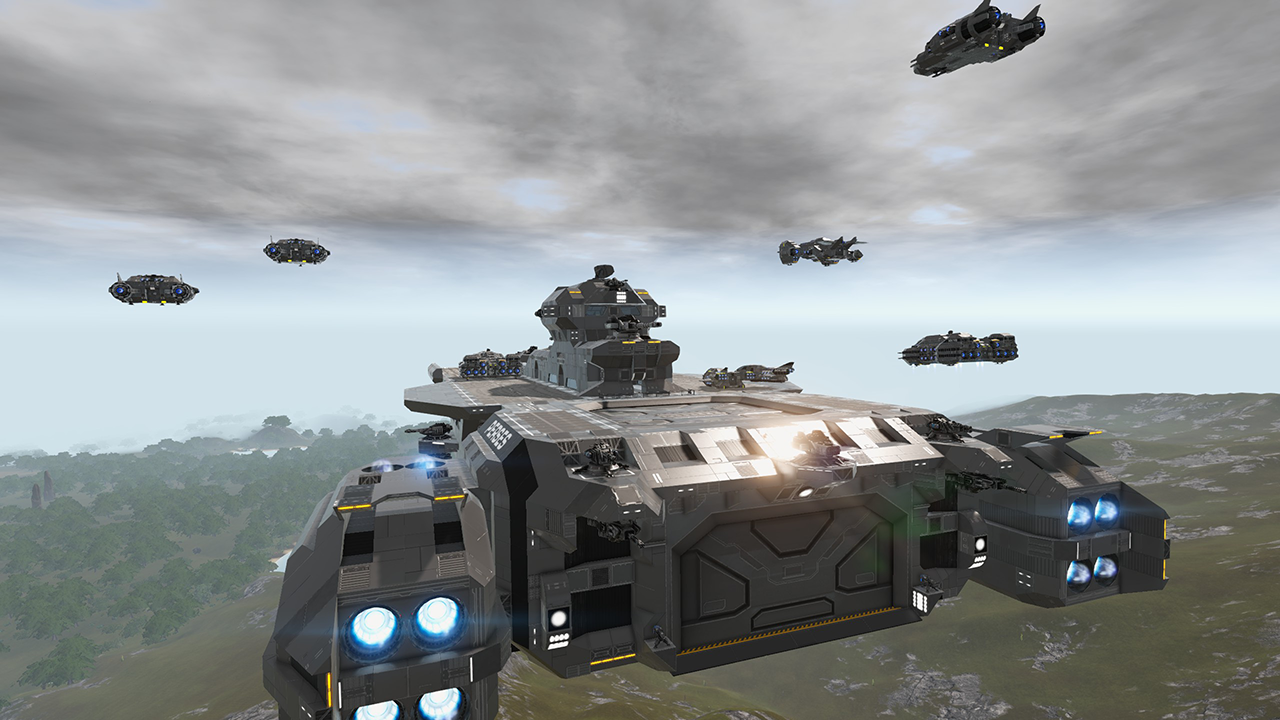
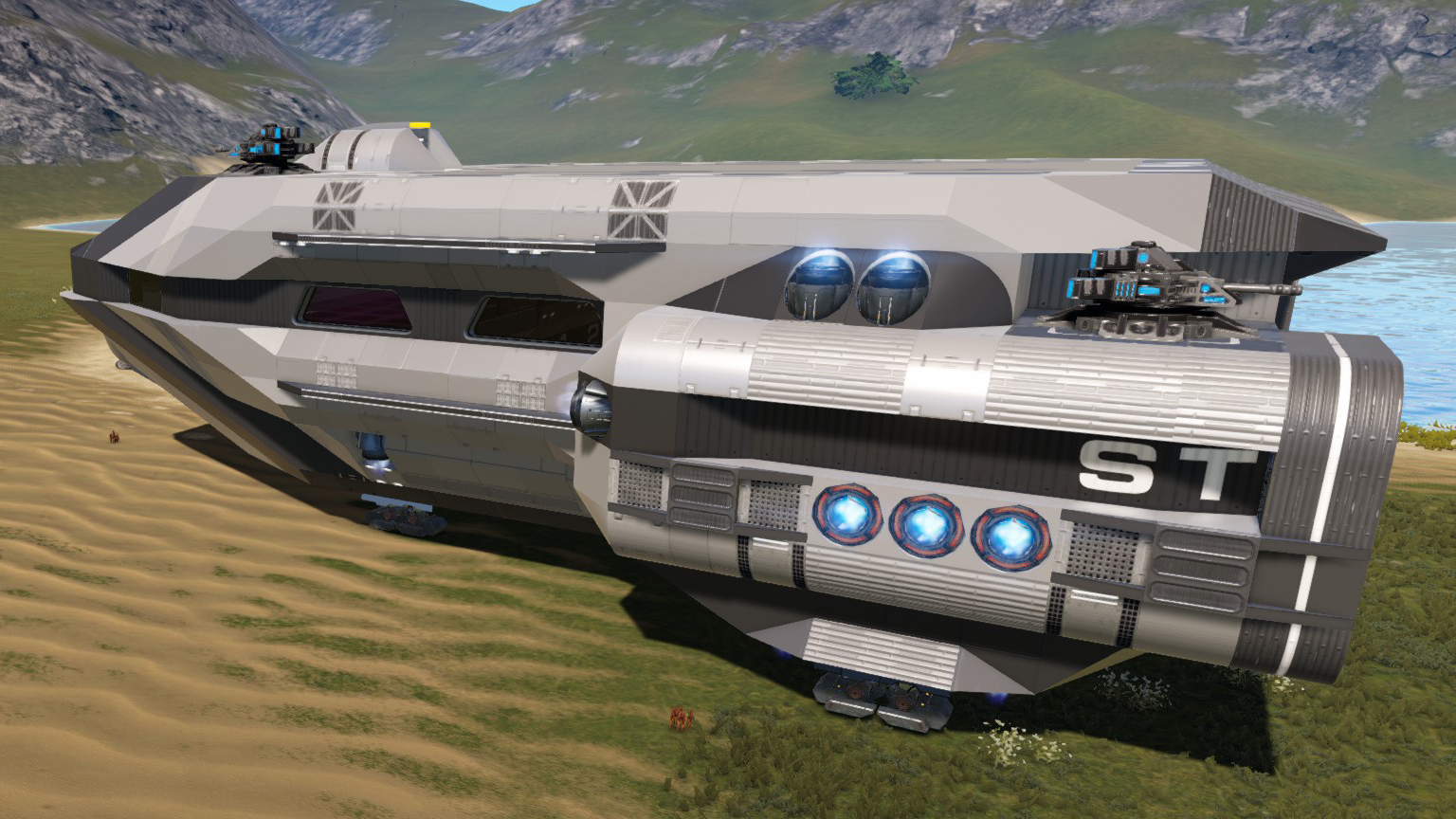
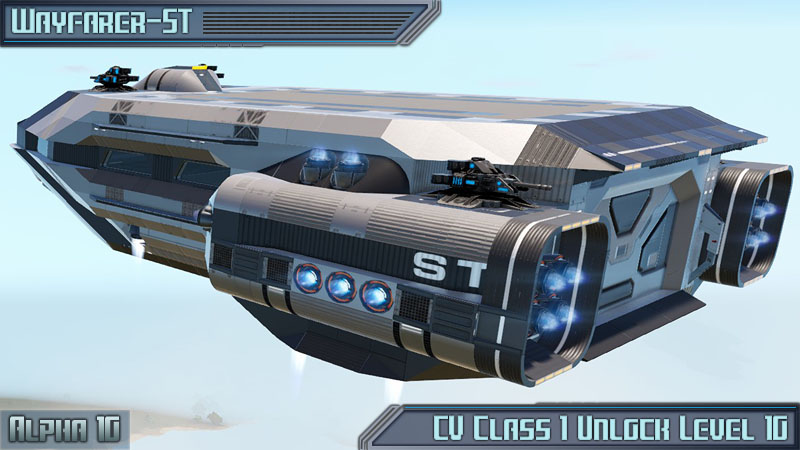
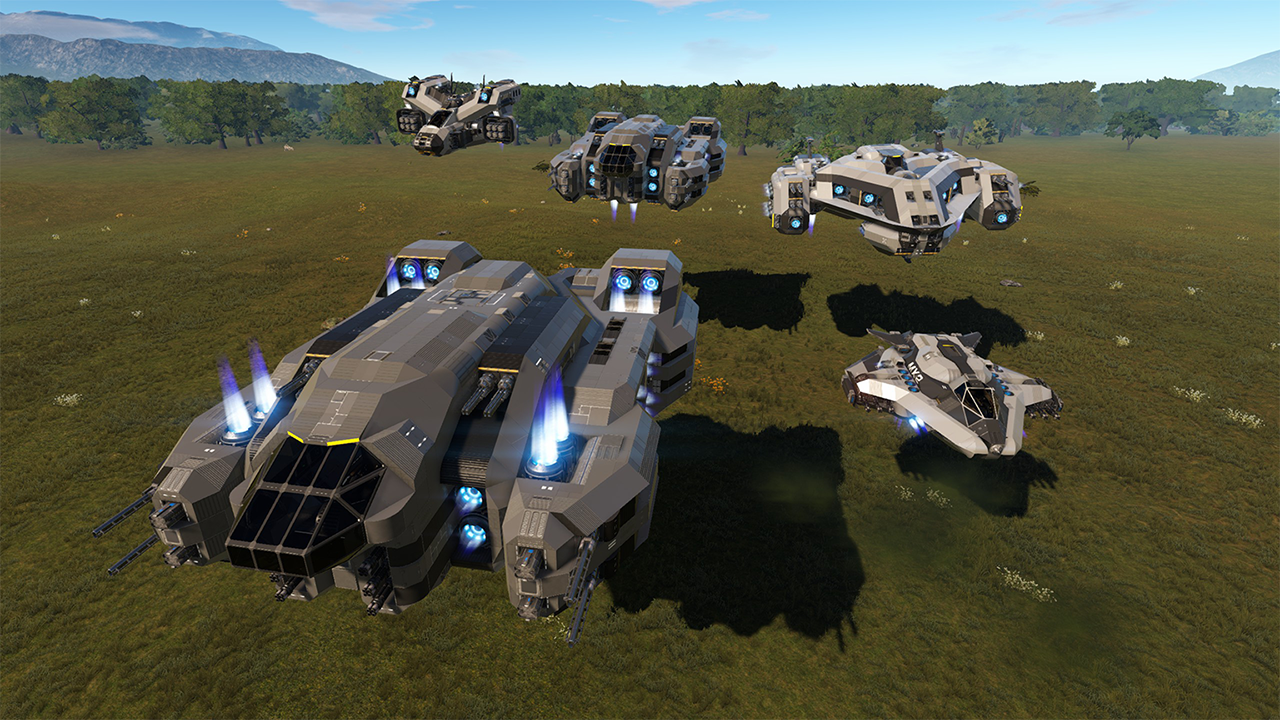
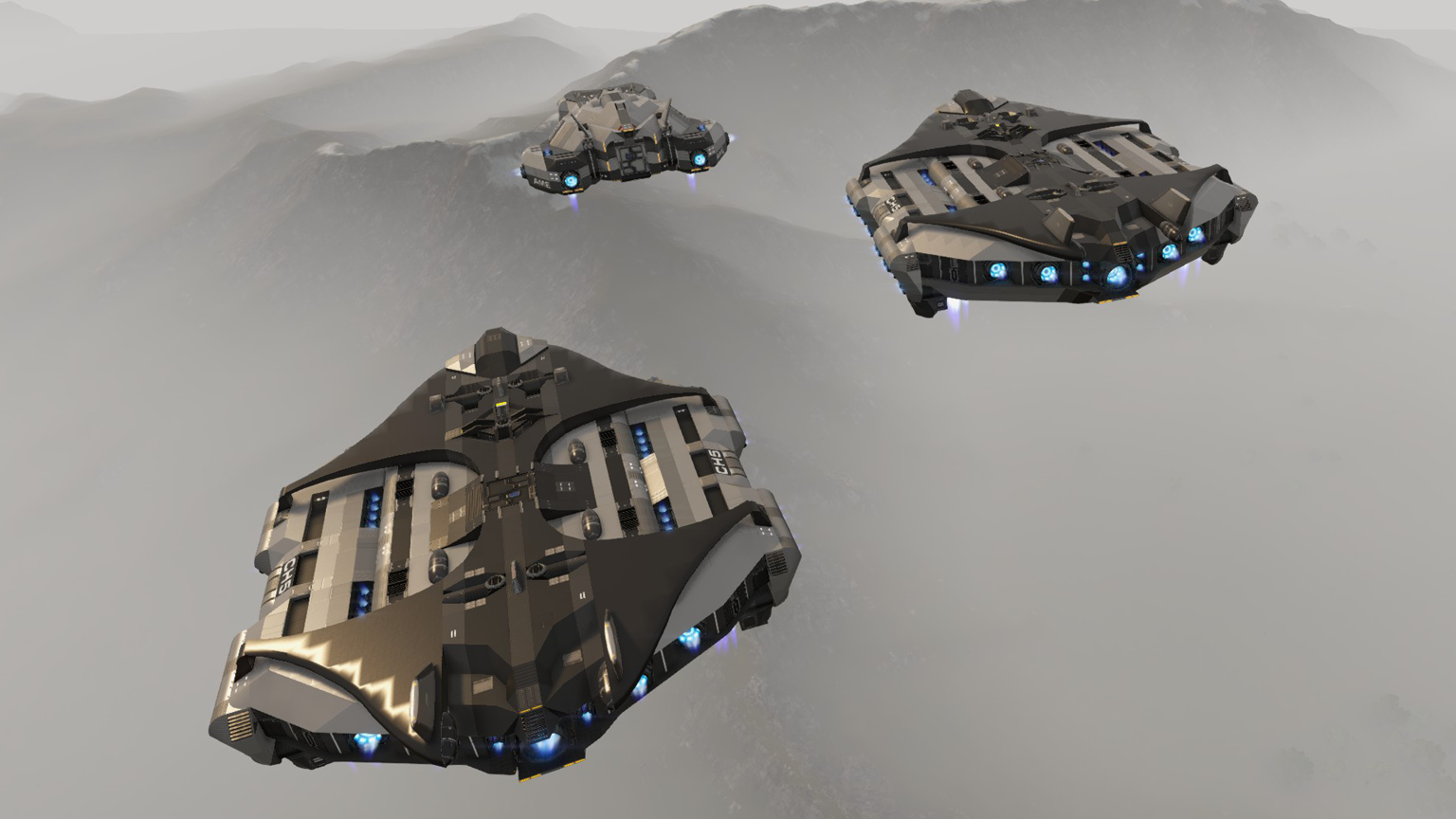
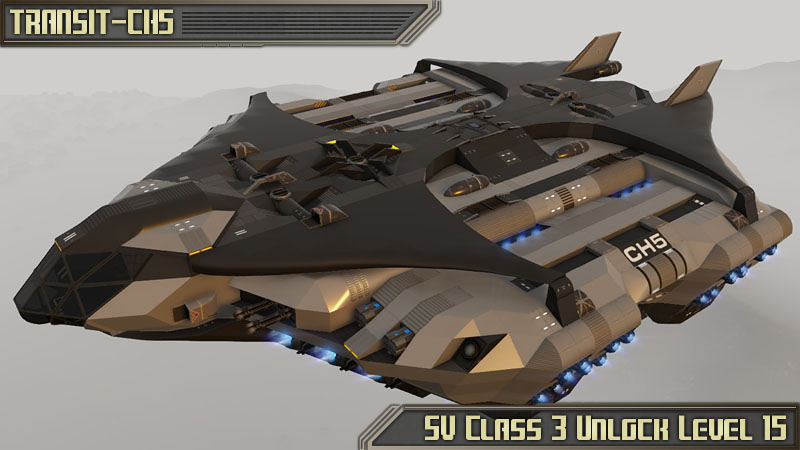
The Transit-CH5 is the newest addition to the Transit series offering more cargo storage and function than the CH1 and CH3. It's primary function is moving cargo offering heavy lift thrust and balanced weight distribution. However this ship can be used for other functions such as a troop transport and light combat (Recommended without a heavy load).
Survival features
The ship comes with 2x32K storage arrays, 2.5K ammo storage, 2 constructors, 2 Fridges, 5 Passenger seats, drone hatch, shield + pentaxid tank, O2 + station, WiFi, detector, 2 armor lockers, 8 additional large cargo boxes, exterior lights, 4 Rocket Launchers and 4 Gatling Guns. To make the ship more fuel efficient, it has switches for both standard and performance modes. Performance mode is recommended with heavy loads or engaging in combat.
Offense and Defense
Although not designed to take much abuse, with a shield installed it can take on light POI's having 4 rocket launchers and 4 gatling guns with 2.5K ammo storage. The ship is very agile when not loaded with heavy cargo and using performance mode. The hull is built with steel.
New Military Survival Series color schemes!
The Military Survival Series now has 2 additional color schemes that are backward compatible to all MSS creations. Now you can change the looks of any MSS creation to either Dark Military Green or Desert Tan very quickly and easily. To do this, follow the instructions below.
1. Highlight one of the color scheme codes below and copy using CTRL C 2. In the game with the color tool selected (color menu open), click on the custom button. 3. Replace or create a new palette (recommended to create new) 4. Click on the paste button to replace all the colors in the palette, then click OK to save the palette. 5. Get very close to the MSS creation you would like to re-color, with the color tool, select the palette you just copied and then click apply. This should apply the new colors to the creation. 6. In case you don't like the new colors or want to switch back, repeat the same process with the default color set also listed below.
Dark Military Green:
|0#0#0#0#0|1#0#220#220#166|2#0#220#0#0|3#0#220#166#233|4#0#0#64#220|5#0#0#220#220|6#0#54#81#56|7#0#187#135#90|0#1#220#220#220|1#1#220#212#0|2#1#115#67#35|3#1#107#62#32|4#1#26#50#89|5#1#58#166#215|6#1#102#220#0|7#1#123#73#46|0#2#62#70#63|1#2#187#131#1|2#2#149#110#19|3#2#51#54#54|4#2#95#53#25|5#2#48#48#48|6#2#67#97#69|7#2#62#30#10|0#3#60#61#55|1#3#50#51#49|2#3#46#47#46|3#3#51#56#56|4#3#60#63#63|5#3#51#54#54|6#3#46#50#47|7#3#29#29#27
Desert Tan:
|0#0#0#0#0|1#0#220#220#166|2#0#220#0#0|3#0#220#166#233|4#0#0#64#220|5#0#0#220#220|6#0#89#109#83|7#0#187#135#90|0#1#220#220#220|1#1#220#212#0|2#1#111#74#44|3#1#116#77#46|4#1#26#50#89|5#1#58#166#215|6#1#102#220#0|7#1#123#73#46|0#2#135#128#113|1#2#171#136#55|2#2#151#120#48|3#2#62#59#46|4#2#92#58#37|5#2#48#48#48|6#2#102#125#95|7#2#62#30#10|0#3#95#88#73|1#3#87#81#70|2#3#80#76#69|3#3#117#109#94|4#3#104#103#101|5#3#91#85#73|6#3#62#56#41|7#3#61#57#50
Default Color Scheme:
|0#0#0#0#0|1#0#220#220#166|2#0#220#0#0|3#0#220#166#233|4#0#0#64#220|5#0#0#220#220|6#0#55#108#59|7#0#187#135#90|0#1#220#220#220|1#1#220#212#0|2#1#125#59#15|3#1#152#72#18|4#1#26#50#89|5#1#58#166#215|6#1#102#220#0|7#1#123#73#46|0#2#170#170#170|1#2#187#131#1|2#2#149#110#19|3#2#95#95#95|4#2#109#51#13|5#2#48#48#48|6#2#71#123#76|7#2#62#30#10|0#3#110#110#110|1#3#93#93#93|2#3#73#73#73|3#3#161#161#161|4#3#145#145#145|5#3#136#136#136|6#3#124#124#124|7#3#60#60#60
For more information on this process, please see:
https://empyriononline.com/threads/guide-color-tool-features-and-custom-color-palettes.44611/
Features Summary:
1. Player unlock level 15, CPU tier 4, size class 3 2. 2X 32K storage, 2.5K ammo storage, 8 additional large cargo boxes 3. Steel hull, Shield, 4 Rocket launchers, 4 gatling guns, 5 passenger seats 4. Warp drive + pentaxid tank, o2 + station 5. 2 Constructors, 2 fridges, 2 armor lockers, WiFI, Short range detector, Drone hatch 6. Standard and performance flight modes to save on fuel 7. Sensor based lights, doors, and ramps 8. Exterior spot lights + interior control switch
I hope you enjoy!
Special thanks to DOOmnoddle and Feel My Burn for help debugging this ship! Special Thanks to Wildboy for great information and help with switching color palettes easily :)
Please see my workshop or "Military Survival Series" collection for my other creations. Link at top of this post. Thanks!
Highlights
From source dataFootprint
Rated a light load on a server.
Last update
Its author last shipped an update 7 yr ago.
Transit-CH5 on Nxeon
From our catalogue- One-click install
- Supported on Nxeon Empyrion: Galactic Survival servers. We download it from Steam Workshop, place it, and restart the server.
- Server load
- light
- Smallest plan we suggest
- Empyrion — 8 GB (8 GB RAM). This follows our own load rating above, not a benchmark.
- Latest build
- 2019-12-10, released 2019-12-10
Game versions by loader
| Loader | Game versions | Newest |
|---|---|---|
| Workshop |
From 1 recorded build of Transit-CH5.
Run Transit-CH5 on a Empyrion: Galactic Survival server
Pick a server or deploy a new one above; it is installed in one click.
What kind of mod it is
From the catalogVehicles & ships
Cars, boats, aircraft, ships and other things to drive or fly.
Compatibility
- Game
- Empyrion: Galactic Survival
Verified at the source
- ✓Steam WorkshopOfficial listing, checked 2026-11-01Open ↗
- ✓Authorjrandall, as published on Steam Workshop
- ✓LicenseNot published by the sourceFree