About Transit-L2
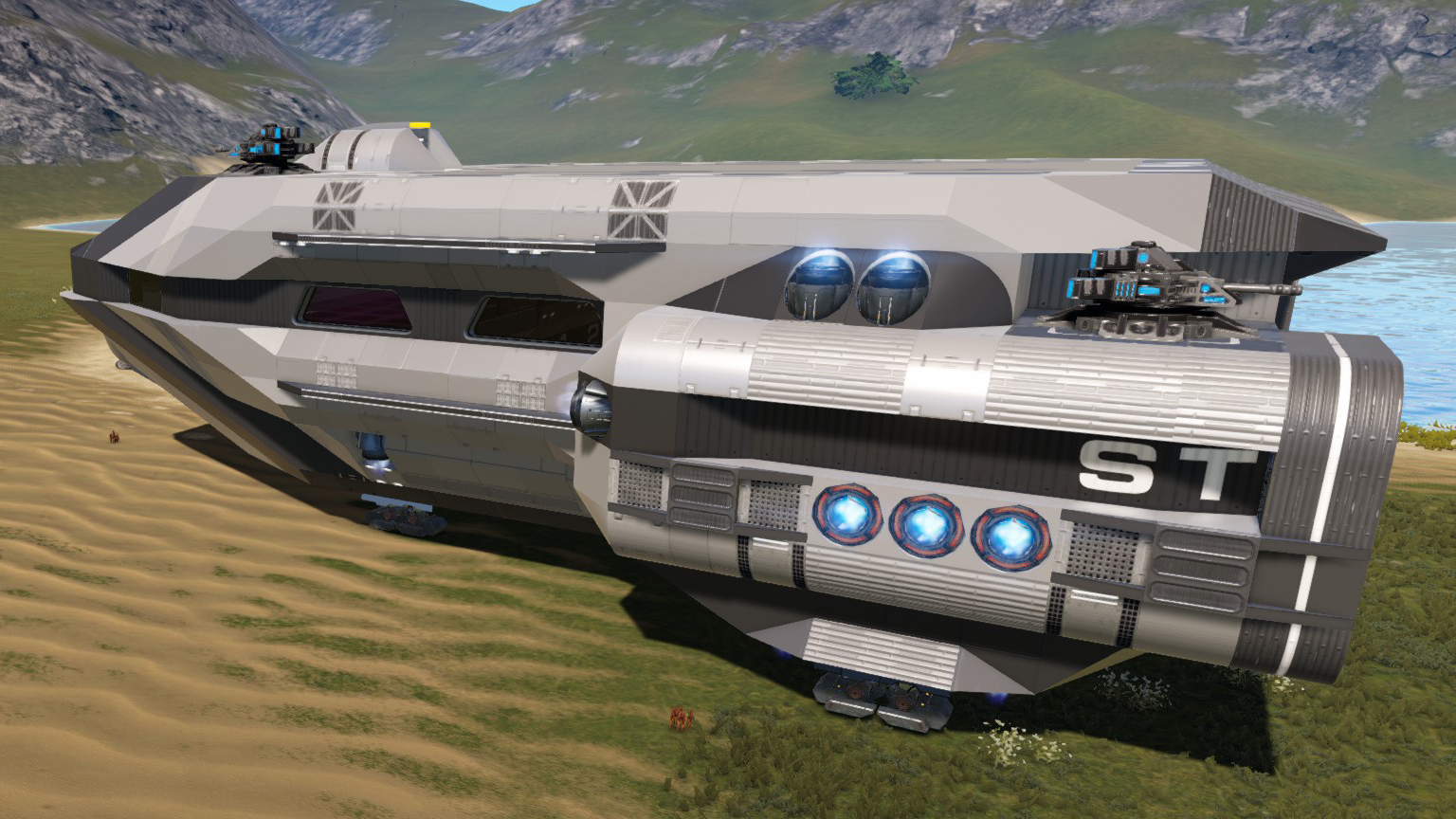
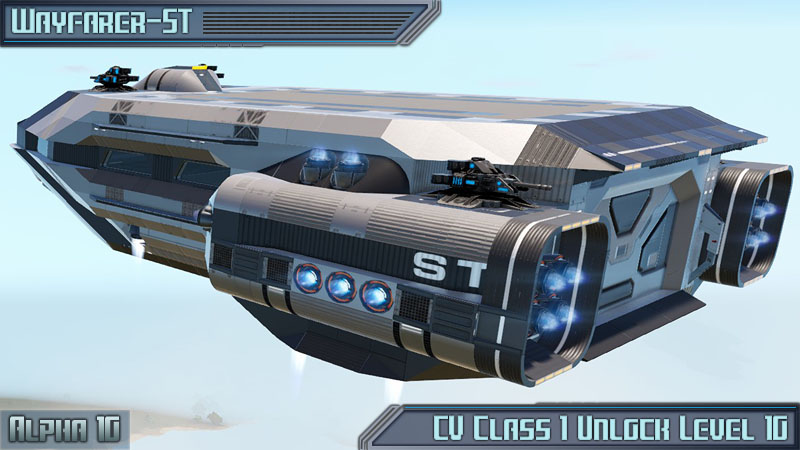
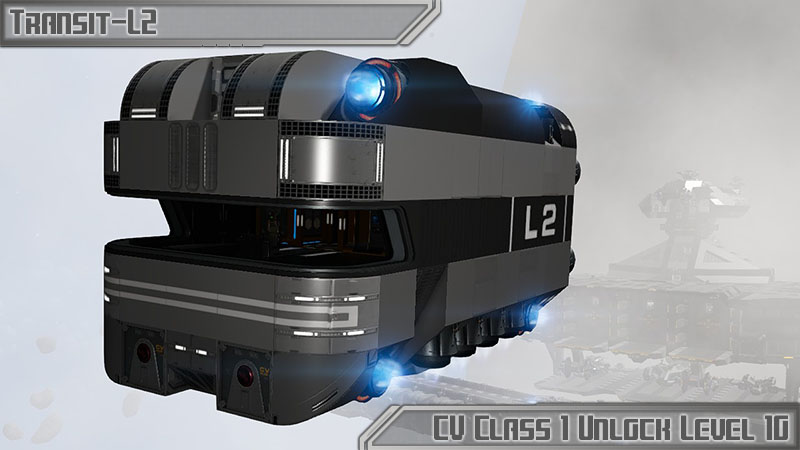
From Steam WorkshopCV Class 1 Unlock level 10 The Transit-L2 is a cargo CV designed specifically to work with the Hephaestus Spaceport. This small and inexpensive CV has 2x320K storage and not many other features. Do…
CV Class 1 Unlock level 10
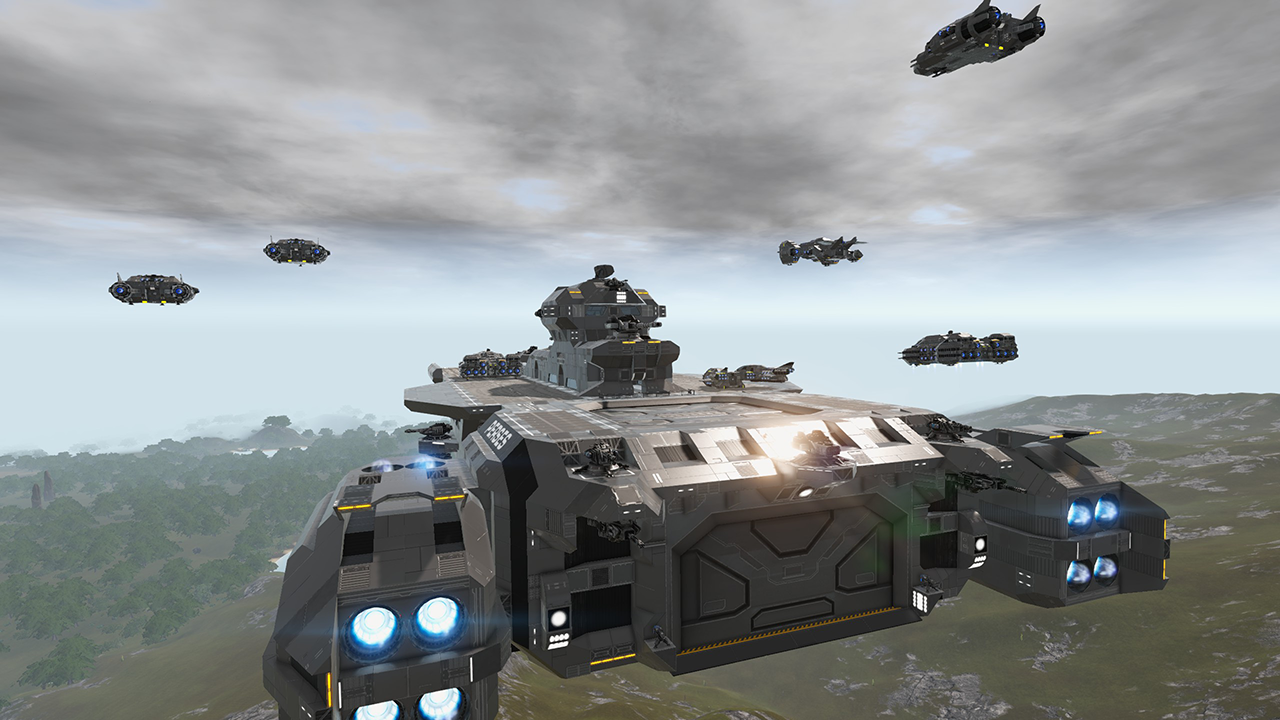
The Transit-L2 is a cargo CV designed specifically to work with the Hephaestus Spaceport. This small and inexpensive CV has 2x320K storage and not many other features. Do to it's small size, it can run hot on the interior. Proper operating instructions should be followed. Beyond special use with Hephaestus Spaceport, it also can be used as common CV hauler. It has a rear ground access door that will fold down when you are near it. It does have o2 and and a o2 station inside.
Proper operating instructions
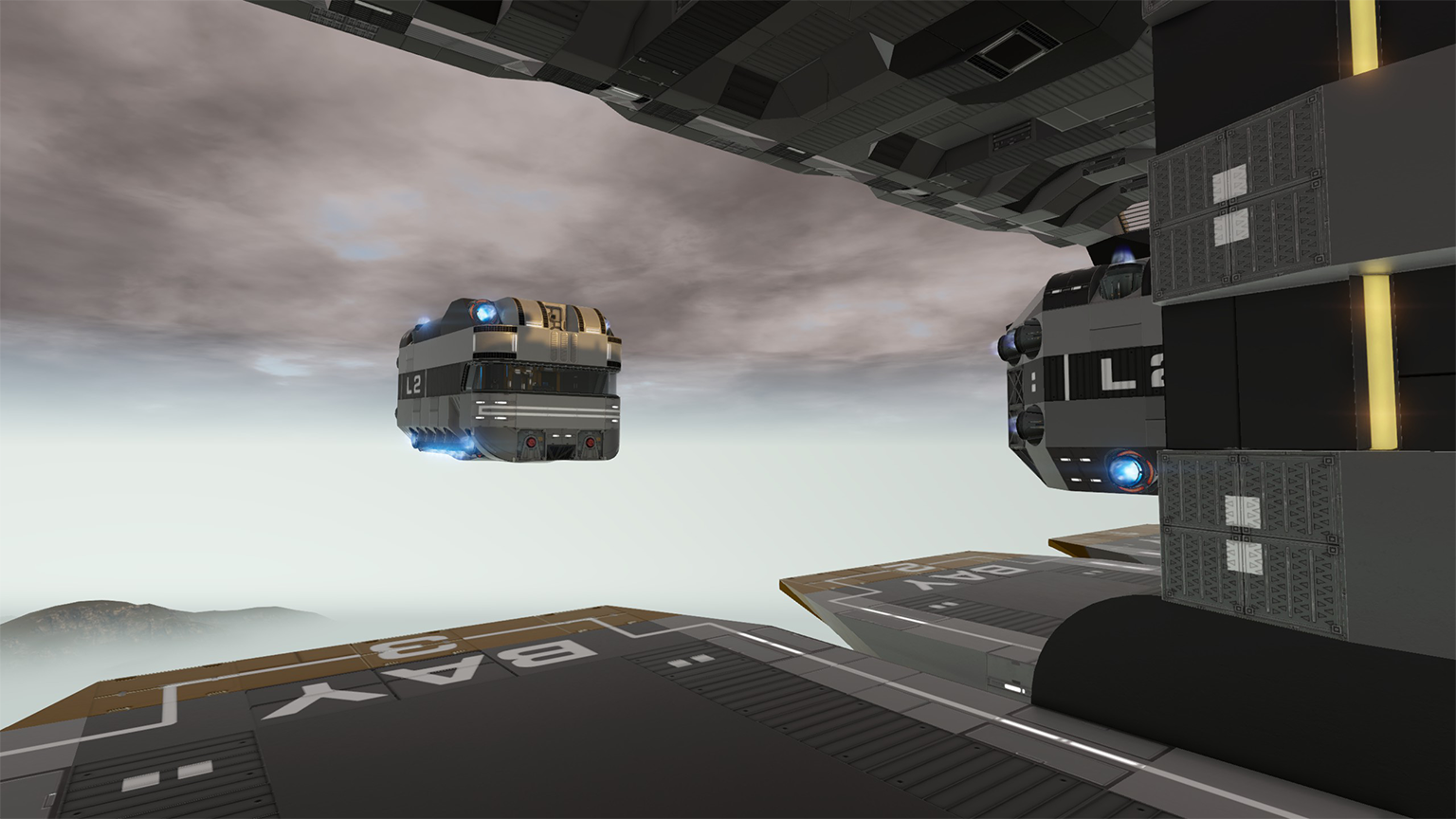
1. In 1st person view, aim the cross hair (HUD), at the marked center of the docking bay. Fly towards it semi slowing till you reach the wall. 2. Pull down to land. (For better alignment, you can jiggle it a bit to be perfectly centered however it is not needed)
3. Get out of the pilot seat, turn off the Thruster/RCS (switch inside), and proceed up the elevator and follow the hallway to enter the station. You will not have o2 briefly and a helmet should be worn.
4. Once in station, proceed down access elevator and flip the switch on the loading bay you landed at which will open the container controller access doors.
This is designed to work with the Hephaestus Spaceport here: https://steamcommunity.com/sharedfiles/filedetails/?id=1745041887
Please see my workshop or "Military Survival Series" collection for my other creations. Link at top of this post. Thanks!
Modded version by other authors:
DS1-Dwarfstar by Obersturmkobold 6/27/2020. Thanks Obersturmkobold! https://steamcommunity.com/sharedfiles/filedetails/?id=2118578174
Highlights
From source dataFootprint
Rated a light load on a server.
Last update
Its author last shipped an update 7 yr ago.
Transit-L2 on Nxeon
From our catalogue- One-click install
- Supported on Nxeon Empyrion: Galactic Survival servers. We download it from Steam Workshop, place it, and restart the server.
- Server load
- light
- Smallest plan we suggest
- Empyrion — 8 GB (8 GB RAM). This follows our own load rating above, not a benchmark.
- Latest build
- 2019-05-18, released 2019-05-18
Game versions by loader
| Loader | Game versions | Newest |
|---|---|---|
| Workshop |
From 1 recorded build of Transit-L2.
Run Transit-L2 on a Empyrion: Galactic Survival server
Pick a server or deploy a new one above; it is installed in one click.
What kind of mod it is
From the catalogGameplay & overhauls
New mechanics, content and overhauls that change how the game plays.
Compatibility
- Game
- Empyrion: Galactic Survival
Verified at the source
- ✓Steam WorkshopOfficial listing, checked 2026-11-01Open ↗
- ✓Authorjrandall, as published on Steam Workshop
- ✓LicenseNot published by the sourceFree