About ZeroG-Atlas-X
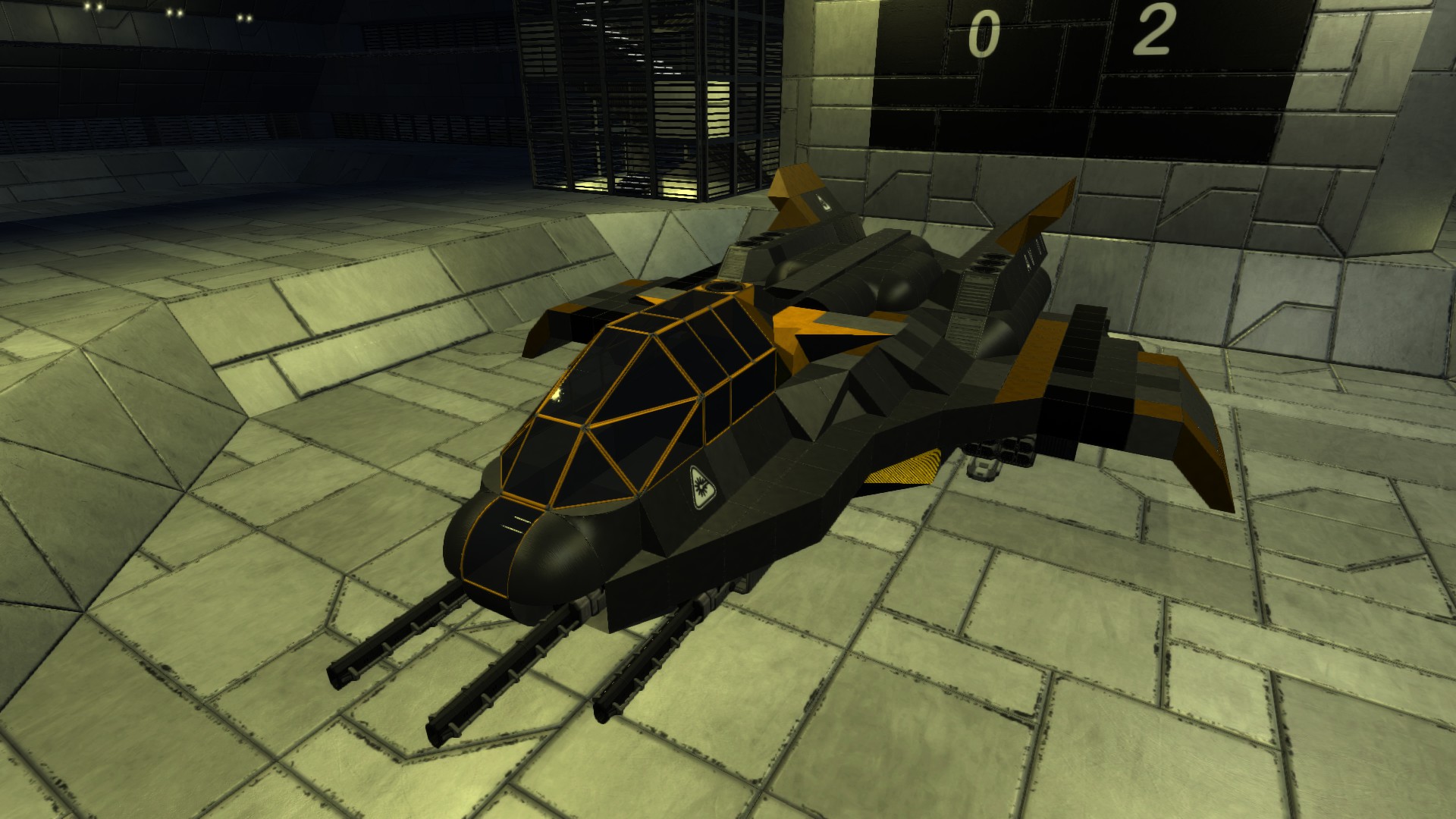
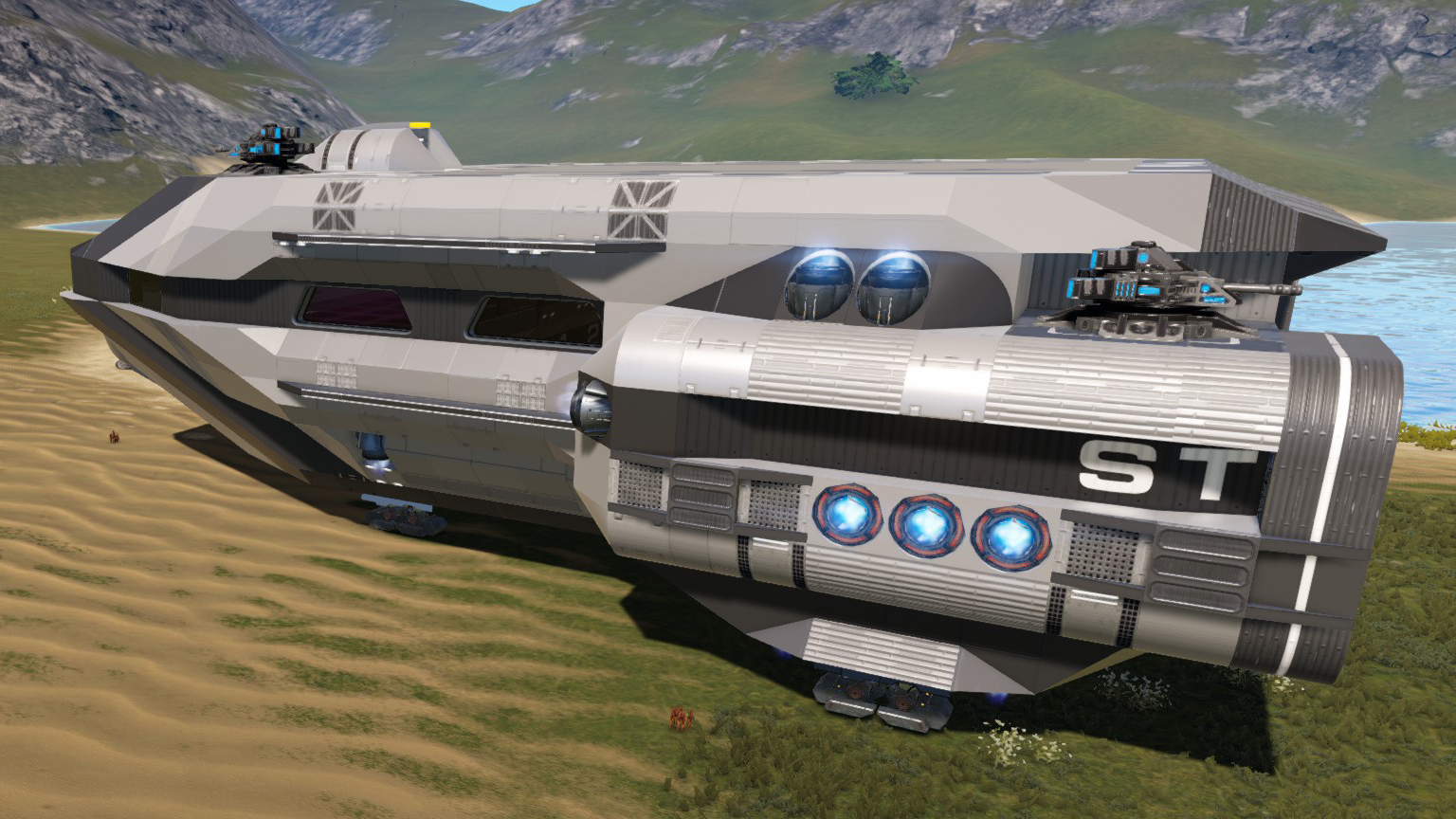
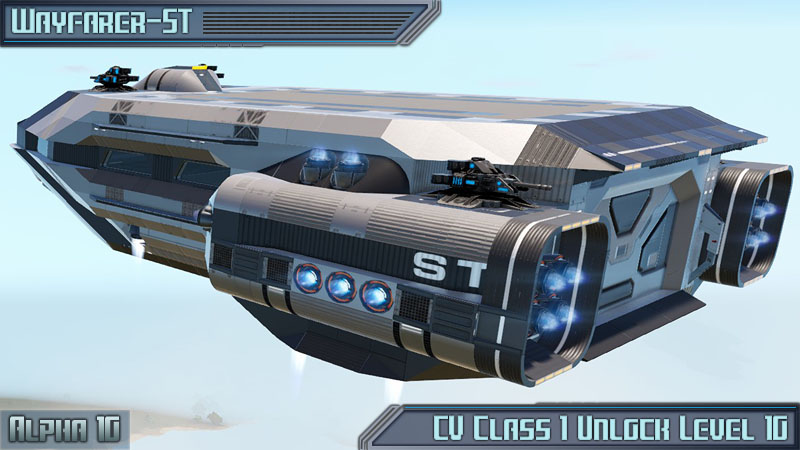
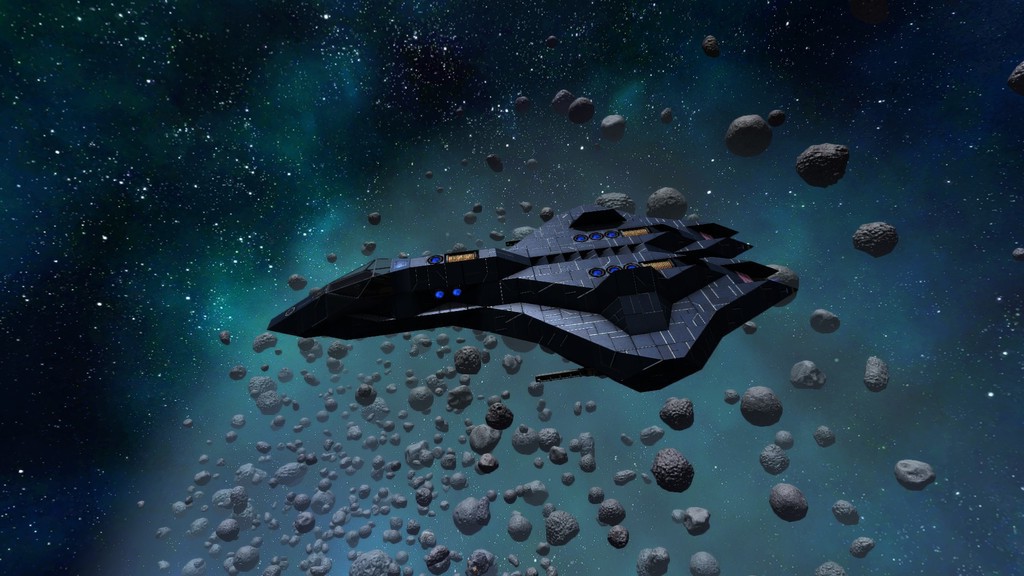
From Steam WorkshopAtlas-X "condemned to hold up the sky for eternity..." Finally ZeroG has added a much needed Carrier to our fleets! Atlas-X is quite able to haul a vararity of HV's and SV's right on its back! Or in…
Atlas-X
"condemned to hold up the sky for eternity..."
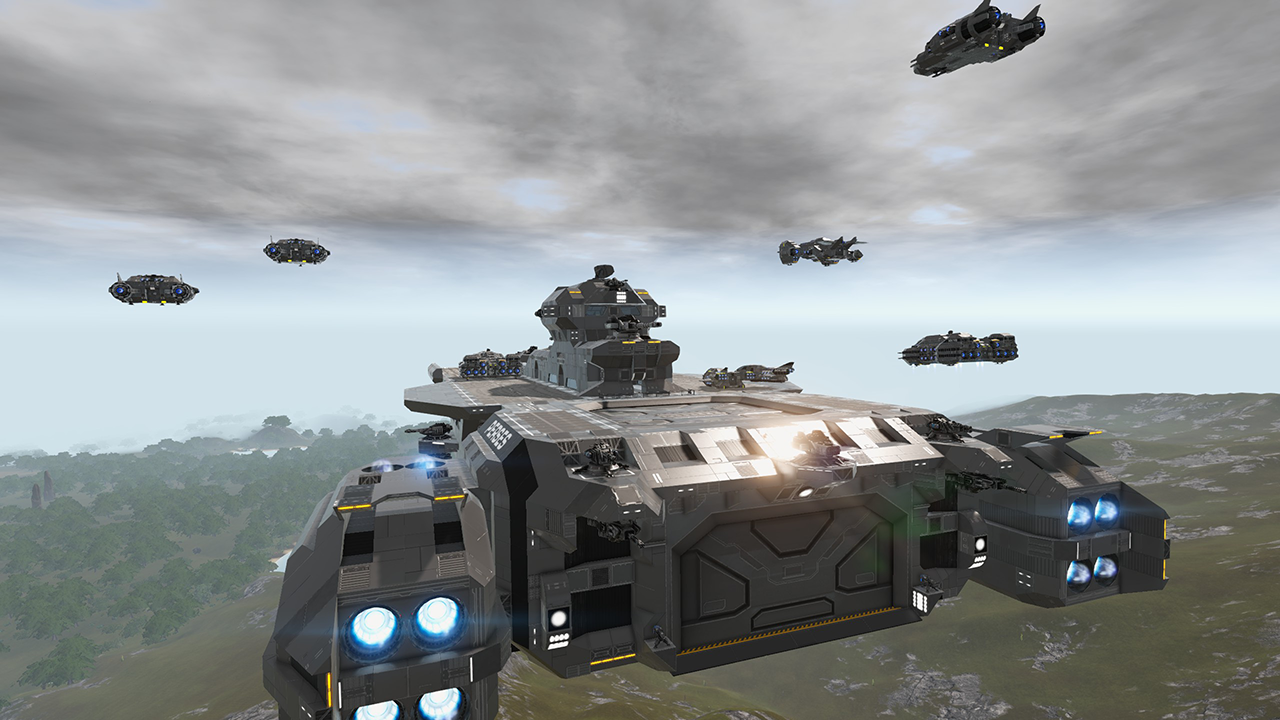
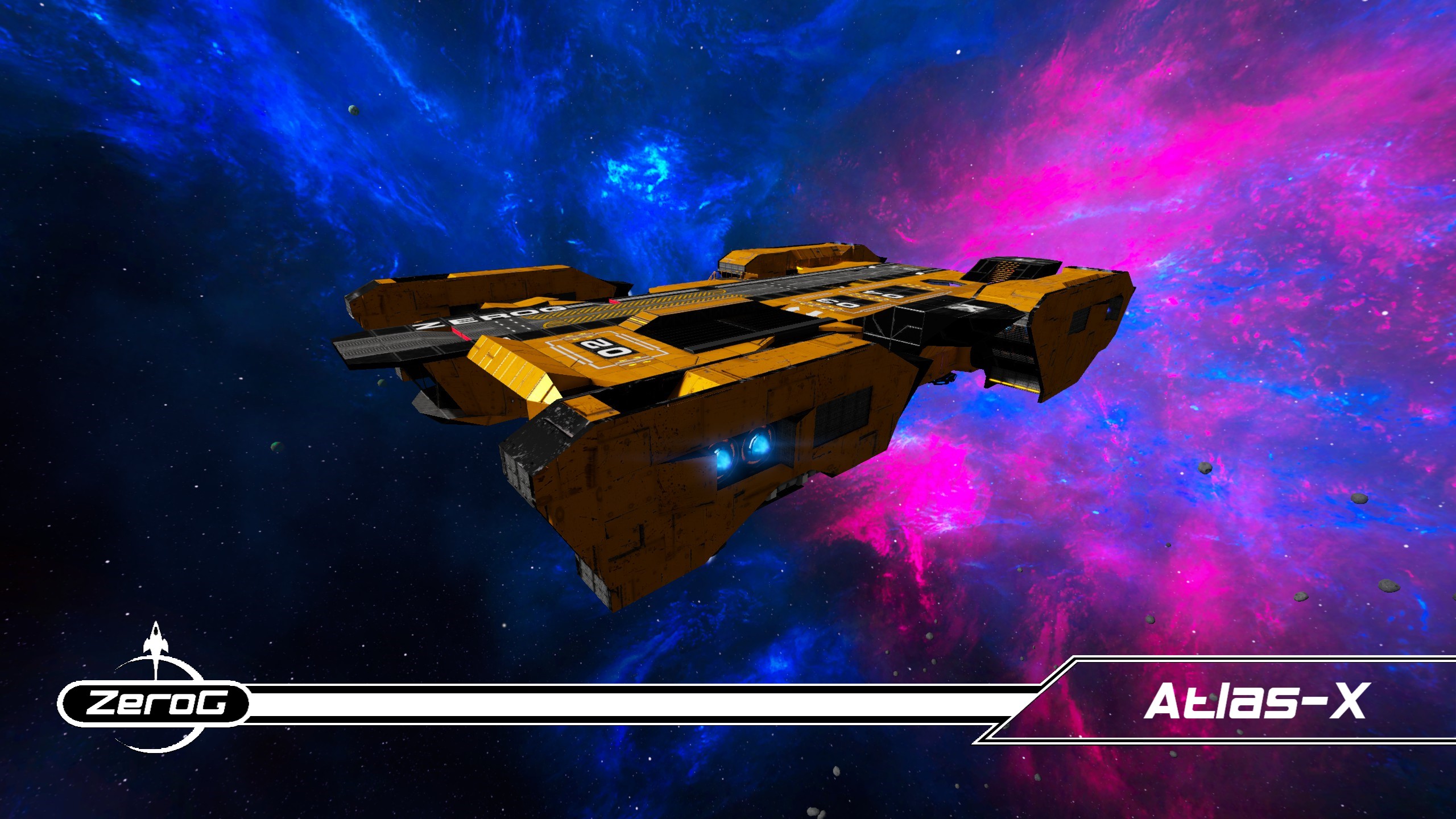
Finally ZeroG has added a much needed Carrier to our fleets! Atlas-X is quite able to haul a vararity of HV's and SV's right on its back! Or in one of the 2 included Bays!
So lets get down to buisness. Atlas-X is desiged for options and upgrading. Many of the devices are not included and much be installed after a purchase of a ZeroG Atlas-X. But here is what is included:
-Advanced Constructor -O2 Station
I would direct your attention to the cabin area of Atlas-X. It includes a LCD with the upgrade pathing laid out for you. We have color and lettered tiles that are deemed to be upgraded. By referencing the cabin LCD, you can then see what devices go where.
But Atlas is about options right? Well lets take a tour! Starting from the front and we'll work our way back.
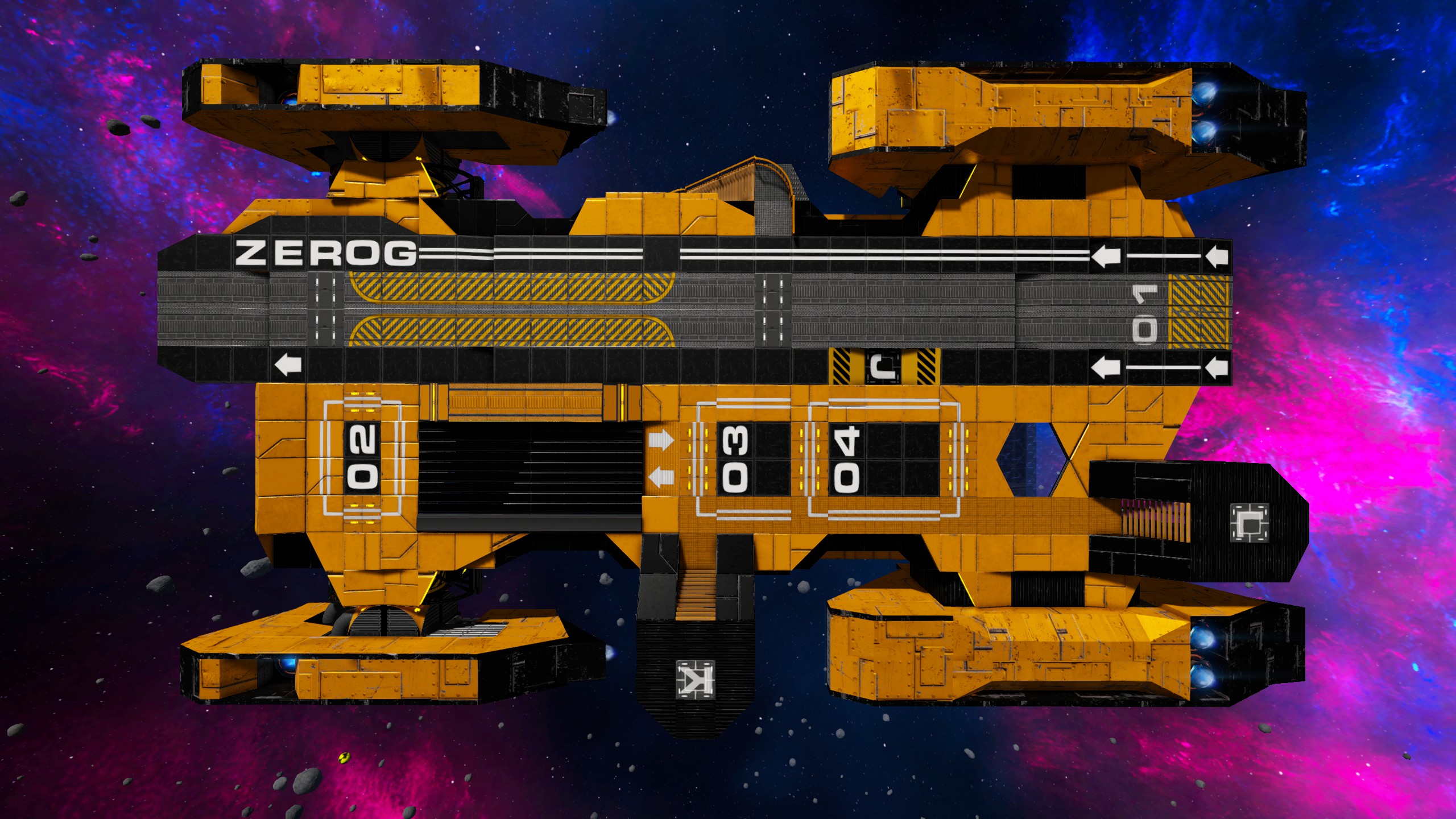
Bay 01: This bay is designed with a few bonuses. First is has automatic ramps and override controls (will leave ramps down!) You are able to access both the O2 Station and the Repair bay(upgrade) in this room. You also have 2 levers as well to us. They control the door overide controls and the other opens and lowers the upper deck acces ramp. The Access ramp is a way for you to pilot your smaller HV's to the upper deck area of Atlas-X!
Cabin Area: This area is where alot of the upgrades are placed. When they are all installed, you'll have access to all of the following:
-Fridge -Food Processor -Armor Locker -Medical Bay -Clone Chamber
This also give you access to the cockpit and the the interior lobby area of Atlas-X
Lobby Area:
Used as the crossroads of the entire ship. Here you have direct access to the Advanced construtor, the Core, power functions, Cargo Bay 2, Docking port, O2 storage, Deck Access Stairwell and the engineering section. There is even a marked off section for cargo or ammo storage to be used. Or what ever else you might see fit.
The power fuction area is worth mentioning. Following the LCD panel, you have control over Bay 02 ramps. The ability to put Atlas-X in full Thrusters mode and the Main Power breaker switch!
*WARNING! -MAIN POWER SWITCH MUST BE ON AT ALL TIMES FOR ATLAS-X TO OPERATE*
Bay 02:
This bay is dual purpose. It is designed to be a secondary HV/SV bay if you need more docking areas. Also allows for easy access to the main lobby and the outer thruster areas. (Note: the outer thruster areas have room to upgrade the generators if need be!) The other purpose is the ability to use the ZeroG Cargo Modules! But do not worry, even when a cargo module is installed, you'll be able to not only use the added abilities the module brings, but you'll still be able to access the thruster areas thru the doors of the ZeroG Cargo Modules!
Engineering:
Here you'll find the gavity generator and the fuel tanks. We also have 2 more upgrade slots for both the warp core, and warp tank. Also like with Bay 02, you can access the thruster areas as well here. In case for repairs or wanting to upgrade the generators.
*WARNING! ENGINEERING SECTION IS FULL OF HEAT, RADS AND NOT OXYGEN! WEARING THE PROPER GEAR AND TAKING PRECAUTIONS IS A MUST!*
Upper Deck:
Here we'll find the landing strip and areas for parking both SV's and HV's. You also have an area to install a repair bay along with 2x turret pads for some minor defenses. You will also see Bay 01's ramp access area for piloting HV's to and from the lower deck and ground levels. (Note Ramp controls must be controls from inside of Bay 01!)
Lastly you will also have access to a stairwell to walk too and from the Deak area to inside the main lobby.
So we hope you'll enjoy the Atlas-X! We are sure that it will serve you well not matter what you place on its back~!
Be Sure to check out our ZeroG Collection page and join our Discord!
ZeroG Shipyards! http://steamcommunity.com/sharedfiles/filedetails/?id=620454405 ZeroG Discord! https://discordapp.com/invite/86rUrYu
***Become a Citizen today! Click here to join! http://steamcommunity.com/groups/-ZeroG-
*Disclaimer* ZeroG Industries puts in alot of effort in our ships. We encourage everyone to personalize our products to be better tailored to your needs. Just remember, If you ever reupload a ZeroG design -Please credit and link the design that you used.
Thank you for your continued support and stay tuned for more from - ZeroG!
Highlights
From source dataFootprint
Rated a light load on a server.
Last update
Its author last shipped an update 8 yr ago.
ZeroG-Atlas-X on Nxeon
From our catalogue- One-click install
- Supported on Nxeon Empyrion: Galactic Survival servers. We download it from Steam Workshop, place it, and restart the server.
- Server load
- light
- Smallest plan we suggest
- Empyrion — 8 GB (8 GB RAM). This follows our own load rating above, not a benchmark.
- Latest build
- 2018-06-13, released 2018-06-13
Game versions by loader
| Loader | Game versions | Newest |
|---|---|---|
| Workshop |
From 1 recorded build of ZeroG-Atlas-X.
Run ZeroG-Atlas-X on a Empyrion: Galactic Survival server
Pick a server or deploy a new one above; it is installed in one click.
What kind of mod it is
From the catalogWorkshop
Its source category doesn’t say more about what it does, so NxLabs lists it under Other.
Compatibility
- Game
- Empyrion: Galactic Survival
Verified at the source
- ✓Steam WorkshopOfficial listing, checked 2026-11-01Open ↗
- ✓AuthorJenniphurr, as published on Steam Workshop
- ✓LicenseNot published by the sourceFree