







About HUD Auto Hide
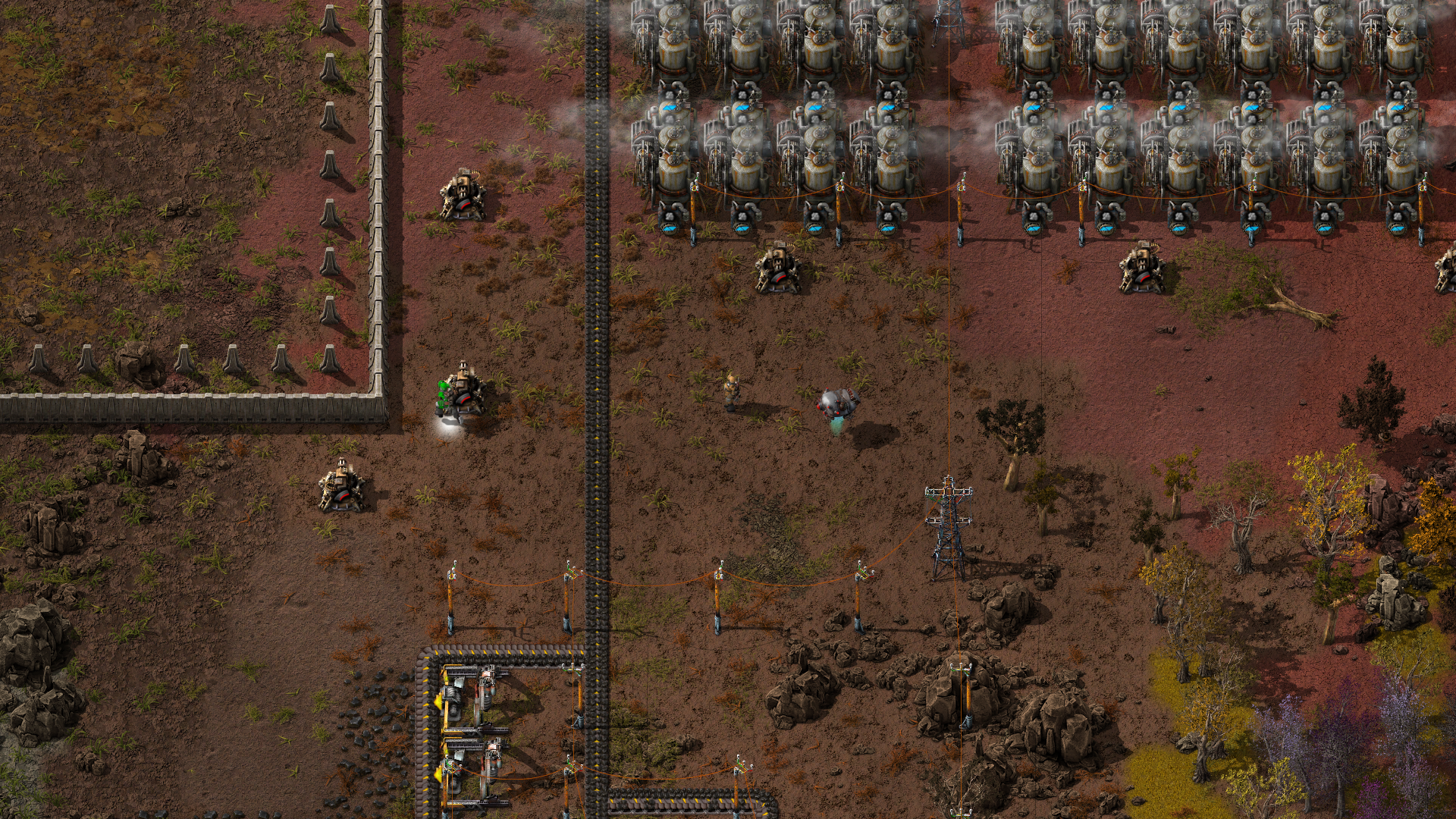
From Factorio Mod PortalAutomatically hide HUD when inventory is closed and show when opened. Or do it manually with hotkey.
Only show HUD when inventory is open. Should work for mods UI as well (has been tested with MSI II and RPG System).
Manual mode, when activated, allows to hide HUD by pressing hotkey (SHIFT + E by default).
Known limitations:
- Quickbar hotkeys don't work if quickbar is not displayed on the screen, so inventory may need to be opened before using hotkeys.
- Quickbar does not disappear after closing inventory if there is something in the cursor. This is intentional workaround, to keep item (e.g. grenade) in the hands visible.
Inspired by Burn-in Prevention mod.
FAQ
How to hide Tips which appear at the bottom left corner?
Currently mod can't do this, but it's possible to disable Tips and tricks notifications completely in game settings. Go to: Settings / Interface Settings / [ ] Show tips and tricks notification (untick checkbox)
How do I get my HUD back after removing this mod?
Follow instructions from the 'buggy mod' discussion.
Highlights
From source dataGame versions
Built for Factorio 2.0.
Footprint
Rated a light load on a server.
License
Published under MIT.
HUD Auto Hide on Nxeon
From our catalogue- One-click install
- Supported on Nxeon Factorio servers. We download it from Factorio Mod Portal, place it, and restart the server.
- Server side
- Required on the server
- Server load
- light
- Smallest plan we suggest
- Factorio — 2 GB (2 GB RAM). This follows our own load rating above, not a benchmark.
- Latest build
- 0.2.4, released 2024-11-24
Recent builds
| Build | Released | Game versions | Loaders |
|---|---|---|---|
| 0.2.4 | 2024-11-24 | 2.0 | n/a |
| 0.1.4 | 2024-11-24 | 1.1 | n/a |
| 0.2.2 | 2024-11-17 | 2.0 | n/a |
| 0.1.2 | 2024-11-17 | 1.1 | n/a |
| 0.2.1 | 2024-11-15 | 2.0 | n/a |
| 0.2.0 | 2024-10-29 | 2.0 | n/a |
Run HUD Auto Hide on a Factorio server
Pick a server or deploy a new one above; it is installed in one click.
What kind of mod it is
From the catalogQuality of life & UI
Small conveniences, tweaks and interface improvements players notice straight away.
Runs on your server
From source side supportFactorio Mod Portal lists HUD Auto Hide as required on the server. Check its Factorio Mod Portal page to see whether players need it too.
Compatibility
- Game
- Factorio
- Runs on
- Serverrequired on the server
- Game versions
- 2.0
Verified at the source
- ✓Factorio Mod PortalOfficial listing, checked 2026-10-09Open ↗
- ✓Authornicck, as published on Factorio Mod Portal
- ✓LicenseMITFree












