






About Personal Roboport Range Overlay / HUD
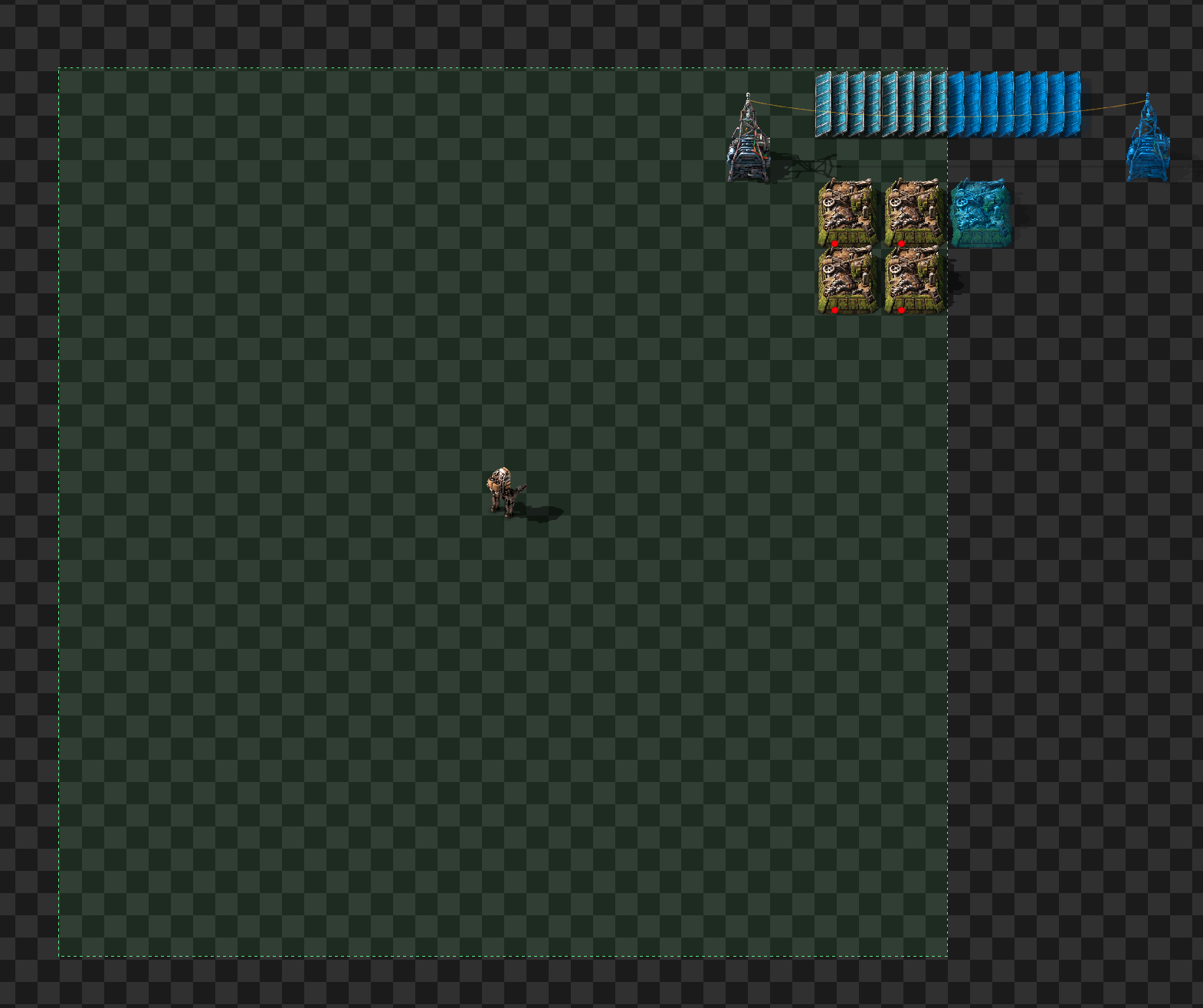
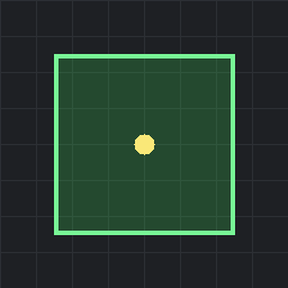
From Factorio Mod PortalA heads-up overlay of your personal (character) roboport's construction range -- the zone your bots can reach to build, repair and deconstruct. Toggle it with a hotkey (ALT + Z -- Z for Zone) instead of the old deconstruction-planner trick. The border is colour-coded: green when active, amber when the buffer is too low to deploy bots, orange when out of power, and red when no personal roboport is equipped. Only your character's roboport is shown, never stationary ones.
Small QOL mod that creates a "heads-up overlay" of your personal (character) roboport's construction range - the zone your bots can reach to build, repair and deconstruct - so you no longer have to pull out a deconstruction planner just to see how far your bots reach. Toggle it with ALT + Z (Z for Zone).
Only your character's personal roboport equipment is considered. Stationary roboports placed in the world are not affected.
FAQ
- To toggle it on/off, ALT-Z
- If your roboport has power, it'll display green background with green dotted border
- If your roboport has too little power to send new bots, it'll have an amber dotted border
- If your roboport has NO power it will have a grey'd out background and border
Highlights
From source dataFootprint
Rated a light load on a server.
License
Published under MIT.
Last update
Its author last shipped an update 4 mo ago.
Personal Roboport Range Overlay / HUD on Nxeon
From our catalogue- One-click install
- Supported on Nxeon Factorio servers. We download it from Factorio Mod Portal, place it, and restart the server.
- Server side
- Required on the server
- Server load
- light
- Smallest plan we suggest
- Factorio — 2 GB (2 GB RAM). This follows our own load rating above, not a benchmark.
- Latest build
- 1.0.1, released 2026-06-27
Run Personal Roboport Range Overlay / HUD on a Factorio server
Pick a server or deploy a new one above; it is installed in one click.
What kind of mod it is
From the catalogQuality of life & UI
Small conveniences, tweaks and interface improvements players notice straight away.
Runs on your server
From source side supportFactorio Mod Portal lists Personal Roboport Range Overlay / HUD as required on the server. Check its Factorio Mod Portal page to see whether players need it too.
Compatibility
- Game
- Factorio
- Runs on
- Serverrequired on the server
Verified at the source
- ✓Factorio Mod PortalOfficial listing, checked 2026-10-08Open ↗
- ✓Authorsarelvdwalt, as published on Factorio Mod Portal
- ✓LicenseMITFree












