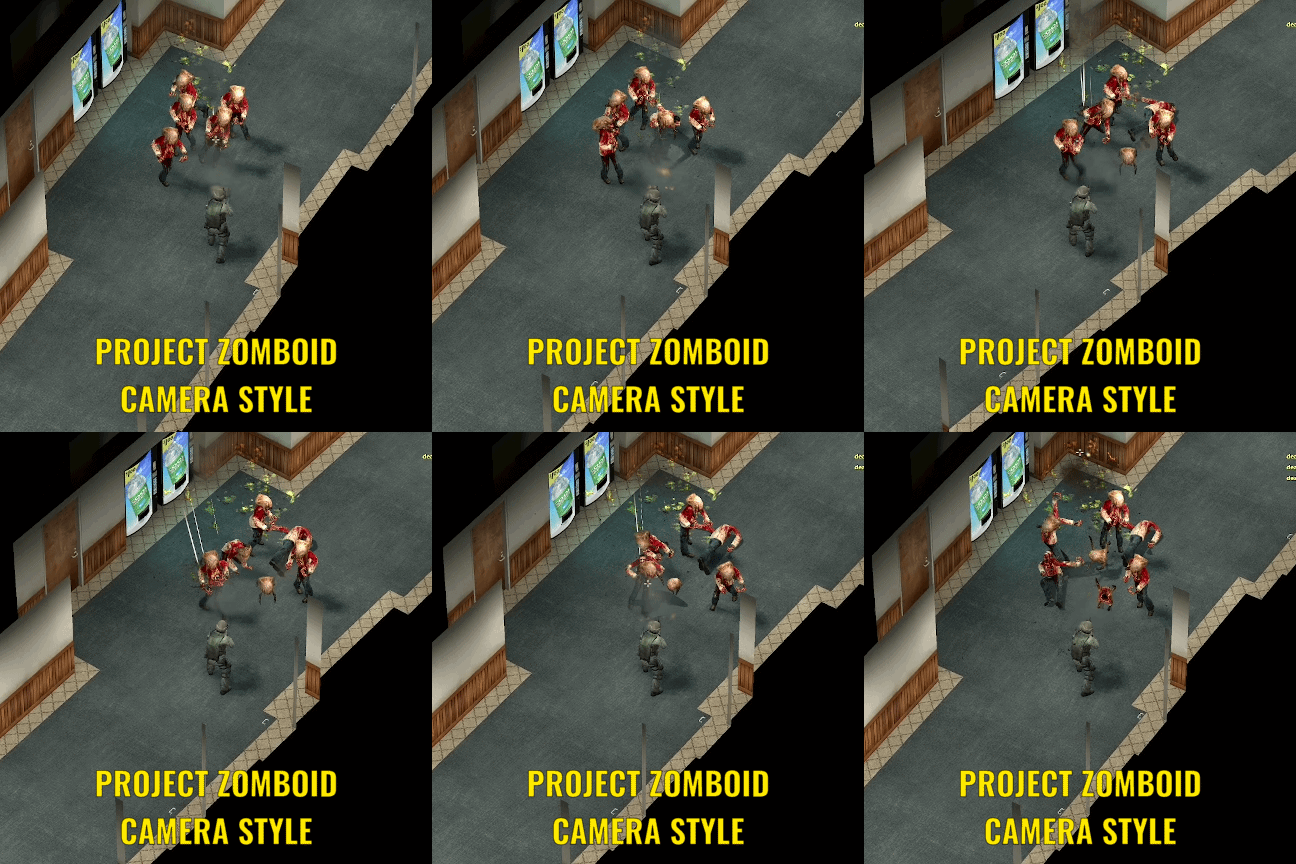
About Dynamic Top Down Camera (Project Zomboid Styled & Door Kicker Third Person Mod)
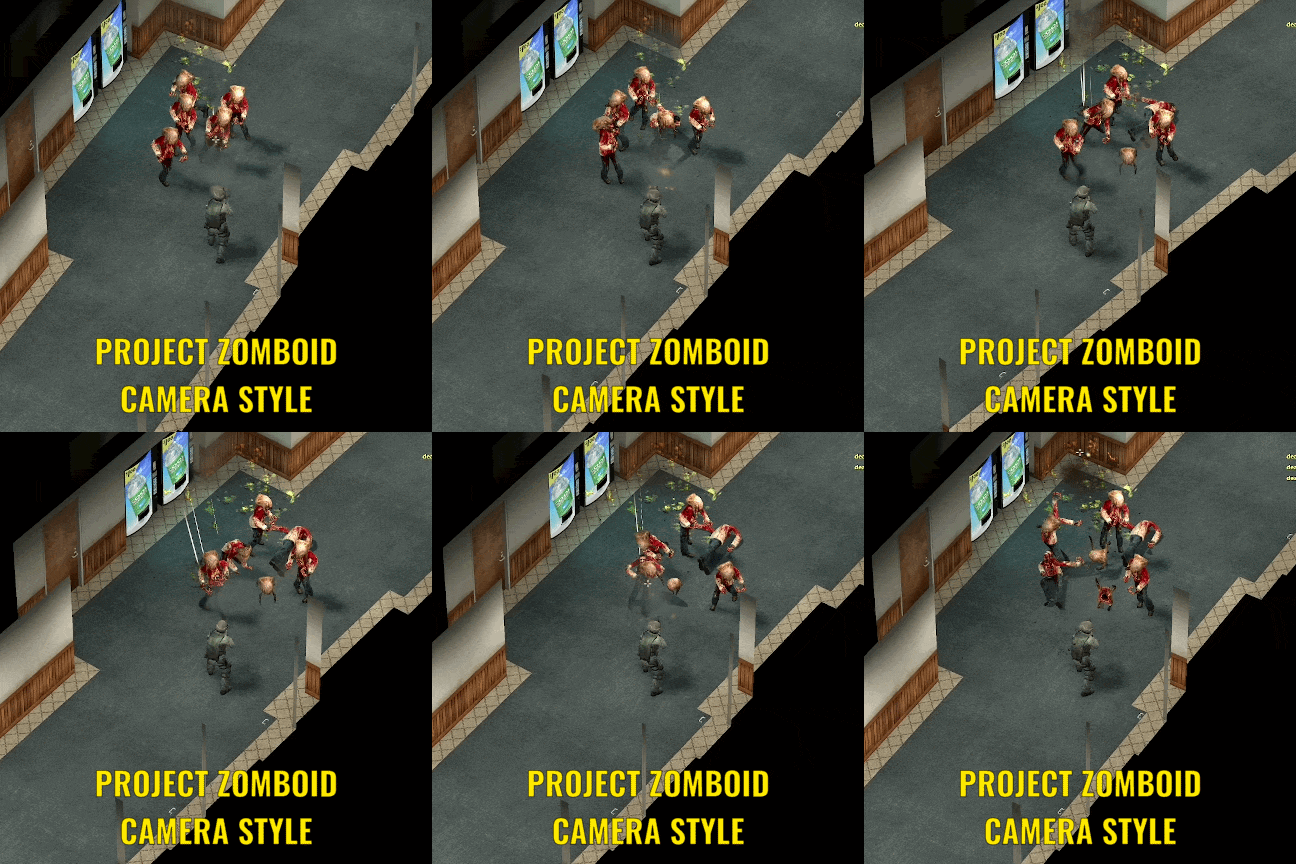
From Steam WorkshopGo to Utilities Tab and Top-Down Camera TO ENABLE! This is a camera mod inspired by Project Zomboid and other top down shooter games. How it works : Just load one of the presets i made, it works…
Go to Utilities Tab and Top-Down Camera TO ENABLE!
This is a camera mod inspired by Project Zomboid and other top down shooter games.
How it works : Just load one of the presets i made, it works almost on every map (assuming their skybox wasn't as high as gm_construct and gm_flatgrass) and you just have to adjust the ceiling cutoff manually. The camera is intentionally outside of the map otherwise the floor/walls/objects won't render properly and some visual bugs occurs. The only disadvantage from doing this method is the water doesn't rendered correctly.
FEATURES 1. Invisible Ceilings & Roof Clipping: Dynamically cuts off overhead ceilings, roofs, and upper floors when entering buildings so you never lose line of sight on your character.
2. Target Auto-Locking: Smart aim-assist system that locks onto NPCs/enemies, complete with customizable flick-thresholds to break lock-on and cover elevation adjustment.
3. Scroll Wheel FOV Zoom: Optionally override your mouse wheel to smoothly zoom the camera FOV in and out.
4. Fully Customizable Camera Controls: Adjust pitch angles, rotation smoothing, movement interpolation, pan shift bias, and camera position offsets (X, Y, Z).
Controls : Mouse wheel to zoom in & out Right Click to move the camera to where the crosshair is pointed
Highlights
From source dataFootprint
Rated a light load on a server.
Last update
Its author last shipped an update 13d ago.
Dynamic Top Down Camera (Project Zomboid Styled & Door Kicker Third Person Mod) on Nxeon
From our catalogue- One-click install
- Supported on Nxeon Garry's Mod servers. We download it from Steam Workshop, place it, and restart the server.
- Server load
- light
- Smallest plan we suggest
- Garry's Mod — 2 GB (2 GB RAM). This follows our own load rating above, not a benchmark.
- Latest build
- 2026-10-22, released 2026-10-22
Game versions by loader
| Loader | Game versions | Newest |
|---|---|---|
| Workshop |
From 1 recorded build of Dynamic Top Down Camera (Project Zomboid Styled & Door Kicker Third Person Mod).
Pick a server or deploy a new one above; it is installed in one click.
What kind of mod it is
From the catalogBuilding & decoration
Blocks, furniture, decorations and building tools.
Compatibility
- Game
- Garry's Mod
Verified at the source
- ✓Steam WorkshopOfficial listing, checked 2026-10-23Open ↗
- ✓Authordeathpepecito, as published on Steam Workshop
- ✓LicenseNot published by the sourceFree