






About FPS Saving Fog
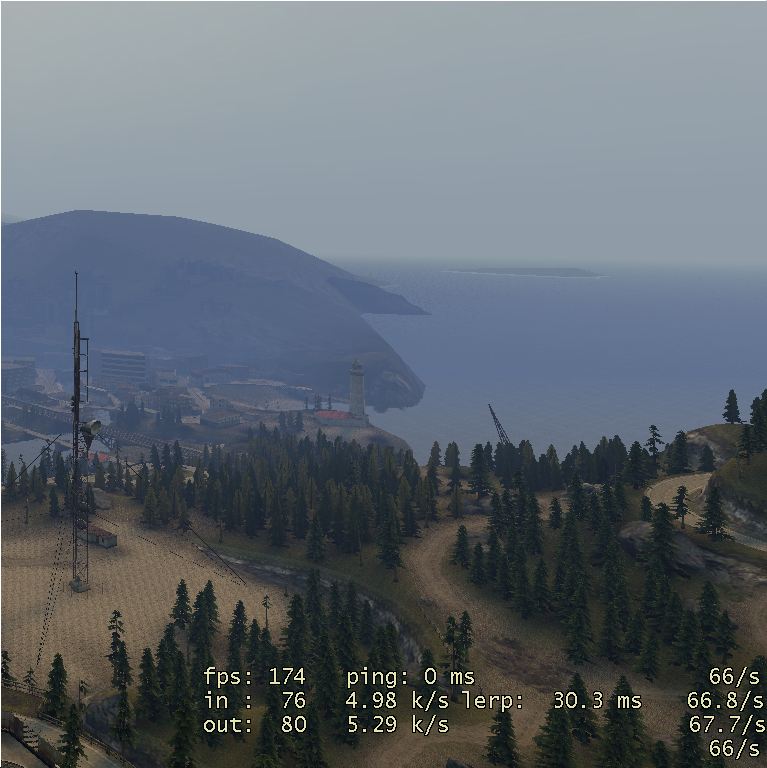
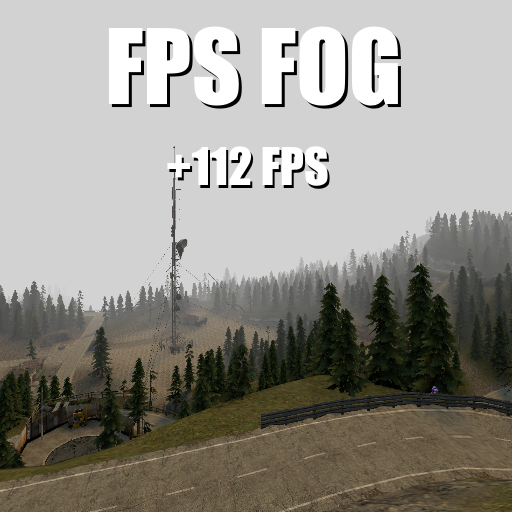
From Steam Workshophttps://file.garden/Xddz2FapeDSxWhE_/hdr.png?v=1675846829154 Fog that actually culls things you can't see! Meaning things beyond the fog do not render (Yes, kind of like Minecraft...) For some reason…

Fog that actually culls things you can't see!
[i]Meaning things beyond the fog do not render (Yes, kind of like Minecraft...)
For some reason the in-game fog editor does not do this by default.[/i]
Only the host can change fog settings.
Use the context menu to open the fog menu (Hold C by default).
Commands
"fpsfog_active": 1 - 0, enable or disable
"fpsfog_skybox": 1 - 0, enable or disable skybox
"fpsfog_distance": distance at which fog is opaque
"fpsfog_thickness": 100 - 0, percentage of how close the fog starts from the player
"fpsfog_color_r": 0 - 255, how red the fog is
"fpsfog_color_g": 0 - 255, how green the fog is
"fpsfog_color_b": 0 - 255, how blue the fog is
tags: fps booster, save fps, increase fps, fog, fog culling, render distance, draw distance, less lag, anti-lag, anti lag, no lag, lag fix, frames, frames per second, mist, more fps, fix fps
[b][h2] Report any bugs you come across in the comments below. Please include the full script error (if you get one) and what you are doing to get the bug!
If you comment something along the lines of "This doesn't work" instead of "This doesn't work, I was doing so and so when it stopped working and was able to consistently get it to stop working using mentioned steps" I'll just assume you're a fool, a child, illiterate, or all three![/h2][/b]
[b][h2] P.S. if you like this addon, check out my other ones![/h2]
Highlights
From source dataFootprint
Rated a light load on a server.
Last update
Its author last shipped an update 4 yr ago.
FPS Saving Fog on Nxeon
From our catalogue- One-click install
- Supported on Nxeon Garry's Mod servers. We download it from Steam Workshop, place it, and restart the server.
- Server load
- light
- Smallest plan we suggest
- Garry's Mod — 2 GB (2 GB RAM). This follows our own load rating above, not a benchmark.
- Latest build
- 2023-02-16, released 2023-02-16
Game versions by loader
| Loader | Game versions | Newest |
|---|---|---|
| Workshop |
From 1 recorded build of FPS Saving Fog.
Run FPS Saving Fog on a Garry's Mod server
Pick a server or deploy a new one above; it is installed in one click.
What kind of mod it is
From the catalogPerformance
Makes the game or server run faster or lighter without changing how it plays.
Compatibility
- Game
- Garry's Mod
Verified at the source
- ✓Steam WorkshopOfficial listing, checked 2026-10-10Open ↗
- ✓Authorfuwatti sinatra, as published on Steam Workshop
- ✓LicenseNot published by the sourceFree














