
About Grimoire Deck Magic - ALPHA (Prop/Warp/Combo Update)
From Steam WorkshopGrimoire Deck Magic Heyo! This is an experimental, early-alpha addon , so expect bugs and unexpected behaviour. Feel free to report anything you run into! Grimoire Deck Magic is a magic-based SWEP…
Grimoire Deck Magic
Heyo! This is an experimental, early-alpha addon, so expect bugs and unexpected behaviour. Feel free to report anything you run into!
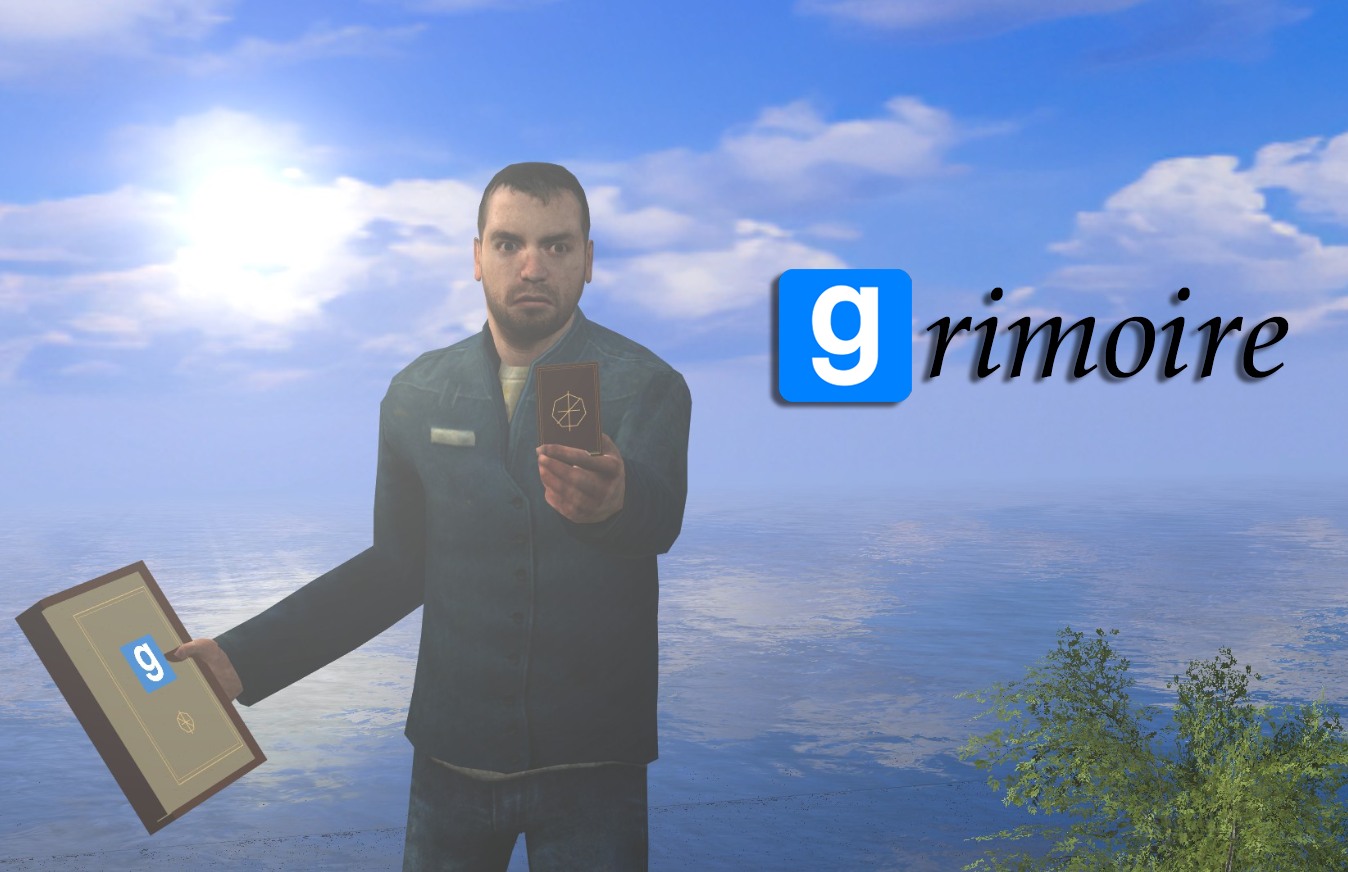
Grimoire Deck Magic is a magic-based SWEP built around a spellbook and a separate deck of cards. Summon NPCs, create props and weapons, use elemental attacks, heal, teleport, and experiment with physics across eight different magical disciplines.
The whole idea is to experiment. Configure spells, turn them into cards, and save your own decks. Stack compatible cards to buff summons or enchant weapons, place cards face-down for later activation, or hold certain cards outward to sustain their effects. Your regular deck cards regenerate after their cooldown.
Eight Magical Disciplines
Evocation • Manifestation • Conjuration • Alteration • Warding • Restoration • Traversal • Oddities/Paradox
Features
- 43 abilities and seven modifiers, with editable options depending on the spell. Completed cards keep their gameplay stats—make a new variant if you want different values.
- Build and save named decks, with up to 32 cards per deck and five cards in your hand.
- Illustrated Card Workshop with full card previews, collection filters, and comparisons between similar cards.
- Combine compatible cards to strengthen summons, enchant weapons, equip supported NPCs, or modify how an effect behaves.
- Manifest props, weapons, and supported entities, including content from installed addons. Arrange temporary props and configure their orientation.
- Conjure friendly or hostile actors, give supported summons orders, request supplies, and view through certain mechanical summons.
- Customize summoned actors with colours, materials, and cosmetic props attached to their bones.
- Elemental attacks and weapon enchantments, including fire, frost, lightning, water, and venom.
- Face-down cards with manual activation, remote controls, and adjustable countdowns.
- Linked cards: activate multiple face-down cards together, or trigger them by successfully playing a chosen card from your hand.
- Temporary physics constraints, including supported welds, ropes, and no-collide connections.
- Ritual brewing for books and stronger combined cards. More powerful recipes take longer, and larger, heavier manifested props can take longer to inscribe.
- Saved inscriptions and decks that remain available even if you lose your physical grimoire.
- Custom book and deck colours, plus poseable scenic copies of books and card faces for screenshots.
Getting Started
[olist] [*]Spawn the Ritual Pot under Entities → Grimoire. [*]Press E on the pot and follow its displayed recipe to make your book. [*]Pick up the finished book with E. Your book automatically provides a physical deck if you’re missing one. [*]Open B → Card Workshop to inscribe cards, build a deck, and apply your chosen cards. [*]Choose Equip Physical Deck to switch to the deck. [/olist]
You don’t need to repeat the deck ritual just to start using your deck. The separate deck ritual is still available.
There’s also a ritual to unseal the book for direct spellcasting, along with later rituals for stronger cards and returning catalysts.
Basic Controls
- B — Open the book or deck menu.
- Hold G — Select or combine cards.
- Right-click — Present a card.
- Left-click — Use the presented card.
- Hold Alt — Use supported surface-placement functions.
- H — Open controls while aiming at your summon or a face-down card.
- J — Stow or draw your deck.
The in-game guide explains the other controls and mechanics.
Important Notes
Physical decks and single-use cards are bound to their creator. Single-use cards can be played without carrying a book or deck.
Cards using addon content still require that content and its dependencies to be installed wherever you play.
Not every combination, map, or addon interaction has been thoroughly tested yet. Experiment and see what you can come up with!
Feedback and Bug Reports
There’s already a lot to play around with, but if something breaks or feels confusing, let me know so I can work on it. Feel free to message me or post in one of the discussion threads.
When reporting a bug, please include: -What you were doing -What went wrong -Paste the error in the error discussion thread
Highlights
From source dataFootprint
Rated a light load on a server.
Last update
Its author last shipped an update 5d ago.
Grimoire Deck Magic - ALPHA (Prop/Warp/Combo Update) on Nxeon
From our catalogue- One-click install
- Supported on Nxeon Garry's Mod servers. We download it from Steam Workshop, place it, and restart the server.
- Server load
- light
- Smallest plan we suggest
- Garry's Mod — 2 GB (2 GB RAM). This follows our own load rating above, not a benchmark.
- Latest build
- 2026-10-11, released 2026-10-11
Game versions by loader
| Loader | Game versions | Newest |
|---|---|---|
| Workshop |
From 3 recorded builds of Grimoire Deck Magic - ALPHA (Prop/Warp/Combo Update).
Recent builds
| Build | Released | Game versions | Loaders |
|---|---|---|---|
| 2026-10-11 | 2026-10-11 | n/a | Workshop |
| 2026-10-08 | 2026-10-08 | n/a | Workshop |
| 2026-10-07 | 2026-10-07 | n/a | Workshop |
Run Grimoire Deck Magic - ALPHA (Prop/Warp/Combo Update) on a Garry's Mod server
Pick a server or deploy a new one above; it is installed in one click.
What kind of mod it is
From the catalogQuality of life & UI
Small conveniences, tweaks and interface improvements players notice straight away.
Compatibility
- Game
- Garry's Mod
Verified at the source
- ✓Steam WorkshopOfficial listing, checked 2026-10-11Open ↗
- ✓AuthorGensubaru, as published on Steam Workshop
- ✓LicenseNot published by the sourceFree