






About İETT Signs (OTOKAR Kent 290LF)
From Steam WorkshopPlease check the discussions below to learn how to make your own sign mods for this vehicle. Here are 333+ İETT bus route signs made for the functional LED panels of…
Please check the discussions below to learn how to make your own sign mods for this vehicle.
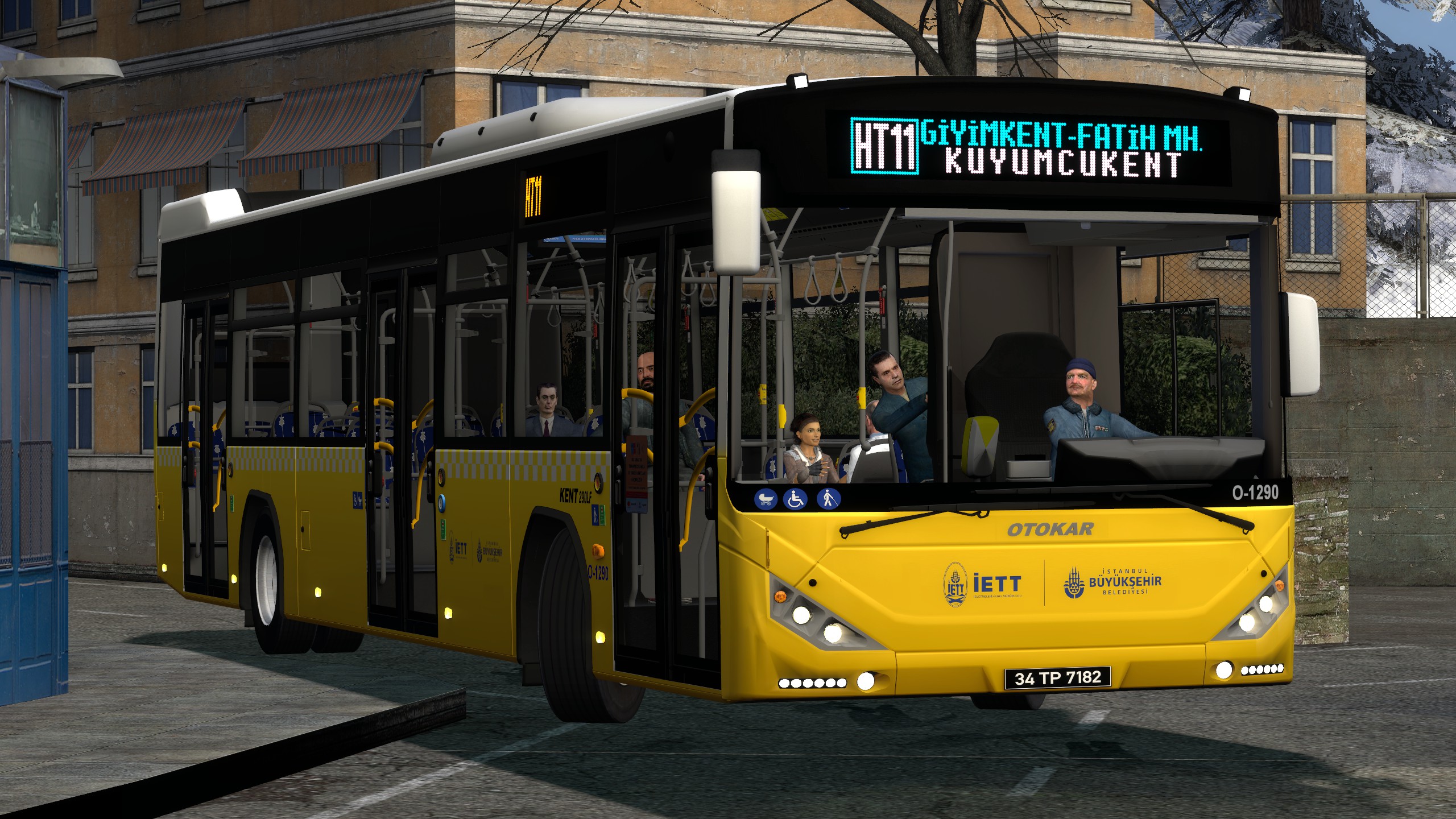
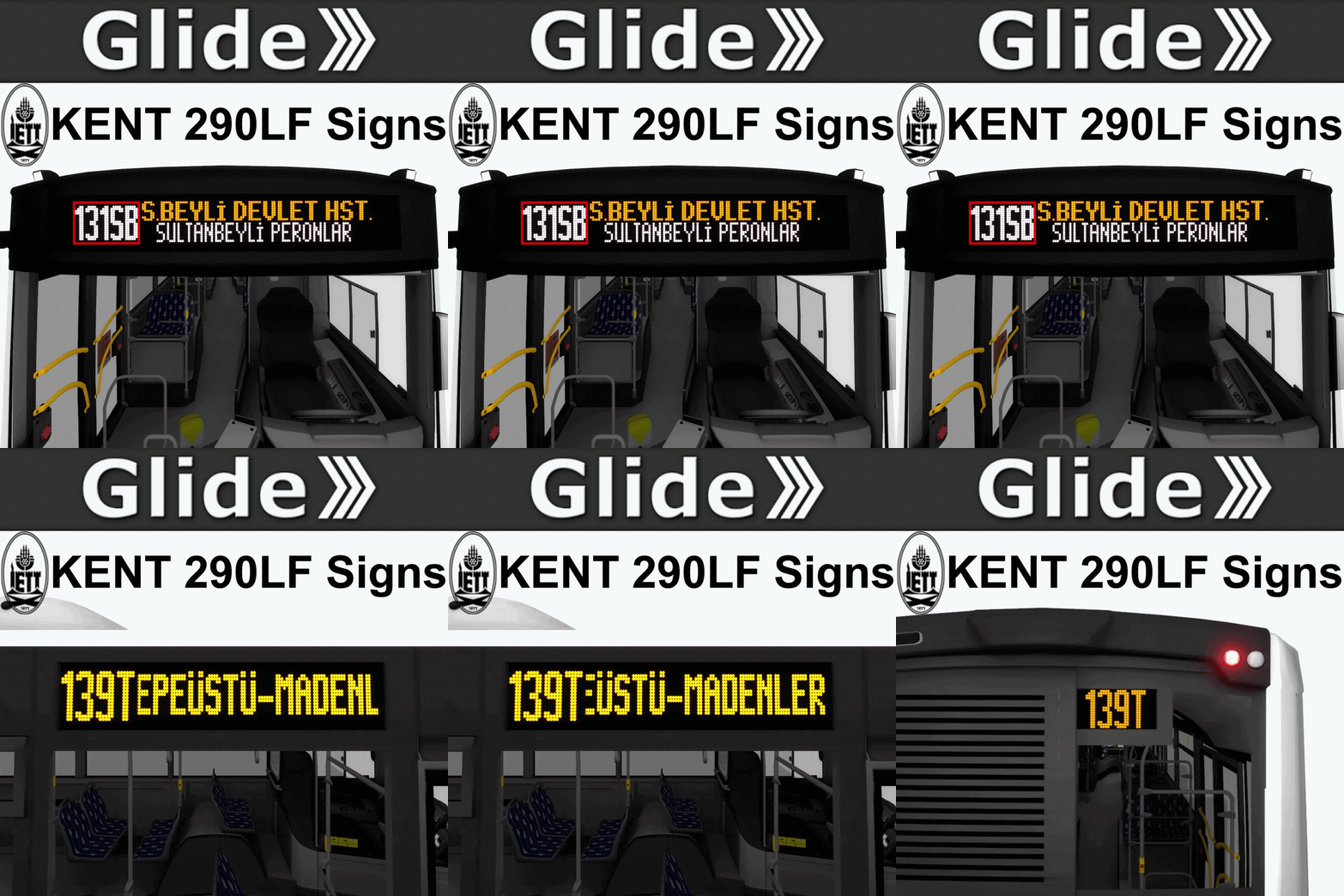
Here are 333+ İETT bus route signs made for the functional LED panels of Glide OTOKAR Kent 290LF, all handmade with near 100% accuracy. I decided to not include these in the main vehicle addon and instead added support for external route sign addition, which this addon uses.
External displays of this vehicle are made out of three panels, placed at the front, right side and rear. The front is a 144x20 panel which uniquely supports RGB colors instead of just dull yellow like the others. The side panel is fitted with a 128x16 scrolling sign displaying more detailed route information. Since this unique route information cannot be found easily online, the majority of routes will only display the route code on the side. Lastly there is a small 32x16 "you-missed-the-bus" sign located in the back displaying the route code.
How to Use This:
[olist] [*]Spawn the vehicle and hop in [*]Open the spawnmenu (Q) and locate the Options tab at the top right [*]You should see the glaring category İETT - OTOKAR Kent 290LF [*]Under there click Driver Settings [*]Below the keybinds you will see İETT Bus Line dropdown, that is where you will see the massive list of signs [*]Pick anything other than "OFF" and click Update Bus Systems
Once you have Driver Settings selected in the spawnmenu, you can access the same panel by holding your C key as well. [/olist]
SIGNS:
This table is updated very infrequently so is most likely
Highlights
From source dataFootprint
Rated a light load on a server.
Last update
Its author last shipped an update 12d ago.
İETT Signs (OTOKAR Kent 290LF) on Nxeon
From our catalogue- One-click install
- Supported on Nxeon Garry's Mod servers. We download it from Steam Workshop, place it, and restart the server.
- Server load
- light
- Smallest plan we suggest
- Garry's Mod — 2 GB (2 GB RAM). This follows our own load rating above, not a benchmark.
- Latest build
- 2026-10-04, released 2026-10-04
Game versions by loader
| Loader | Game versions | Newest |
|---|---|---|
| Workshop |
From 1 recorded build of İETT Signs (OTOKAR Kent 290LF).
Dependencies
- Required: steam_workshop project 3756214707 (steam_workshop, not in our catalogue)
Declared by the newest build that lists any. Required ones are installed with it on one-click installs.
Run İETT Signs (OTOKAR Kent 290LF) on a Garry's Mod server
Pick a server or deploy a new one above; it is installed in one click.
What kind of mod it is
From the catalogVehicles & ships
Cars, boats, aircraft, ships and other things to drive or fly.
Compatibility
- Game
- Garry's Mod
Verified at the source
- ✓Steam WorkshopOfficial listing, checked 2026-10-04Open ↗
- ✓Authormultinett, as published on Steam Workshop
- ✓LicenseNot published by the sourceFree














