






About Life Mod: Advanced Graphic Settings
From Steam WorkshopLife Mod Version 1.9.5 Don't forget to http://i.imgur.com/EFERX9f.gif Life Mod Introduction: - This Is an addon that doesn't just make you experience a new way of how things look, but gives you tons…
Life Mod Version 1.9.5
Don't forget to 
Life Mod Introduction:
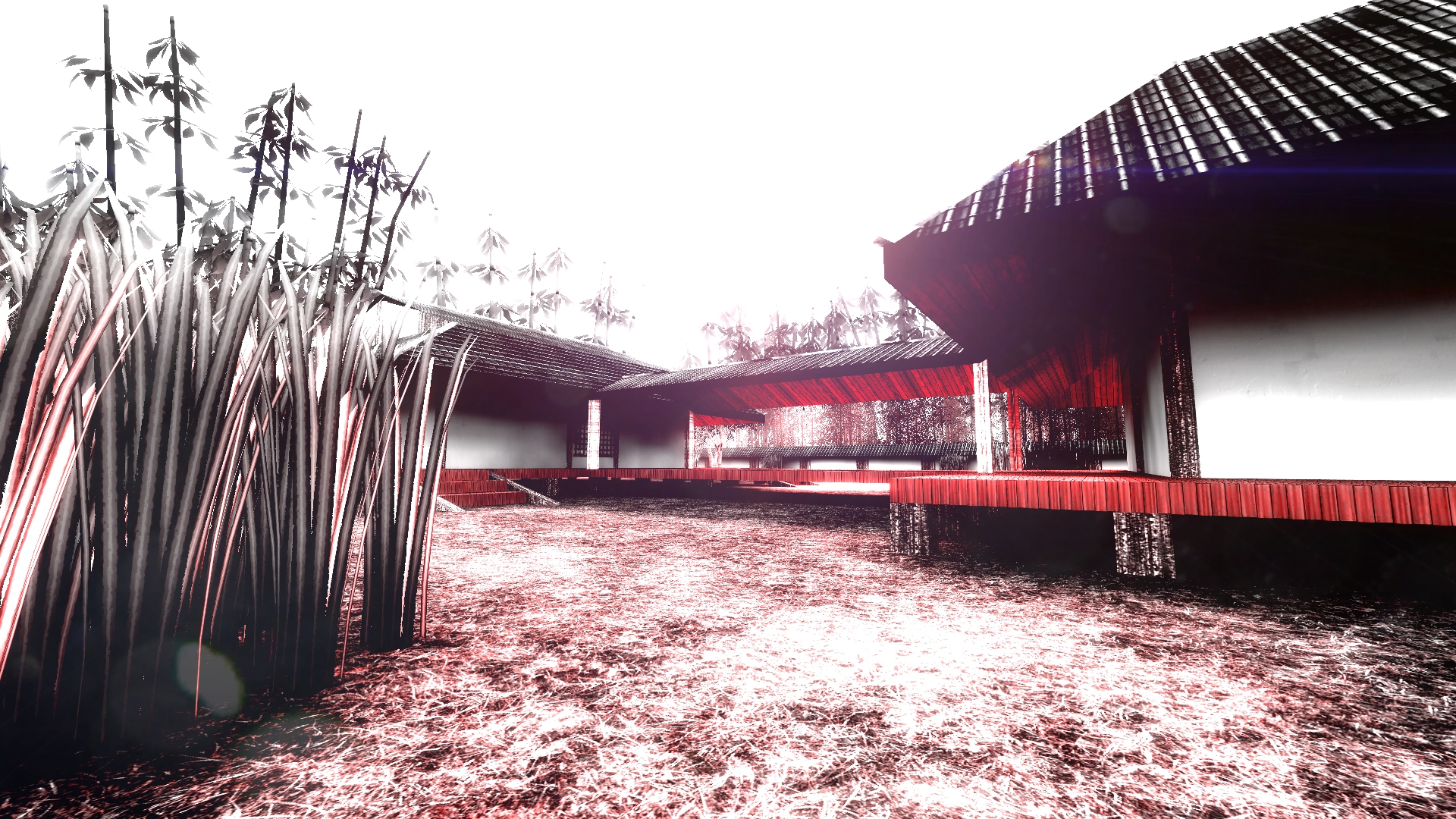
- This Is an addon that doesn't just make you experience a new way of how things look, but gives you tons of new features that could potentially increase game's realistic-ness and overall your gameplay's experience to another level!
- And if you are an individual that likes to make photos and such, this might help you alot with its ultilities that offers for you to make the best screenshots ever existed![/i]
Its Own UI Panel! You can find it here!:
"Customize Life HUD" is where all the Options for Life HUD are!
[i]Don't forget to bind LifeMod_OpenPanel on the console if your gamemode doesn't support sandbox-like menu!
If you wish to reset Life Mod back to default by running a console command: LifeMod_Reset will do the trick! [/i]
Life Mod Includes:
- Fully Customizable Life HUD with heavily requested features and more!
- Color Modifications
- Bloom Modifications
- Toy Town Effect
- Sharpen Effect
- SunBeams Effect
- Color/Bloom Preset Creator
- Dynamic Vignette System
- Cinematic Overlays System
- Mask/Helmets Overlays System
- Fog System
- FoV Editor System ( VIew Bobbing / Third Person / First Person Mode options included! )
- Dynamic Motion Blur
- Distortion Effect System
- Eye Blink System
- Dynamic DoF ( Depth Of Field ) System
- Server Override ( Admins to control the effects on the basic tab for everyone! )
- Dynamic Shadows ( Cvars )
- FastDL ready ( For Servers )
- Stand-Alone Addon ( doesn't replaces anything! )
- +Alot More Optimizations and settings for your Garry's Mod!
Single-Player/Multi-Player ( Client-Side/Server-Side ) Support?
It supports both of them at its finest ways!
Can i play with this mod on other servers if the server doesn't have it installed?
Thats not possible because the mod is stand-alone. Its not an effect replacer or somekind of a lens flare to do that so. Its a ultility mod which any server you may go and if you want to use it, the server needs to have it or else it won't work!
How can i enable Server variables?
Server variables will get enabled by only Admin+ rank privileges and by enabling the Server Override option on the basic tab. After that, you just adjusting everything on the panel as how you want everyone else to see it so!
What kind of PC do i need to run Life mod?
If your computer's spec's have being made/manufactured on 2010+ year, your computer can handle most of the things that Life Mod gives. If not, please consider sticking only with the basic tab and keep away from Dynamic DoF and Distortion Effect systems! Note: Life Mod Basic Tab systems, all enabled can take at least 4 FPS if you have a mid-to-low end PC.
Can someone disable Life HUD and use another HUD instead if he/she wants?
Yes he/she can! just head over to the Life Mod tab > Life HUD Customization context menu and disable the Life HUD option. Then you can use whatever else HUD you wish so without any kind of conflicts.
Highlights
From source dataFootprint
A 7 MB download, rated a light load on a server.
Last update
Its author last shipped an update 7 yr ago.
Life Mod: Advanced Graphic Settings on Nxeon
From our catalogue- One-click install
- Supported on Nxeon Garry's Mod servers. We download it from Steam Workshop, place it, and restart the server.
- Server load
- light
- Smallest plan we suggest
- Garry's Mod — 2 GB (2 GB RAM). This follows our own load rating above, not a benchmark.
- Latest build
- 2019-08-26, released 2019-08-26, 7 MB
Game versions by loader
| Loader | Game versions | Newest |
|---|---|---|
| Workshop |
From 1 recorded build of Life Mod: Advanced Graphic Settings.
Run Life Mod: Advanced Graphic Settings on a Garry's Mod server
Pick a server or deploy a new one above; it is installed in one click.
What kind of mod it is
From the catalogWorkshop
Its source category doesn’t say more about what it does, so NxLabs lists it under Other.
Compatibility
- Game
- Garry's Mod
- File size
- 7 MB
Verified at the source
- ✓Steam WorkshopOfficial listing, checked 2026-10-10Open ↗
- ✓AuthorKyo, as published on Steam Workshop
- ✓LicenseNot published by the sourceFree














