About Physics for Effects
From Steam WorkshopAbout A simple tool for adding the physics to effect props. Do you know the pain when you see a nice prop in the spawn menu, you spawn it and you see the ominous effect ring? Fear no more! With this…
About
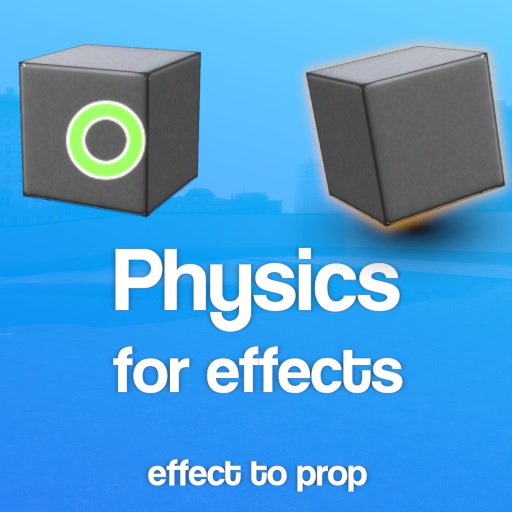
A simple tool for adding the physics to effect props. Do you know the pain when you see a nice prop in the spawn menu, you spawn it and you see the ominous effect ring? Fear no more! With this tool you can make any prop_effect a prop_physics, then weld it, build with it, duplicate it!
No, I will not create a "Effect to Ragdoll" tool. Reason is simple: Lua does not provide an interface for creating multiple convex colliders for bones in ragdolls.
How to use
By default every small effect you spawn automatically becomes a physicized effect (basically a prop_physics). You can disable the auto-physicize by going into the Spawn menu (press Q), on the top bar find "Effect spawning" and toggle the "Physicize effects on spawn". If you want to automatically physicize big effects uncheck the "Don't physicize big props". Sometimes the boundaries are not obvious, for that you can preview them by clicking "Draw physics bounds".
You can physicize / dephysicize the effect by clicking "C" and hovering over it in game, then clicking "Physicize (add physics)" (on effects) or "Dephysicize (remove physics)" (on physics effects). Physics effects are just like props, you can ignite them, disable collisions on them etc.
Please check out my last addon: Advanced Duplicator Sharing system
Highlights
From source dataFootprint
Rated a light load on a server.
Last update
Its author last shipped an update 5 yr ago.
Physics for Effects on Nxeon
From our catalogue- One-click install
- Supported on Nxeon Garry's Mod servers. We download it from Steam Workshop, place it, and restart the server.
- Server load
- light
- Smallest plan we suggest
- Garry's Mod — 2 GB (2 GB RAM). This follows our own load rating above, not a benchmark.
- Latest build
- 2021-10-26, released 2021-10-26
Game versions by loader
| Loader | Game versions | Newest |
|---|---|---|
| Workshop |
From 1 recorded build of Physics for Effects.
Run Physics for Effects on a Garry's Mod server
Pick a server or deploy a new one above; it is installed in one click.
What kind of mod it is
From the catalogQuality of life & UI
Small conveniences, tweaks and interface improvements players notice straight away.
Compatibility
- Game
- Garry's Mod
Verified at the source
- ✓Steam WorkshopOfficial listing, checked 2026-10-10Open ↗
- ✓AuthorAnonim47, as published on Steam Workshop
- ✓LicenseNot published by the sourceFree