About Player Status Icons
From Steam WorkshopWhat is this? This addon will show what players are doing in the form of an icon above their heads. Features Only the server is required to have this addon, it will work properly for any player that…
What is this?
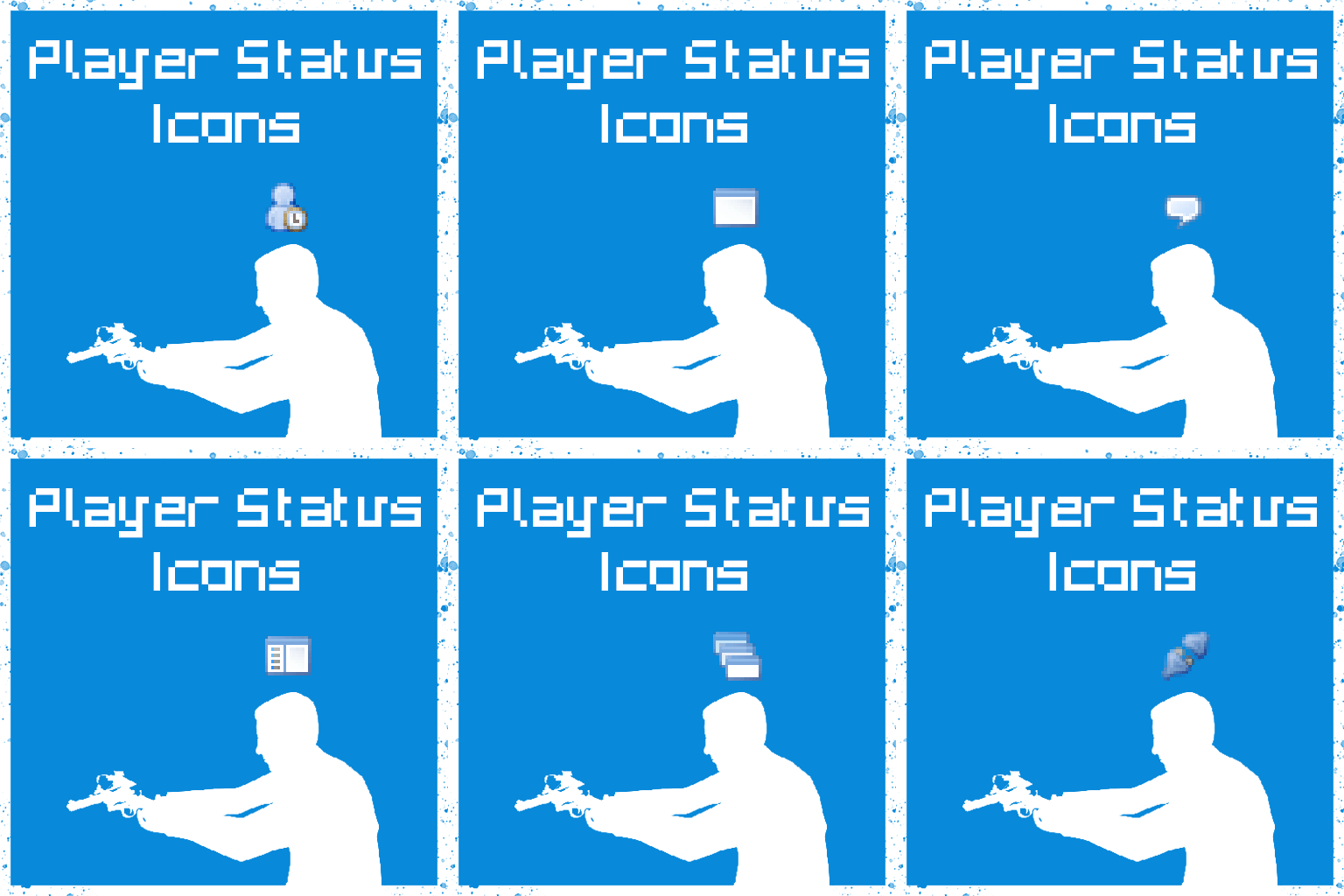
This addon will show what players are doing in the form of an icon above their heads.
Features
Only the server is required to have this addon, it will work properly for any player that joins - Contains no additional models or sounds, it's just a script. (The icons (Silk icons) are built into the game.)
A client settings menu can be found under Spawnmenu/Utilities/User/Player Status Icons where you can set which icons you want to see, and more.
Icons In hierarchical order (increasing):
 | Is AFK (A timestamp will also appear)
 | Is using any kind of VGUI
 | Is typing in chat (Might not work with custom chatboxes)
 | Is in Spawnmenu
 | Is in main menu
 | Is Alt-tabbed (game window out of focus) (doesn't work on macOS clients)
 | Is timing out (lost connection to the server)[/list]
- Icons fade away when they are too small for recognition. (e.g. You're too far away.)
- Convars
- [code]
- Server:
- [list]
- psi_sv_enabled 1/0 - Main power switch for the addon
- psi_afk_timelimit 3 - [minutes] Sets the timelimit for the AFK flag to activate and the timestamp to appear[/list]
- Client:
- [list]
- psi_cl_enabled 1/0 - Clientside power switch
- psi_privacy_mode 1/0 - Only report AFK status to other players
- psi_show_**** 1/0 - These convars will toggle specific icons
- psi_height_offset 15 [source units] - Sets the overhead offset distance of the icons[/list]
- [/code]
- [h1]Good to know[/h1]
- [list]
- It logs nothing at all.
- Supports cloaking for ULX and Maestro (might work with other admin mods too).
- Works best with humanoid playermodels, though it will try to render icons somewhere over the player if it can't find a head attachment.
- Currently there is no efficient way of detecting if a player is in Steam overlay, so that is not indicated.
- For obvious reasons, this addon doesn't load in singleplayer.
- There are no status messages - This addon doesn't spam your chatbox.
- This addon was tested and made for Sandbox, I have no idea how / if it will work in other gamemodes.[/list]
- [hr][/hr]
- Thanks to Phulax for assisting in the workshop icon design.
- [i]Thanks to Abuyin for helping me shoot some pictures for workshop.
- [i]Thanks to Pr0Face40 for helping me test the addon.
- Report bugs, or request features on GitHub
Highlights
From source dataFootprint
Rated a light load on a server.
Last update
Its author last shipped an update 4 yr ago.
Player Status Icons on Nxeon
From our catalogue- One-click install
- Supported on Nxeon Garry's Mod servers. We download it from Steam Workshop, place it, and restart the server.
- Server load
- light
- Smallest plan we suggest
- Garry's Mod — 2 GB (2 GB RAM). This follows our own load rating above, not a benchmark.
- Latest build
- 2022-05-16, released 2022-05-16
Game versions by loader
| Loader | Game versions | Newest |
|---|---|---|
| Workshop |
From 1 recorded build of Player Status Icons.
Run Player Status Icons on a Garry's Mod server
Pick a server or deploy a new one above; it is installed in one click.
What kind of mod it is
From the catalogQuality of life & UI
Small conveniences, tweaks and interface improvements players notice straight away.
Compatibility
- Game
- Garry's Mod
Verified at the source
- ✓Steam WorkshopOfficial listing, checked 2026-10-10Open ↗
- ✓AuthorHaaax, as published on Steam Workshop
- ✓LicenseNot published by the sourceFree