About Prop Counter - Feature Rich
From Steam WorkshopLarry's Prop Counter A clean, lightweight HUD that shows how many props you have spawned, right in the corner of your screen. Fully customizable colors, size and position, plus an optional rainbow…
Larry's Prop Counter
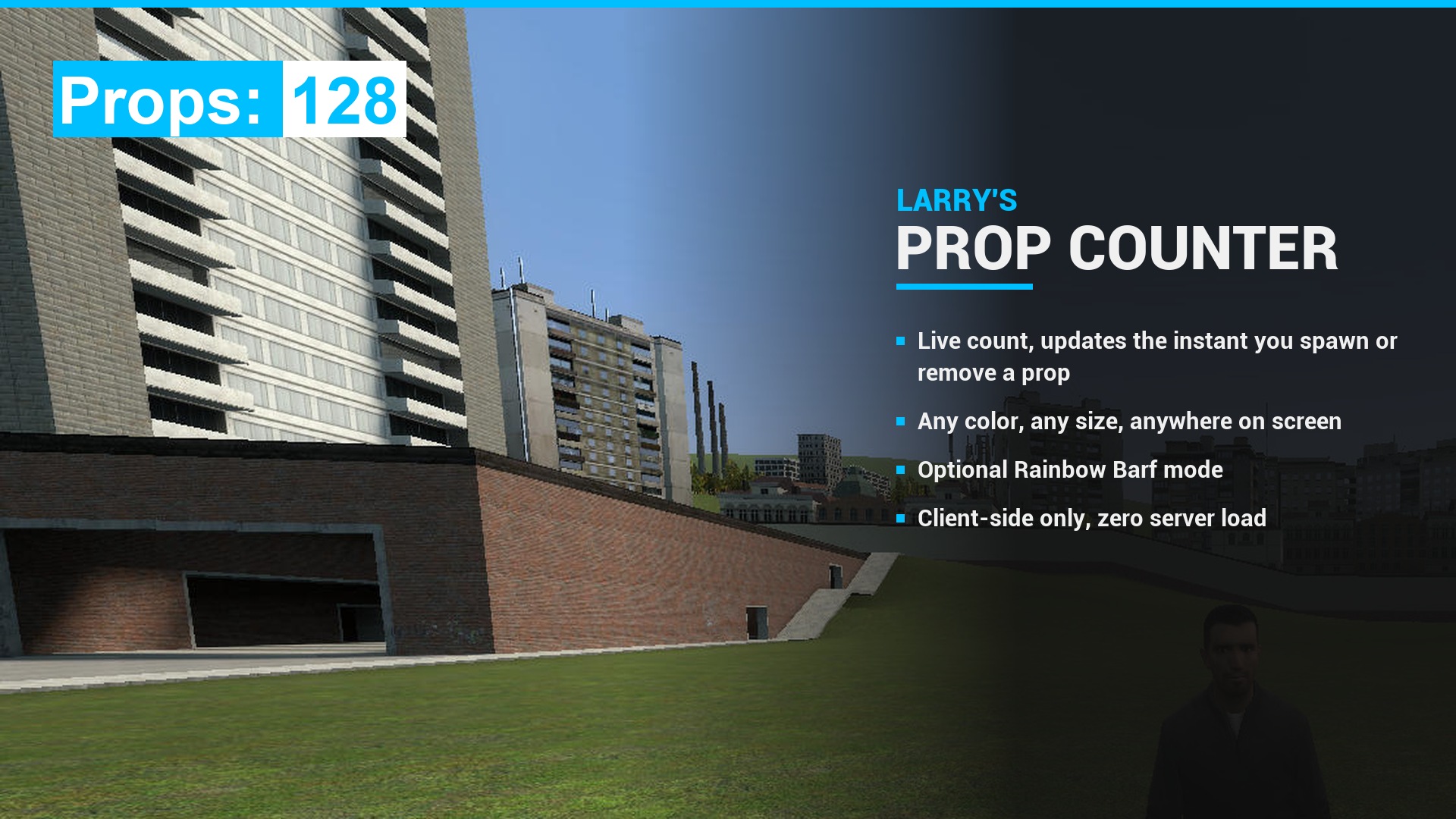
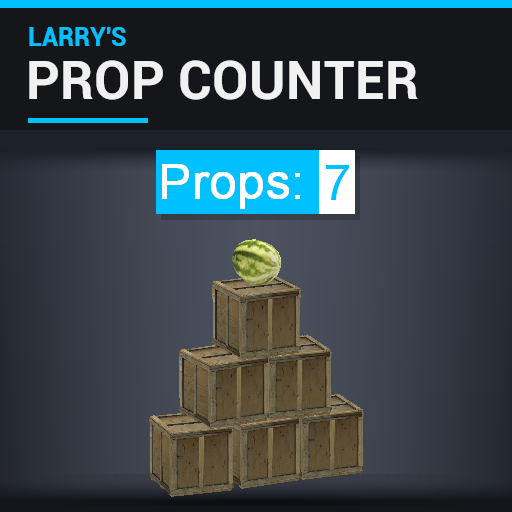
A clean, lightweight HUD that shows how many props you have spawned, right in the corner of your screen. Fully customizable colors, size and position, plus an optional rainbow mode.
[hr][/hr]
Features
- Live prop count that updates the moment you spawn or remove a prop
- Custom colors for the header box, count box and both texts (with transparency for the boxes)
- Resize the HUD from tiny to huge (0.1x to 10x)
- Place it anywhere on your screen with the position sliders
- Rainbow Barf mode for the header
- Settings are saved between sessions
- One-click reset buttons for settings and colors
How to use
Open the spawn menu (Q) and go to: Utilities → Larry's Prop Counter
- Prop Counter Settings: position, size, enable/disable, rainbow mode
- Prop Counter Color: all HUD colors
Console commands
Every setting can also be changed from the console and the HUD updates instantly.
LPC_enabled 0/1
LPC_rainbow 0/1
LPC_scale 0.1 - 10
LPC_horizontallocation <pixels>
LPC_verticallocation <pixels>
LPC_headercolor_r/g/b/a 0 - 255
LPC_backgroundcolor_r/g/b/a 0 - 255
LPC_headertextcolor_r/g/b 0 - 255
LPC_backgroundtextcolor_r/g/b 0 - 255
Compatibility
- Works in Sandbox and Sandbox-based gamemodes (DarkRP and others)
- Safe in any other gamemode: no Lua errors, it just shows the count the gamemode provides
- Client-side only. In multiplayer, the server needs the addon installed so it can send it to players. It adds no server-side load.
Performance
Built to stay out of your way:
- No memory garbage created per frame, even in rainbow mode
- Text is only re-measured when your prop count actually changes
- The font is only rebuilt once you let go of the size slider, not on every tick
- Settings save once you stop dragging, not hundreds of times per drag
Latest update
- Big performance pass on the HUD and the settings menus
- Settings changed from the console now apply immediately
- Fixed Lua error spam in gamemodes not based on Sandbox
- Size can no longer be set to 0
- Fixed the size slider being labeled "Horizontal Location Slider"
[hr][/hr]
Created and maintained by QuirkyLarry.
- Steam: QuirkyLarry
- Discord: quirkylarry
Questions, suggestions and addon requests are welcome. Please do not re-upload without permission.
Highlights
From source dataFootprint
Rated a light load on a server.
Last update
Its author last shipped an update 4d ago.
Prop Counter - Feature Rich on Nxeon
From our catalogue- One-click install
- Supported on Nxeon Garry's Mod servers. We download it from Steam Workshop, place it, and restart the server.
- Server load
- light
- Smallest plan we suggest
- Garry's Mod — 2 GB (2 GB RAM). This follows our own load rating above, not a benchmark.
- Latest build
- 2026-10-11, released 2026-10-11
Game versions by loader
| Loader | Game versions | Newest |
|---|---|---|
| Workshop |
From 1 recorded build of Prop Counter - Feature Rich.
Run Prop Counter - Feature Rich on a Garry's Mod server
Pick a server or deploy a new one above; it is installed in one click.
What kind of mod it is
From the catalogQuality of life & UI
Small conveniences, tweaks and interface improvements players notice straight away.
Compatibility
- Game
- Garry's Mod
Verified at the source
- ✓Steam WorkshopOfficial listing, checked 2026-10-11Open ↗
- ✓AuthorQuirkyLarry, as published on Steam Workshop
- ✓LicenseNot published by the sourceFree