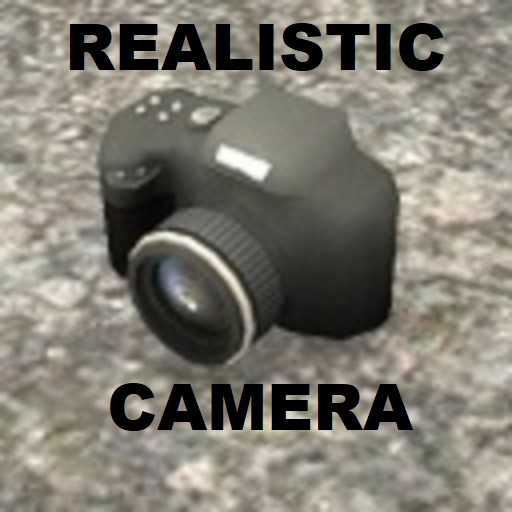
About Realistic VHS Camera
From Steam WorkshopWhat is this? This addition adds a realistic camera with VHS effect to the game. Adds a weird blur effect. Uses VHS(bright & color) compression and overlays both channels on top of each other You are…
What is this?
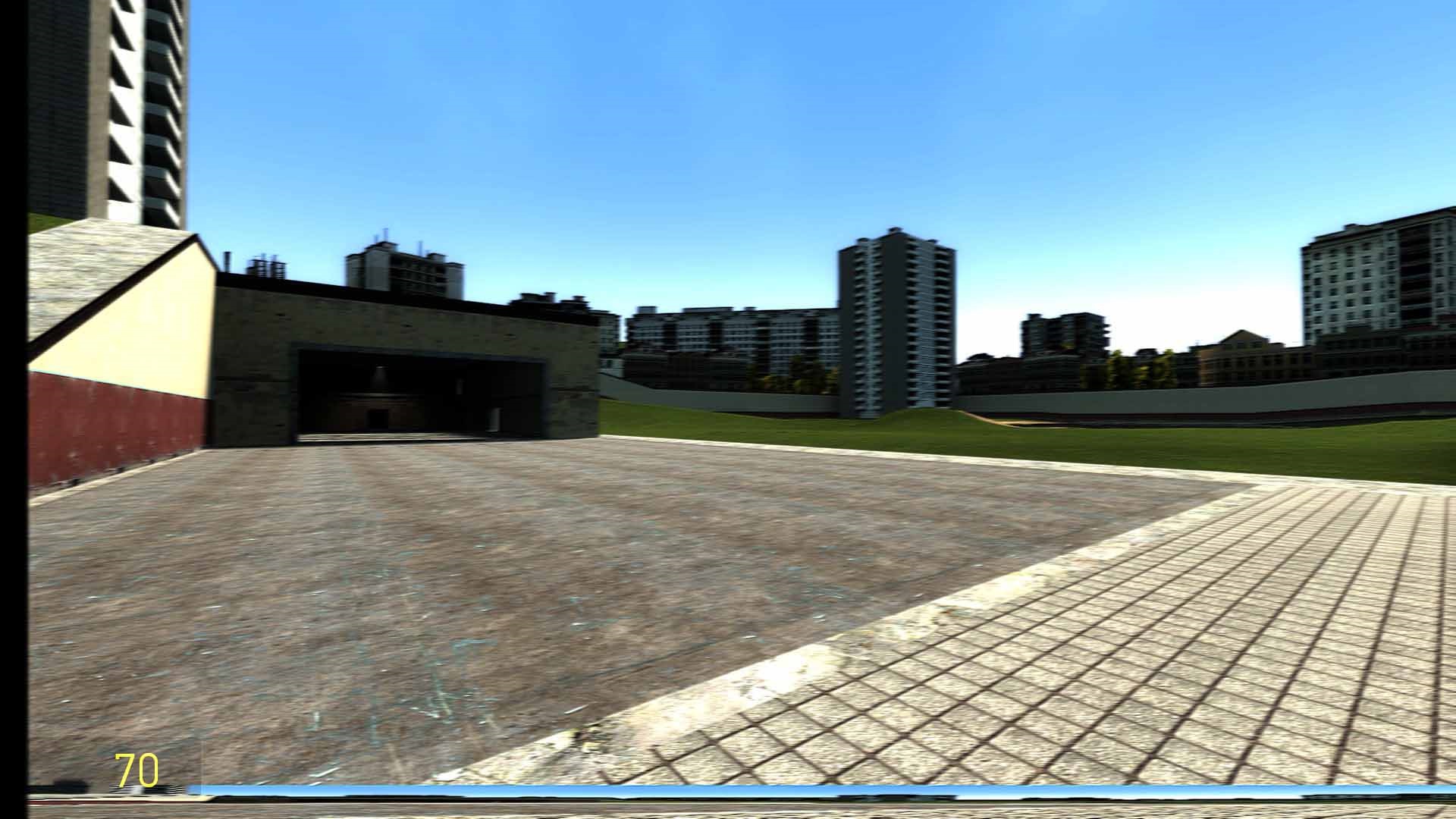
This addition adds a realistic camera with VHS effect to the game. Adds a weird blur effect. Uses VHS(bright & color) compression and overlays both channels on top of each other You are allowed to use the code from this addon in your addons.
Take screenshots!
Primary: Take screenshot. Secondary: Zoom (You can disable it with a console command.)
Weapon location: Spawnmenu>Weapons>Other>Real Camera
Now with the settings menu.
Settings menu location: Spawnmenu>Utilities>Real VHS Camera>Real VHS Camera Menu
Console variables:
realisticcamera_viewanimation - enables view animation. default 1 realisticcamera_shake - enables weird shaking effect. default 0 realisticcamera_crosshair - enable crosshair on the camera. default 0 realisticcamera_zoomenabled - turn on zoom. default 0 realisticcamera_blurscale - edits the strength with which the additional blur effect will be added. 0 - disabled. 2 -dynamic effect (the less hp - the more blur). default 0 realisticcamera_bottom - enables the bottom of the screen. 0 - disabled;1 - legacy;2 - new;3 - new & glitch;4 - new, glitch & color. default 0 realisticcamera_left - enables the left of the screen. default 0 realisticcamera_hud - turns off chat while holding the camera(you won't be able to use it.). default 0 realisticcamera_hud2 - removes health, ammo and battery meter. default 1
Glitch Line
realisticcamera_glitch - enables a running line on the top of the screen. default 0 realisticcamera_glitchspeed - changes the speed of a glitch line. default 18 realisticcamera_glitchchance - changes the chance of a glitch line. default 5
realisticcamera_frame - adds borders to the left and right in a 4:3 aspect ratio. 0-disabled;1-resize;2-crop. default 0 realisticcamera_datestamp - creates text with the date of shooting at the bottom left of the screen. default 0
Post-processing
realisticcamera_pp_color - changes colors in post-processing. default 1 realisticcamera_pp_color_r - changes color r in post-processing. default 1 realisticcamera_pp_color_g - changes color g in post-processing. default 1 realisticcamera_pp_color_b - changes color b in post-processing. default 1 realisticcamera_pp_contrast - changes contrast in post-processing. default 1 realisticcamera_pp_brightness - changes brightness in post-processing. default 0
Image Jitter
realisticcamera_jitter - jitter the picture using an algorithm with a certain frequency and strength. default 0 realisticcamera_jitter_algorithm - the jitter algorithm to be used. default 1 realisticcamera_jitter_freq - frequency at which the image will jitter. default 50 realisticcamera_jitter_strength - strength at which the image will jitter. default 25 realisticcamera_jitter_random - internally changes strength at random times. default 0 realisticcamera_microjitter - automatically adds a micro jitter. Works only with jitter enabled! default 0
Bad glitch
realisticcamera_badglitch - creates a bad glitch effect over the entire image. default 0 realisticcamera_badglitch_chance - bad glitch effect chance. default 50 realisticcamera_badglitch_min - min lines per frame. default 1 realisticcamera_badglitch_max - max lines per frame. default 4
realisticcamera_blury - creates a vertical blur. There are no parameters that determine the strength of the blur. default 0 realisticcamera_plume - enables image plume. Softens the picture and the noise effect. default 0 realisticcamera_interlaced - turns on the interlaced effect. 0 - disabled, 1 - black. you can set the value between 0 and 1. default 0
realisticcamera_noise - turns on the noise effect. default 0 realisticcamera_noisealpha - how much the noise effect blends into the picture. 1 - minimum, 255 - completely overlaps the image. default 55
realisticcamera_focus - creates an extremely crooked auto focus effect. default 0 realisticcamera_badcolor - creates the weird split color effect that you always see on TV's. default 0 realisticcamera_verticallines - enables vertical lines. default 0
Console commands:
realisticcamera_fadein - fade in the image with the fader. realisticcamera_fadeout - fade out the image with the fader. realisticcamera_setcustomdatestamp - sets a custom date stamp. realisticcamera_menucustomdatestamp - menu for realisticcamera_setcustomdatestamp.
Realistic VHS Effect addon: https://steamcommunity.com/sharedfiles/filedetails/?id=3023590182
Highlights
From source dataFootprint
Rated a light load on a server.
Last update
Its author last shipped an update 3 yr ago.
Realistic VHS Camera on Nxeon
From our catalogue- One-click install
- Supported on Nxeon Garry's Mod servers. We download it from Steam Workshop, place it, and restart the server.
- Server load
- light
- Smallest plan we suggest
- Garry's Mod — 2 GB (2 GB RAM). This follows our own load rating above, not a benchmark.
- Latest build
- 2024-01-28, released 2024-01-28
Game versions by loader
| Loader | Game versions | Newest |
|---|---|---|
| Workshop |
From 1 recorded build of Realistic VHS Camera.
Run Realistic VHS Camera on a Garry's Mod server
Pick a server or deploy a new one above; it is installed in one click.
What kind of mod it is
From the catalogGameplay & overhauls
New mechanics, content and overhauls that change how the game plays.
Compatibility
- Game
- Garry's Mod
Verified at the source
- ✓Steam WorkshopOfficial listing, checked 2026-11-01Open ↗
- ✓AuthorAdon1111222, as published on Steam Workshop
- ✓LicenseNot published by the sourceFree