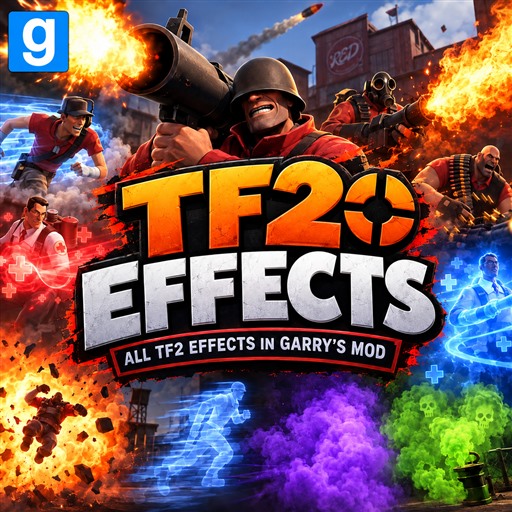
About TF2 Effects
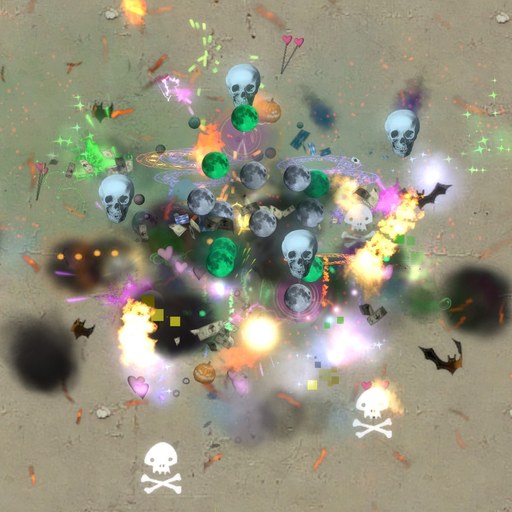
From Steam WorkshopCurrent version: 2.1.0 • API v4 A standalone tool for spawning, configuring, and attaching 382 Team Fortress 2 effects. All required PCFs, materials, and textures are bundled. Team Fortress 2 is not…
Current version: 2.1.0 • API v4
A standalone tool for spawning, configuring, and attaching 382 Team Fortress 2 effects. All required PCFs, materials, and textures are bundled. Team Fortress 2 is not required.
What's new in 2.1.0
- Fixed client and timer errors involving GetCreator, GetBoneName, and GetEffectAttachmentName.
- Removed the Get/SetPlaybackRate collision with the native Entity API.
- Added reliable bone and attachment anchors. Attachments take priority over bones.
- Added server effect limits, spawn cooldown, and transmit-distance control.
- Added CAMI/CPPI permissions. Attachment to players, NPCs, and NextBots remains consent-free; ownership is checked for props and management of existing effects.
- Added an active registry, creator/target lookup, and safe slot replacement.
- Improved persistent and one-shot lifecycle, cleanup, parent removal, and duplicator support.
- Added favorites, recent effects, categories, and preset storage.
- Improved R editing for effect, position, size, replay, interval, bone, and attachment settings.
- Added the tf2_effects_server_check diagnostic command.
- Updated the public integration API to v4.
Controls
- Left Click — spawn in the world or attach to an entity.
- Right Click — remove an effect.
- R — begin or finish editing.
- E while holding the tool — apply the effect to yourself.
API v4
Integrations can use Create, Attach, Configure, Remove, GetEffectState, GetWorldTransform, GetAttached, CountEffects, ValidateConfiguration, and ValidateResources. An example is included in lua/tf2_item_fx_api.lua.
Installation
Click Subscribe and fully restart Garry's Mod. The tool is under Q-menu → Effects → TF2 Effects. A full restart after updating is required to clear old Lua and PCF caches.
Support
Credits
Code, tool, and integration: exit
Original Team Fortress 2 particle and material assets belong to Valve Corporation. TF2 Effects is not affiliated with or endorsed by Valve Corporation.
Highlights
From source dataFootprint
Rated a light load on a server.
Last update
Its author last shipped an update 4d ago.
TF2 Effects on Nxeon
From our catalogue- One-click install
- Supported on Nxeon Garry's Mod servers. We download it from Steam Workshop, place it, and restart the server.
- Server load
- light
- Smallest plan we suggest
- Garry's Mod — 2 GB (2 GB RAM). This follows our own load rating above, not a benchmark.
- Latest build
- 2026-10-12, released 2026-10-12
Game versions by loader
| Loader | Game versions | Newest |
|---|---|---|
| Workshop |
From 1 recorded build of TF2 Effects.
Run TF2 Effects on a Garry's Mod server
Pick a server or deploy a new one above; it is installed in one click.
What kind of mod it is
From the catalogQuality of life & UI
Small conveniences, tweaks and interface improvements players notice straight away.
Compatibility
- Game
- Garry's Mod
Verified at the source
- ✓Steam WorkshopOfficial listing, checked 2026-10-12Open ↗
- ✓Authorexit ☘, as published on Steam Workshop
- ✓LicenseNot published by the sourceFree