






About Viewfinder - Found Footage & Camcorder SWEP
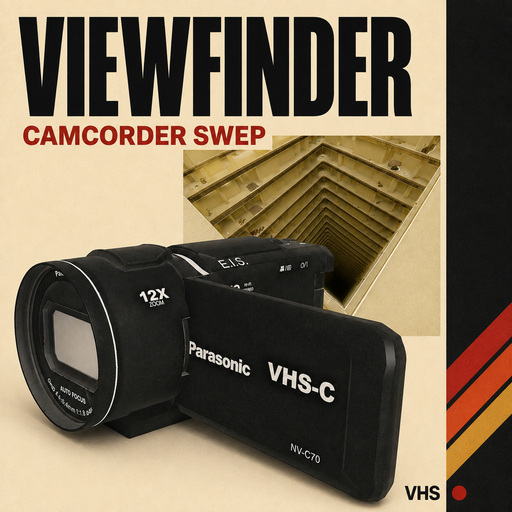
From Steam WorkshopViewfinder - Found Footage & Camcorder SWEP A hand-held or body-mounted camcorder with a full VHS tape simulation, human camera motion, viewfinder OSD, reactive built-in-mic audio and real video…
Viewfinder - Found Footage & Camcorder SWEP
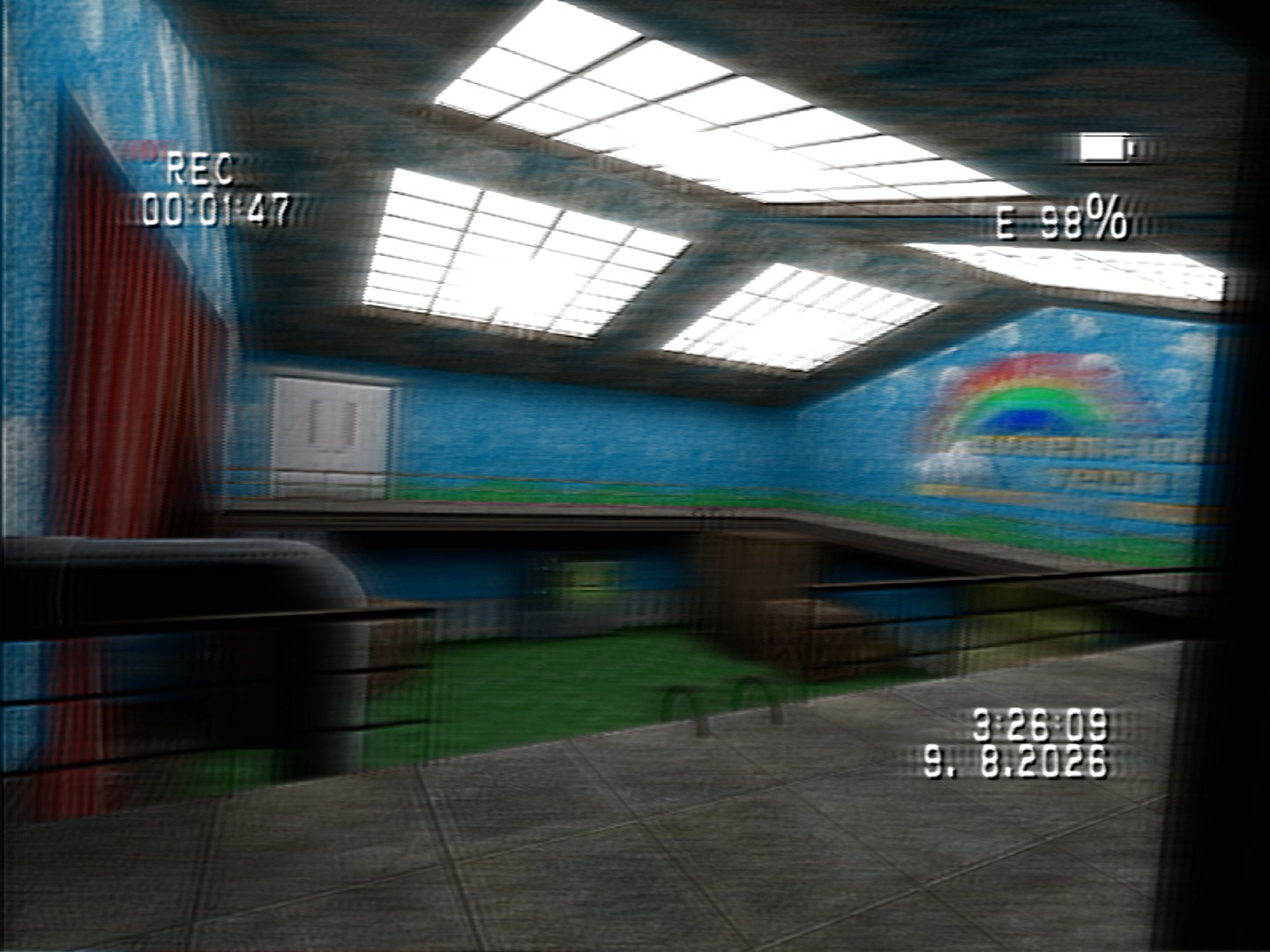
A hand-held or body-mounted camcorder with a full VHS tape simulation, human camera motion, viewfinder OSD, reactive built-in-mic audio and real video capture. Raise it and the game HUD disappears into a worn, recorded picture.
[b]HOW TO USE | FAQ & TROUBLESHOOTING | HOW TO RECORD | SETTINGS | BUG REPORTS | SUGGESTIONS
About the tape renderer
The composite signal shader (on by default) is benchmarked against the real ntsc-rs it is modelled on and matches it to within a level, preset for preset. If it looks wrong on your hardware, Tape > Renderer > Tape simulation > Legacy RGB design or [code]ffcam_vhs_renderer 0[/code] restores the previous renderer, complete and unchanged. Linux and macOS use a portable renderer by default; the switch to try the full shaders is on the same page.
Features
- Full tape simulation: a composite signal built the way a recording is, with 31 signal profiles in groups (camcorders, 20 VHS tapes, composite cables, a capture card, an aerial), previewed on hover, and a Tape damage slider that wears whichever one is loaded. Interlacing, chroma bleed, dropout, sync errors, wrinkle, static, phosphor trails and a burnt-in date/time you can set.
- Human camera movement: motion-captured idle, walking and running blended with procedural drift, footstep impacts, slope roll, stair jolts, corner peeking, crouch settling, inertia, fatigue and re-grip fumbles.
- Bodycam mode: wear the camera on your chest, shoulder or helmet while fighting, building or using tools; physical mounts render your real body and weapon. ARC9, ArcCW, TacRP and VManip recoil and aim-down-sights are preserved. The nowhere mount applies the tape to ordinary play.
- Set the camera down: stand the camcorder on a table or the floor and walk into your own shot while it keeps filming; pick it up again, or recall it from anywhere. Other players can pick it up and carry your footage.
- Overlay designs: put every readout in the corner you want, or pick a design - Handycam 8mm, MiniDV, VHS-C, bodycam, security camera, minimal, clean - with boxed or dot-only REC markers, STBY, frame counters, corner brackets, a centre focus box, coloured lettering and your own label.
- Physical interaction: the operator lowers the camera to use doors, buttons and levers. Vehicles add chassis vibration, acceleration lag, corner lean, braking and crash impacts without stopping the recording.
- Camcorder hardware: motorised optical zoom, autofocus hunting, battery and cassette drain, transport and timecode. Other players see a real camcorder model with a moving flip-out screen, one-handed carry pose and blinking recording light.
- Night shooting: green night vision over a real infrared illuminator, plus a separate white on-camera lamp. Both cost extra battery; the server can publish the lamp for other players.
- Recorded sound: cheap-mic automatic gain raises quiet ambience and hiss, clips gunshots, explosions and wind, then recovers. Directional/stereo pickup, a peak meter, breathing, zoom motor and handling foley are configurable.
- Real video capture: optionally writes the processed picture and sound to WebM in [code]garrysmod/videos[/code]. It can include your own voice chat, hide chat and OSD, cut takes without ending the file, and browse recordings in-game.
- Physical death camera: dying drops a still-recording camera for somebody else to pick up; players can disable it or choose a private version. Configurable walking-speed and crouch delays.
Basic controls
Spawn it from the Weapons tab under Viewfinder, type [code]give weapon_ffcamcorder[/code], or turn on Basics > When I spawn.
- Left click / Right click - zoom in / out
- R - load a fresh battery and tape while handheld
- P - record / standby
- N - night vision and infrared illuminator
- L - white on-camera lamp
- I - force a focus pull
- G - put the camera away (holster)
- H - set the camera down where you aim, still filming; USE or H again to get it back
- M - cut/start a video file when file recording is enabled
- O - open the Viewfinder Control Deck while the camera is equipped
Pressing USE on a door, button or lever lowers the camera automatically, and walking up to a corner peeks around it. Every camera action can be rebound, mouse buttons included; zoom can also use the mouse wheel or hold-to-zoom.
To fight or build while filming, bind Wear the camera / take it off and Eject / fresh battery + tape under Controls & help, then choose a mount on the Bodycam page.
Settings - The Control Deck
Press O with the camcorder equipped, open the top-level Viewfinder Q-menu tab, or enter [code]ffcam_menu[/code].
Highlights
From source dataFootprint
Rated a light load on a server.
Last update
Its author last shipped an update 32d ago.
Viewfinder - Found Footage & Camcorder SWEP on Nxeon
From our catalogue- One-click install
- Supported on Nxeon Garry's Mod servers. We download it from Steam Workshop, place it, and restart the server.
- Server load
- light
- Smallest plan we suggest
- Garry's Mod — 2 GB (2 GB RAM). This follows our own load rating above, not a benchmark.
- Latest build
- 2026-09-14, released 2026-09-14
Game versions by loader
| Loader | Game versions | Newest |
|---|---|---|
| Workshop |
From 1 recorded build of Viewfinder - Found Footage & Camcorder SWEP.
Run Viewfinder - Found Footage & Camcorder SWEP on a Garry's Mod server
Pick a server or deploy a new one above; it is installed in one click.
What kind of mod it is
From the catalogWeapons, items & crafting
New weapons, gear, items and the recipes to make them.
Compatibility
- Game
- Garry's Mod
Verified at the source
- ✓Steam WorkshopOfficial listing, checked 2026-10-10Open ↗
- ✓AuthorAlecocluc, as published on Steam Workshop
- ✓LicenseNot published by the sourceFree














