






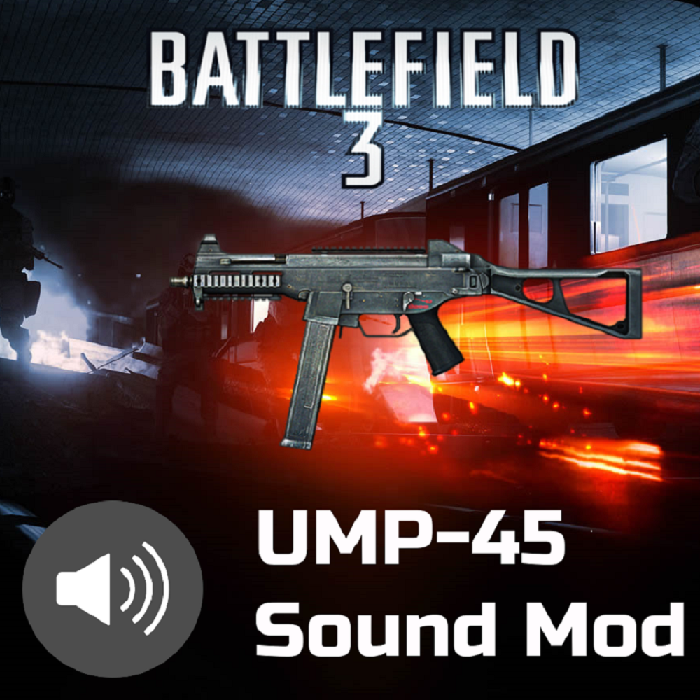
About BF3 UMP-45 Sound Mod
From Steam WorkshopHave you ever felt like the default sounds for the UMP-45 were a little too flabby? Did it make you feel like it was lacking some bite? Well, if you ever felt that way, I've got the solution for you.…
Have you ever felt like the default sounds for the UMP-45 were a little too flabby? Did it make you feel like it was lacking some bite? Well, if you ever felt that way, I've got the solution for you. I've whipped up some recordings from Battelefield 3's stellar UMP-45 and plopped them in here (over several days of agonizing trial and error). If this doesn't satisfy you, then I don't know what will. Seriously, this baby's finally got punch.
On a second note: I've only changed the sounds of the UMP-45 from the First-Person perspective. If you're in third-person or somebody next you is shooting the UMP-45, you're going to be hearing the default sounds, not my modded sounds. The reason I did this is essentially to make it so that I don't have to worry about raising/lowering the volume of surrounding gunfire around the player, and so that players can still easily identify what weapons their buddies are holding just by their sound. After all, KF2's audio team did a pretty good job of keeping gun sounds distinct from one another and I don't want to intrude on that.
Installation:
1. Subscribe, wait for the mod to finish downloading. You may have to start KF2 at least once if it hasn't properly downloaded.
2. Go to into this location on your PC:
 C:\Steam\steamapps\workshop\content\232090\2036820812\BrewedPC\WWiseAudio\Windows\ [/code]

3. Right click and copy the file labeled "WwiseDefaultBank_WW_WEP_UMP.bnk"

4. Go to the following directory:
[code] C:\Users\Username\Documents\My Games\KillingFloor2\KFGame\Published\BrewedPC\WWiseAudio\Windows\
If any of the folders for the above directory don't exist for you, create them yourself (the spelling must be exact)
5. Right-click and paste the .bnk file inside the directory from step 4
Once you've pasted the file into the above directory, you should be good to go. Enjoy!
Highlights
From source dataFootprint
A 2 MB download, rated a light load on a server.
Last update
Its author last shipped an update 7 yr ago.
BF3 UMP-45 Sound Mod on Nxeon
From our catalogue- One-click install
- Supported on Nxeon Killing Floor 2 servers. We download it from Steam Workshop, place it, and restart the server.
- Server load
- light
- Smallest plan we suggest
- Killing Floor 2 — 2 GB (2 GB RAM). This follows our own load rating above, not a benchmark.
- Latest build
- 2020-03-27, released 2020-03-27, 2 MB
Game versions by loader
| Loader | Game versions | Newest |
|---|---|---|
| Workshop |
From 1 recorded build of BF3 UMP-45 Sound Mod.
Run BF3 UMP-45 Sound Mod on a Killing Floor 2 server
Pick a server or deploy a new one above; it is installed in one click.
What kind of mod it is
From the catalogCosmetics, visuals & audio
Skins, textures, shaders, models and sound — how the game looks and sounds.
Compatibility
- Game
- Killing Floor 2
- File size
- 2 MB
Verified at the source
- ✓Steam WorkshopOfficial listing, checked 2026-10-10Open ↗
- ✓AuthorFailureFung, as published on Steam Workshop
- ✓LicenseNot published by the sourceFree















