






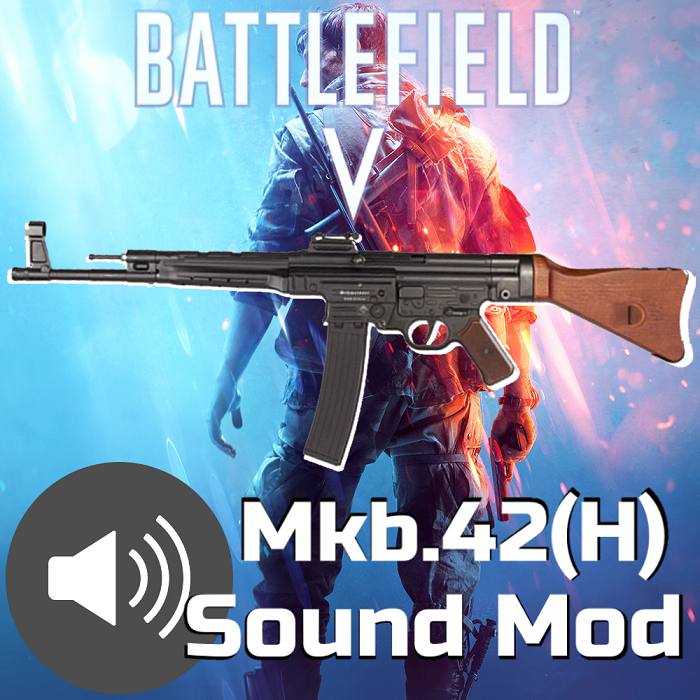
About BFV MKB42 to STG44 Sound Mod
From Steam WorkshopThis mod converts the firing sounds of the Mkb.42(H) to those from Battlefield V's STG-44. Preview Video Included. The Mkb.42(H) is probably one of the most underrated weapons in this game and its…
This mod converts the firing sounds of the Mkb.42(H) to those from Battlefield V's STG-44. Preview Video Included.
The Mkb.42(H) is probably one of the most underrated weapons in this game and its sound does it no justice. By default, it feels like you're firing a pea-shooter. Now, with some recordings from Battlefield V's STG-44, this thing finally sounds like a gun. Side note: I usually keep the third-person sounds unchanged, but given how bad this gun sounds by default, I've also changed the third-person sounds to match what you hear in first-person. Reload sounds remain unchanged (because I couldn't find sounds that were good enough to replace them).
Installation:
1. Subscribe, wait for the mod to finish downloading. You may have to start up KF2 at least once if the file hasn't properly downloaded.
2. Go to into this location on your PC:
C:\\Steam\steamapps\workshop\content\232090\2048796444\BrewedPC\WWiseAudio\Windows\[/code]

3. Right click and copy the file labeled "WwiseDefaultBank_WW_WEP_MKB42.bnk"

4. Go to the following directory:
[code] C:\Users\Username\Documents\My Games\KillingFloor2\KFGame\Published\BrewedPC\WWiseAudio\Windows\
If any of the folders for the above directory don't exist for you, create them yourself (the spelling must be exact)
5. Right-click and paste the .bnk file inside the directory from step 4
Once you've pasted the file into the above directory, you should be good to go. Enjoy!
Highlights
From source dataFootprint
A 1 MB download, rated a light load on a server.
Last update
Its author last shipped an update 7 yr ago.
BFV MKB42 to STG44 Sound Mod on Nxeon
From our catalogue- One-click install
- Supported on Nxeon Killing Floor 2 servers. We download it from Steam Workshop, place it, and restart the server.
- Server load
- light
- Smallest plan we suggest
- Killing Floor 2 — 2 GB (2 GB RAM). This follows our own load rating above, not a benchmark.
- Latest build
- 2020-04-05, released 2020-04-05, 1 MB
Game versions by loader
| Loader | Game versions | Newest |
|---|---|---|
| Workshop |
From 1 recorded build of BFV MKB42 to STG44 Sound Mod.
Run BFV MKB42 to STG44 Sound Mod on a Killing Floor 2 server
Pick a server or deploy a new one above; it is installed in one click.
What kind of mod it is
From the catalogCosmetics, visuals & audio
Skins, textures, shaders, models and sound — how the game looks and sounds.
Compatibility
- Game
- Killing Floor 2
- File size
- 1 MB
Verified at the source
- ✓Steam WorkshopOfficial listing, checked 2026-10-10Open ↗
- ✓AuthorFailureFung, as published on Steam Workshop
- ✓LicenseNot published by the sourceFree















