






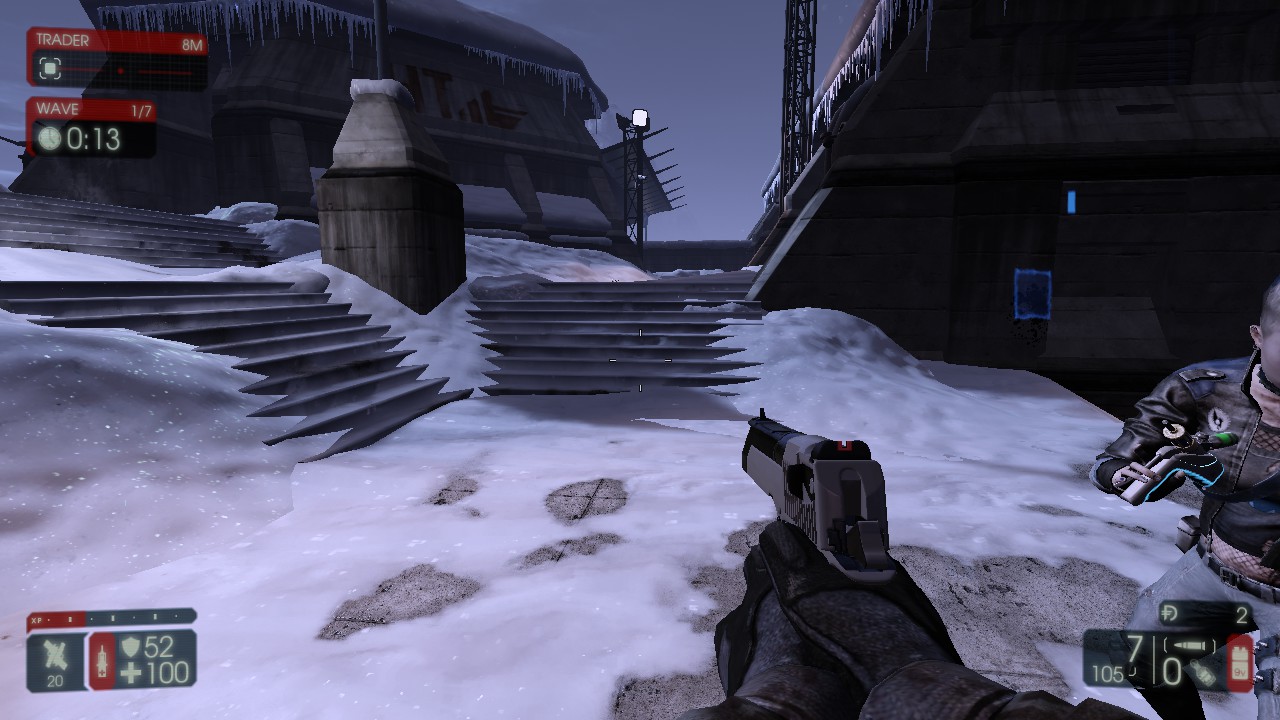
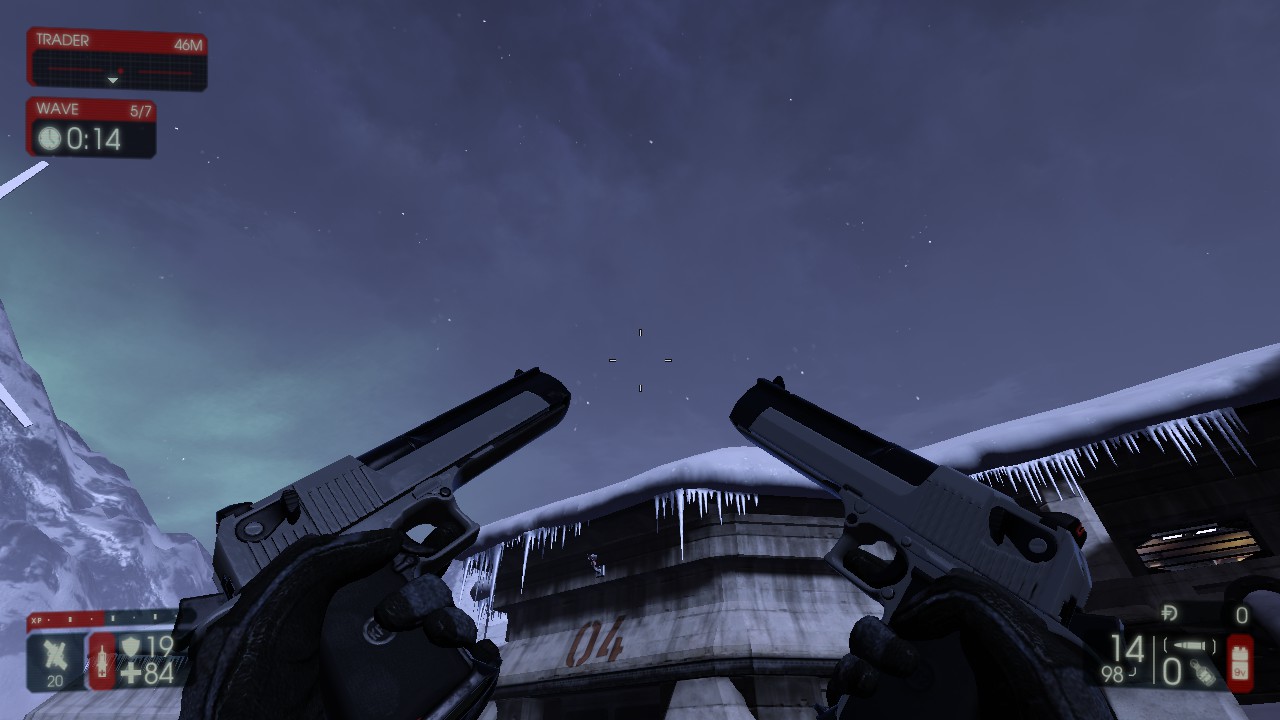
About Desert Eagle Two-Tone
From Steam Workshopsomeone probably made a two tone deagle already, i wouldnt know or really care cuz i dont check dat stuff so enjoy ^.^ INSTALL INSTRUCTIONS 1) Launch the game for a couple of secs after the download…
someone probably made a two tone deagle already, i wouldnt know or really care cuz i dont check dat stuff so enjoy ^.^
INSTALL INSTRUCTIONS 1) Launch the game for a couple of secs after the download is completed and then exit
2) In your Documents folder <C:\Users\ *your username* \Documents> find a folder called 'My Games' (you can easily find this folder using search too)
3) In 'My Games' go to KillingFloor2 > KFGame > Cache and find a folder which should be called ' 690537588' with a 1p deagle tex file, copy this file
4)now go to :\Steam\steamapps\common\killingfloor2\KFGame\BrewedPC\Packages\Weapons\Deagle and paste the 1p deagle file in there overriding the tex file in there
Highlights
From source dataFootprint
Rated a light load on a server.
Last update
Its author last shipped an update 10 yr ago.
Desert Eagle Two-Tone on Nxeon
From our catalogue- One-click install
- Supported on Nxeon Killing Floor 2 servers. We download it from Steam Workshop, place it, and restart the server.
- Server load
- light
- Smallest plan we suggest
- Killing Floor 2 — 2 GB (2 GB RAM). This follows our own load rating above, not a benchmark.
- Latest build
- 2016-05-24, released 2016-05-24
Game versions by loader
| Loader | Game versions | Newest |
|---|---|---|
| Workshop |
From 1 recorded build of Desert Eagle Two-Tone.
Run Desert Eagle Two-Tone on a Killing Floor 2 server
Pick a server or deploy a new one above; it is installed in one click.
What kind of mod it is
From the catalogWorkshop
Its source category doesn’t say more about what it does, so NxLabs lists it under Other.
Compatibility
- Game
- Killing Floor 2
Verified at the source
- ✓Steam WorkshopOfficial listing, checked 2026-10-10Open ↗
- ✓AuthorWolf, as published on Steam Workshop
- ✓LicenseNot published by the sourceFree















