About Devil May Cry Soundtrack [Stylish Edition]
From Steam WorkshopMod Info Second version of my DMC soundtrack mod. This version has a different selection of songs that offers a more varied selection of songs from other DMC media as well as the main games. The 50…
Mod Info
Second version of my DMC soundtrack mod. This version has a different selection of songs that offers a more varied selection of songs from other DMC media as well as the main games. The 50 in game tunes feature most battle themes from 1-5, and DmC Combichrist and a lot of boss themes.
Other tunes include - Remixes of d.m.c. and an original Dante theme by gvgkid' - Spirits Converge from FFXV, written by Tetsuya Shibata. - Limit Break! from FFXIII-2, performed by Shootie HG. - Burn in Hell from DMC the last judgement - Future in my hands from the DMC Anime - Some songs from the HM/HR album.
Tragic Kingdom has DMC anime songs, Airship features Mundus Battle 1, Cavaliere's theme, and I'm the Angel from Last Judgement.
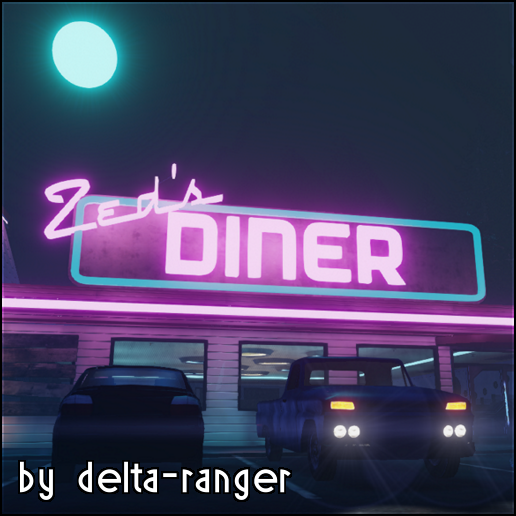
Monster Ball's Rave features Hunter theme and Lilith's Club from DmC and the other 4 are Ultra Violet, Nevan, Doppelganger, and Baroque and Beats. Castle floor songs have two versions. The first one has 4 Japanese songs, being Mad Qualia and Honey by HYDE, Drink it Down from DMC4, and Dream out Loud from DMC The Last Judgement. The second version features Little V remixes of Devil Trigger, Subhuman, Devils Never Cry, and Suffer. I've included two folders in the download so you can choose which version you want.
Installation
Subscribe and launch game if the workshop doesn't start downloading automatically. Once it downloads go to this folder in your Steam install location.
- That folder contains all the wems the project uses. Grab all of them and place them into
- [list][*]Documents\My Games\KillingFloor2\KFGame\Published\BrewedPC\WwiseAudio\Windows[/list]
- After that choose a folder for the Monster Ball songs you want to use and then place those wems in the same windows folder. Set your music vocals to off and you're ready to play. If that doesn't work then you can try replacing the in game files in this folder instead. Please note that you'll have to verify your cache to restore the old songs whereas with the documents method you can just delete the folder that contains the wems.
- [list][*]Steam\steamapps\common\killingfloor2\KFGame\BrewedPC\WwiseAudio\Windows[/list]
Highlights
From source dataFootprint
A 341 MB download, rated a light load on a server.
Last update
Its author last shipped an update 8 yr ago.
Devil May Cry Soundtrack [Stylish Edition] on Nxeon
From our catalogue- One-click install
- Supported on Nxeon Killing Floor 2 servers. We download it from Steam Workshop, place it, and restart the server.
- Server load
- light
- Smallest plan we suggest
- Killing Floor 2 — 2 GB (2 GB RAM). This follows our own load rating above, not a benchmark.
- Latest build
- 2019-04-02, released 2019-04-02, 341 MB
Game versions by loader
| Loader | Game versions | Newest |
|---|---|---|
| Workshop |
From 1 recorded build of Devil May Cry Soundtrack [Stylish Edition].
Run Devil May Cry Soundtrack [Stylish Edition] on a Killing Floor 2 server
Pick a server or deploy a new one above; it is installed in one click.
What kind of mod it is
From the catalogBalance
Its source category doesn’t say more about what it does, so NxLabs lists it under Other.
Compatibility
- Game
- Killing Floor 2
- File size
- 341 MB
Verified at the source
- ✓Steam WorkshopOfficial listing, checked 2026-10-10Open ↗
- ✓AuthorRaven, as published on Steam Workshop
- ✓LicenseNot published by the sourceFree