






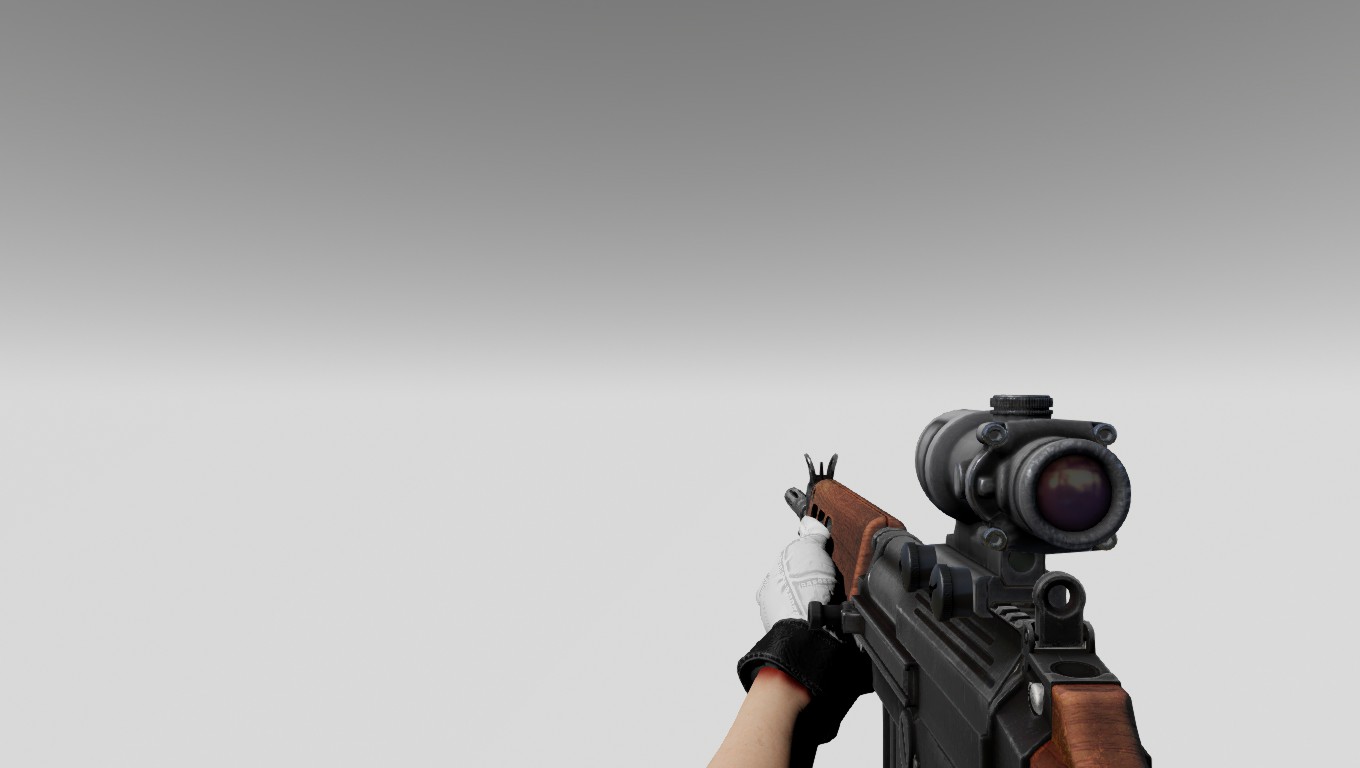
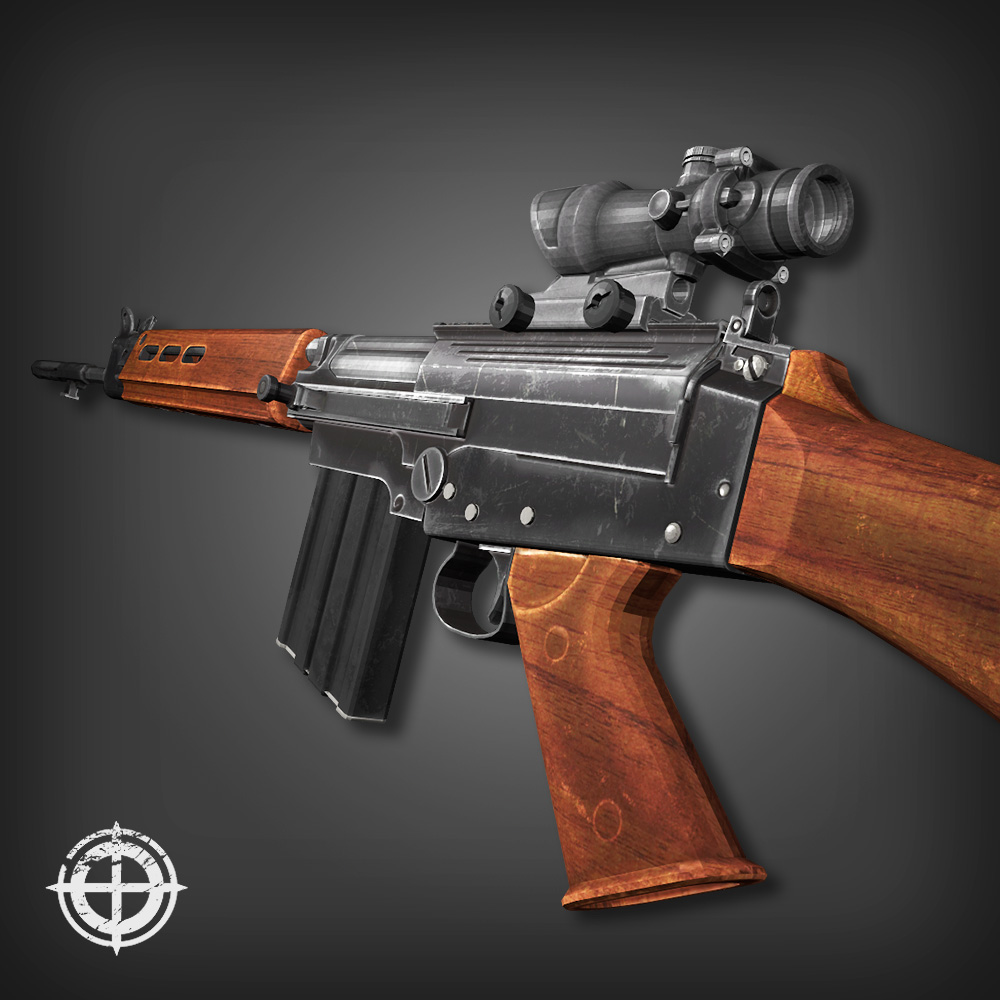
About FNFAL - Sum Wud
From Steam Workshophttps://i.imgur.com/HCpCmZN.png Working both online and offline 2ways to install and uninstall There are 6 skin files in the 1515421622 folder , they are WEP_1P_FNFAL_WOOD_TEX.upk…

Working both online and offline 2ways to install and uninstall
There are 6 skin files in the 1515421622 folder , they are WEP_1P_FNFAL_WOOD_TEX.upk WEP_1P_FNFAL_ROTWOOD_TEX.upk WEP_1P_FNFAL_DARKWOOD_TEX.upk Change the skin you want to Wep_1p_FNFAL_TEX.upk to use for First person view
AND
WEP_3P_FNFAL_WOOD_TEX.upk WEP_3P_FNFAL_ROTWOOD_TEX.upk WEP_3P_FNFAL_DARKWOOD_TEX.upk Change the skin you want to Wep_3p_FNFAL_TEX.upk to use for Third person view
Method 1 :
INSTALL
Subscribe , restart the game and move the BrewedPC folder from Documents\My Games\KillingFloor2\KFGame\Cache\1515421622\ or SteamLibrary\steamapps\workshop\content\232090\1515421622\ To Documents\My Games\KillingFloor2\KFGame\
UNINSTALL
Delete Sharpshooter's weapon folders in Documents\My Games\KillingFloor2\KFGame\published\BrewedPC\Packages\Weapons\
Method 2 :
INSTALL
Subscribe , restart the game and move all weapon folders from Documents\My Games\KillingFloor2\KFGame\Cache\1515421622\0\Published\BrewedPC\Packages\Weapons To D:\SteamLibrary\steamapps\common\killingfloor2\KFGame\BrewedPC\Packages\Weapons /// Remember to bacckup your files first ///
UNINSTALL
Just replace those skin files with your backup[/quote] If something is wrong , be free to tell me Enjoy ^^ ~
Highlights
From source dataFootprint
A 90 MB download, rated a light load on a server.
Last update
Its author last shipped an update 8 yr ago.
FNFAL - Sum Wud on Nxeon
From our catalogue- One-click install
- Supported on Nxeon Killing Floor 2 servers. We download it from Steam Workshop, place it, and restart the server.
- Server load
- light
- Smallest plan we suggest
- Killing Floor 2 — 2 GB (2 GB RAM). This follows our own load rating above, not a benchmark.
- Latest build
- 2018-09-19, released 2018-09-19, 90 MB
Game versions by loader
| Loader | Game versions | Newest |
|---|---|---|
| Workshop |
From 1 recorded build of FNFAL - Sum Wud.
Run FNFAL - Sum Wud on a Killing Floor 2 server
Pick a server or deploy a new one above; it is installed in one click.
What kind of mod it is
From the catalogCosmetics, visuals & audio
Skins, textures, shaders, models and sound — how the game looks and sounds.
Compatibility
- Game
- Killing Floor 2
- File size
- 90 MB
Verified at the source
- ✓Steam WorkshopOfficial listing, checked 2026-10-10Open ↗
- ✓AuthornEC, as published on Steam Workshop
- ✓LicenseNot published by the sourceFree















