






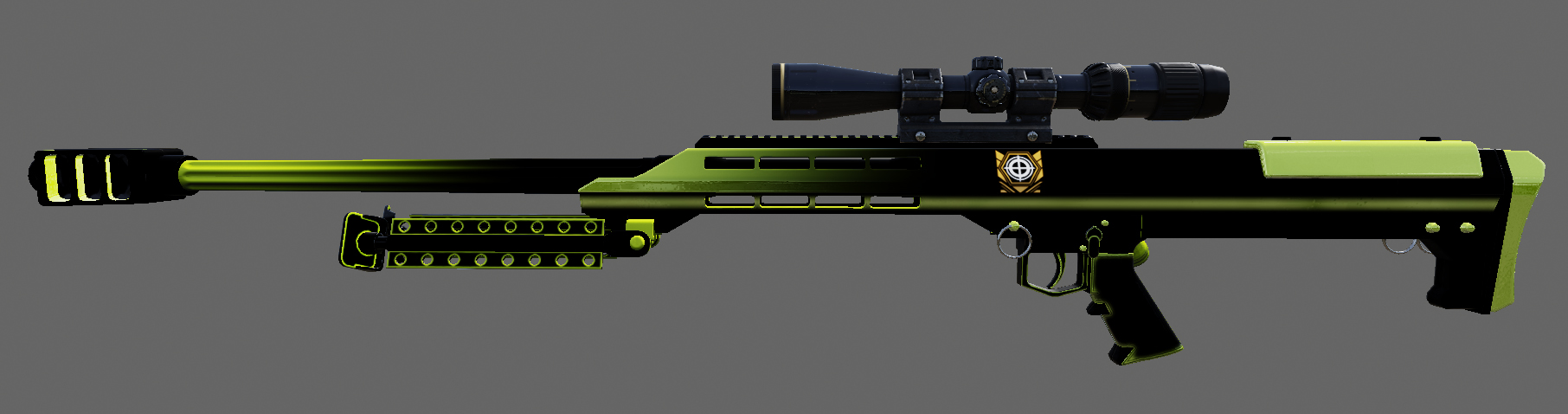
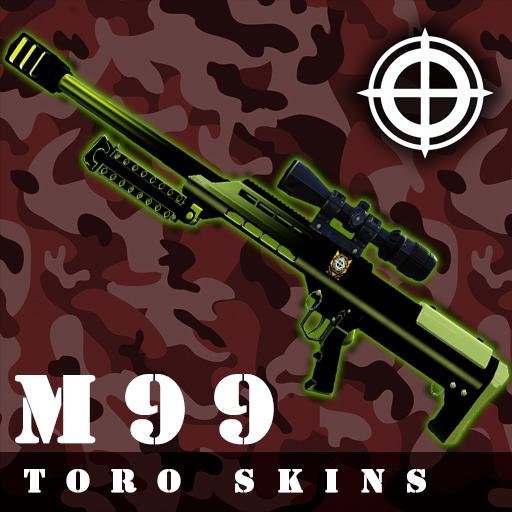
About M99 - NEO
From Steam WorkshopOnline friendly - Only First person texture ------ Steps ------- 1 - Find the color you like, and copy it. 2 - Paste in the location, that is specified. 3 - Rename the file previously paste. Install:…
Online friendly - Only First person texture
------ Steps -------
- 1 - Find the color you like, and copy it.
- 2 - Paste in the location, that is specified.
- 3 - Rename the file previously paste.
Install:
Step 1
Copy what do you like more:
Green (WEP_1P_M99_TEX.upk)
Red (WEP_1P_M99_TEX_Red.upk)
Blue (WEP_1P_M99_TEX_Blue.upk)

C:\Program Files (x86)\Steam2\steamapps\workshop\content\232090\1421509108\BrewedPC\Packages\Weapons\M99
Step 2
Paste:
C:\Users\user\Documents\My Games\KillingFloor2\KFGame\Published\BrewedPC\Packages\Weapons\M99
Step 3
The game identified the texture of the M99 with the name of "WEP_1P_M99_TEX.UPK" So, with this in mind, you need to rename the red and the blue.
Red (WEP_1P_M99_TEX_Red.upk) >>> Rename to >>> WEP_1P_M99_TEX.UPK

Blue (WEP_1P_M99_TEX_Blue.upk) >>> Rename to >>> WEP_1P_M99_TEX.UPK
- Run the game to start the download.
- To uninstall just delete the folder were you paste the files.
- Please, rate and comment what do you think.
Highlights
From source dataFootprint
Rated a light load on a server.
Last update
Its author last shipped an update 8 yr ago.
M99 - NEO on Nxeon
From our catalogue- One-click install
- Supported on Nxeon Killing Floor 2 servers. We download it from Steam Workshop, place it, and restart the server.
- Server load
- light
- Smallest plan we suggest
- Killing Floor 2 — 2 GB (2 GB RAM). This follows our own load rating above, not a benchmark.
- Latest build
- 2018-06-24, released 2018-06-24
Game versions by loader
| Loader | Game versions | Newest |
|---|---|---|
| Workshop |
From 1 recorded build of M99 - NEO.
Run M99 - NEO on a Killing Floor 2 server
Pick a server or deploy a new one above; it is installed in one click.
What kind of mod it is
From the catalogListed on Steam Workshop as “Workshop”
Cosmetics, visuals & audio
Skins, textures, shaders, models and sound — how the game looks and sounds.
Compatibility
- Game
- Killing Floor 2
Verified at the source
- ✓Steam WorkshopOfficial listing, checked 2026-10-10Open ↗
- ✓Author★ 7 0 Я 0 ★, as published on Steam Workshop
- ✓LicenseNot published by the sourceFree















