






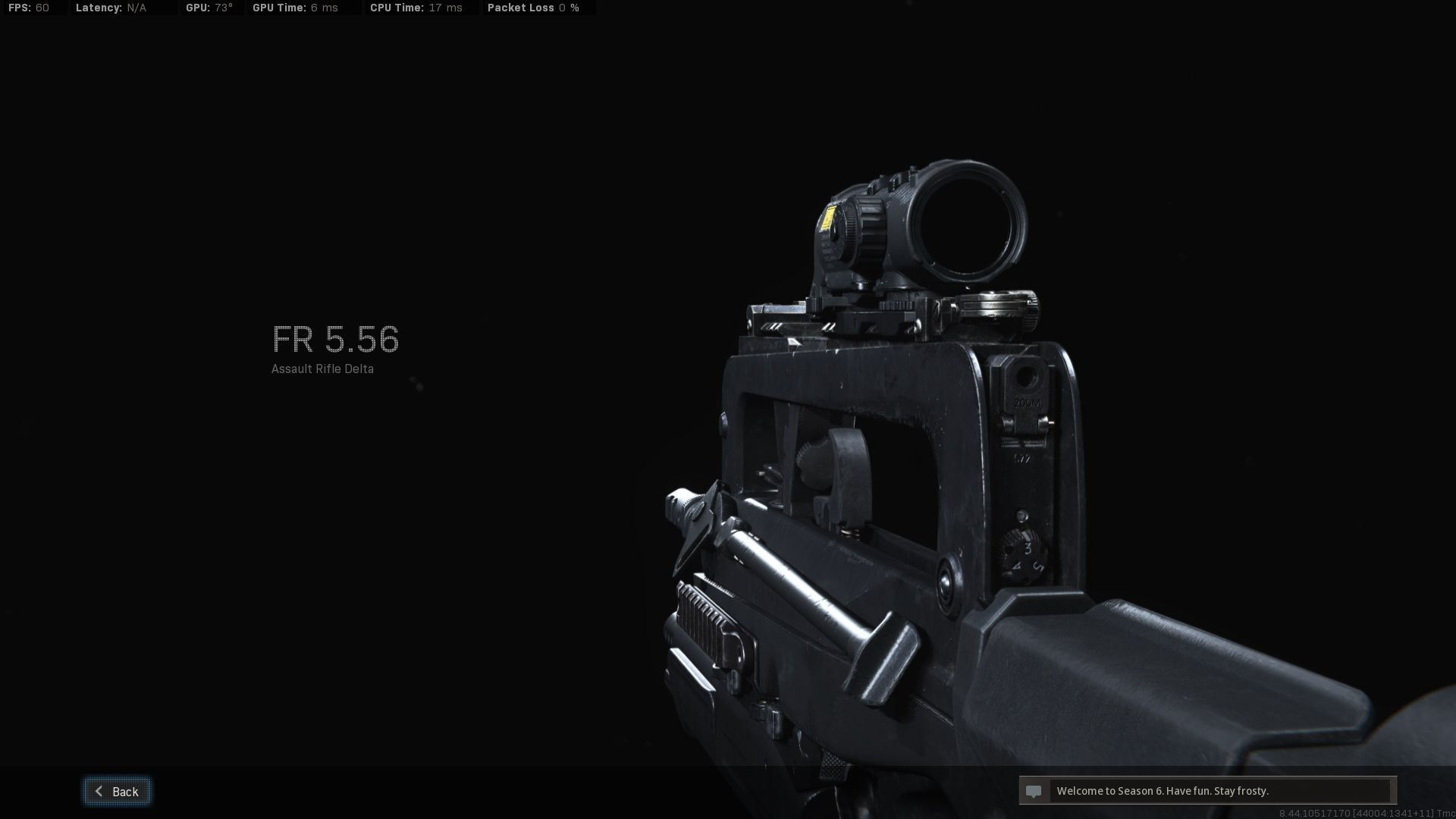
About MW2019 FAMAS Sound mod
From Steam Workshop[url=https://steamcommunity.com/sharedfiles/filedetails/?id=2671001611] Click here to get the optimized version of M16 and SCAR-H So here it is, the FAMAS mod, which consists of: AR15 Varmint - FAMAS…
[code][h1]Click here to get the optimized version of M16 and SCAR-H[/h1][/code]
So here it is, the FAMAS mod, which consists of:
- AR15 Varmint - FAMAS
- M16 M203 - GRAU 5.56
- SCAR-H - M4A1 .458cal
- AA12 - VLK Rogue
- HZ12 - R9-0
- And Addtionally P90 - CX-9 for an alternate choice
In more detail, AR15 provides the Firing Sound, Magazine Sounds by M16, Bolt by SCAR-H, underbarrel Masterkey Firing Sound by AA12, and Pump and Reload Sounds by HZ12. Their part of sound used by FAMAS is replaced by audios from MW2019. If you lack one of them or install other mods, its still functional, but you will hear the corresponding part of sound from vanilla or that mod.
The reason why it has so many guns is that, for almost every weapon in the game there will be a bnk file for audios and a txt for sound file indication, as for FAMAS, NO, there just aren't such things and i think ALL the FAMAS sounds are reused from other existing weapons, therefore i did all these other weapons to make FAMAS sounds fine.
Aside from FAMAS, other guns consisted are fine to use(by me at least), might sound kinda weird when reloading the M16 and SCAR though. Also the HZ12 is actually identical with that in my previous shotgun mod but its still included in the pack, and M203 firing and explosion sounds are used from M79 so its not included this time.
Installing
1. Subscribe to download the files. You may have to start KF2 to begin the download.
2. Locate and unpack the RAR file in
         [code]SteamLibrary\steamapps\workshop\content\232090\2665974483\BrewedPC\WWiseAudio\Windows[/code]

    3.  Copy the bnk file(s) you want and paste them into:
         [code]\Documents\my games\KillingFloor2\KFGame\Published\BrewedPC\WWiseAudio\Windows
Indoor and Outdoor versions of full-auto weapons included are not compatible. If you don’t have the path just create the exact folders yourself.
Highlights
From source dataFootprint
Rated a light load on a server.
Last update
Its author last shipped an update 5 yr ago.
MW2019 FAMAS Sound mod on Nxeon
From our catalogue- One-click install
- Supported on Nxeon Killing Floor 2 servers. We download it from Steam Workshop, place it, and restart the server.
- Server load
- light
- Smallest plan we suggest
- Killing Floor 2 — 2 GB (2 GB RAM). This follows our own load rating above, not a benchmark.
- Latest build
- 2021-11-27, released 2021-11-27
Game versions by loader
| Loader | Game versions | Newest |
|---|---|---|
| Workshop |
From 1 recorded build of MW2019 FAMAS Sound mod.
Run MW2019 FAMAS Sound mod on a Killing Floor 2 server
Pick a server or deploy a new one above; it is installed in one click.
What kind of mod it is
From the catalogCosmetics, visuals & audio
Skins, textures, shaders, models and sound — how the game looks and sounds.
Compatibility
- Game
- Killing Floor 2
Verified at the source
- ✓Steam WorkshopOfficial listing, checked 2026-10-10Open ↗
- ✓AuthorOFERABK, as published on Steam Workshop
- ✓LicenseNot published by the sourceFree















