






About MW2019 SMGs Sound Mod
From Steam WorkshopReplaces the audio of six submachine guns with sounds from Modern Warfare. MP7 - Same gun HMTech-201 - ISO Tommy Gun - AUG 9mm P90 - Same gun KRISS - Fennec G18 - Sykov full auto Note: In my previous…
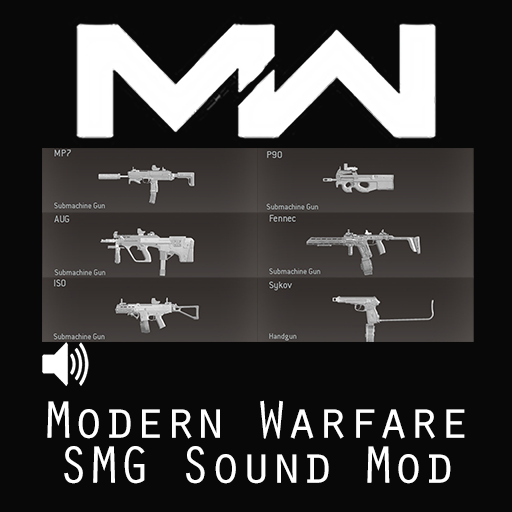
Replaces the audio of six submachine guns with sounds from Modern Warfare.
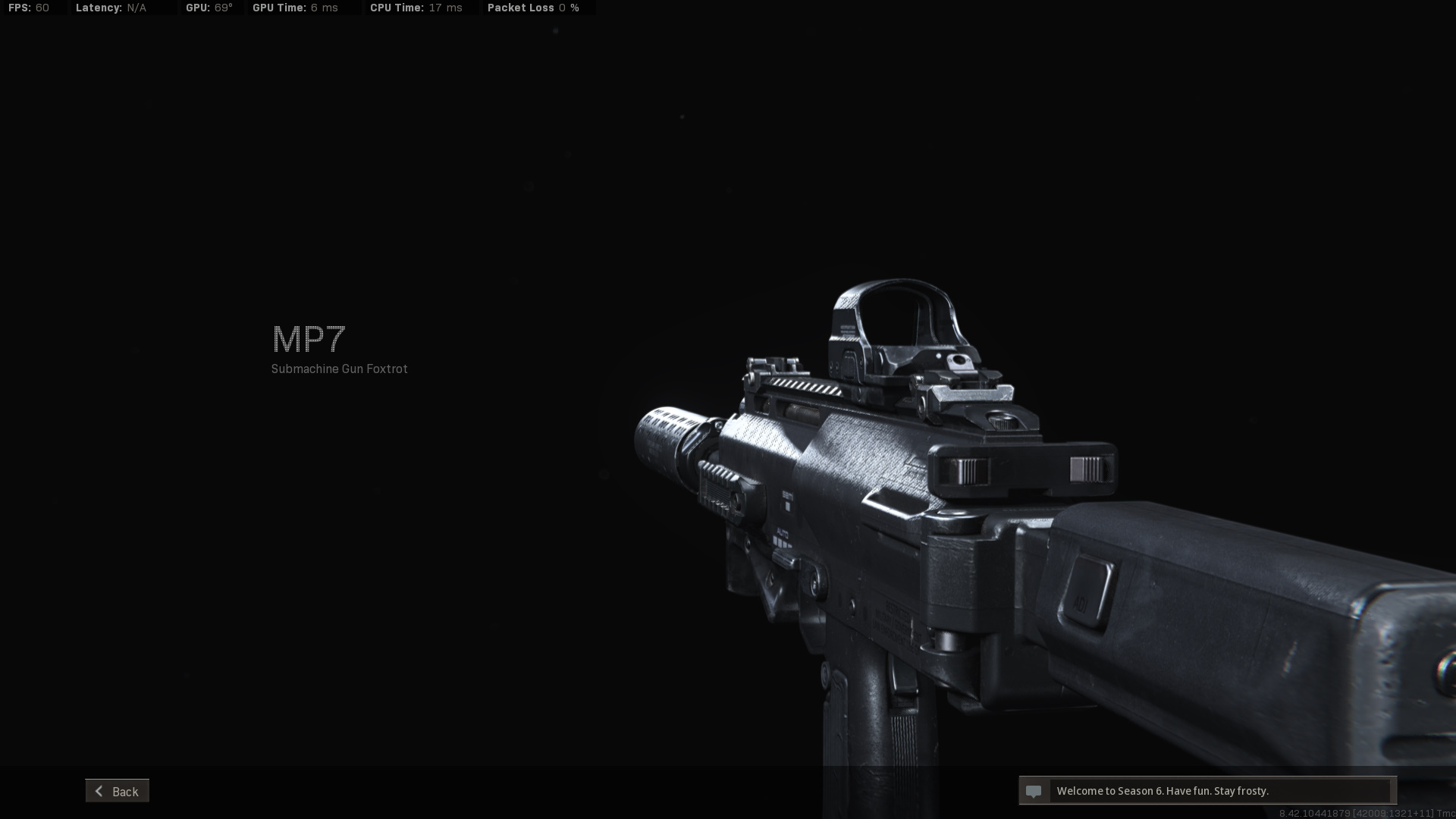
- MP7 - Same gun
- HMTech-201 - ISO
- Tommy Gun - AUG 9mm
- P90 - Same gun
- KRISS - Fennec
- G18 - Sykov full auto
Note: In my previous mods I used environmental reverb from KF2 to make weapons sound different depending on indoor and outdoor like in MW2019. But those are only for guns that use only single fire audios, and for full auto guns that use loop audios, it just simply don’t work. So I did two versions for each gun, with only their full auto firing sounds are different, for you to choose the one you like. Also it is impossible to use two versions of the same gun simultaneously as they override the same vanilla file.
Btw, doing a sound mod in such way could be too complicated, and the third person sounds maybe kinda weird as they’re not really third person sounds from MW2019. Please let know in the comments below about if they’re fine or not so my following mods can do better.
Installing
1. Subscribe to download the files. You may have to start KF2 to begin the download.
2. Locate and unpack the RAR file in
         [code]SteamLibrary\steamapps\workshop\content\232090\2640806519[/code]

    3.  Copy the bnk file(s) you want inside the folders and paste them into:
         [code]\Documents\my games\KillingFloor2\KFGame\Published\BrewedPC\WWiseAudio\Windows
If you don’t have the path just create the exact folders yourself.
Highlights
From source dataFootprint
A 17 MB download, rated a light load on a server.
Last update
Its author last shipped an update 5 yr ago.
MW2019 SMGs Sound Mod on Nxeon
From our catalogue- One-click install
- Supported on Nxeon Killing Floor 2 servers. We download it from Steam Workshop, place it, and restart the server.
- Server load
- light
- Smallest plan we suggest
- Killing Floor 2 — 2 GB (2 GB RAM). This follows our own load rating above, not a benchmark.
- Latest build
- 2021-10-30, released 2021-10-30, 17 MB
Game versions by loader
| Loader | Game versions | Newest |
|---|---|---|
| Workshop |
From 1 recorded build of MW2019 SMGs Sound Mod.
Run MW2019 SMGs Sound Mod on a Killing Floor 2 server
Pick a server or deploy a new one above; it is installed in one click.
What kind of mod it is
From the catalogCosmetics, visuals & audio
Skins, textures, shaders, models and sound — how the game looks and sounds.
Compatibility
- Game
- Killing Floor 2
- File size
- 17 MB
Verified at the source
- ✓Steam WorkshopOfficial listing, checked 2026-10-10Open ↗
- ✓AuthorOFERABK, as published on Steam Workshop
- ✓LicenseNot published by the sourceFree















