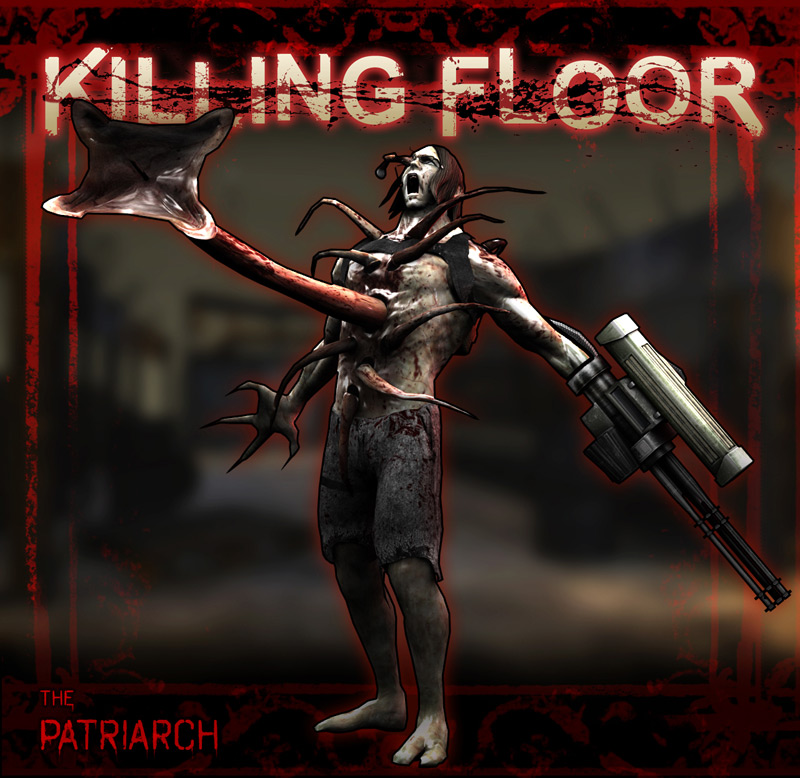
About Original KF1 Patriarch Theme (zYnthetic - Abandon All)
From Steam WorkshopSound mod to replace the new patriarch theme with the old original one For Manual download : https://drive.google.com/file/d/1ktH0MPbcRMxEQX47mD4Xe--5BOyDvcNo/view 1 - Extract the file to your…
Sound mod to replace the new patriarch theme with the old original one
For Manual download [REQUIRED]: https://drive.google.com/file/d/1ktH0MPbcRMxEQX47mD4Xe--5BOyDvcNo/view
1 - Extract the file to your desktop 2 - Open this directory or where ever you installed your game C:\Program Files (x86)\Steam\steamapps\common\killingfloor2\KFGame\BrewedPC\WwiseAudio\Windows 3 - Make sure to make a back up of the file that you're going to replace in case you want to revert to original KF2 patriarch theme or you can just validate your game files from steam without needing back up, after backing up your file copy the file you extracted and paste and replace the old file with the new file
feel free to ask any questions
Note: All copyrights goes to their rightful owners which are zYnthetic & Tripwire Interactive I'll also put his links so you can check him out he's very talented His website: http://www.zynthetic.com/
Note: after some testing with a friend of mine we realized that the subscribe button isn't going to work so download it normally I'm so sorry for the inconvenience I've tried my best to fix it but KF2 doesn't seem to support sound mods on the SDK that's why it's also so hard to post them on the workshop, i had to use a command line to put it up on the workshop i hope Tripwire Interactive officially enables the option to upload sound mods from the SDK.
Highlights
From source dataFootprint
Rated a light load on a server.
Last update
Its author last shipped an update 6 yr ago.
Original KF1 Patriarch Theme (zYnthetic - Abandon All) on Nxeon
From our catalogue- One-click install
- Supported on Nxeon Killing Floor 2 servers. We download it from Steam Workshop, place it, and restart the server.
- Server load
- light
- Smallest plan we suggest
- Killing Floor 2 — 2 GB (2 GB RAM). This follows our own load rating above, not a benchmark.
- Latest build
- 2020-09-12, released 2020-09-12
Game versions by loader
| Loader | Game versions | Newest |
|---|---|---|
| Workshop |
From 1 recorded build of Original KF1 Patriarch Theme (zYnthetic - Abandon All).
Run Original KF1 Patriarch Theme (zYnthetic - Abandon All) on a Killing Floor 2 server
Pick a server or deploy a new one above; it is installed in one click.
What kind of mod it is
From the catalogCosmetics, visuals & audio
Skins, textures, shaders, models and sound — how the game looks and sounds.
Compatibility
- Game
- Killing Floor 2
Verified at the source
- ✓Steam WorkshopOfficial listing, checked 2026-10-10Open ↗
- ✓AuthorElite, as published on Steam Workshop
- ✓LicenseNot published by the sourceFree