About Simple custom music player
From Steam WorkshopVersion 2 Killing Floor 2 build: 1069 beta Description: Add your favorite custom music that will be played randomly according game category (boss tracks for boss; wave tracks for wave and etc). You…
Version 2 Killing Floor 2 build: 1069 beta
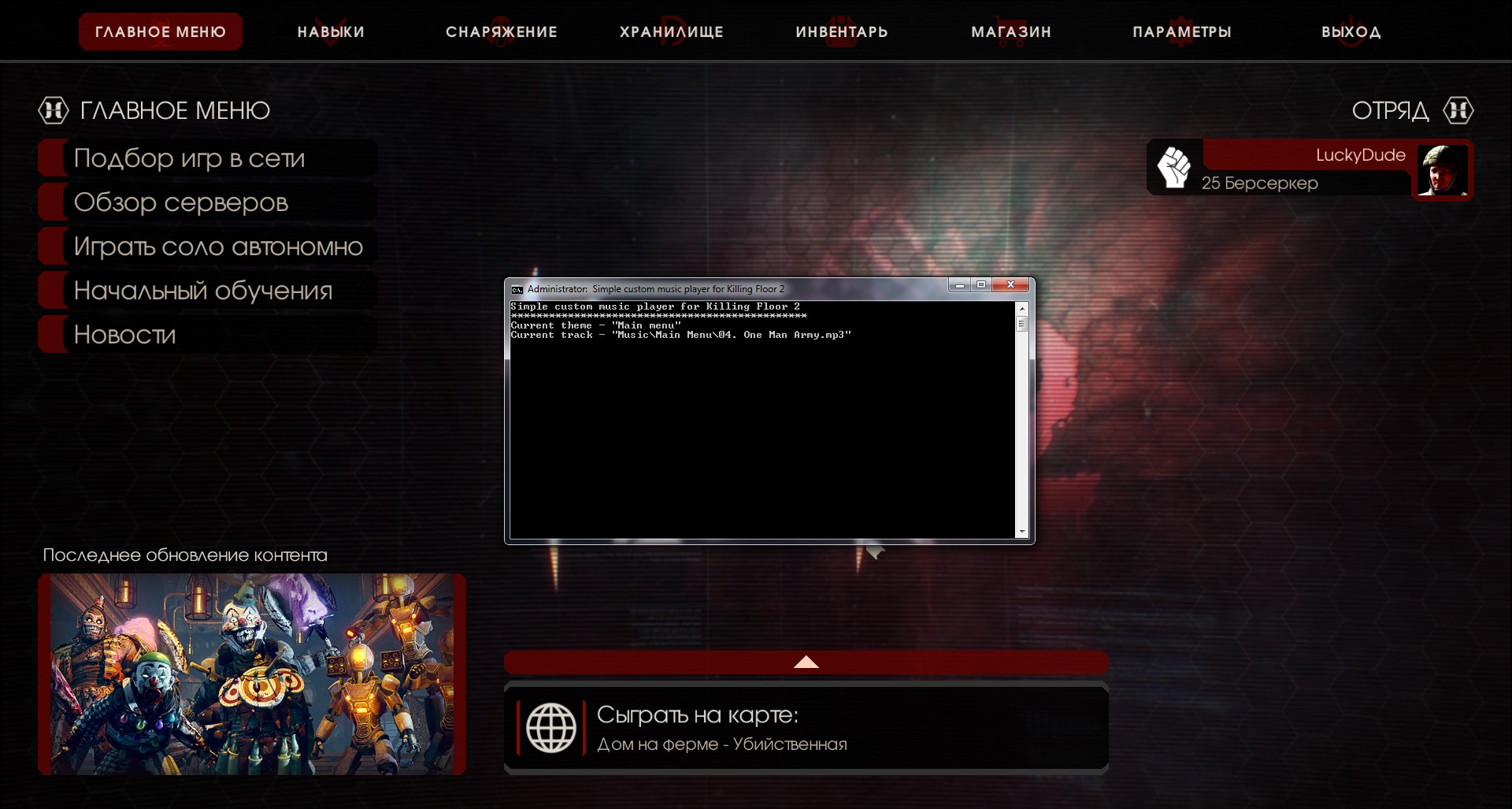
Description: Add your favorite custom music that will be played randomly according game category (boss tracks for boss; wave tracks for wave and etc). You don't need to modify game resources anymore. Supports all popular and even rare music formats (music is played by FFmpeg, list of supported audio codecs). You can also put video file that contains music, so it will be played as background music.
Supports the following categories of music:
- Main Menu
- Trader (lobby uses "Trader" theme)
- Wave
- Boss
WARNING! Since we don't know how VAC actually works, my batch script may trigger false activation of VAC because script monitors opened original music files by Killing Floor 2 game to determinate music category. You will not get VAC ban. It only forces others VAC secured games to kick you from server without ban if you leave that script running. Killing floor 2 servers never kicks you.
Usage: [olist] [*]Disable in-game music in killing floor 2 by using setting to zero music volume in options. [*]Download that workshop item [*]Add anti-virus exception in case of false positive [*]Open "*\Steam\steamapps\workshop\content\232090\1440122015" [*]Open folder "KF2CustomMusic" (you can also move "KF2CustomMusic" to another directory if you want) [*]Put your music to "Music" folder according to music category (Boss, Main Menu, Trader, Wave). You can use subdirectories inside category and put video file that contains music, so it will be played as background music. [*]Run "run.bat" as administrator (admin rights needed for Sysinternals handle program). For first use script will download program "handle" from Microsoft Sysinternals and you need to agree their EULA agreement; [/olist]
Update version: [olist] [*]Delete "*\Steam\steamapps\workshop\content\232090\1440122015". Before that make sure you are moved your music files from that folder! [*]Unsubscribe [*]Subscribe [/olist]
Controls:
- NUMPAD8 - volume UP for KF2
- NUMPAD5 - volume DOWN for KF2
- NUMPAD9 - volume UP for custom music player
- NUMPAD6 - volume DOWN for custom music player
Known limitations, bugs:
- In the map KF-MonsterBall the player may play "Main Menu" theme in "Trader" theme (game uses same track for both categories)
- In the map KF-MonsterBall the player may play "Main Menu" theme in "Trader" theme (game uses same track for both categories)
- No fade and fade out when track changes;
- You need to use windows mixer to adjust a volume. Instead of minimizing of game you can use buttons listened in "Controls";
- If you put non-music file inside music category, it will be also played as music track (for example if you put file "cover.jpg", it will be played as music track).
- False positive of some anti-viruses (script monitors currently opened files of the game and creates a hidden process)
- Need admin rights;
List of References:
- How to mod your own Custom Music: the right way (used filename codes that represent as in-game soundtracks)
List of third party utilities used in script:
- GnuWin utilities;
- Git-SCM utilities;
- Autohotkey;
- Microsoft Sysinternals "handle" program;
- 7-zip;
- Create Hidden Process.
Credits:
- Thank you to each and every one of you and a special wish for a happy game with your favorite music!
Changes in Version 2:
- minimized amount of background windows;
- when you close a program it will also automatically close a music player;
- you can adjust volume without minimizing a game;
- you can use any symbols in track names;
- script will never play the same track twice;
- some fixes regarding current theme - "none" when the game is runned and in-game music is played;
- fixed a sudden track change during a long wave match.
Highlights
From source dataFootprint
A 55 MB download, rated a light load on a server.
Last update
Its author last shipped an update 8 yr ago.
Simple custom music player on Nxeon
From our catalogue- One-click install
- Supported on Nxeon Killing Floor 2 servers. We download it from Steam Workshop, place it, and restart the server.
- Server load
- light
- Smallest plan we suggest
- Killing Floor 2 — 2 GB (2 GB RAM). This follows our own load rating above, not a benchmark.
- Latest build
- 2018-09-06, released 2018-09-06, 55 MB
Game versions by loader
| Loader | Game versions | Newest |
|---|---|---|
| Workshop |
From 1 recorded build of Simple custom music player.
Run Simple custom music player on a Killing Floor 2 server
Pick a server or deploy a new one above; it is installed in one click.
What kind of mod it is
From the catalogCosmetics, visuals & audio
Skins, textures, shaders, models and sound — how the game looks and sounds.
Compatibility
- Game
- Killing Floor 2
- File size
- 55 MB
Verified at the source
- ✓Steam WorkshopOfficial listing, checked 2026-10-10Open ↗
- ✓AuthorLuckyDude, as published on Steam Workshop
- ✓LicenseNot published by the sourceFree