






About Some Unreal Tournament 4 Weapons [Beta?]
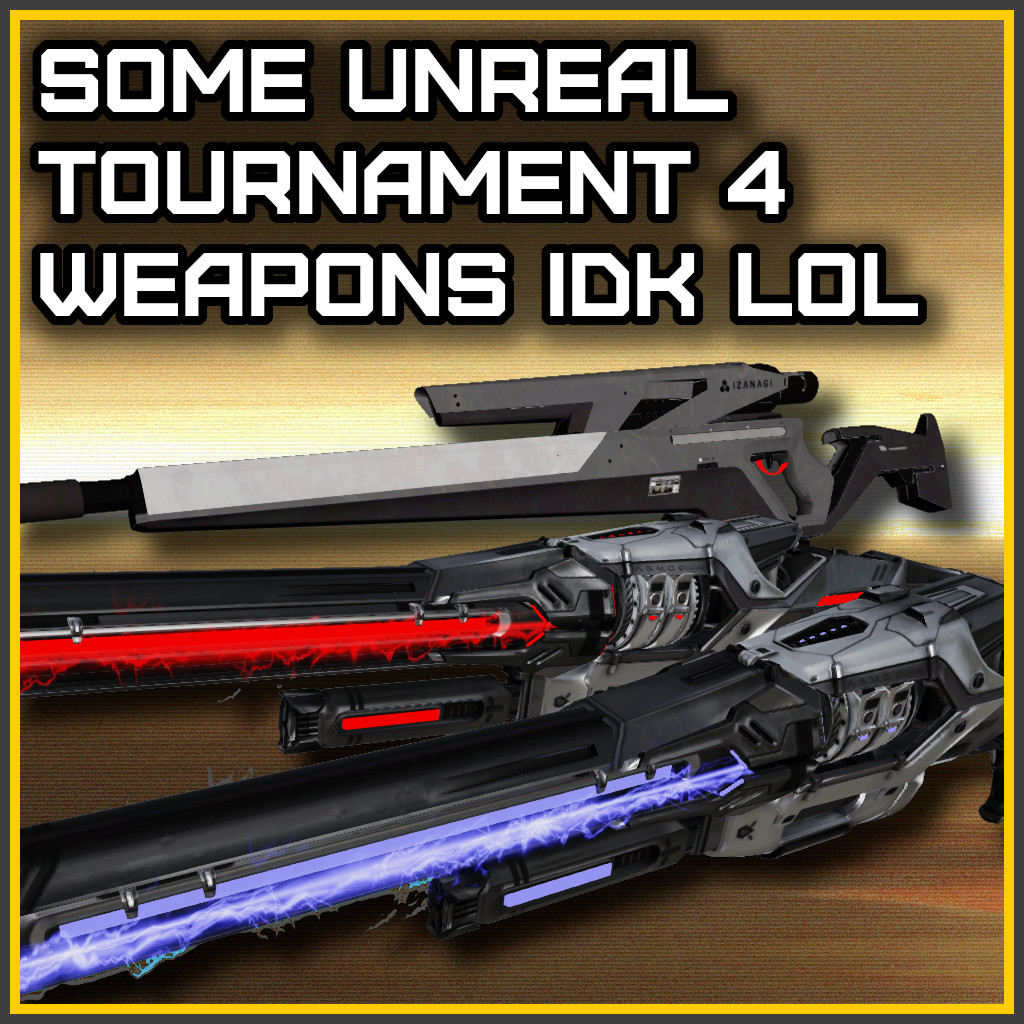
From Steam WorkshopOverview - This mod adds 3 weapons - A Shock Rifle that can launch shock cores - A Shock Rifle InstaGib kills everyone in one hit (except team mates :D) - A SR-40 experimental sniper rifle with…
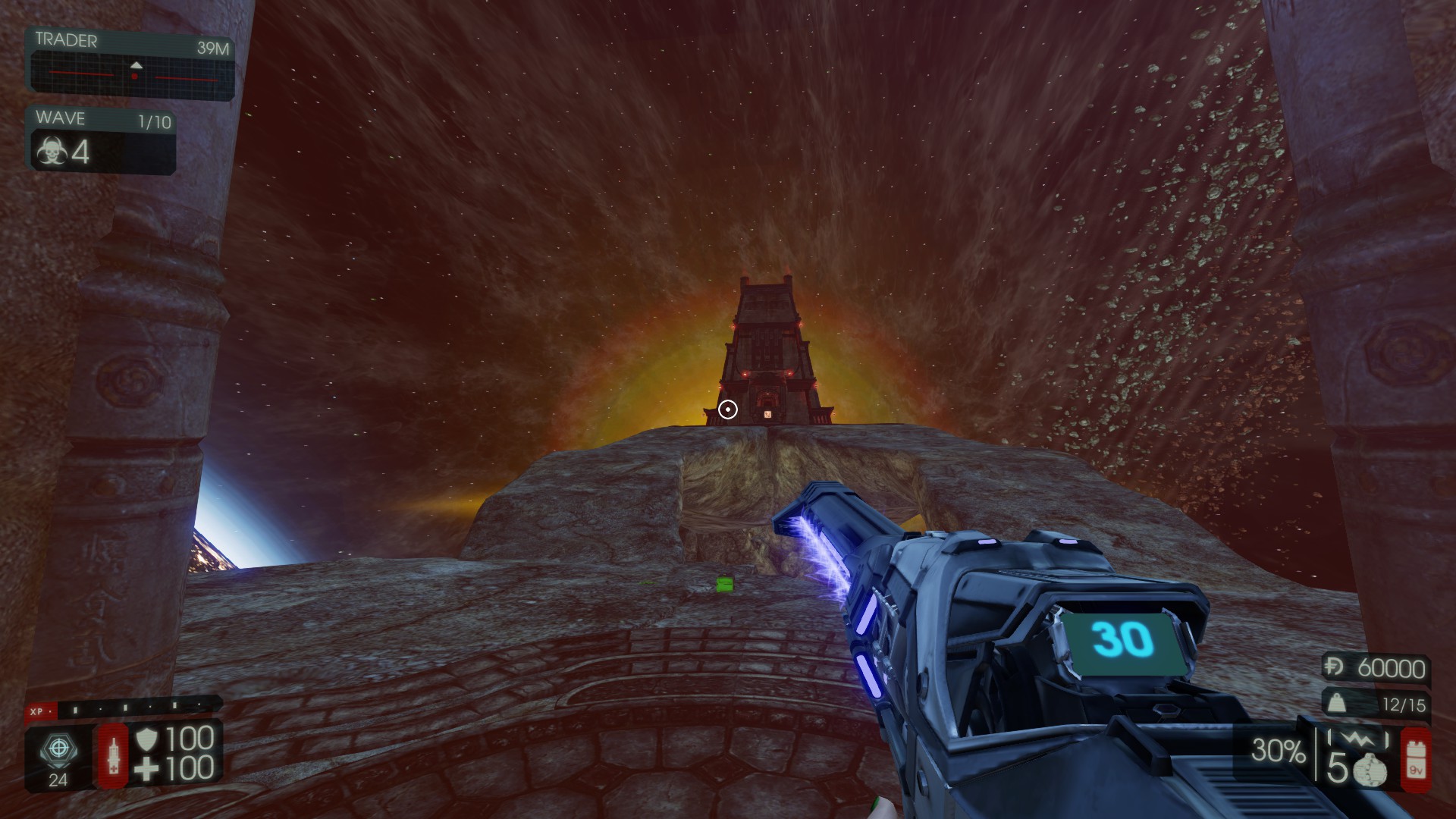
[h1]Overview[/h1] - This mod adds 3 weapons - A Shock Rifle that can launch shock cores - A Shock Rifle InstaGib kills everyone in one hit (except team mates :D) - A SR-40 experimental sniper rifle with Parascope zooming - some scope functions are configured so you can change things like, scope colors etc...
[h1] Required Mods [/h1] Zedternal Reborn Major modification to base game that can use these custom weapons Custom Trader Inventory This will let you play solo and add weapons to trader
[h1] Console Commands [/h1] - Note: you must be holding set weapon to execute set command [h3]For Shock Rifle and InstaGib version[/h3] - EnableSRCrosshair Toggles crosshair for both aim down sights and free aim - CrosshairColor Changes free aim crosshair color [h3]For SR-40[/h3] - Note: Some of the console commands save config file - ZoomAmount (float) Changes the zoom level when scoped in - ToggleParascopeZoom Toggles completly different aim-down-sights parameter - ToggleFreeAimCrosshair Toggles free-aim crosshair when user isn't scoped in - ChangeFreeAimCrosshairColor (RRR,GGG,BBB) Changes free aim crosshair color - ToggleUnscopeOnDamage Toggles weather user unscopes on being damaged if user is scoped in - ChangeParascopeColorNeutral (RRR,GGG,BBB) Changes crosshair color - ChangeParascopeColorEmpty (RRR,GGG,BBB) Changes crosshair color when out of ammo - ChangeParascopeTargetingZEDColor (RRR,GGG,BBB) Changes crosshair color when targeting ZED - ChangeParascopeTargetingFriendlyColor (RRR,GGG,BBB) Changes crosshair color when targeting friendly player - ChangeParascopeInnerRingColorNeutral (RRR,GGG,BBB) Changes inner ring color - ChangeParascopeInnerRingColorEmpty (RRR,GGG,BBB) Changes inner ring color when out of ammo - ChangeParascopeInnerRingColorTargetingZED (RRR,GGG,BBB) Changes inner ring color when targeting ZED - ChangeParascopeInnerRingColorTargetingFriendly (RRR,GGG,BBB) Changes inner ring color when targeting friendly player - SeeThroughOverlayAmount (float) Changes Parascope dark area transparency - SeeThroughRingOverlayAmount (float) Changes Parascope circle ring transparency
[h1]Configs[/h1] - These weapons comes with KFSRM ini config file that lets you change few things about these weapon - Note: that most stuff can be changed while in-game and it's probably bad or something so expect something to bug out i suppose
[h1] Custom WWise sounds [/h1] Head over to this folder [code] [h3]YOURDRIVE:\Steam\steamapps\workshop\content\232090\3738936971\BrewedPC\WwiseAudio\Windows[/h3] [/code] And inside set folder select and copy paste all bnk files to the folder bellow [code] [h3]YOURDRIVE:\Users\USERNAME\Documents\My Games\KillingFloor2\KFGame\Published\BrewedPC\Packages\WwiseAudio\Windows[/h3] [/code]
[h1]Weapon Add Commands[/h1] [code] [h1] For CTI [/h1] [list] [*]Item=SRM.KFWeapDef_ShockRifle [*]Item=SRM.KFWeapDef_ShockRifle_InstaGib [*]Item=SRM.KFWeapDef_SR40 [/list] [/code] [code] [h1] For Zedternal [/h1] [h3]make sure you set Weapon_bUseCustomWeaponList=True and add the following commands[/h3] [h1]ZedternalReborn.Config_WeaponCustom[/h1] [list] [*]Weapon_CustomWeaponDef=ScuffedSentries.KFWeapDef_ShockRifle [*]Weapon_CustomWeaponDef=ScuffedSentries.KFWeapDef_ShockRifle_InstaGib [*]Weapon_CustomWeaponDef=ScuffedSentries.KFWeapDef_SR40 [/list] [/code]
things are subject to change...
Workshop ID: [b]3738936971[/b]
BrewedPC Package Name: [b]SRM[/b]
Highlights
From source dataFootprint
Rated a light load on a server.
Last update
Its author last shipped an update 2 mo ago.
Some Unreal Tournament 4 Weapons [Beta?] on Nxeon
From our catalogue- One-click install
- Supported on Nxeon Killing Floor 2 servers. We download it from Steam Workshop, place it, and restart the server.
- Server load
- light
- Smallest plan we suggest
- Killing Floor 2 — 2 GB (2 GB RAM). This follows our own load rating above, not a benchmark.
- Latest build
- 2026-08-06, released 2026-08-06
Game versions by loader
| Loader | Game versions | Newest |
|---|---|---|
| Workshop |
From 1 recorded build of Some Unreal Tournament 4 Weapons [Beta?].
Dependencies
- Required: Custom Trader Inventory
- Required: Zedternal Reborn
Declared by the newest build that lists any. Required ones are installed with it on one-click installs.
Run Some Unreal Tournament 4 Weapons [Beta?] on a Killing Floor 2 server
Pick a server or deploy a new one above; it is installed in one click.
What kind of mod it is
From the catalogListed on Steam Workshop as “Workshop”
Weapons, items & crafting
New weapons, gear, items and the recipes to make them.
Compatibility
- Game
- Killing Floor 2
Verified at the source
- ✓Steam WorkshopOfficial listing, checked 2026-10-16Open ↗
- ✓AuthorJasper, as published on Steam Workshop
- ✓LicenseNot published by the sourceFree















