About 龍が如く / YAKUZA Soundtrack (Updated)
From Steam WorkshopMod Information 龍が如く / Yakuza soundtrack from various games. Tried to get representation from each game and spread them equally with 5 from every mainline and 3 from the remakes. I mostly stuck to…
Mod Information
龍が如く / Yakuza soundtrack from various games. Tried to get representation from each game and spread them equally with 5 from every mainline and 3 from the remakes. I mostly stuck to boss and long battle tracks as they fit the game better imo. For fun I decided to replace the vocal tracks this time around with some of the vocal songs from the series, including openings and karaoke songs, just enable vocals in options if you would like to hear them.
Song Selection
- Christmas Music uses tracks from 龍が如く OF THE END / YAKUZA Dead Souls.
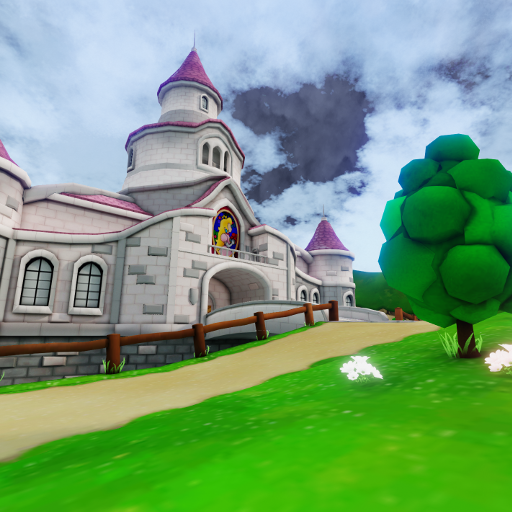
- Tragic Kingdom uses tracks from 龍が如く 見参 / YAKUZA Kenzan.
- Airship uses tracks from 龍が如く 維新 / YAKUZA Ishin.
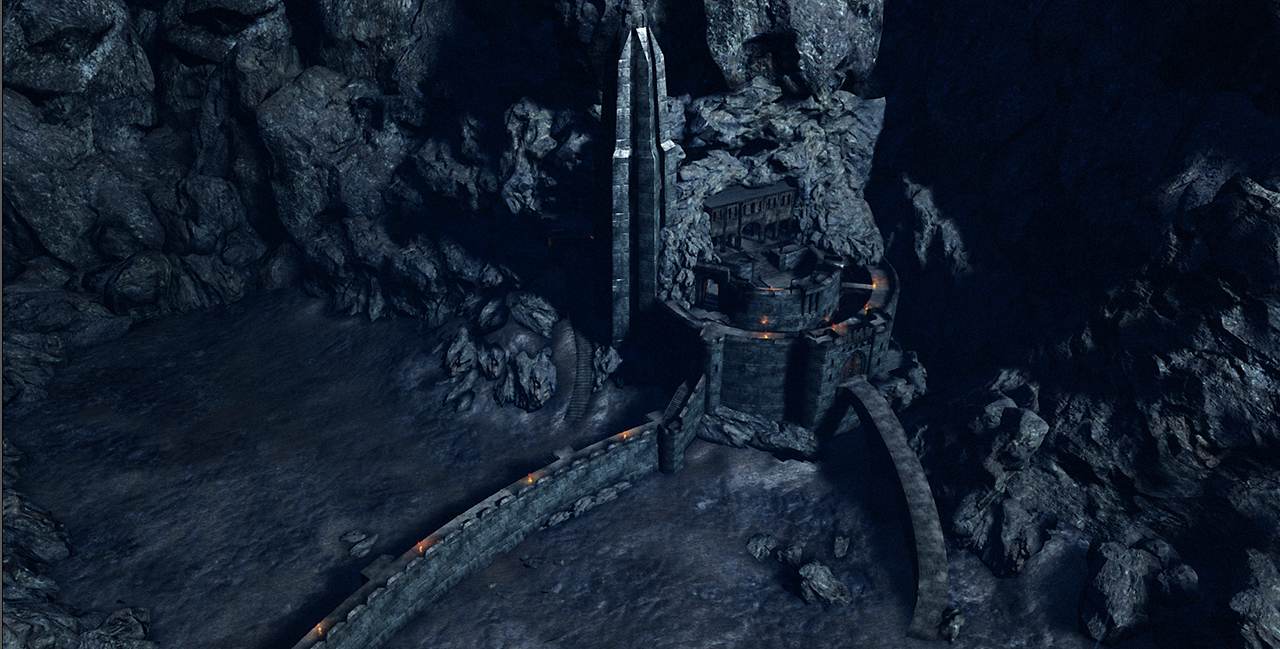
- Monster Ball's Castle halls use tracks from クロヒョウ 龍が如く / Kuro Hyou and the Rave dance floors use tracks from its sequel, クロヒョウ2 龍が如く / Kuro Hyou 2.
- Vocal Tracks features 10 main themes and openings from the main series, 10 karaoke songs, and 10 misc vocal tracks from including main themes for spin off titles and Pachislot songs.[/list]
- [h1]Boss Music[/h1]
- [list][*]Hans - The Way of Life [6]
- Kevin - Fly ~In Game Version~ [3]
- King Fleshpound - The Battle for the Dream [5]
- Abomination - Vertical Point [K1]
- Rachel - Overcoming the Dragon [7][/list]
- [hr][/hr][h1]Installation[/h1]
- Subscribe to the mod and head to this location (If the mod does not download simply start and close the game to trigger the download)
- [code]Steam\steamapps\workshop\content\232090\2425469465[/code]
- Take the "Published" folder and place it into
- [code]Documents\My Games\KillingFloor2\KFGame[/code]
- If any folders aren't there then you may create them. Launch your game and disable the vocals and adjust volumes as you see fit.
- If for whatever reason the documents method does not work then you can also replace in game files instead. Simply take the wems from this location,
- [code]Steam\steamapps\workshop\content\232090\1698780351\Published\BrewedPC\WwiseAudio\Windows[/code]
- And place them in this location and confirm the overwrite.
- [code]Steam\steamapps\common\killingfloor2\KFGame\BrewedPC\WwiseAudio\Windows[/code]
Highlights
From source dataFootprint
A 1.2 GB download, rated a light load on a server.
Last update
Its author last shipped an update 5 yr ago.
龍が如く / YAKUZA Soundtrack (Updated) on Nxeon
From our catalogue- One-click install
- Supported on Nxeon Killing Floor 2 servers. We download it from Steam Workshop, place it, and restart the server.
- Server load
- light
- Smallest plan we suggest
- Killing Floor 2 — 2 GB (2 GB RAM). This follows our own load rating above, not a benchmark.
- Latest build
- 2021-06-05, released 2021-06-05, 1.2 GB
Game versions by loader
| Loader | Game versions | Newest |
|---|---|---|
| Workshop |
From 1 recorded build of 龍が如く / YAKUZA Soundtrack (Updated).
Run 龍が如く / YAKUZA Soundtrack (Updated) on a Killing Floor 2 server
Pick a server or deploy a new one above; it is installed in one click.
What kind of mod it is
From the catalogMaps
Its source category doesn’t say more about what it does, so NxLabs lists it under Other.
Compatibility
- Game
- Killing Floor 2
- File size
- 1.2 GB
Verified at the source
- ✓Steam WorkshopOfficial listing, checked 2026-10-10Open ↗
- ✓AuthorRaven, as published on Steam Workshop
- ✓LicenseNot published by the sourceFree