About Bloom Restoration (Motion Blur Replacement)
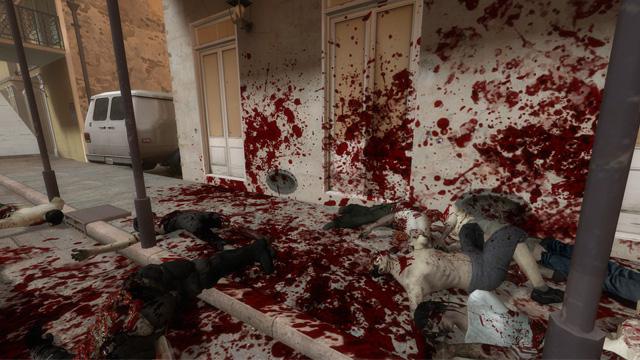
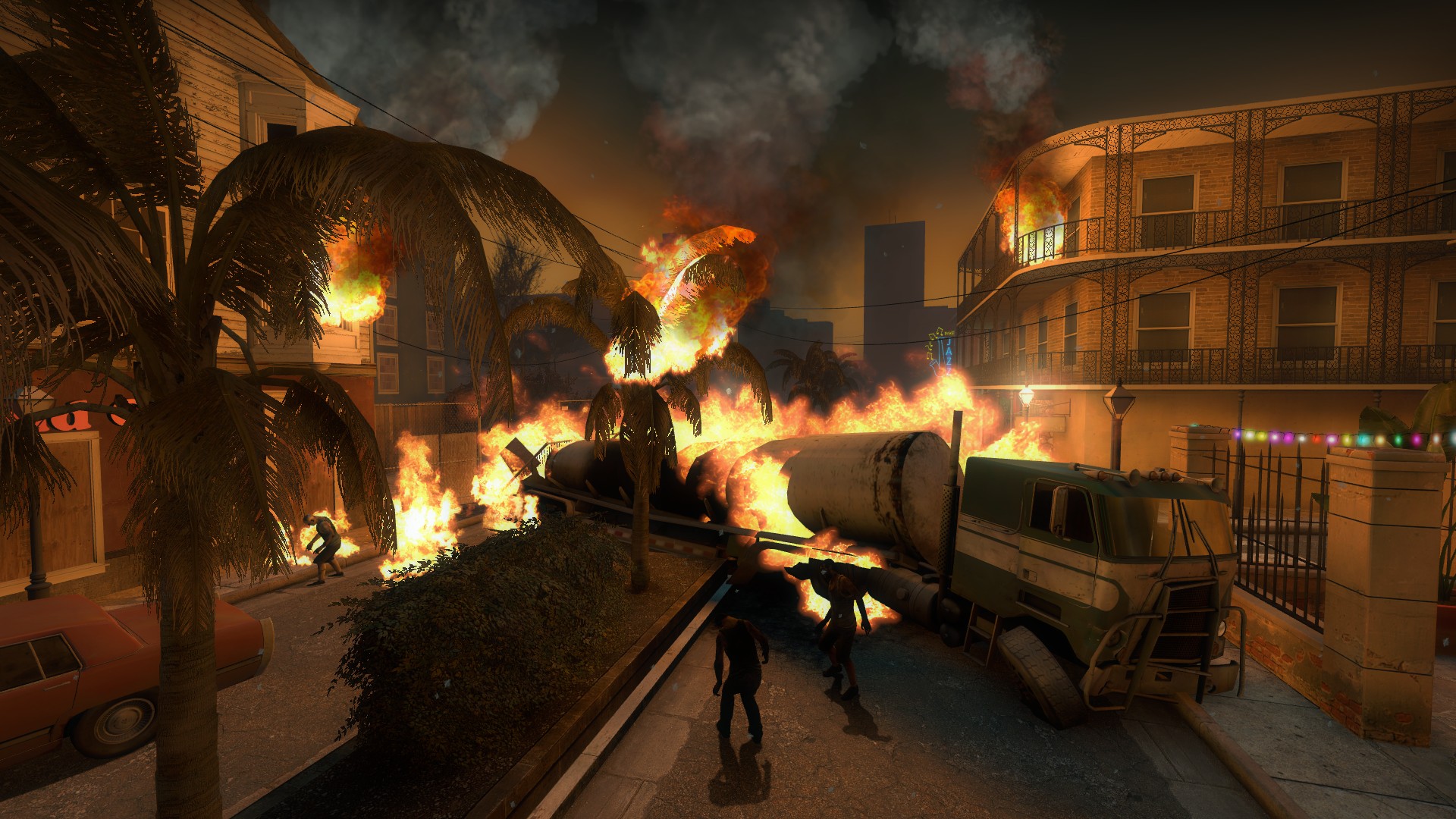
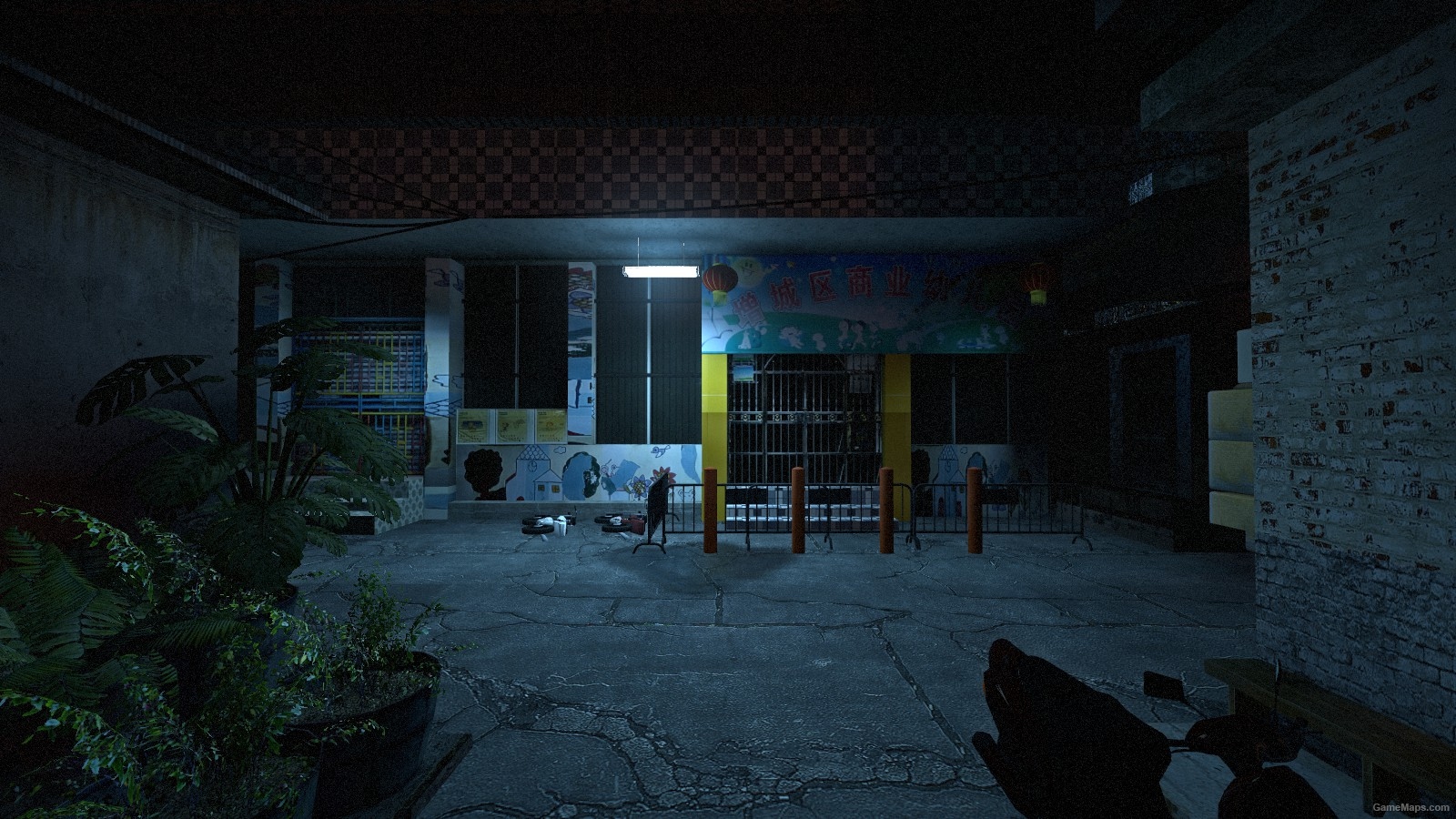
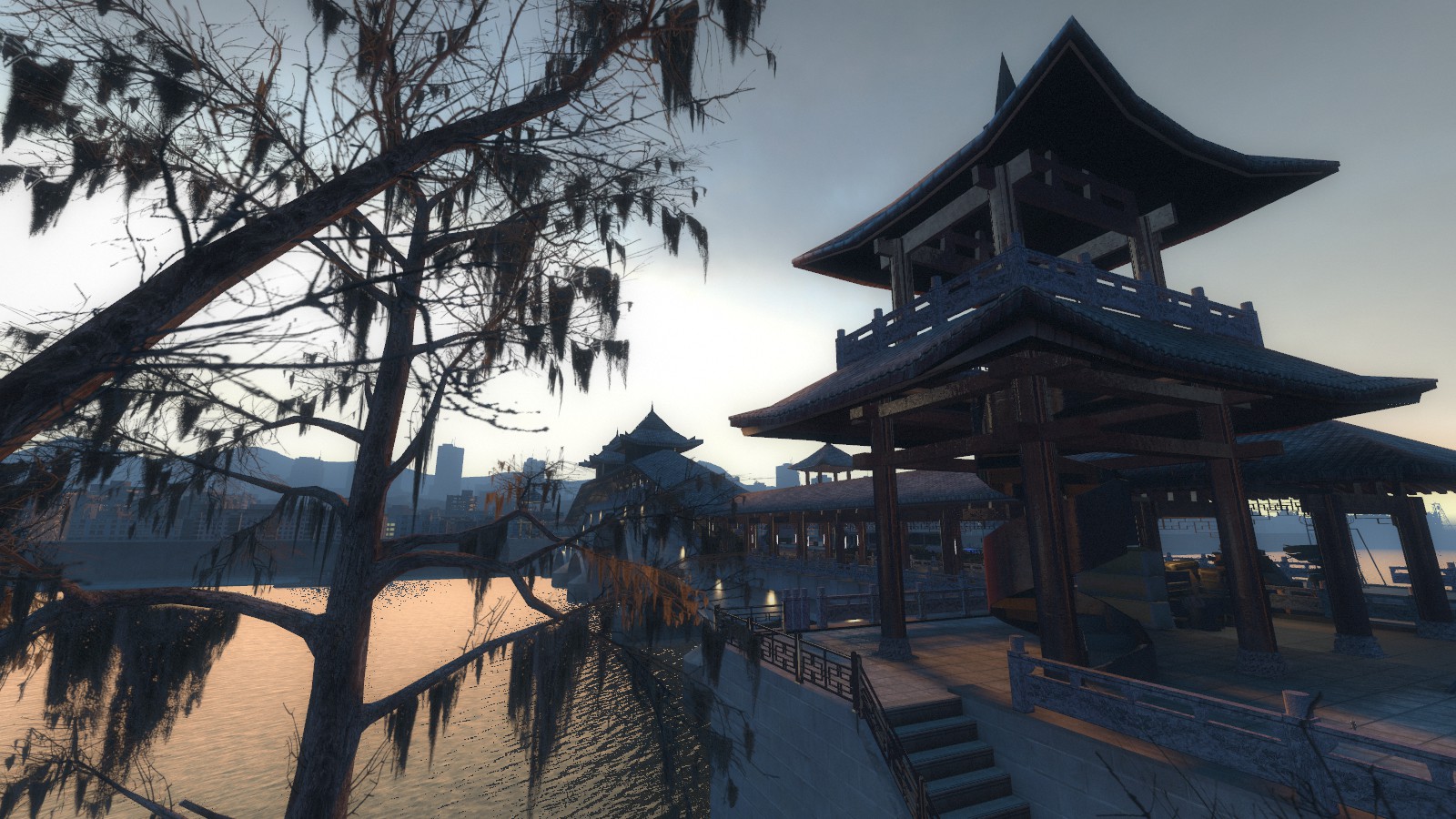
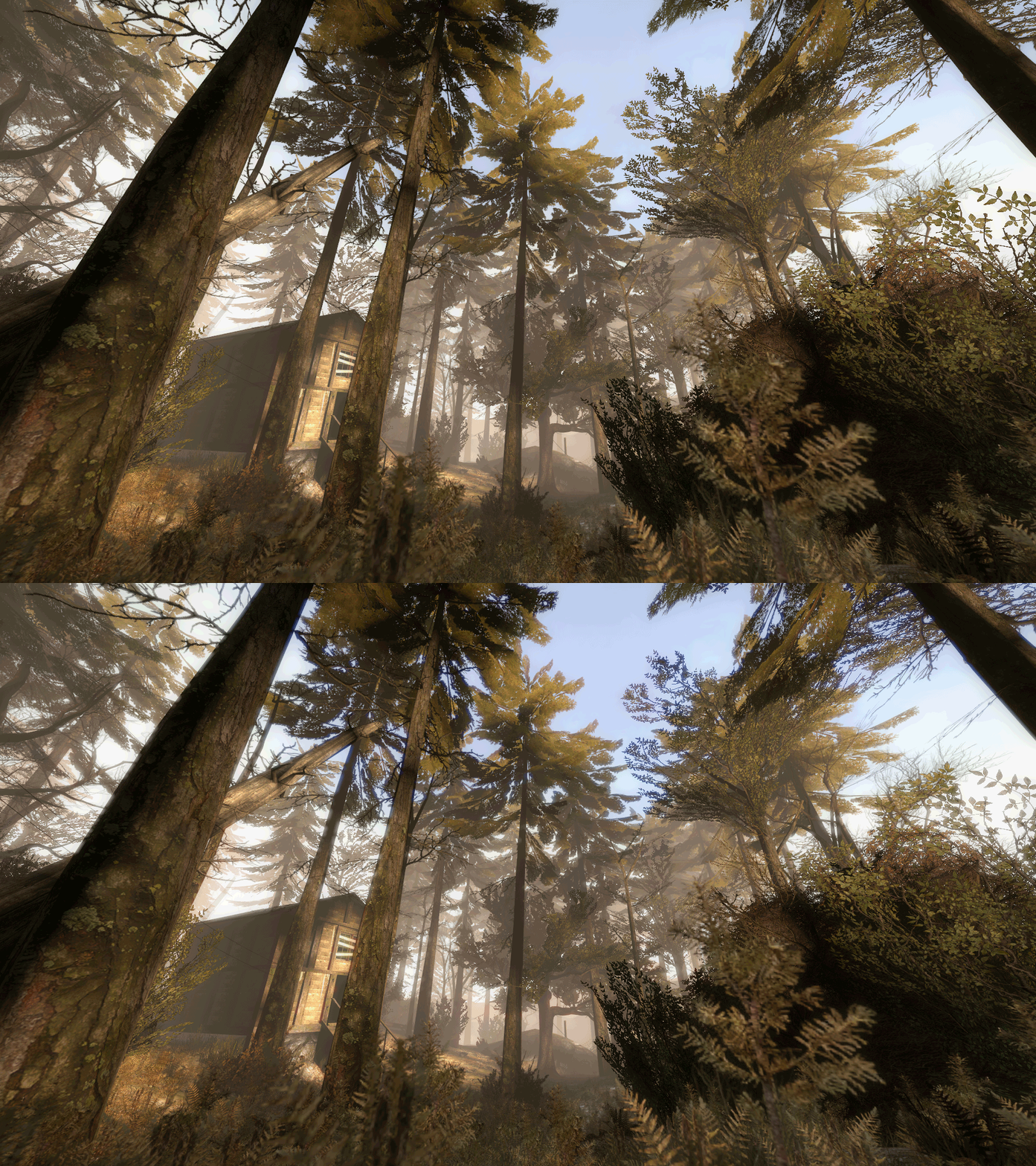
From Steam WorkshopRestores bloom effect by replacing the motion blur. Utilises "screenspace_general" material shader to implement custom pixel shader into the game. Comparison to…
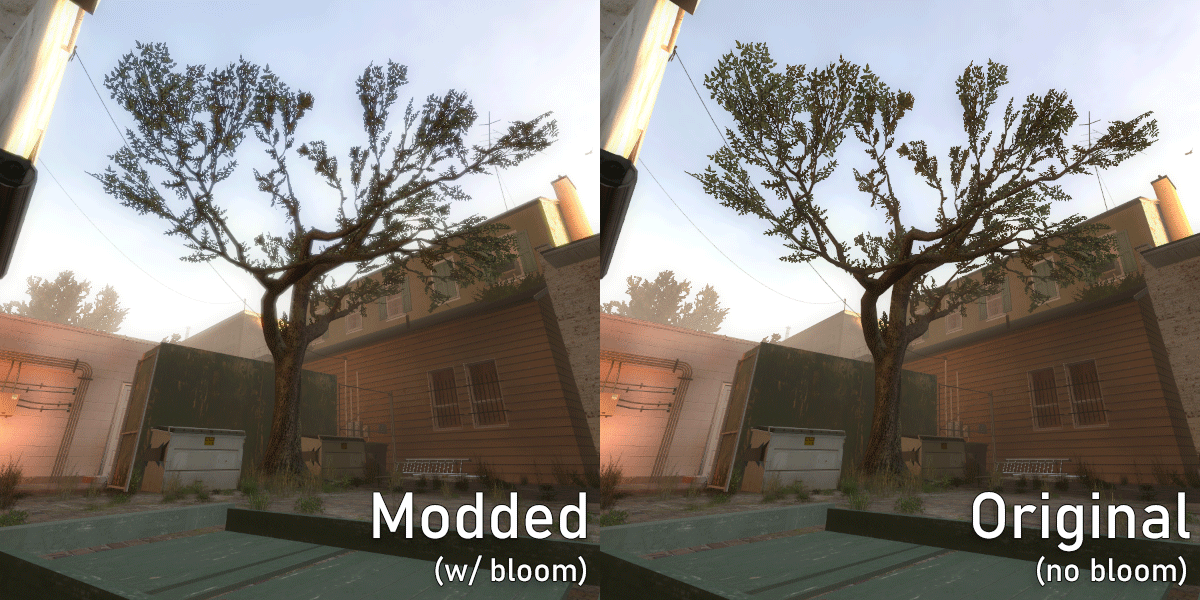
Restores bloom effect by replacing the motion blur. Utilises "screenspace_general" material shader to implement custom pixel shader into the game.
Comparison to original upload:
- Works client-side on any server (local friend server, official Valve server, dedicated fan server, singleplayer, you name it).
- Doesn't conflict with any screen overlay mods (whether these mods use VScript or depend on the HUD).
- Bloom doesn't affect the viewmodel (because the game's motion blur didn't, unfortunately).
- Works ~15% faster due to frames being processed by the shader before the engine applies anti-aliasing on them (if you aren't using anti-aliasing then there'll be no benefit).[/list]
- [h1]Notes:[/h1]
- [list]
- If your Shader Detail is set to medium (or lower) in the graphics settings, you won't see bloom (can be bypassed by typing +mat_motion_blur_enabled 1 into launch parameters).
- Doesn't interfere with the game's UI, sprites, post-processing effects and on-screen particles (such as adrenaline, blood splatter, boomer vomit, etc).
- Bloom intensity, threshold and size are configurable inside motion_blur.vmt material (you'll have to unpack the mod's .vpk addon if you want to edit it though).
- Expect a performance hit on a low-end PC.[/list]
- [h1]Special thanks:[/h1]
- RF — making the shader work without VScript and "env_screenoverlay" entity, finding out that it's possible to replace the game's motion blur with a different shader
- jackdavenport — original GLSL bloom shader I used as a base
- ficool2 — making the SDK and a helpful guide on how to create and implement custom pixel shaders into games built on Source Engine
Highlights
From source dataFootprint
Rated a light load on a server.
Last update
Its author last shipped an update 3 mo ago.
Bloom Restoration (Motion Blur Replacement) on Nxeon
From our catalogue- One-click install
- Supported on Nxeon Left 4 Dead 2 servers. We download it from Steam Workshop, place it, and restart the server.
- Server load
- light
- Latest build
- 2026-08-15, released 2026-08-15
Game versions by loader
| Loader | Game versions | Newest |
|---|---|---|
| Workshop |
From 1 recorded build of Bloom Restoration (Motion Blur Replacement).
What kind of mod it is
From the catalogListed on Steam Workshop as “Workshop”
Cosmetics, visuals & audio
Skins, textures, shaders, models and sound — how the game looks and sounds.
Compatibility
- Game
- Left 4 Dead 2
Verified at the source
- ✓Steam WorkshopOfficial listing, checked 2026-11-01Open ↗
- ✓AuthorXENORT, as published on Steam Workshop
- ✓LicenseNot published by the sourceFree