About Hold + - Campaign Route Guide (VScript Beta)
From Steam WorkshopHold the Plus key to display a glowing, animated floor arrow. Release it to hide the arrow. The guide uses the map's navigation connections to reach a recognized campaign objective. It can indicate…
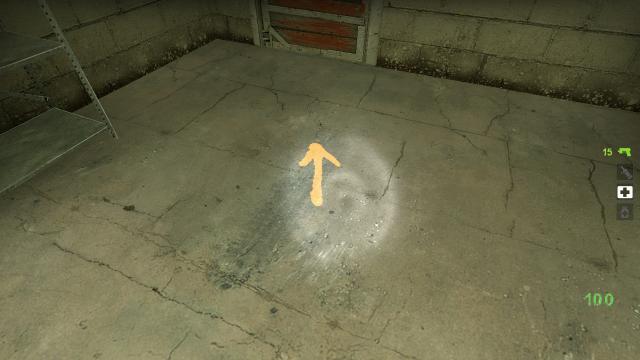
Hold the Plus key to display a glowing, animated floor arrow. Release it to hide the arrow.
The guide uses the map's navigation connections to reach a recognized campaign objective. It can indicate the departure saferoom door, the next passage, survivor-accessible ladders, chapter transitions and standard evacuation objectives. It has no hard-coded campaign names or map coordinates.
Version 1.3 Route calculations now run in small background steps and stay cached when Plus is released. Large NAV files no longer trigger a whole-map calculation each time the key is pressed. The update also supports survivor-accessible NAV ladders, multiple navigation anchors near exits, and more reliable floor detection after scripted movement or changes of floor.
Large maps can need an initial preparation period. It continues in the background while you play, including with Plus released.
Setup Subscribe, restart the game, then enter these commands in the developer console:
bind "KP_PLUS" "+alt1"
bind "=" "+alt1"
You can bind +alt1 to another key if preferred.
Compatibility Standalone VScript addon: no SourceMod required. Works in single-player and locally hosted campaign games. The host/server must load the addon; a client subscription alone cannot enable it on an unrelated remote server.
Beta limitations This is a navigation aid, not a guarantee for every campaign. It requires usable navigation and recognizable objectives. Custom puzzles, scripted detours and unusual movement links can still need specific support. When the route cannot be confirmed, the guide may stop and display a message.
Artwork and credits For the matching arrow artwork, also subscribe to Check-point-arrow And Tankwall(Dynamic,luminous) by genhao. Its texture file is not redistributed in this addon.
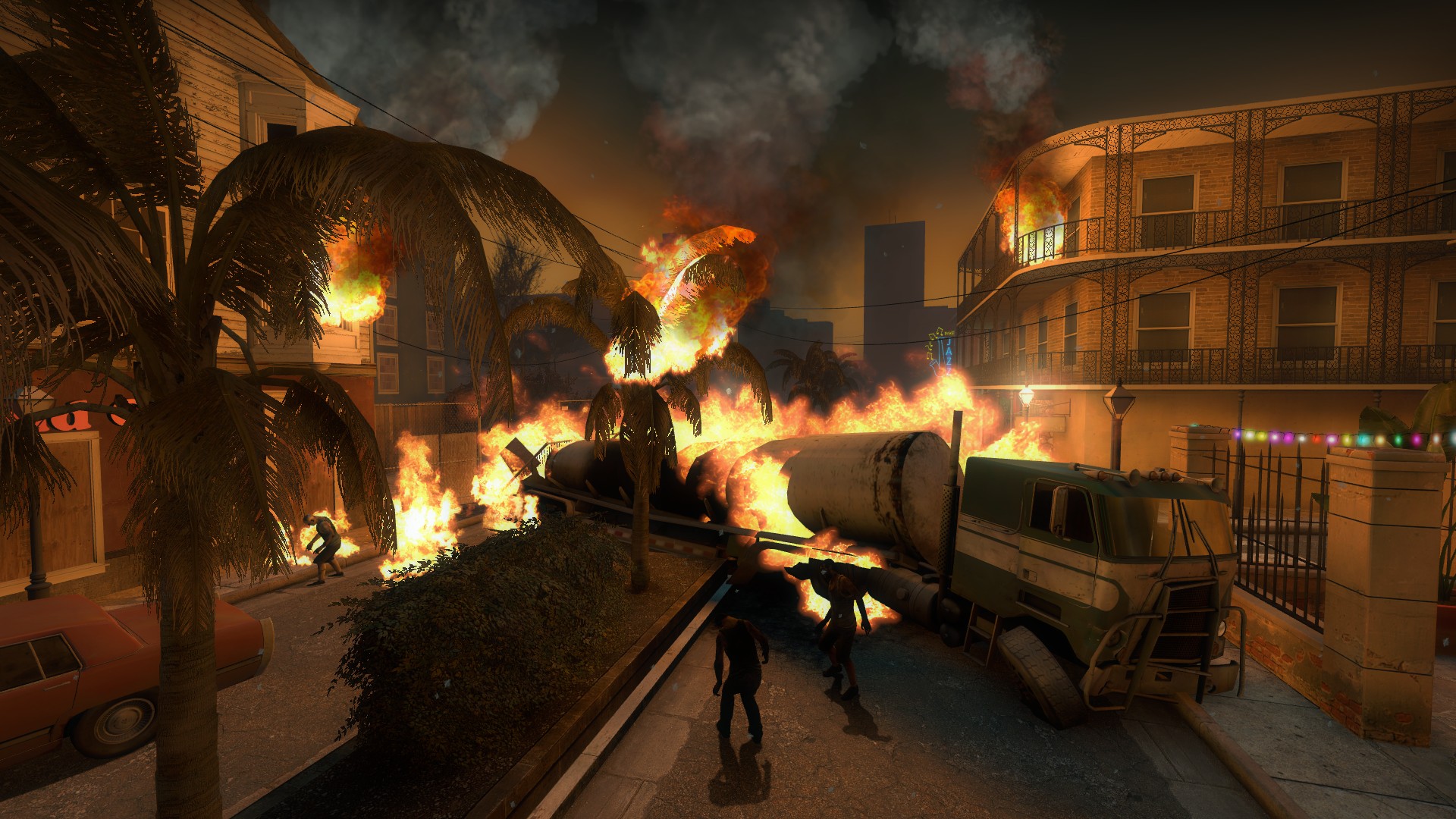
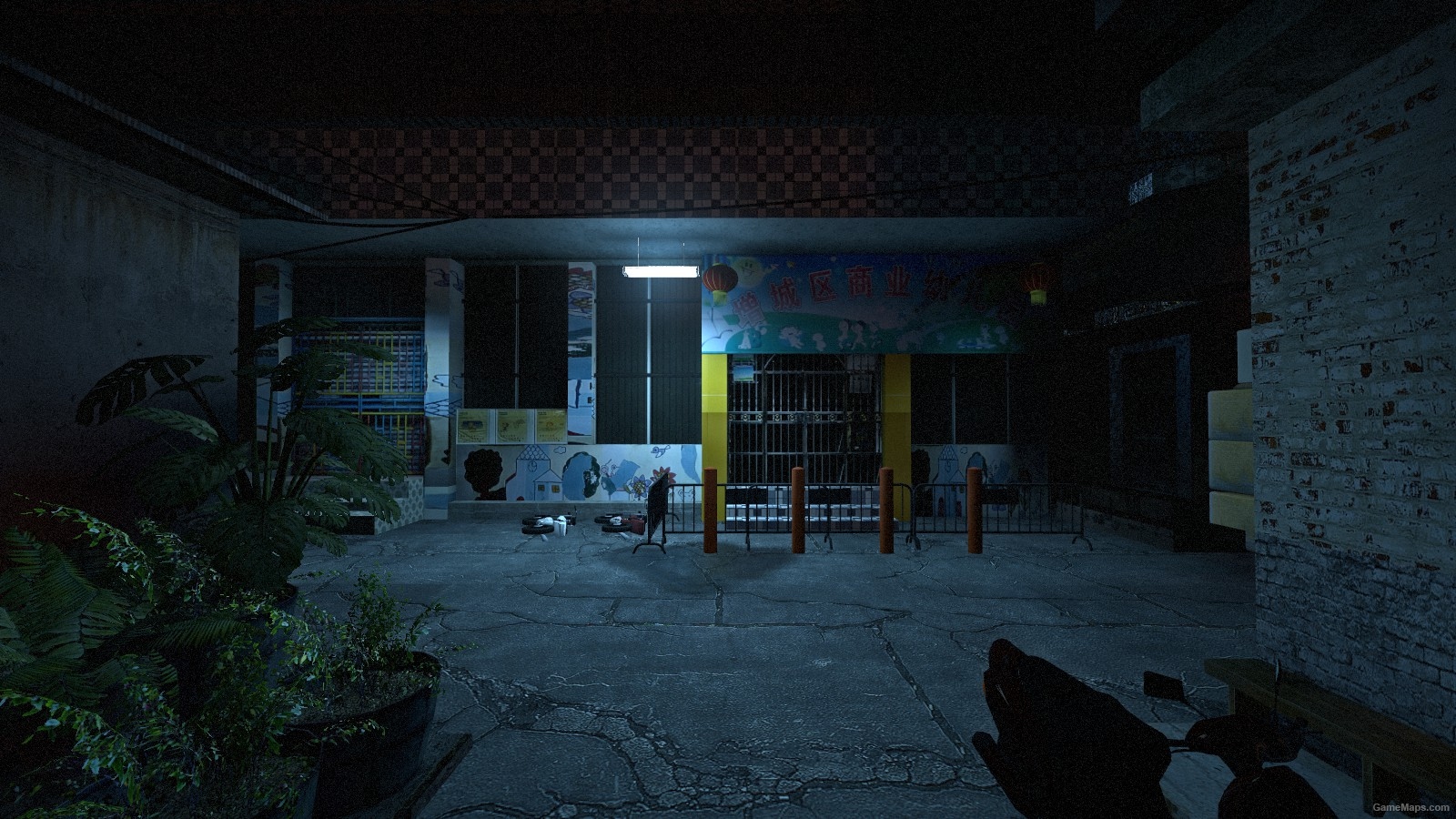
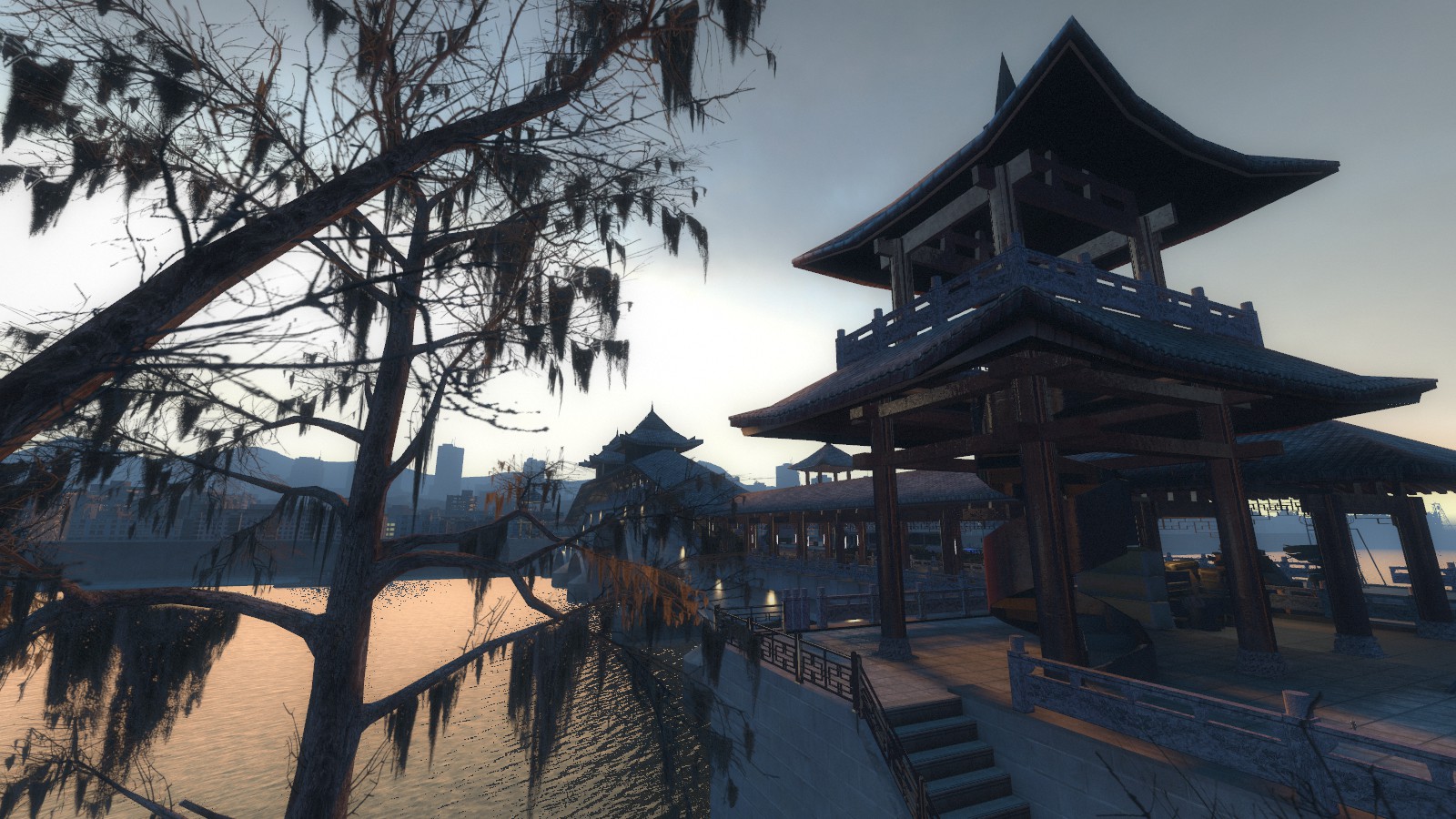
Route-guide addon: Wokguii. Preview: a real in-game screenshot from Urban Flight by The Rabbit.
Highlights
From source dataFootprint
Rated a light load on a server.
Last update
Its author last shipped an update 6d ago.
Hold + - Campaign Route Guide (VScript Beta) on Nxeon
From our catalogue- One-click install
- Supported on Nxeon Left 4 Dead 2 servers. We download it from Steam Workshop, place it, and restart the server.
- Server load
- light
- Latest build
- 2026-10-28, released 2026-10-28
Game versions by loader
| Loader | Game versions | Newest |
|---|---|---|
| Workshop |
From 1 recorded build of Hold + - Campaign Route Guide (VScript Beta).
What kind of mod it is
From the catalogMaps & scenarios
Custom maps, arenas and scenarios to play on.
Compatibility
- Game
- Left 4 Dead 2
Verified at the source
- ✓Steam WorkshopOfficial listing, checked 2026-10-31Open ↗
- ✓AuthorWokguii, as published on Steam Workshop
- ✓LicenseNot published by the sourceFree