
About NekoShaders & L4N
From Steam WorkshopL4N对游戏进行了一系列改进,更多信息请查看安装包里的readme_l4n.txt L4N introduces a series of improvements to the game. After installation, once the game loads the map, run `l4n_menu` in the console to open the HUD menu,…
L4N对游戏进行了一系列改进,更多信息请查看安装包里的readme_l4n.txt L4N introduces a series of improvements to the game. After installation, once the game loads the map, run `l4n_menu` in the console to open the HUD menu, which provides access to most functions. `readme_l4n` contains detailed usage documentation, currently updated very frequently. We don't have the resources to maintain versions in other languages, so only a Chinese version is provided.
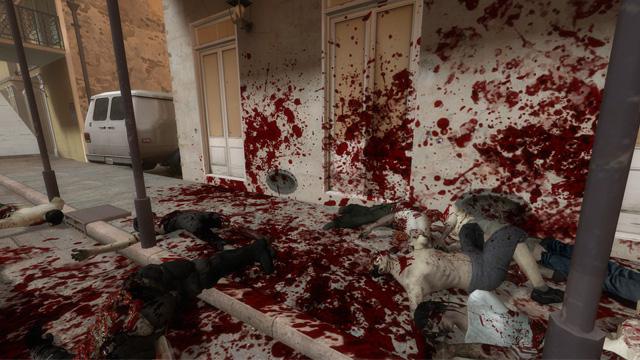
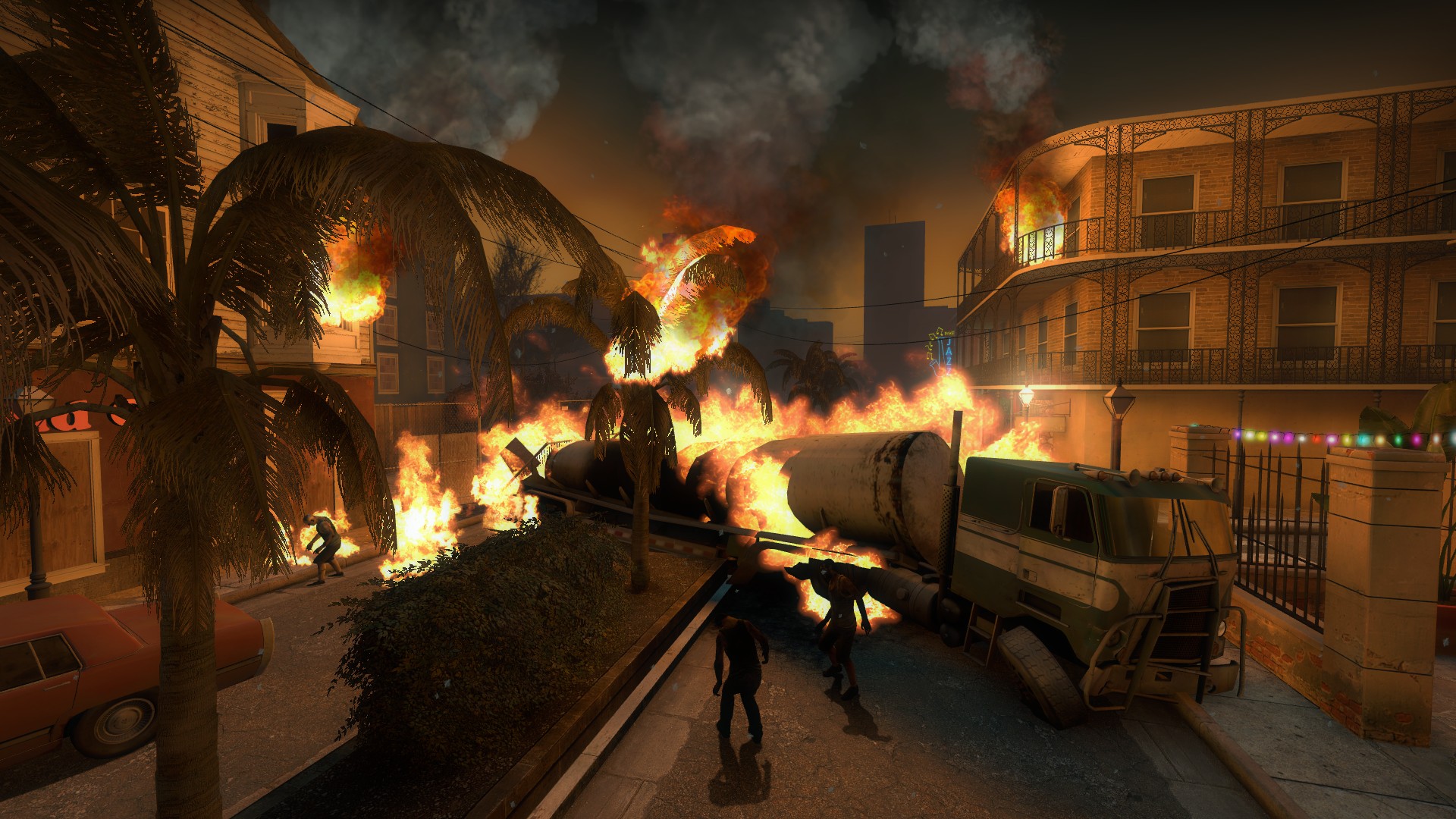
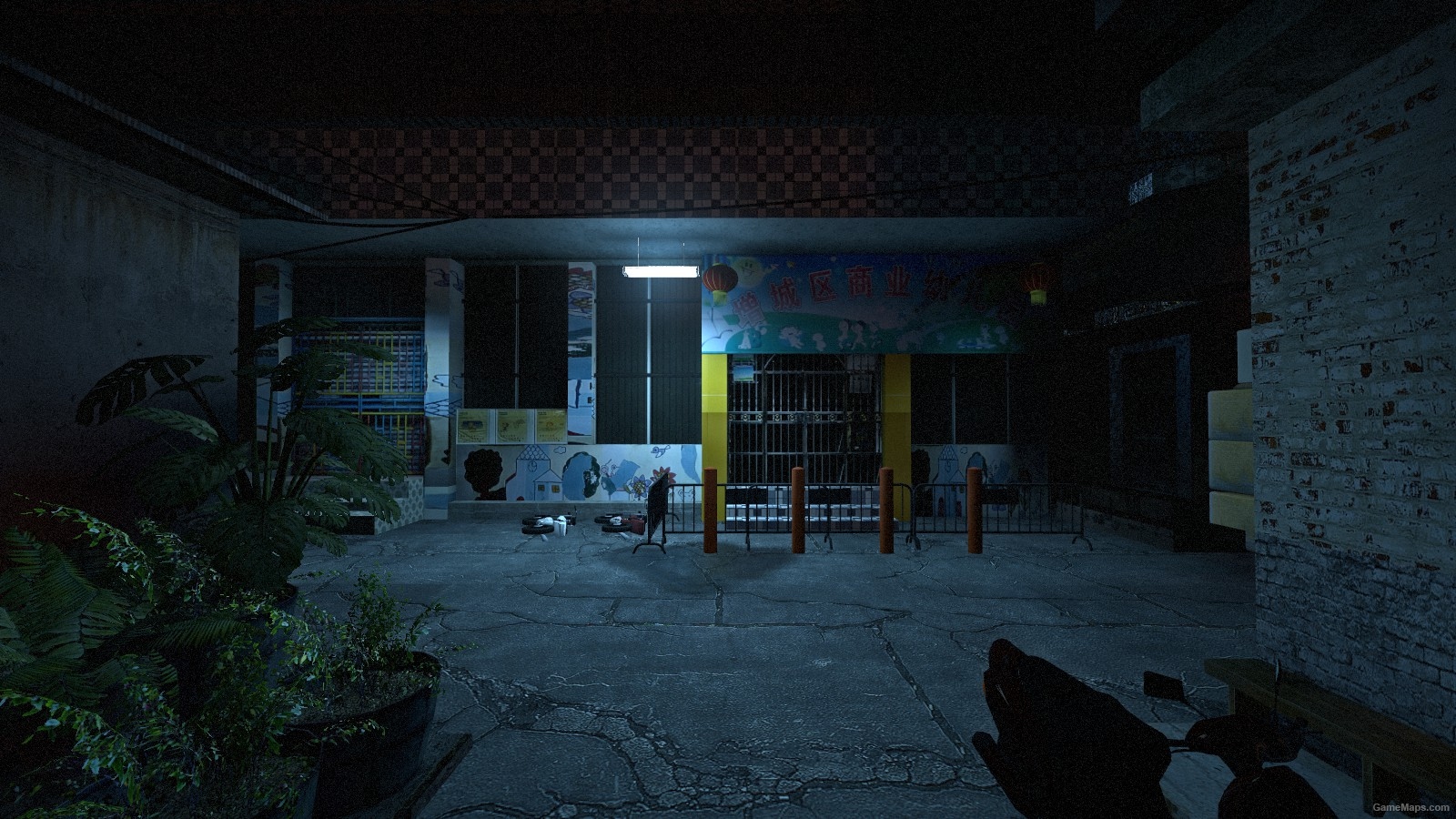
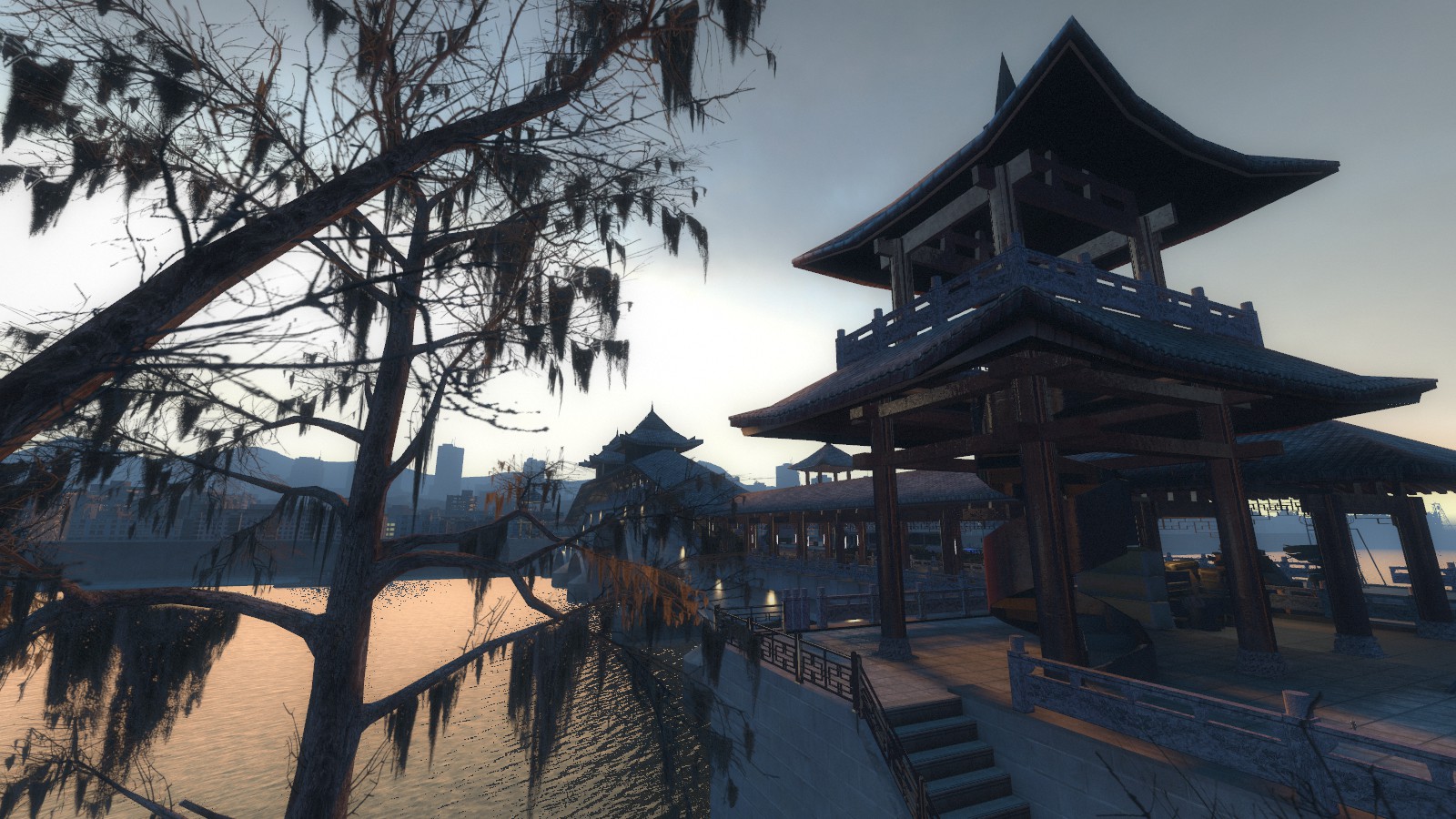
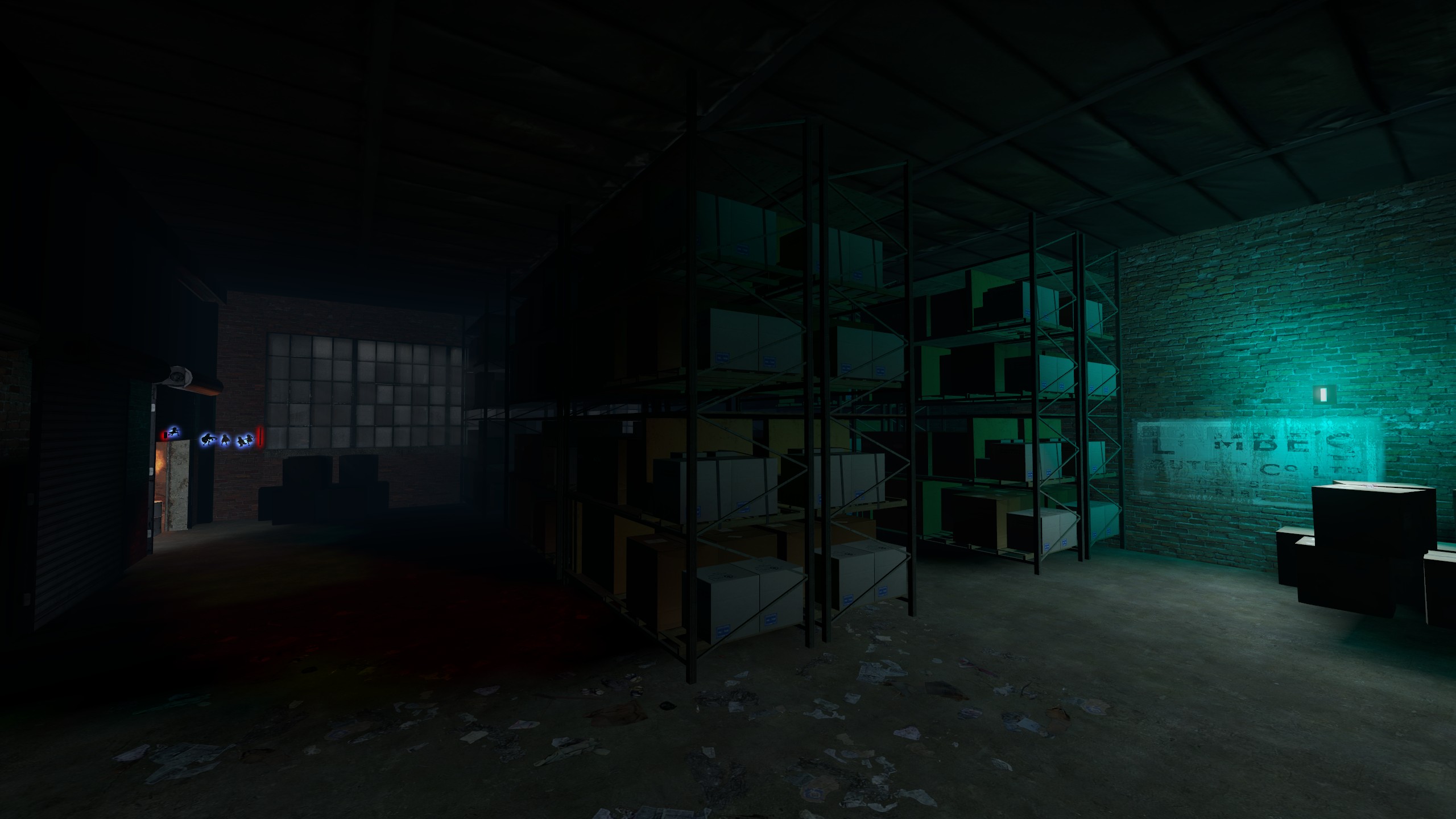
NekoShaders是L4N的着色器模块 NekoShaders is the shader module for L4N. 其中包括了: - 表现写实风格的PBR着色器 - 表现卡通风格的NekoToon着色器 - 色调映射、Bloom等用于改进游戏画面的一些后处理着色器 These include: - PBR shader for a realistic style - NekoToon shader for a cartoon style - Post-processing shaders such as tone mapping and bloom, which are used to enhance the game's visuals
除了NekoToon和PBR,其它着色器需要配合L4N使用 你可以单独安装NekoShaders,只要安装时忽略left4dead2.exe这个文件即可 Aside from NekoToon and PBR, all other shaders require L4N to function. You can install NekoShaders separately; just make sure to skip the `left4dead2.exe` file during installation.
🛠️ 安装指南
[olist] [*]点击 订阅 按钮。 [*]启动游戏,在主菜单等待创意工坊内容下载/加载完毕,随后 关闭游戏。 [*]打开游戏根目录,进入以下路径:
left4dead2\addons\workshop[/code]
[*]在该文件夹内找到名为 [b]3558049615.vpk[/b] 的文件。
[i](若看不到 .vpk 后缀,请先在 Windows 资源管理器中开启“显示文件扩展名”)[/i]
[*]将文件后缀 [b].vpk[/b] 重命名修改为 [b].zip[/b]。
[*]使用解压软件(如 WinRAR / 7-Zip)打开该 zip 文件,将其中的 [b]所有内容直接解压并覆盖到游戏根目录[/b] 下。
[/olist]

[h1]🛠️ Installation Guide[/h1]
[olist]
[*]Click the [b]Subscribe[/b] button.
[*]Launch the game, wait for the workshop content to finish downloading/loading on the main menu, then [b]exit the game[/b].
[*]Navigate to your game root directory and open the following path:
[code]left4dead2\addons\workshop
[*]Locate the file named 3558049615.vpk. (If you cannot see the .vpk extension, make sure "File name extensions" is enabled in Windows File Explorer.) [*]Rename the file extension from .vpk to .zip. [*]Open the .zip file with any archive tool (e.g., WinRAR, 7-Zip) and extract all contents directly into the game root directory (overwrite if prompted). [/olist]

Highlights
From source dataFootprint
Rated a light load on a server.
Last update
Its author last shipped an update 27d ago.
NekoShaders & L4N on Nxeon
From our catalogue- One-click install
- Supported on Nxeon Left 4 Dead 2 servers. We download it from Steam Workshop, place it, and restart the server.
- Server load
- light
- Latest build
- 2026-10-08, released 2026-10-08
Game versions by loader
| Loader | Game versions | Newest |
|---|---|---|
| Workshop |
From 3 recorded builds of NekoShaders & L4N.
Recent builds
| Build | Released | Game versions | Loaders |
|---|---|---|---|
| 2026-10-08 | 2026-10-08 | n/a | Workshop |
| 2026-10-03 | 2026-10-03 | n/a | Workshop |
| 2026-10-02 | 2026-10-02 | n/a | Workshop |
What kind of mod it is
From the catalogMaps & scenarios
Custom maps, arenas and scenarios to play on.
Compatibility
- Game
- Left 4 Dead 2
Verified at the source
- ✓Steam WorkshopOfficial listing, checked 2026-11-01Open ↗
- ✓Authornekonacho, as published on Steam Workshop
- ✓LicenseNot published by the sourceFree