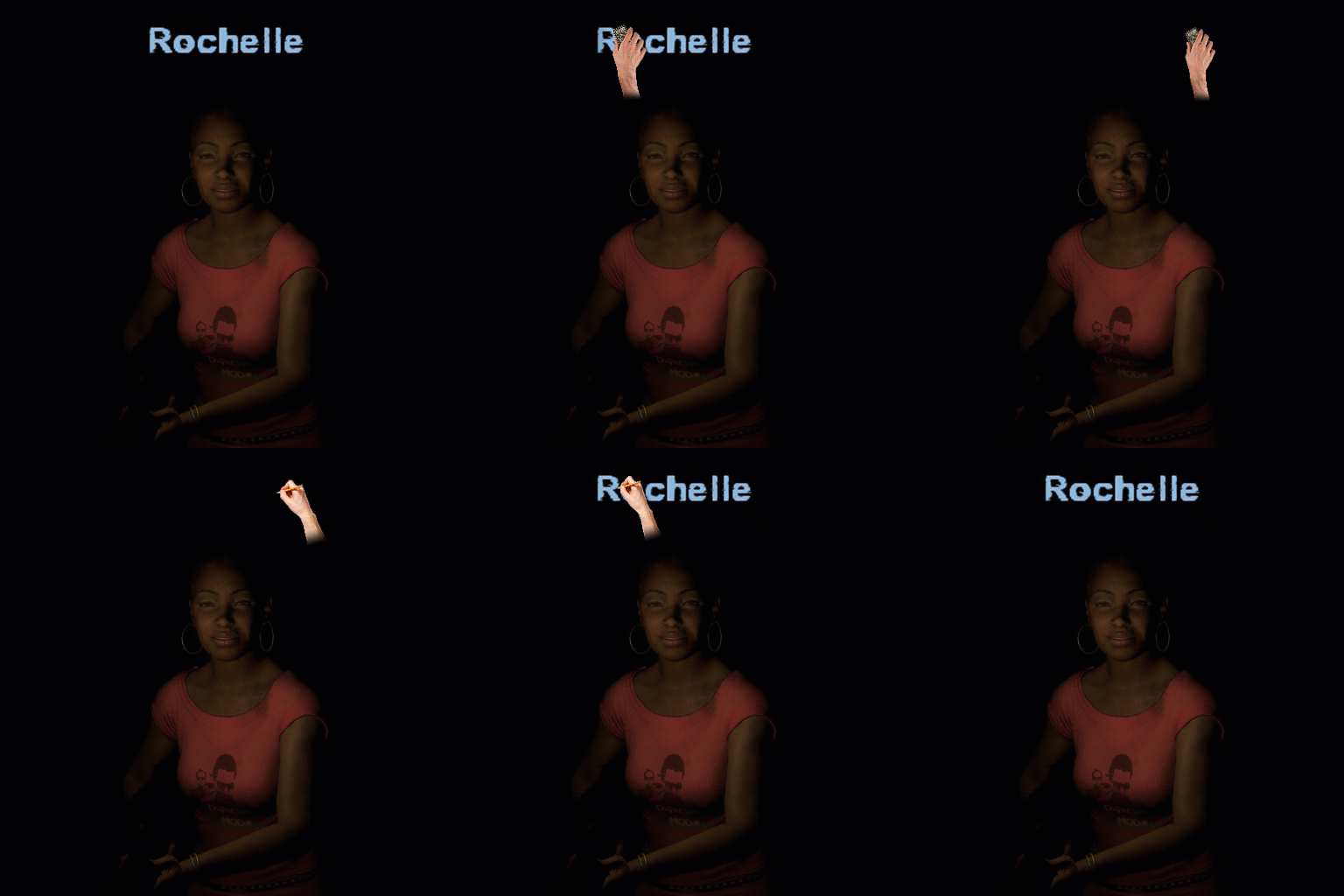
About Remove Survivor Names
From Steam WorkshopSupport me: You like my mods ? Buy me a coffee WARNING THIS ADDON REQUIRES ADDITIONAL STEPS AFTER SUBSCRIBE https://i.ibb.co/SN7Kf9z/g2g2.png 1. Launch game, SUBSCRIBE and wait for the addon to…
Support me:
You like my mods ? Buy me a coffee
[h1] WARNING THIS ADDON REQUIRES ADDITIONAL STEPS AFTER SUBSCRIBE [/h1] [img=]https://i.ibb.co/SN7Kf9z/g2g2.png[/img]
1. Launch game, SUBSCRIBE and wait for the addon to download: [img=]https://i.ibb.co/jfp97nJ/2739973699-preview-asdasda3.png[/img] [img=]https://i.ibb.co/dJXhmk9/2739973699-preview-playquit343.gif[/img]
2. After download finished, unsubscribe. [img=https://i.ibb.co/3BJBpDp/2739973699-preview-asdasda2.png][/img]
3. Go to [code] Steam\steamapps\common\Left 4 Dead 2\left4dead2\addons\workshop [/code]
4. Find "2807931470" and copy this file ( This is our current addon )
5. Go to [code]Steam\steamapps\common\Left 4 Dead 2\left4dead2\addons[/code] PASTE the "2807931470" file here.
6. Go to [code]Steam\steamapps\common\Left 4 Dead 2\left4dead2\cfg[/code] FIND AND OPEN autoexec.cfg ( Open with notepad ) - If you don't find autoexec, you need to create one, watch this video for explanation.
7. ADD this line inside the notepad: [code]mat_setvideomode 1920 1080 1; mat_setvideomode 1920 1080 0;[/code] ( If you have other screen resolution, replace 1920 1080 with your resolution ) Save and exit notepad.
*NOTE*: If you want to play in windowed mode, borderless, you should, instead, copy this line inside the notepad:
mat_setvideomode 1920 1080 1; mat_setvideomode 1920 1080 0;mat_setvideomode 1920 1080 2;[/code]

[h1][u]DISCLAIMER:[/u][/h1]
- In rare cases, some HUDs or FONTs addon might conflict with this addon but they still work together.
( Conflict just tells you they have a modified file in common, don't worry about this )

[h1][u]FAQ:[/u][/h1]
Q: [b]- Why do I need to move the addon from workshop to addon folder?[/b]
A: - This is a glitch found in other addons as well, L4D2 can not read clientscheme.res from workshop folder. Why? Because workshop addons load very slowly, compared to addons located in addons folder.

Q: [b] - VAC BAN ? [/b]
A: - No.

[h3][b][u]Support me:[/u][/b][/h3]
[b] You like my mods ? Buy me a [url=https://ko-fi.com/ky1ky1ky1]coffee[/url] [/b]Highlights
From source dataFootprint
Rated a light load on a server.
Last update
Its author last shipped an update 4 yr ago.
Remove Survivor Names on Nxeon
From our catalogue- One-click install
- Supported on Nxeon Left 4 Dead 2 servers. We download it from Steam Workshop, place it, and restart the server.
- Server load
- light
- Latest build
- 2022-05-14, released 2022-05-14
Game versions by loader
| Loader | Game versions | Newest |
|---|---|---|
| Workshop |
From 1 recorded build of Remove Survivor Names.
What kind of mod it is
From the catalogQuality of life & UI
Small conveniences, tweaks and interface improvements players notice straight away.
Compatibility
- Game
- Left 4 Dead 2
Verified at the source
- ✓Steam WorkshopOfficial listing, checked 2026-11-01Open ↗
- ✓AuthorKy1, as published on Steam Workshop
- ✓LicenseNot published by the sourceFree