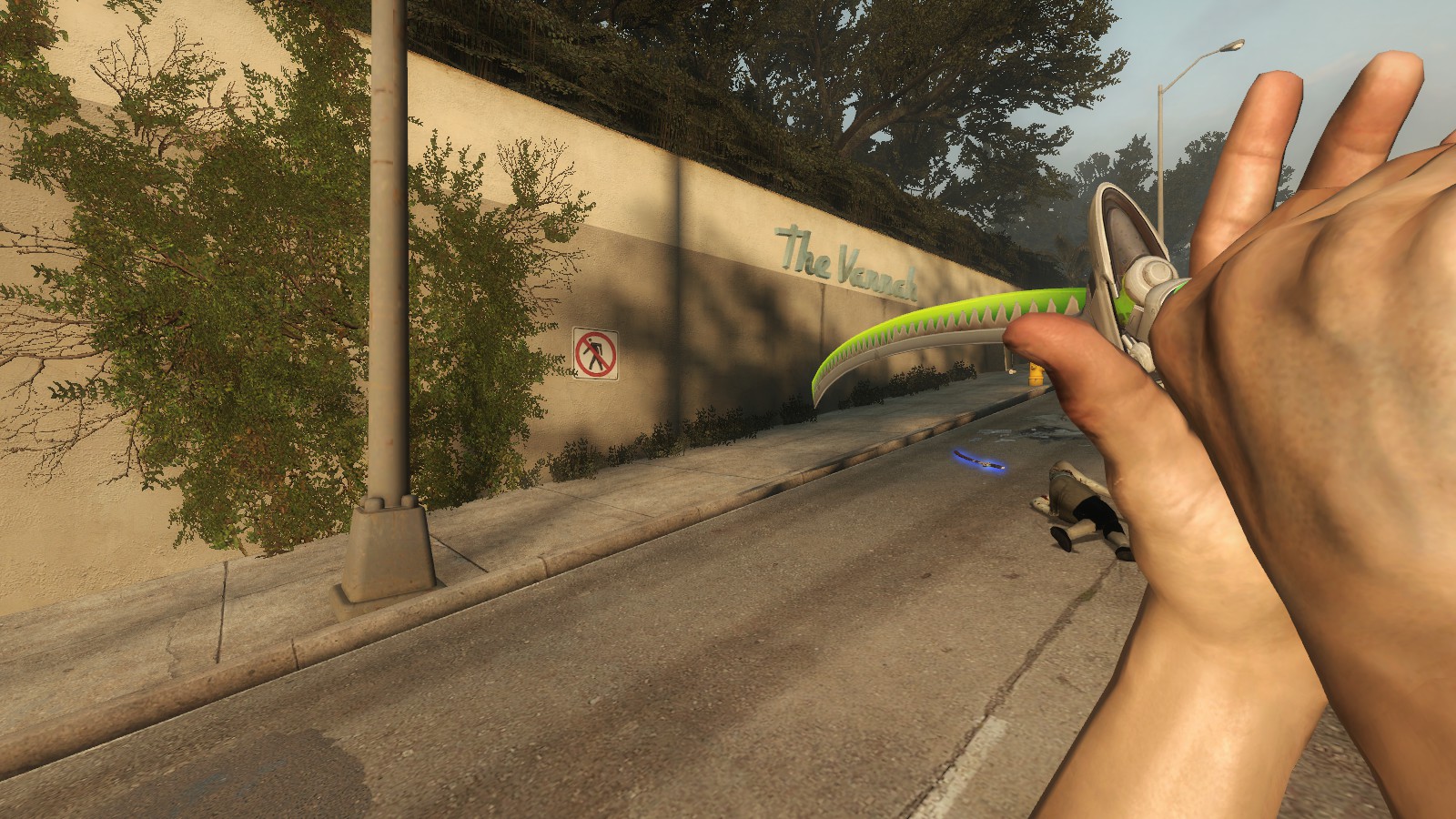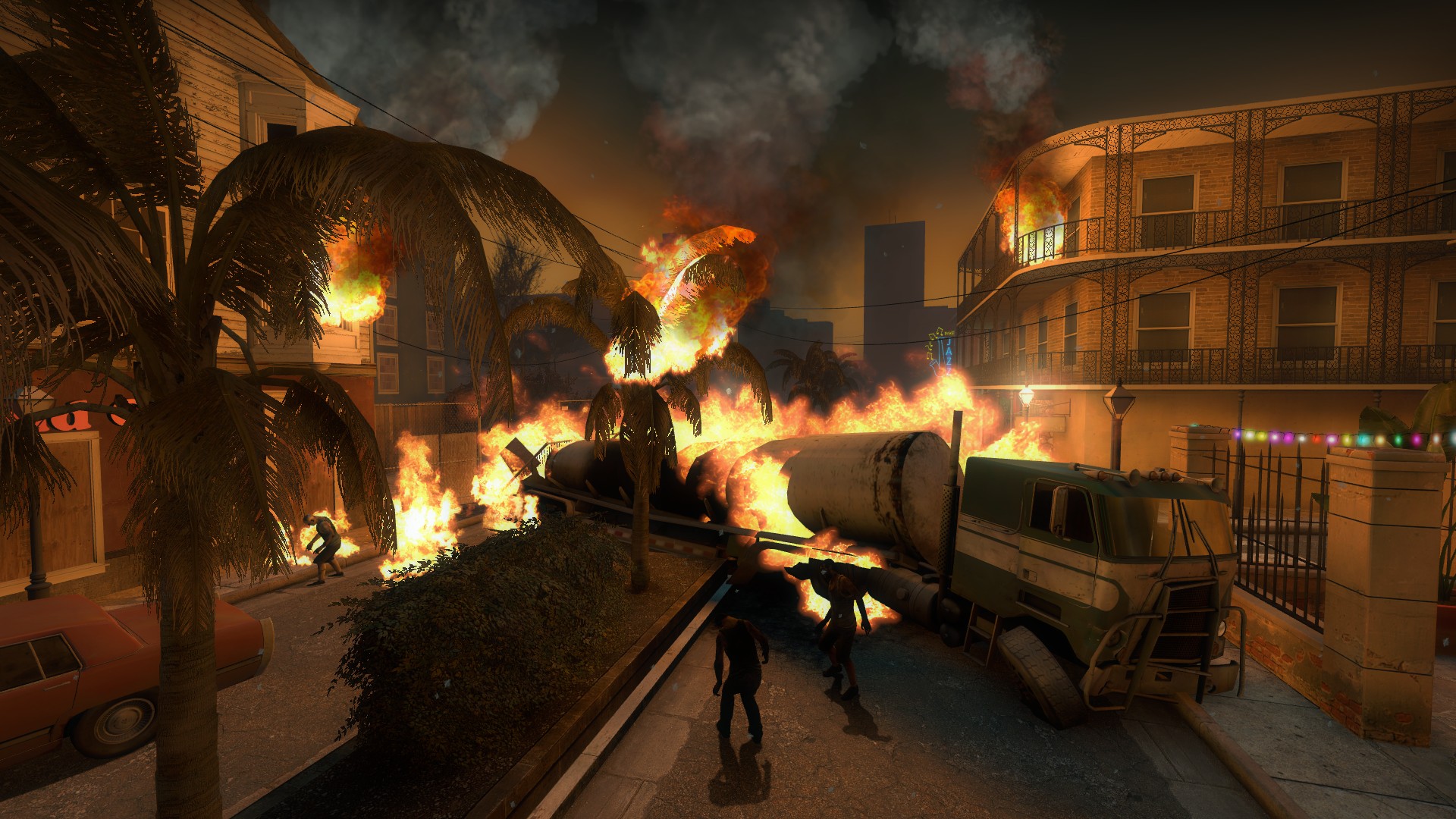
About THE LAST THIRD PERSON VIEW V3
From Steam Workshop📆 UPDATE 2024.011.25 1.Added third person perspective script editing(no "Vocalizer For TLTPV" required), type "!tpv.edit" for editing. 2.Type "!tpv.loadfp" to enable automatic switching to the…
📆UPDATE 2024.011.25 1.Added third person perspective script editing(no "Vocalizer For TLTPV" required), type "!tpv.edit" for editing. 2.Type "!tpv.loadfp" to enable automatic switching to the game's default first person view upon entering single player game. 3.Try to fix an issue with height and cam_idealdist not being saved for unknown reasons. 4.Fix some cfg issues, you can choose to install method two manual update.
[h3]💡The original preview keys are no longer used, you need to subscribe to Vocalizer For TLTPV to customize the keys. 👍Recommend using the automatic installation CFG mode.[/h3]
[h3]Basic Functions[/h3] 🔽Customizable: ◽Character position ◽Lens distance ◽Lens height ◽Trajectory (lens angle) [h3]Version 2[/h3] ◽Simulates shooting jitter ◽Running mode ◽Crouching mode selection ◽Staying crouched ◽Rotating to view the character ◽Frontal view of the character [h3]Version 3[/h3] 🔥Full key customization (except CTRL key) 🔥Saving and loading common configurations 🔥Easy Installation CFG 🔥FUNC Modes: ◽Hold to toggle persona and its submodules ◽Press to toggle persona ◽Old toggle mode its submodules ◽Aerial view mode its submodules 🔽Simulation of shooting jitter: ◽ Strength selection 🔽Squat: ◽ Independent hold squat button ◽Automatically enter first person view when squatting 🔽Sniper: ◽ Switchable retracting method ◽Switchable button method ◽Selectable auto-hide crosshair 🔽Rotate to view the character: ◽Adjustable rotation speed 🔽Frontal view of the character: ◽more viewing angles 🔽Other individual button functions: ◽ Keep Forward ◽Quick Transposition 🔽Other functions: ◽Smooth Lens ◽Lock Position Key [h2]👉Click here: <The Last Third Person View Guide>[/h2] [h2]👉Click here: <The Last Third Person View Guide>[/h2] [h2]👉Click here: <The Last Third Person View Guide>[/h2]
[h2]Installation[/h2][hr][/hr]
🔹Installation Ⅰ
🔽This section describes how to install CFG automatically. [olist] [*]Subscribe this addon and <Vocalizer For TLTPV>. [*]Enter the game and wait for addon to check and load in the main menu. [*]Open a map(whatever) on the local server. [*]Wait for the CFG to finish writing, done!
[img=https://steamuserimages-a.akamaihd.net/ugc/2035097676891102858/46838BA954D91B808E995D8ABFD4EA39A4688477/][/img]
[/olist]
[list] [*]Each time you enter the game, you need to follow steps 2 ~ 4 above. [*]Switch back to the desktop or leaving the game in the background while the CFG is being written will result in incomplete CFG writes and the function will not work properly. [code] If the CFG write fails, it will show "Cbuf_AddText: buffer overflow" in the console: [olist] [*]Enter "! cfg" or "! tpv" to reload CFG. [*]Or you can exit to the main menu and reopen a map. [/olist] [/code] [*]For the above reasons, I recommend the second installation method. [*]After the CFG is written and functions properly, you can play on the internet server (if it is the first time to use it, you also need to set the TLTPV keys). [/list]
🔹Installation Ⅱ
🔽This section describes how to install CFG manually.
- [quote]
- [img=https://steamuserimages-a.akamaihd.net/ugc/2035097676891104998/DED5AF6E6F8A2A4625A558BC84F536963B41DA6F/][/img]
- 🈯The picture shows the old version of the installation diagram, the installation process is the same.
- [/quote]
- [olist]
- Subscribe this addon and <Vocalizer For TLTPV>, enter the game and wait for the addon to check and load on the main menu.
- Find and install Left 4 Dead 2 Authoring Tools (not Beta) in Steam Library (check Tools in the upper left corner), then go to the game folder Steam -> steamapps -> common -> Left 4 Dead 2 -> bin and find vpk.exe.
- Go to the game folder Steam -> steamapps -> common -> Left 4 Dead 2 -> left4dead2 -> addons -> workshop.
- Drag 2238464414.vpk from the workshop folder to vpk.exe and you will get a folder named 2238464414.
- [code]
- Suppose I copy 2238464414.vpk to the desktop and then drag this 2238464414.vpk from the desktop to vpk.exe, then the resulting folder for 2238464414 is on the desktop.
- [/code]
- Copy the file with the suffix 'CFG' from the 2238464414 folder to the Steam -> steamapps -> common -> Left 4 Dead 2 -> left4dead2 -> cfg folder.
- Open the autoexec.cfg file and write the following:
- [list][*]If you do not have an autoexec.cfg file in your CFG folder, then you will need to create one manually.[/list]
- [code]
- exec +3rdPersonMode;
- [/code]
- Restart the game or type 'exec autoexec' in the console.
- [/olist]
- [list]
- 💗 If you feel good, please give me a 👍.
- 📫 If you have any questions, you can leave me a message.
- 💠 @凝萱 Thank you for your help.
- 🔖 3RD, 3PV, 3PP, TLTPV, TPV, TPP, FPV, FPP, THIRDPERSON, RESIDENT EVIL
Highlights
From source dataFootprint
Rated a light load on a server.
Last update
Its author last shipped an update 14 mo ago.
THE LAST THIRD PERSON VIEW V3 on Nxeon
From our catalogue- One-click install
- Supported on Nxeon Left 4 Dead 2 servers. We download it from Steam Workshop, place it, and restart the server.
- Server load
- light
- Latest build
- 2025-09-08, released 2025-09-08
Game versions by loader
| Loader | Game versions | Newest |
|---|---|---|
| Workshop |
From 1 recorded build of THE LAST THIRD PERSON VIEW V3.
Dependencies
Declared by the newest build that lists any. Required ones are installed with it on one-click installs.
What kind of mod it is
From the catalogQuality of life & UI
Small conveniences, tweaks and interface improvements players notice straight away.
Compatibility
- Game
- Left 4 Dead 2
Verified at the source
- ✓Steam WorkshopOfficial listing, checked 2026-11-01Open ↗
- ✓Author黑鳳梨, as published on Steam Workshop
- ✓LicenseNot published by the sourceFree