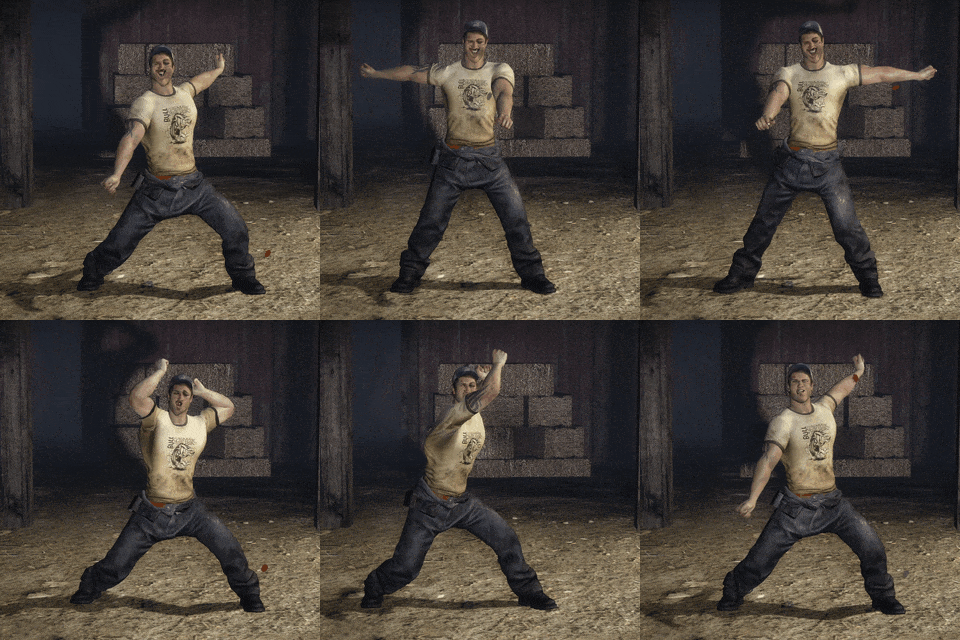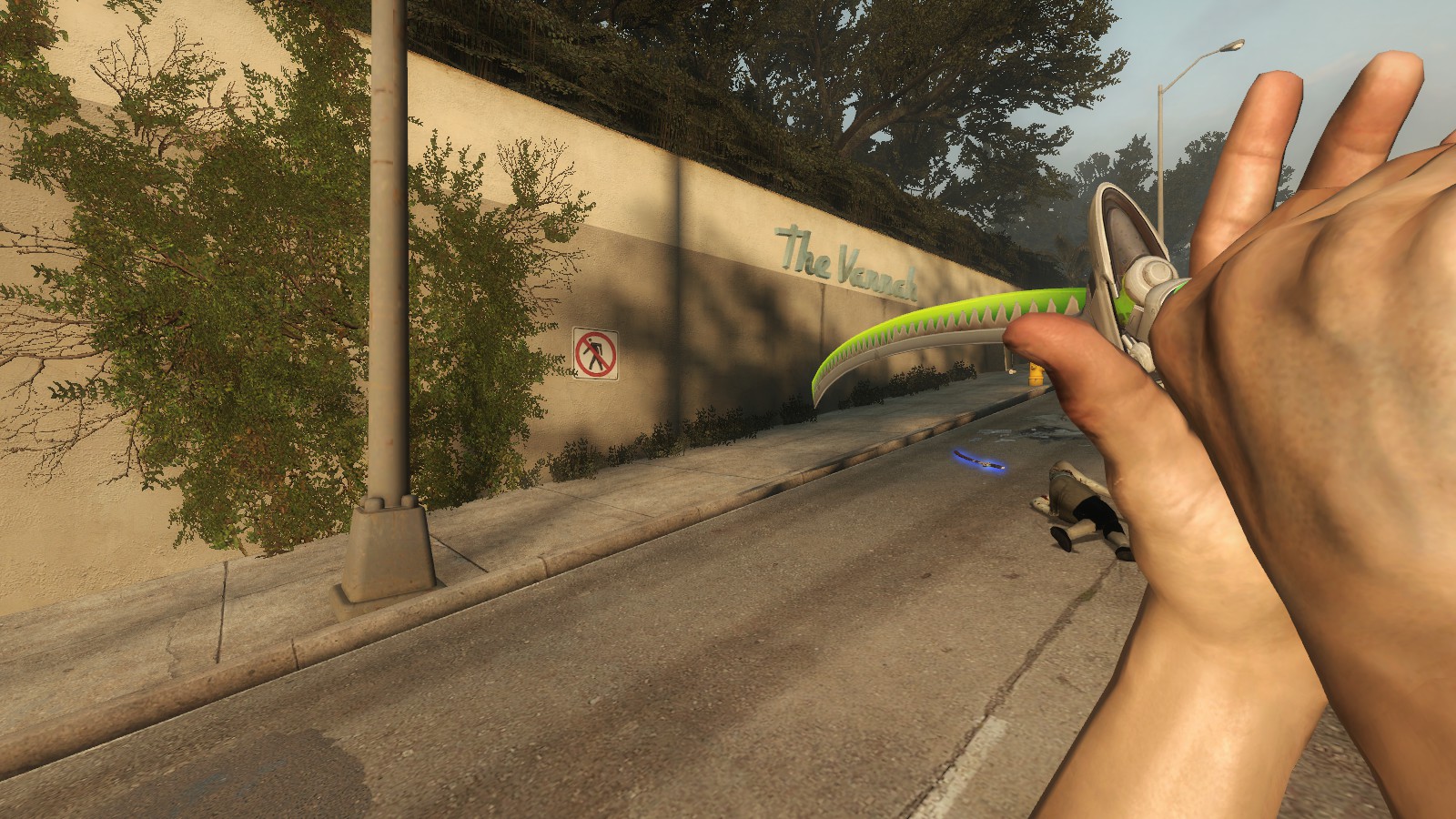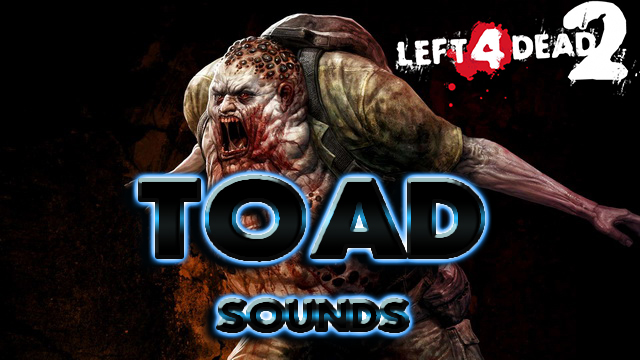
About Toad Sounds for Spitter from Dying Light
From Steam WorkshopYou can watch the video to see what's the deal about. https://www.youtube.com/watch?v=Rp7aFijFRq8 --- What to do if you experience screeching, popping, or static sounds while using this mod: Step 1:…
You can watch the video to see what's the deal about.
https://www.youtube.com/watch?v=Rp7aFijFRq8
---
What to do if you experience screeching, popping, or static sounds while using this mod:
Step 1: Go to Steam>steamapps>common>L4D2>L4D2>addons>Workshop and obtain the .vpk file for the sound mod. You can view the associated .jpg images to determine which of the .vpk files is the sound mod.
Step 2: Download and install GCFScape -> https://nemstools.github.io/pages/GCFScape-Download.html
Step 3: Open the mod with the tool and extract its content on your desktop.
Step 4: Go to Steam>steamapps>common>L4D2 and create a new empty folder. You can name it anything you want (like customfolder).
Step 5: Move the content of the .vpk inside your new folder.
Step 6: Go to Steam>steamapps>common>L4D2>L4D2 and locate a text file named gameinfo. Open the file and scroll down until you see "Search Paths". Add a new line of text above the "Game update" line. It should look like: "Game yourfoldername", with "yourfoldername" having the same name as the newly created folder from Step 4. Save the changes.
Step 7: Unsubscribe from Workshop to avoid having duplicate files.
Step 8: Launch the game to see whether the issue persists.
Step 9: Open your console, and type: snd_buildsoundcachefordirectory ../YOURFOLDERNAME/sound (with "YOURFOLDERNAME" being whatever you decided to call your folder).
Highlights
From source dataFootprint
Rated a light load on a server.
Last update
Its author last shipped an update 7 yr ago.
Toad Sounds for Spitter from Dying Light on Nxeon
From our catalogue- One-click install
- Supported on Nxeon Left 4 Dead 2 servers. We download it from Steam Workshop, place it, and restart the server.
- Server load
- light
- Latest build
- 2019-09-12, released 2019-09-12
Game versions by loader
| Loader | Game versions | Newest |
|---|---|---|
| Workshop |
From 1 recorded build of Toad Sounds for Spitter from Dying Light.
Dependencies
- Required: steam_workshop project 1373710327 (steam_workshop, not in our catalogue)
Declared by the newest build that lists any. Required ones are installed with it on one-click installs.
What kind of mod it is
From the catalogQuality of life & UI
Small conveniences, tweaks and interface improvements players notice straight away.
Compatibility
- Game
- Left 4 Dead 2
Verified at the source
- ✓Steam WorkshopOfficial listing, checked 2026-11-01Open ↗
- ✓AuthorEvil Banana, as published on Steam Workshop
- ✓LicenseNot published by the sourceFree