







About Camera Obscura
From ModrinthTake Photos of your world or server as Map Item, no client-side mods required!
Camera Obscura
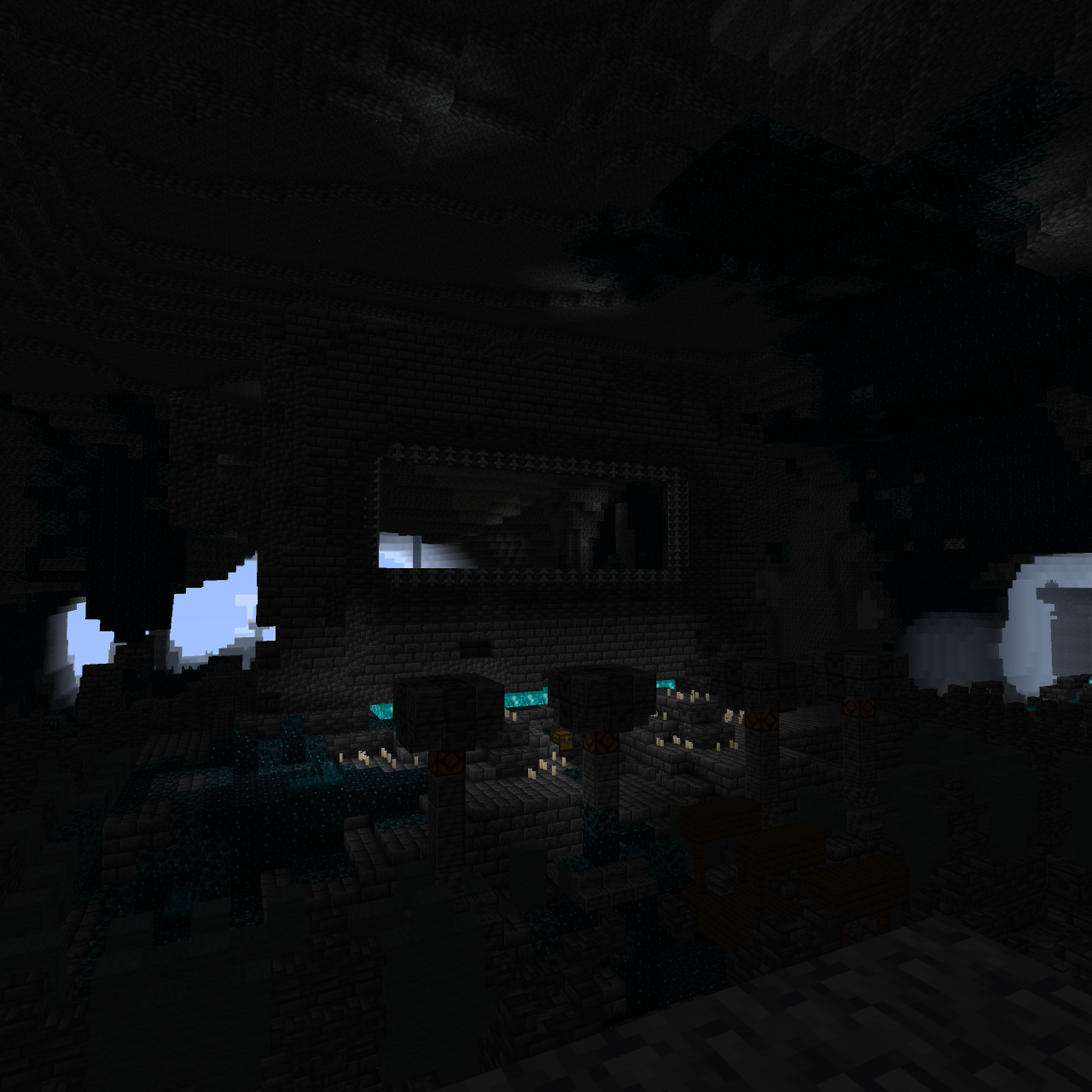
Camera Obscura is a server‑side software rasterizer that renders the world as seen by any entity (player, mob, etc.) directly on the server, producing Photos or Videos as Minecraft maps. It has deep integrations for custom items (Nexo, ItemsAdder) and a custom preset system.

Features
- Take photos: Generate a map item showing what the target entity sees.
- Record videos: Capture your world on video and play it back on item frames.
- Fully configurable: Resolution, color mode, dithering, render distance, and more.
- Custom item support: Create cameras/camcorders with any appearance via Nexo or ItemsAdder.
- Asynchronous rendering: Never blocks the main server thread.
- No client mods required: Everything is server‑side; maps/recordings work on vanilla clients.
Installation
Fabric Server
- Install Fabric API and Polymer (for virtual items).
- Place
camera-obscura-fabric.jarinto yourmods/folder. - The configuration file will be created on start.
Configuration
The configuration file is config/cameraobscura/config.json.
{
  "renderDistance": 32,
  "showSystemMessages": false,
  "renderEntities": true,
  "fullbright": false,
  "fov": 70,
  "biomeBlend": 1,
  "ssaa": 2,
  "maxChunkRebuildsPerTick": 5,
  "debug": false,
  "cameraConsumesItem": true,
  "cameraConsumeItem": "map",
  "commandPermissionLevel": 2
}
| Option | Description | |---------------------------|------------------------------------------------------------------------------------------| | renderDistance | View distance in blocks (higher = longer render time). | | showSystemMessages | Show “Taking photo…” / “Done!” messages in chat. | | renderEntities | Whether to render entities (players, mobs, item frames) in the picture. | | fullbright | Ignore lighting (everything appears at full brightness). | | fov | Field of view in degrees (default is 70). | | biomeBlend | Radius for blending block colors (biome tint). 0 = no blending. | | ssaa | Supersampling anti‑aliasing factor (1 = off, 2 = 2x supersampling, 3 = 3x). | | maxChunkRebuildsPerTick | Maximum chunks rebuilt per frame per video recording and live-map (to limit CPU spikes). | | debug | Print frame timings and show FPS overlay on the output image. | | cameraConsumesItem | Whether taking a photo consumes an item (e.g. a map). | | cameraConsumeItem | Required item material (e.g. map, paper). | | commandPermissionLevel | Base permission level for commands. |
Commands & Permissions
Base permission cameraobscura.command.
All commands use the root /camera-obscura
1. Take a map from your perspective
/camera-obscura [scale]scale: multiply the map resolution (1 = 128×128, 2 = 256×256, up to 3).- Gives you a filled map showing what you see.
2. Take a map of another entities perspective
/camera-obscura <entity> <player> [scale]<entity>: any living entity (player, mob, etc.)<player>: who receives the map item.
3. Save as PNG image
/camera-obscura save [entity] [scale]- Saves the rendered image as a
.pnginconfig/cameraobscura/renders/.
4. Reload configuration
/camera-obscura reloadReloads the config file.
5. Clear resource/model cache
/camera-obscura clear-cache6. Give a camera item
/camera-obscura give <preset> [player]<preset>: The name of a preset defined inpresets.json(e.g.camera,camcorder,instant,polaroid,pro_camera,handycam,cctv).[player]: Optional player name; if omitted, gives the item to the command sender.
Examples:
/camera-obscura give camera-> gives yourself the default camera./camera-obscura give camcorder Pinnit-> gives the playerPinnita camcorder./camera-obscura give my-preset-> gives yourself an item from a preset.
📷 Using the Camera Item
Basic Camera
- Hold the camera in your main hand.
- Right‑click -> after a countdown, the photo map item appears in your inventory (or drops on the ground if full).
- The map shows the world from your viewpoint at that moment.
Camcorder
- Same controls, but starts recording instead of taking a single photo.
- The action-bar text indicates recording.
- Release to stop recording, the video will be saved as a map item that can be played back on item-frames.
- While recording, particles appear around the camera (frame effect).
- Videos are stored as APNG in
config/cameraobscura/camera_videos/<id>.apng
Components
The mod uses data components to store camera settings on the item stack.
This allows you to create cameras with different resolutions, color modes, and video parameters using standard commands, recipes, or loot tables.
Available Components
Highlights
From source dataGame versions
Supports 22 Minecraft versions, the newest being 26.3.
Loaders
Runs on Fabric.
Footprint
Rated a light load on a server.
Camera Obscura on Nxeon
From our catalogue- One-click install
- Supported on Nxeon Minecraft servers. We download it from Modrinth, place it, and restart the server.
- Server side
- Required on the server
- Server type needed
- Fabric
- Server load
- light
- Smallest plan we suggest
- Minecraft — 2 GB (2 GB RAM). This follows our own load rating above, not a benchmark.
- Latest build
- 2.1.1+26.3, released 2026-10-01
Game versions by loader
| Loader | Game versions | Newest |
|---|---|---|
| Fabric | 26.1 to 26.3 (4 versions) | 26.3 |
From 5 recorded builds of Camera Obscura.
Recent builds
| Build | Released | Game versions | Loaders |
|---|---|---|---|
| 2.1.1+26.3 | 2026-10-01 | 26.3 | Fabric |
| 2.0.0+26.1.2 | 2026-05-14 | 26.1 to 26.1.2 (3 versions) | Fabric |
| 2.0.0-beta.1+26.1 beta | 2026-05-04 | 26.1 to 26.1.2 (3 versions) | Fabric |
| 1.2.3+26.1 | 2026-04-06 | 26.1 to 26.1.2 (3 versions) | Fabric |
| 1.2.2+26.1 | 2026-03-29 | 26.1 | Fabric |
Dependencies
- Required: modrinth project P7dR8mSH (modrinth, not in our catalogue)
- Required: modrinth project xGdtZczs (modrinth, not in our catalogue)
Declared by the newest build that lists any. Required ones are installed with it on one-click installs.
Run Camera Obscura on a Minecraft server
Pick a server or deploy a new one above; it is installed in one click.
What kind of mod it is
From the catalogMaps & scenarios
Custom maps, arenas and scenarios to play on.
Runs on your server
From source side supportModrinth lists Camera Obscura as required on the server. Check its Modrinth page to see whether players need it too.
Compatibility
- Game
- Minecraft
- Loaders
- Fabric
- Runs on
- Serverrequired on the server
- Game versions
- 26.3 and 21 earlier
Verified at the source
- ✓ModrinthOfficial listing, checked 2026-10-02Open ↗
- ✓Authortomalbrc, as published on Modrinth
- ✓LicenseLGPL-3.0-onlyFree









