






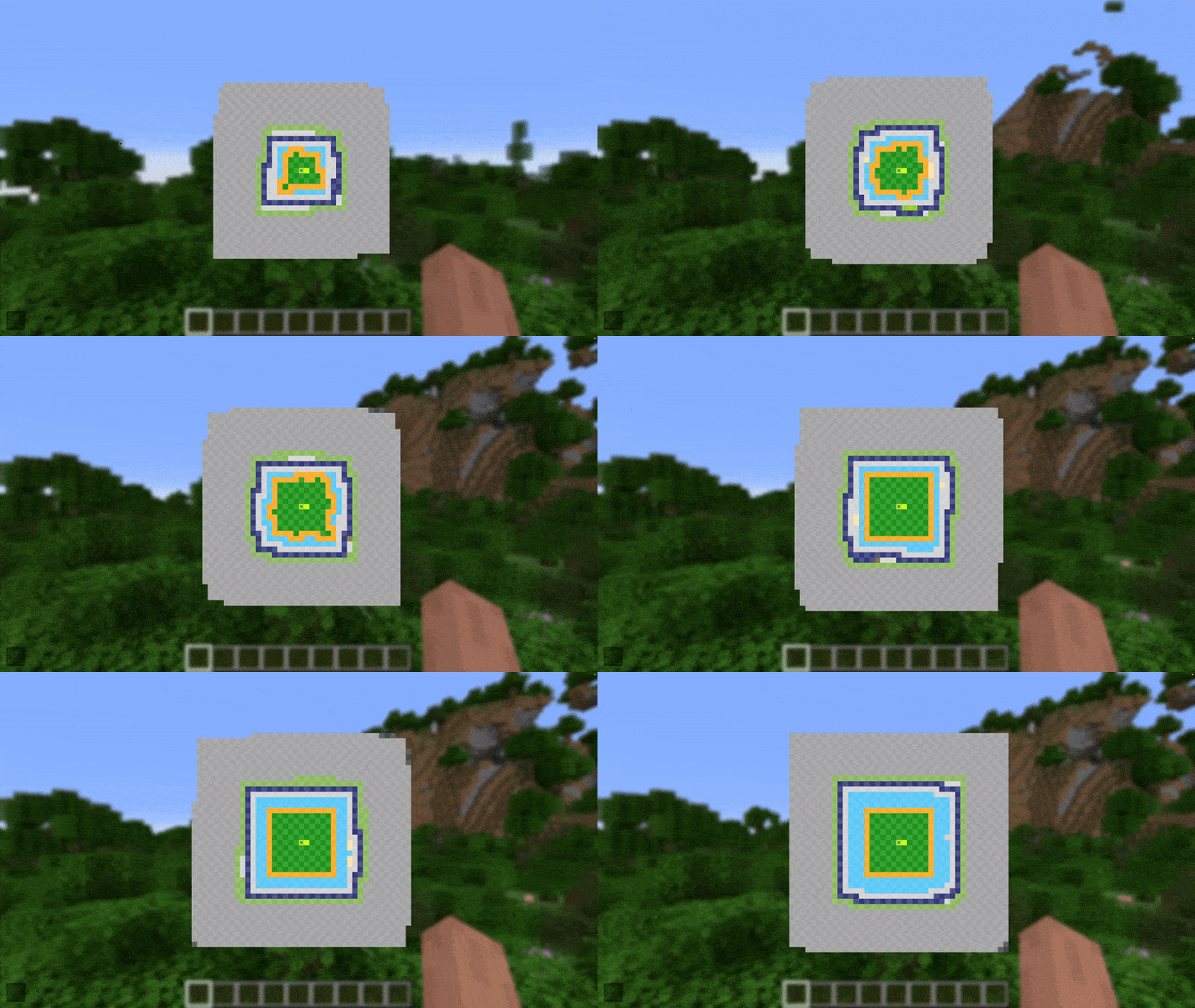
About ChunkDebug
From ModrinthChunkDebug is a useful tool for debugging chunk loading. It provides you with a live display of all the loaded chunks in any given dimension.
 ChunkDebug
What is ChunkDebug?
ChunkDebug is an extremely useful tool for debugging chunk loading. It provides you with a live display of all the loaded chunks in any given dimension. It is able to display the chunk's current status, any chunk tickets, as well as the chunk world generation stage.
ChunkDebug was originally made for CarpetClient 1.12.2. I have completely re-written the mod to support modern versions of Minecraft. I only plan on maintaining the mod for the latest version of Minecraft.

How to use ChunkDebug
ChunkDebug is required on both the client and the server. If you are playing in single player, then you only need to install this mod on the client.
If you are playing on a server, then you will need the correct permissions to use ChunkDebug. You must be opped, or alternatively you must have the "chunk-debug" permission from a permissions mod, for example Luck Perms. Alternatively, if you wish to allow all players to use ChunkDebug you can set the "require_permissions" config in the chunk-debug-server.json to false. Be careful when enabling this as ChunkDebug is a powerful tool!
Once you are in-game, you can hit the ChunkDebug keybind (F6 by default) which will open the ChunkDebug map. You can change this key in the Minecraft controls menu.
Chunk Map
In the centre is the ChunkDebug map, this is where the live chunk map is displayed, you can pan and zoom around the map.

Settings Menu
The menu on the left contains all the options for ChunkDebug. This can be hidden by pressing F1 or by toggling the button in the bottom left corner.
At the top, you can change your minimap mode. This can be configured to No Minimap, Static Minimap, where the minimap will reflect what is currently rendering at the centre of the chunk map, and Following Minimap, where the minimap will follow your player.

Below this are your navigation controls, you can navigate to different dimensions. As well as chunk clusters, this will cycle through any loaded groups of chunks that are neighbouring each other. This is a great tool for finding loaded chunks in your world. You can also manually input your coordinates or return to the player's position.
Finally, there are some additional rendering options. Render Generation Stages will colour chunks based on their world generation stage, this can get quite messy so an option to disable it is provided. Render Ticket Types will colour chunks based on their ticket types. Render Minimap will render the minimap on top of the chunk map, this is useful for lining up your minimap view. And finally Chunk Retention is the number of ticks you'd like to retain unloaded chunks, after a chunk unloads it will fade out for the number of ticks specified. This is useful for debugging chunks that unload rapidly.
You can configure the position of the minimap; you first select the corner you want the minimap to render relative to by changing the Minimap Corner configuration, if you want to further fine-tune the position of the minimap you can enable Render Minimap which will allow you to click and drag the minimap around. You can also scroll while hovering the minimap to resize it.
Selection Menu
You can select chunks on the chunk map by right-clicking, this will highlight the chunk with a red outline, it will also bring up a menu on the right displaying all the relevant information for that chunk. This menu can be closed much like the settings menu with F1 or the button in the bottom right.

The menu displays the location of the chunks, as well as the chunk status; you can read more about what this means on the Minecraft Wiki Page. The separation of the Status Level and Ticking Status Level is due to the split of Simulation Distance and Render Distance. Below, all the tickets for the selected chunk are listed, including the type of the ticket and the level. Below that is the Generation Stage which is how far the chunk has generated. And finally, whether the chunk has been scheduled for unloading.
You are also able to select multiple chunks by dragging right-click, this will highlight a region of chunks with a red outline.

The menu will now display less specific information but displays data for all the selected chunks. It shows the location and area of your selection. The status level range of the chunks, as well as the status distributions of all the chunks. And finally a count of all the ticket types within the selection.
Highlights
From source dataGame versions
Supports 30 Minecraft versions, the newest being 26.3.
Loaders
Runs on Fabric.
Footprint
Rated a light load on a server.
ChunkDebug on Nxeon
From our catalogue- One-click install
- Supported on Nxeon Minecraft servers. We download it from Modrinth, place it, and restart the server.
- Server side
- Required on the server
- Server type needed
- Fabric
- Server load
- light
- Smallest plan we suggest
- Minecraft — 2 GB (2 GB RAM). This follows our own load rating above, not a benchmark.
- Latest build
- 2.9.1+26.3, released 2026-11-02
Game versions by loader
| Loader | Game versions | Newest |
|---|---|---|
| Fabric | 1.21.11 to 26.3 (6 versions) | 26.3 |
From 6 recorded builds of ChunkDebug.
Recent builds
| Build | Released | Game versions | Loaders |
|---|---|---|---|
| 2.9.1+26.3 | 2026-11-02 | 26.3 | Fabric |
| 2.9.0+26.3 | 2026-09-15 | 26.3 | Fabric |
| 2.8.0+26.2 | 2026-06-17 | 26.2 | Fabric |
| 2.6.5+1.21.11 | 2026-04-10 | 1.21.11 | Fabric |
| 2.7.2+26.1 | 2026-04-10 | 26.1 to 26.1.2 (3 versions) | Fabric |
| 2.7.0+26.1 | 2026-03-24 | 26.1 to 26.1.1 (2 versions) | Fabric |
Dependencies
- Required: modrinth project P7dR8mSH (modrinth, not in our catalogue)
Declared by the newest build that lists any. Required ones are installed with it on one-click installs.
Run ChunkDebug on a Minecraft server
Pick a server or deploy a new one above; it is installed in one click.
What kind of mod it is
From the catalogWeapons, items & crafting
New weapons, gear, items and the recipes to make them.
Runs on your server
From source side supportModrinth lists ChunkDebug as required on the server. Check its Modrinth page to see whether players need it too.
Compatibility
- Game
- Minecraft
- Loaders
- Fabric
- Runs on
- Serverrequired on the server
- Game versions
- 26.3 and 29 earlier
Verified at the source
- ✓ModrinthOfficial listing, checked 2026-11-03Open ↗
- ✓Authorsenseiwells, as published on Modrinth
- ✓LicenseMITFree









