







About Cyberspace
From ModrinthTransfer your machines into the Cyberspace

{ Description } >Cyberspace adds a private digital pocket dimension for every player, plus a shared Public Cyberspace. Invite friends, visit their spaces, control visitor permissions, fly in Survival, and return to the exact location you entered from.
>Also check out the Continuum addon to share one Cyberspace across multiple Minecraft saves.
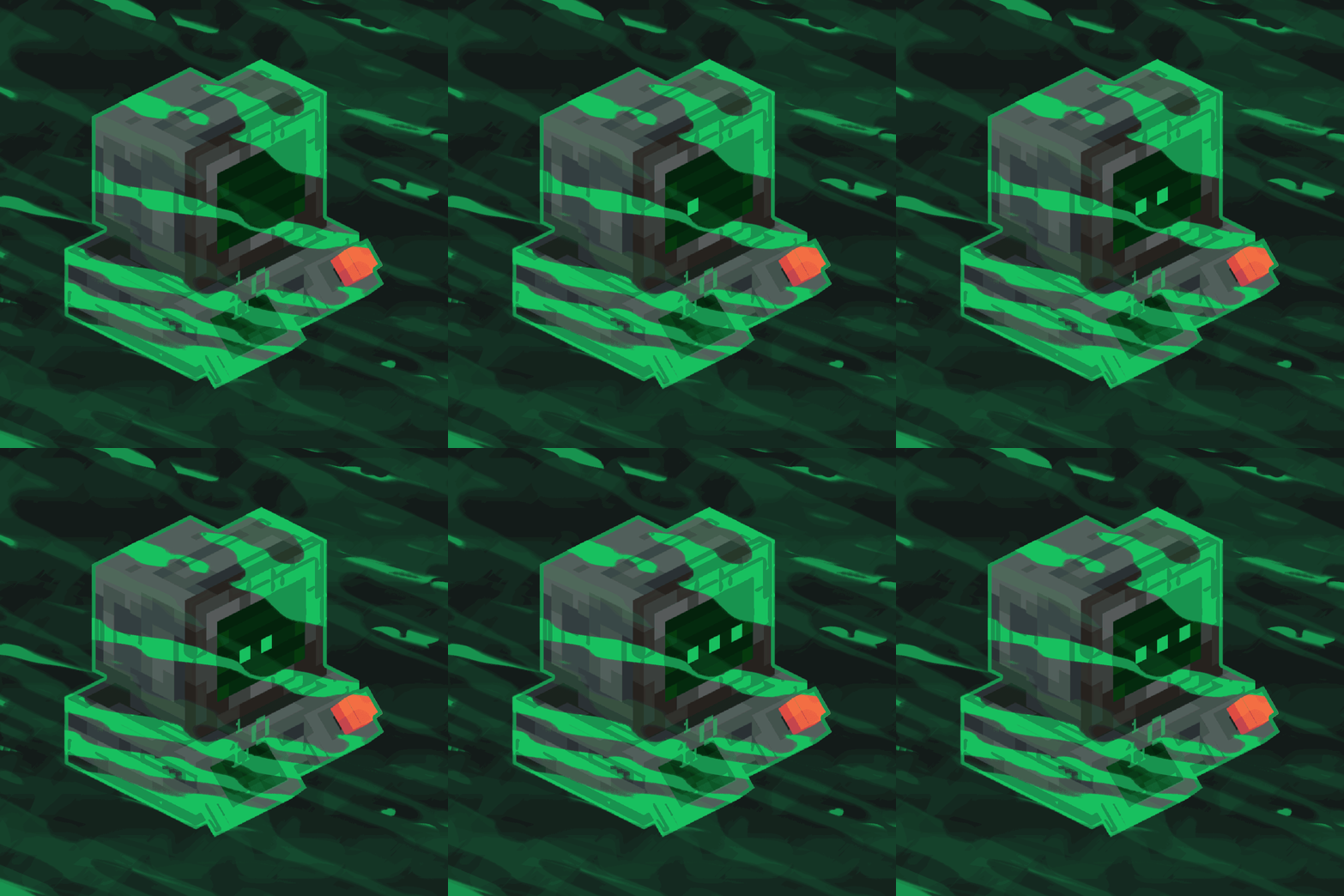
{ Guide } >To access Public & Private Cyberspace, first build a Virtual Machine. A tutorial showing how to build it is available in the Gallery.
>Each player gets their own protected 4096×4096 region inside the Private Cyberspace dimension. Regions are separated from each other, so every player has a huge personal area while still sharing the same dimension. You can invite friends, visit their regions, manage visitor permissions, and use the shared Public Cyberspace.
>Use /cyberspace invite, /accept, /decline, /visit, /home, and /revoke to manage multiplayer access. Press C (Keybind can be changed) to leave Cyberspace and return to the exact dimension and location you originally entered from.
>Survival flight is enabled inside both Private and Public Cyberspace.
>Cyberspace also works great with chunk loader mods, making it ideal for farms, machines, storage systems, and other automated builds.
{ Discord & Support } > If you need help, have any questions or suggestions, or want to follow the mod's development, join our Discord!
> Support the project by donating on Ko-fi.
Highlights
From source dataGame versions
Supports 3 Minecraft versions, the newest being 1.21.4.
Loaders
Runs on Forge and NeoForge.
Footprint
Rated a light load on a server.
Cyberspace on Nxeon
From our catalogue- One-click install
- Supported on Nxeon Minecraft servers. We download it from Modrinth, place it, and restart the server.
- Server side
- Optional on the server
- Server type needed
- Forge, NeoForge
- Server load
- light
- Smallest plan we suggest
- Minecraft — 2 GB (2 GB RAM). This follows our own load rating above, not a benchmark.
- Latest build
- 5.0.2, released 2026-09-01
Game versions by loader
| Loader | Game versions | Newest |
|---|---|---|
| Forge | 1.20.1 | 1.20.1 |
| NeoForge | 1.21.1 | 1.21.1 |
From 5 recorded builds of Cyberspace.
Recent builds
| Build | Released | Game versions | Loaders |
|---|---|---|---|
| 5.0.2 | 2026-09-01 | 1.20.1 | Forge |
| 5.0.2 | 2026-09-01 | 1.21.1 | NeoForge |
| 5.0.1 | 2026-09-01 | 1.20.1 | Forge |
| 5.0.1 | 2026-09-01 | 1.21.1 | NeoForge |
| 5.0 | 2026-08-30 | 1.20.1 | Forge |
Run Cyberspace on a Minecraft server
Pick a server or deploy a new one above; it is installed in one click.
What kind of mod it is
From the catalogTechnology & automation
Machines, power, logistics and automation.
Works on a server
From source side supportModrinth lists server-side support for Cyberspace as optional: it can run on a server, but isn’t required there.
Compatibility
- Game
- Minecraft
- Loaders
- ForgeNeoForge
- Runs on
- Serveroptional on the server
- Game versions
- 1.21.4 and 2 earlier
Verified at the source
- ✓ModrinthOfficial listing, checked 2026-10-01Open ↗
- ✓AuthorJackman, as published on Modrinth
- ✓LicenseLicenseRef-All-Rights-ReservedFree









