






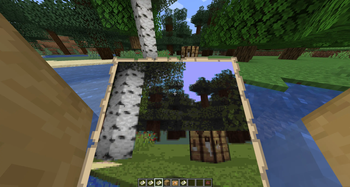

About Photo Apparatus
From ModrinthAdds camera that allows you to take a picture and save it on a map
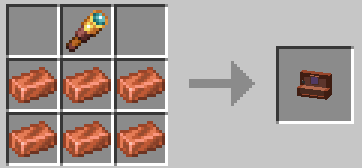
Simple mod that adds a "Photo Apparatus"
Once equipped, you'll see camera GUI that has viewfinder box and zoom bar.
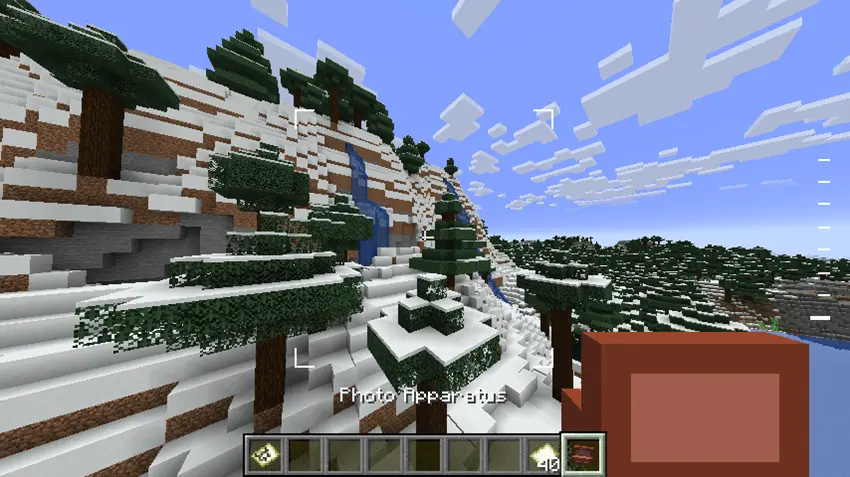
Viewfinder box shows what part of your screen will be "screenshoted". Zoom bar shows your current zoom level, which you can change either slowly (using CTRL + scrolling up/down) or instantly to minimum/maximum zoom (CTRL + Shift + scroll).
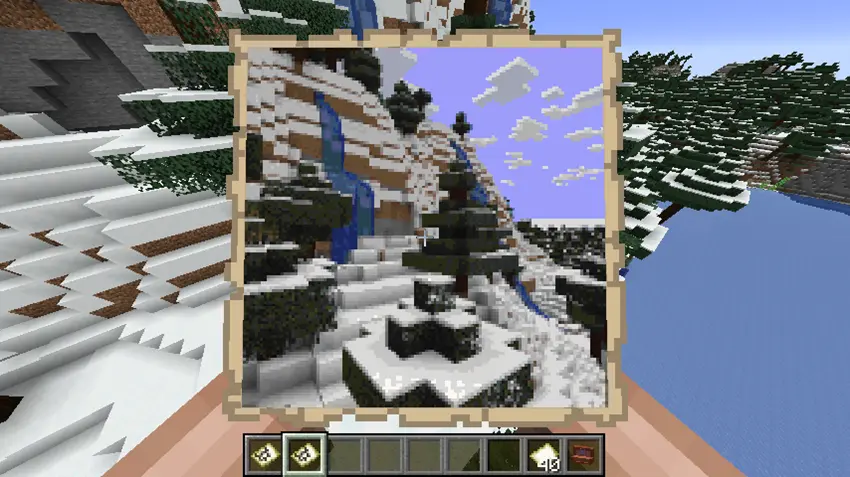
Now (in survival) you need to have vanilla empty map in your inventory, since, well, this camera uses it like a film.
If you done selecting the best angle and zoom, just press right mouse button to take a picture
Highlights
From source dataGame versions
Built for Minecraft 1.21.
Loaders
Runs on NeoForge.
Footprint
Rated a light load on a server.
Photo Apparatus on Nxeon
From our catalogue- One-click install
- Supported on Nxeon Minecraft servers. We download it from Modrinth, place it, and restart the server.
- Server side
- Required on the server
- Server type needed
- NeoForge
- Server load
- light
- Smallest plan we suggest
- Minecraft — 2 GB (2 GB RAM). This follows our own load rating above, not a benchmark.
- Latest build
- 0.1, released 2026-05-15
Game versions by loader
| Loader | Game versions | Newest |
|---|---|---|
| NeoForge | 1.21 | 1.21 |
From 1 recorded build of Photo Apparatus.
Run Photo Apparatus on a Minecraft server
Pick a server or deploy a new one above; it is installed in one click.
What kind of mod it is
From the catalogMaps & scenarios
Custom maps, arenas and scenarios to play on.
Runs on your server
From source side supportModrinth lists Photo Apparatus as required on the server. Check its Modrinth page to see whether players need it too.
Compatibility
- Game
- Minecraft
- Loaders
- NeoForge
- Runs on
- Serverrequired on the server
- Game versions
- 1.21
Verified at the source
- ✓ModrinthOfficial listing, checked 2026-10-03Open ↗
- ✓AuthorXJI36, as published on Modrinth
- ✓LicenseMITFree









