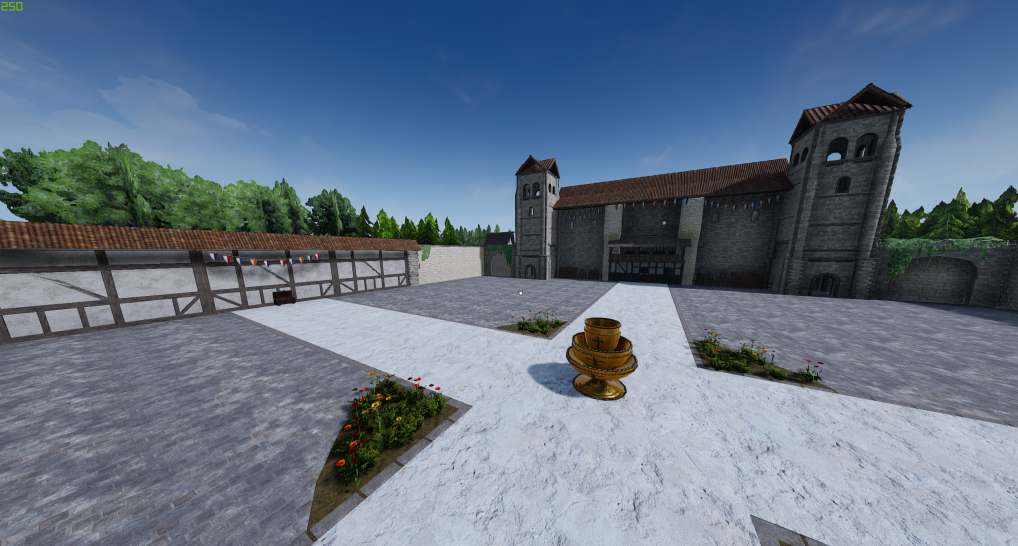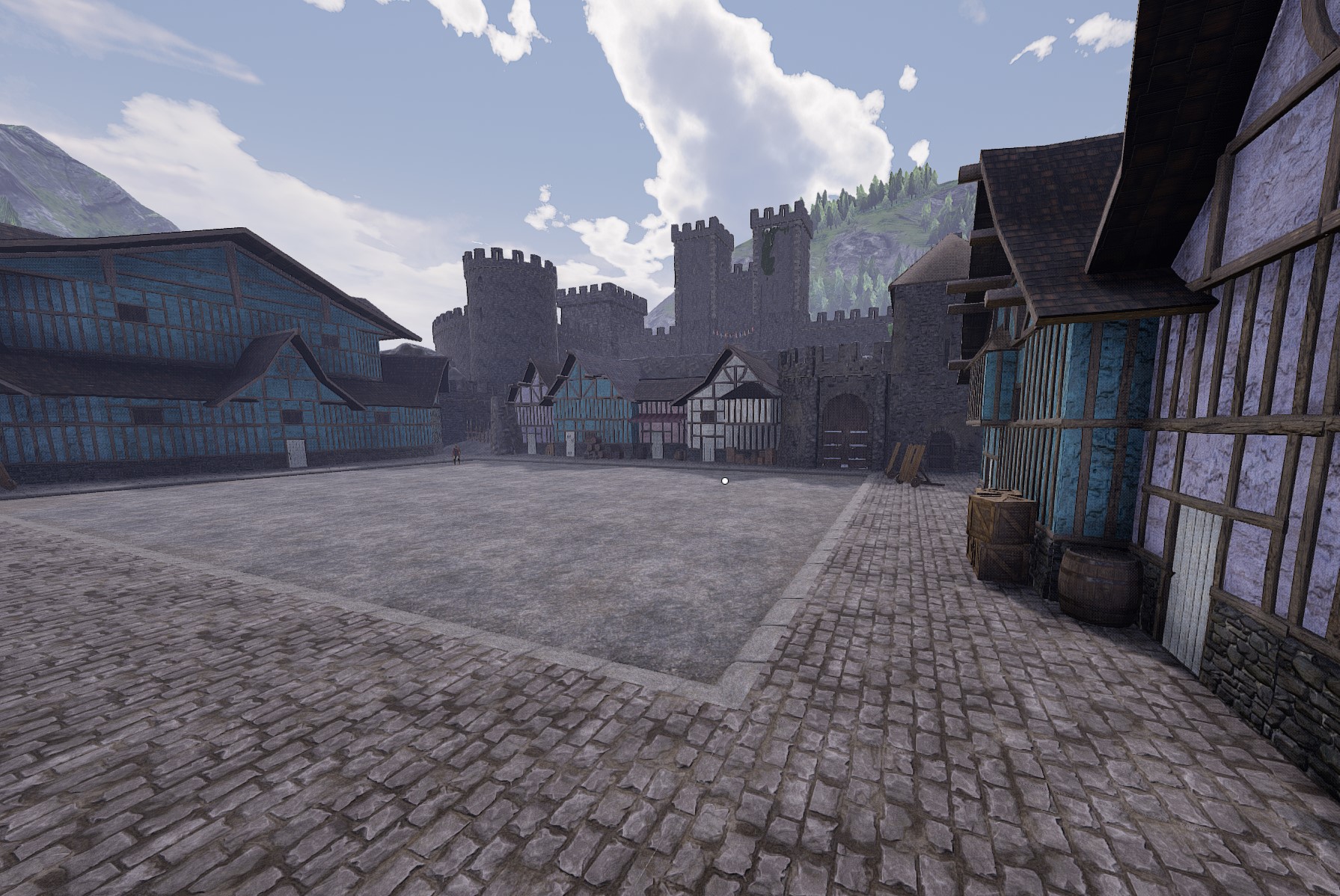

About FOV+
From mod.ioBoost FOV on your server
Known bugs
-invisible body in 3rd person (rare)
-moving to servers not running the mod can reduce fov below 101 (needs sliding back up)
Install
- Open your server(s) Game.ini file.
- Add to the section [/Script/Mordhau.MordhauGameSession]
<pre>Mods=1754629</pre> - Add to the section [/Script/Mordhau.MordhauGameMode]
<pre>SpawnServerActorsOnMapLoad=/FOV/FOV+.FOV+_C</pre>
Configure ( optional )
The default new FOV limit when not specified here, is 120.
This can be changed to a value within the range of 102 to 130.
To choose a manual FOV limit in game.ini, create a new section as below:
[FOV] MaxFOV=125</pre> Highlights
From source dataFootprint
Rated a light load on a server.
Last update
Its author last shipped an update 4 yr ago.
FOV+ on Nxeon
From our catalogue- One-click install
- Not available. One-click install isn't available for this game's mods yet. Download it and upload it to your server in Files.
- Server load
- light
- Smallest plan we suggest
- Mordhau — 4 GB (4 GB RAM). This follows our own load rating above, not a benchmark.
- Latest build
- 1.0.3 SDK, released 2022-12-05
Deploy a server above, then upload the file in Files.
What kind of mod it is
From the catalogListed on mod.io as “Misc”
Misc
Its source category doesn’t say more about what it does, so NxLabs lists it under Other.
Compatibility
- Game
- Mordhau
Verified at the source
- ✓mod.ioOfficial listing, checked 2026-10-30Open ↗
- ✓AuthorKingDespacito, as published on mod.io
- ✓LicenseNot published by the sourceFree